The 6 Best Financial Planning Software Implementation in 2026, Ranked
Comparing the best financial planning software implementation? 6 contenders, each with entry cost, free tier and best-fit buyer. Budget notes included.
- Editor's choice
 Anaplan
Complicated scenario modeling across the enterprise
Starts atPricing on requestVisit anaplan.comFull review - Great alternative
 Workday Adaptive Planning
Finance-led budgeting and forecasting
Starts atPricing on requestVisit workday.comFull review - Also consider
 Oracle Fusion Cloud EPM
Connected planning, close and reporting
Starts atPricing on requestVisit oracle.comFull review
Direct answer
For complicated scenario modeling across the enterprise, Anaplan is where this list starts. For a different need, Workday Adaptive Planning covers finance-led budgeting and forecasting and Oracle Fusion Cloud EPM covers connected planning, close and reporting. The remaining 3 options are covered below with prices and limits. None of these vendors publish plan prices, so pricing is on request for every option.
TL;DR:
- This list starts with Anaplan, which is built for complicated scenario modeling across the enterprise.
- Oracle NetSuite suits Planning tied to cloud ERP and accounting.
- Every tool from Anaplan to Oracle NetSuite works by quote, with no list price shown.
- A permanent free plan is missing from all 6 tools, Anaplan and Oracle NetSuite included; plan for a trial or a premium start.
- Check the limits for Oracle Fusion Cloud EPM before you commit: configuration scope spans multiple finance processes.
Last checked November 2026. Pricing on request: vendors did not publish plan prices when this guide was last checked (November 2026), so ask each vendor for a written quote.
Quick comparison
| Tool | Best for | Starts at | Free plan? | |
|---|---|---|---|---|
| Anaplan | Complicated scenario modeling across the enterprise | Pricing on request | Not stated | Visit |
| Workday Adaptive Planning | Finance-led budgeting and forecasting | Pricing on request | Not stated | Visit |
| Oracle Fusion Cloud EPM | Connected planning, close and reporting | Pricing on request | Not stated | Visit |
 SAP S/4HANA | Modular cloud ERP with built-in AI | Pricing on request | Not stated | Visit |
 OneStream | Unified finance and operations performance management | Pricing on request | Not stated | Visit |
 Oracle NetSuite | Planning tied to cloud ERP and accounting | Pricing on request | Not stated | Visit |
Financial Planning Software Implementation compared in detail
LinkVetted compared 6 tools for financial planning software implementation. The goal is a practical shortlist: published prices, free plan facts, best-fit use cases and honest limits for every entry.
Anaplan works best for complicated scenario modeling across the enterprise. Anaplan implementations reward teams that invest in model architecture and internal expertise, since complicated models can become hard to maintain without discipline.
From a buyer's view, Select Anaplan when scenario depth and cross-enterprise planning are essential. Also, smaller teams with straightforward budgeting cycles may prefer a lighter tool. This comparison lists no price for Anaplan; ask the vendor. As for free access: Not stated.
Highlights: Links AI.
Limits to weigh: Wide deployments need phased governance.
- Supports cross-functional planning use cases
- Scenario planning and analysis focus
- Model design needs skilled resources
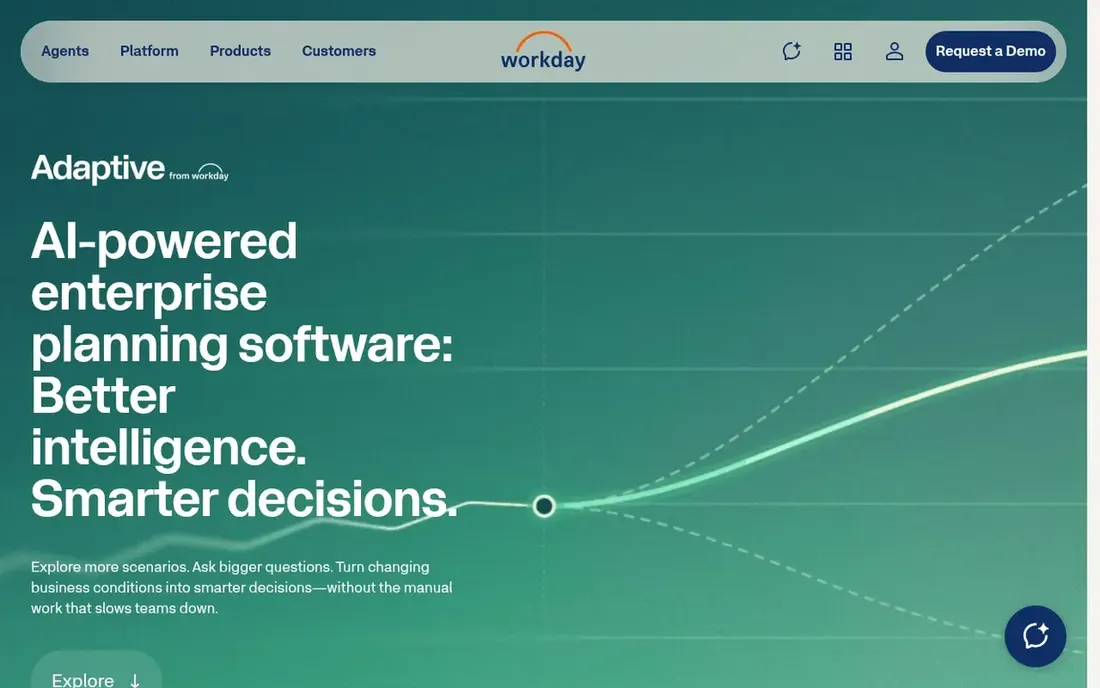
Workday Adaptive Planning is aimed squarely at finance-led budgeting and forecasting. Implementation centers on modeling structures, driver-based plans and reporting for finance teams.
Points against: Planning-centric instead of full ERP.
Since Adaptive is planning-focused, transactional accounting stays in other systems, so integration design matters during implementation. More specifically, businesses needing one suite for both ERP and planning may look at broader products. Pricing for Workday Adaptive Planning is not stated here, so ask the vendor for current figures. On free options: Not stated.
- Enterprise planning focus
- Workforce and operations data
- Integration work may be needed for source systems
Oracle Fusion Cloud EPM makes the most sense for connected planning, close and reporting. Pick Fusion Cloud EPM when connected planning and close processes are the objective.
Strengths: Spans reporting.
Pricing for Oracle Fusion Cloud EPM is not stated here, so ask the vendor for current figures. On free options: Not stated.
Downsides: Configuration scope spans multiple finance processes.
- Embeds AI agents for planning and close
- Tax and data management
- Adoption benefits from Oracle cloud familiarity

In short, SAP S/4HANA is for modular cloud ERP with built-in AI. The breadth of S/4HANA means implementation depends heavily on which modules are activated and how legacy data is handled. SAP S/4HANA Cloud Public Edition is a modular ERP option that brings built-in AI to core business processes.
Its modular structure lets organizations phase implementation around priority finance and planning workflows. Pick S/4HANA when a long-term ERP backbone is the priority. Teams seeking a fast standalone planning deployment may prefer a focused planning product. This comparison lists no price for SAP S/4HANA; ask the vendor. Free options: Not stated.
The main drawbacks: ERP-led projects need capable internal ownership.
- Made for fast-growth firms
- Modular ERP design supports phased rollout
- Implementation needs careful module scoping
OneStream targets unified finance and operations performance management. OneStream is an AI operating system for modern finance and a unified EPM platform that links finance and operations data so leaders see the full picture. More specifically, teams wanting a narrow planning tool may find the scope bigger than needed.
More specifically, a unified product means implementation touches several stakeholder groups, so governance and data ownership should be settled early. Implementation concentrates on unifying planning, reporting and close activities that frequently live in separate systems. In practice, choose OneStream when cross-department performance management is the goal. Check the vendor site for OneStream pricing; none is listed in this comparison. As for free access: Not stated.
Reasons to shortlist it: Unified EPM system.
Honest limits: Unified scope can increase design effort.
- Links finance and operations data
- Provides leaders a cross-department view
- Needs clear data ownership across teams
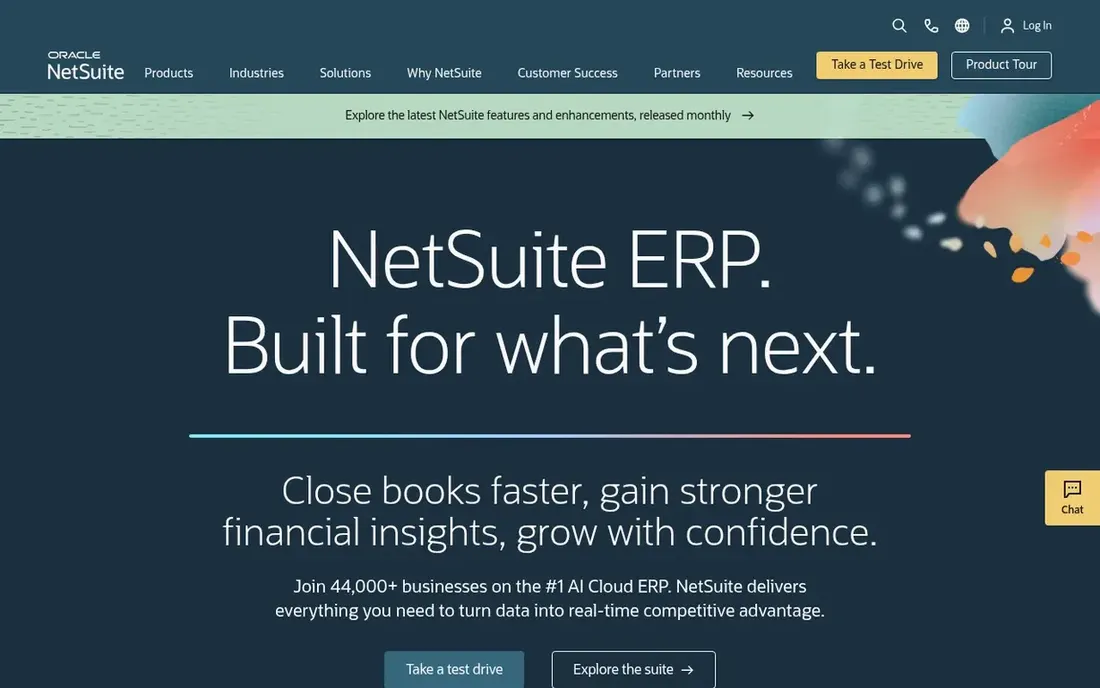
Think of Oracle NetSuite for Planning tied to cloud ERP and accounting. For implementation, that means planning data can sit alongside the transactional records finance already depends on. From a buyer's view, choose NetSuite when an integrated ERP foundation is the goal.
For everyday use, since NetSuite spans numerous functions, implementation scope can grow beyond planning alone. Teams should plan for process review and data migration. Check the vendor site for Oracle NetSuite pricing; none is listed in this comparison. On free options: Not stated.
Downsides: Best fit for organizations ready for full ERP.
- CRM and inventory
- Built-in AI across core workflows
- Wide scope can lengthen rollout
How we built this list
LinkVetted looked at what each vendor publishes: pricing, plan limits, feature coverage for financial planning software implementation and stated drawbacks. No hands-on testing is claimed. Figures are shown as the vendors publish them. Billing terms, seat minimums and add-ons can change the real cost. The ranking is editorial: typical fit first, then clear pricing, then free access. If your needs are unusual, read the profiles rather than relying on position.
Questions to settle before buying
- Ask each vendor, from Anaplan to Oracle NetSuite, for a written quote; none of them publishes a starting price.
- Before choosing Anaplan, weigh its main limit: model design needs skilled resources.
- Before you load data into Oracle Fusion Cloud EPM, check what an export looks like and who can run it.
- Confirm the exact Anaplan plan that includes your must-have features.
- Look at the help docs and support options for Workday Adaptive Planning before you commit.
FAQ
Do these tools publish their prices?
No. None of the tools, from Anaplan to Oracle NetSuite, shows a fixed starting price here, so budget time for quotes.
Is Anaplan the right pick for everyone comparing financial planning software implementation?
No single tool suits every team. Anaplan comes first because it fits complex scenario modeling across the enterprise, while Workday Adaptive Planning suits finance-led budgeting and forecasting and Oracle Fusion Cloud EPM suits connected planning, close and reporting. Match the tool to your own size, budget and workflow before deciding.
Does any tool for financial planning software implementation here have a free plan?
A permanent free plan is not offered by Anaplan, Oracle NetSuite or the other tools here. Plan a short evaluation period instead.
Can I try these tools before paying?
Not by default. None of the tools, from Anaplan to Oracle NetSuite, lists a free plan or a free trial here, so ask each vendor for a demo before committing.
What data should be ready before implementation starts?
Prepare clean chart-of-accounts structures, historical actuals, workforce data and clear ownership for each data domain. Involving finance and IT early helps avoid rework.
Sources
- https://www.anaplan.com
- https://www.workday.com/en-us/products/adaptive-planning/overview.html
- https://www.oracle.com/performance-management
- https://www.sap.com/products/erp/s4hana.html
- https://www.onestream.com
- https://www.netsuite.com