5 Repository Management Software Worth Shortlisting in 2026
5 products for the best repository management software, ranked by fit, with starting costs and free tiers. Strengths and weak spots are spelled out. Facts only.

- Editor's choice
 GitLab
Integrated DevOps lifecycle management
Starts at$29 per user a monthVisit about.gitlab.comFull review - Great alternative
 Azure DevOps
Microsoft-centric development teams
Starts atSee websiteVisit azure.microsoft.comFull review - Also considerJFrog Artifactory
Universal artifact and binary management
Starts at$50 per monthVisit jfrog.comFull review
Direct answer
For integrated DevOps lifecycle management, GitLab is where this list starts. Listed starting prices: GitLab from $29 per user a month, JFrog Artifactory from $50 per month and GitHub from $4 per user per month. If your case is different, Azure DevOps suits Microsoft-centric development teams and JFrog Artifactory suits universal artifact and binary management. Prices, free plans and limits for all 5 tools follow.
TL;DR:
- This list starts with GitLab, which is built for integrated DevOps lifecycle management.
- GitHub is the lowest-priced starter here at $4 per user per month.
- Sonatype Nexus Repository fits centralized artifact and AI model management.
- One limit worth knowing about GitLab: can be complicated to configure.
Last checked November 2026. Prices and plan details were read from the vendors' own pages in November 2026; vendors change plans often, so confirm the current price on the vendor site before you buy.
Quick comparison
| Tool | Best for | Starts at | Free plan? | |
|---|---|---|---|---|
| GitLab | Integrated DevOps lifecycle management | $29 per user a month | Yes | Visit |
| Azure DevOps | Microsoft-centric development teams | See website | Not stated | Visit |
| JFrog Artifactory | Universal artifact and binary management | $50 per month | Not stated | Visit |
 GitHub | Open source and collaborative development | $4 per user per month | Yes | Visit |
 Sonatype Nexus Repository | Centralized artifact and AI model management | $1,200 per year | Yes | Visit |
The best repository management software
Choosing repository management software usually comes down to price, fit and limits. This LinkVetted guide sets 5 tools side by side on those three points, with the facts kept short and checkable.
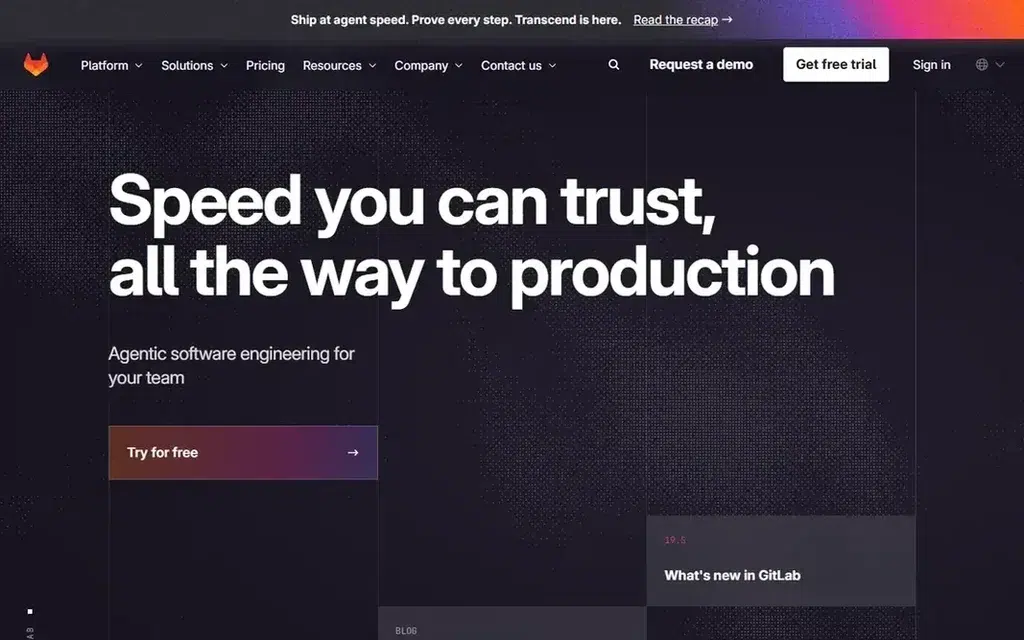
GitLab works best for integrated DevOps lifecycle management. GitLab is an intelligent orchestration platform that spans the whole software lifecycle, from planning and source code management to CI/CD, security, and monitoring.
Downsides: Self-managed choice needs maintenance.
It emphasizes speed with control, making it a good match for teams that want a single application for DevOps instead of stitching together several tools. Also, the breadth of features can make initial setup and administration more involved, especially for smaller teams without dedicated DevOps staff. On cost, GitLab starts like this: $29 per user per month. A free plan is available with GitLab.
- Single product for the whole lifecycle
- Capable governance features
- Can be complicated to configure
Azure DevOps is aimed squarely at Microsoft-centric development teams. Azure DevOps is a suite of development tools from Microsoft that bundles Azure Repos for Git hosting, Azure Boards for agile planning, Azure Pipelines for CI/CD, and Azure Artifacts for package management. It incorporates agentic AI features to help optimize the development process.
The system's plenty of services can make navigation and administration complicated. Teams outside the Microsoft ecosystem may find less benefit from its integrations. For everyday use, for more straightforward Git hosting with a solid community focus, GitHub or GitLab might be more straightforward. Azure DevOps shows no starting price here, so confirm the cost on the vendor site. Free access: Not stated.
What to check first: Interface can be overwhelming.
- Solid Azure cloud integration
- Integrated CI/CD pipelines
- Best value within Microsoft ecosystem
JFrog Artifactory
Best for: Universal artifact and binary management
JFrog Artifactory targets universal artifact and binary management. It suits organizations that require solid, scalable artifact management separate from their source code repositories.
Points against: Can be expensive for small teams.
Its enterprise focus and feature depth may be more than small teams need, and more straightforward package registries could suffice for entry-level needs. The starting price for JFrog Artifactory: $50 per month. As for free access: Not stated.
- Handles containers and AI models
- Supports plenty of package types
- Not a source code hosting product
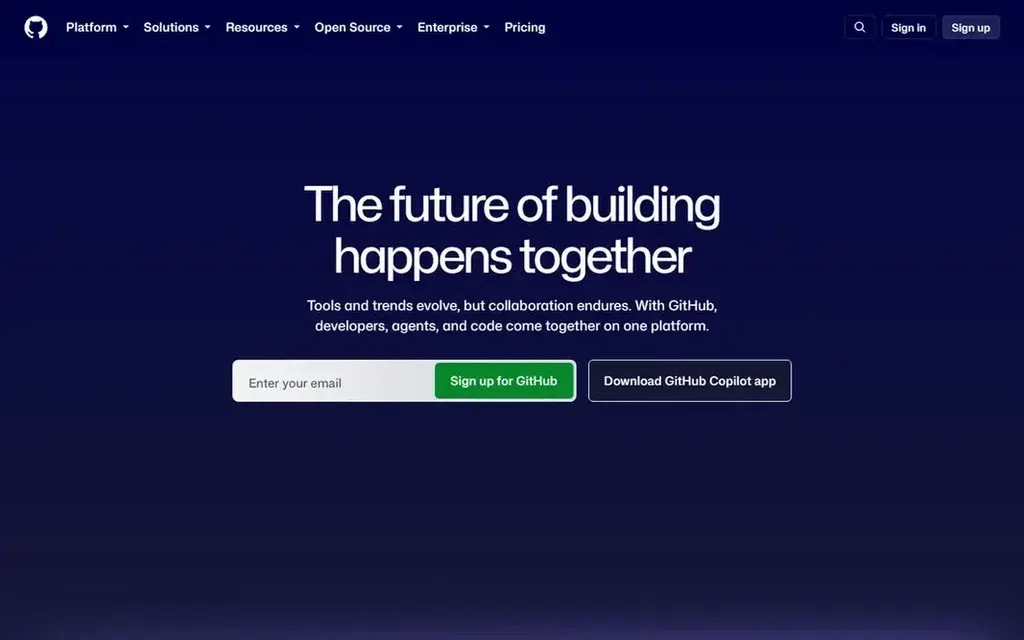
Think of GitHub for open source and collaborative development. Teams needing strict governance and self-hosted control across the whole DevOps lifecycle might consider a system like GitLab instead.
What to check first: Advanced features need premium plans.
Beyond that, GitHub is a widely adopted developer product for hosting Git repositories, collaborating on code, and managing open source projects. It comes with tools for code review, issue tracking, and automation through GitHub Actions, along with AI-assisted development features. GitHub starts at: $4 per user per month. GitHub has a free plan.
- Large developer community
- AI-powered coding assistance
- Less suited for binary artifact management
Choose Sonatype Nexus Repository for centralized artifact and AI model management. It also needs continuing administration, which may be a burden for teams without dedicated operations staff.
What you pay to start with Sonatype Nexus Repository: $1,200 per year. Sonatype Nexus Repository offers a free plan.
What to check first: Needs setup and maintenance.
- Industry-leading repository features
- Central management of artifacts
- Less focus on source code collaboration
How we built this list
LinkVetted looked at what each vendor publishes: pricing, plan limits, feature coverage for repository management software and stated drawbacks. No hands-on testing is claimed. Treat prices as a snapshot: vendors change plans often, so check the vendor site for the figure that applies today. Position on the page reflects fit for a typical buyer first, with price clarity and free access breaking ties. Treat it as a guide, not a ruling.
Questions to settle before buying
- Get a written quote from Azure DevOps; the list shows no starting price for them.
- Read the fine print on the free plans from GitLab, GitHub and Sonatype Nexus Repository; seat, project and feature caps differ.
- Before choosing GitLab, weigh its main limit: can be complicated to configure.
- Confirm you can export your data from Azure DevOps, so leaving later does not mean losing records.
- Find out what support JFrog Artifactory includes on your plan, and whether onboarding help costs extra.
FAQ
What is the difference between source code repositories and artifact repositories?
Artifact repositories like JFrog Artifactory and Sonatype Nexus Repository store build outputs, binaries, and packages. Plenty of teams use both types together.
Which tool is a good match for a small team new to repository management?
For most readers this guide would start with GitLab, built for integrated DevOps lifecycle management. Azure DevOps is the alternative for Microsoft-centric development teams, and JFrog Artifactory for universal artifact and binary management. The right answer depends on budget and workflow.
Can I try these options before paying?
Often, yes. GitLab, GitHub and Sonatype Nexus Repository have a free plan. Use your own data and a real task during the test, and check what the free tier or trial limits before you rely on it.
What is the cheapest option for repository management software in this list?
On published monthly entry prices, GitHub is the lowest here at $4 per user per month. Entry price is only part of the cost, because seats, add-ons and billing terms can change the total. For the full picture, the cards above cover all 5 entries of this repository management software list, including price, free plan and limits.
How are the tools for repository management software ordered?
GitLab sits first and Sonatype Nexus Repository last because the order follows typical fit for repository management software, then price clarity and free access. It is a judgement call, so read each profile for fit and limits.
Do these tools publish their prices?
Not all of them. Azure DevOps publishes no starting price, so expect a quote request for it. The rest, GitLab included, show a starting price, though seats and billing terms still change the final cost.
Sources
- https://about.gitlab.com
- https://azure.microsoft.com/en-us/products/devops
- https://jfrog.com/artifactory
- https://github.com
- https://www.sonatype.com/products/sonatype-nexus-repository