Best Contact Management Software in 2026: 8 Tools Compared
Best contact management software for sales, teams, and small businesses compared. We review eight tools for contacts, deals, and follow up in 2026 today.
- Editor's choice
 HubSpot CRM
Small teams and free start
Starts atFreeVisit hubspot.comFull review - Great alternative
 Zoho CRM
Budget teams and customization
Starts atFreeVisit zoho.comFull review - Also consider
 Pipedrive
Pipeline focused sales teams
Starts at$24 per user per monthVisit pipedrive.comFull review
TL;DR:
- HubSpot CRM offers a strong free tier for small teams, with paid plans from about 20 dollars per user per month for Starter.
- Zoho CRM suits budget focused teams, with Standard from about 20 dollars per user per month, and a free tier for up to three users.
- Pipedrive suits sales teams that live in a pipeline view, with Essential from about 24 dollars per user per month.
- Salesforce suits large, complex sales organizations, but it needs more setup and budget than the other tools here.
- Capsule, Nimble, Streak, and Insightly each suit a narrower need, such as simple contacts, social context, Gmail based selling, or project linked contacts.
Quick comparison
| Tool | Best for | Starts at | Free plan? | |
|---|---|---|---|---|
| HubSpot CRM | Small teams and free start | Free | Yes | Visit |
| Zoho CRM | Budget teams and customization | Free | Yes | Visit |
| Pipedrive | Pipeline focused sales teams | $24 per user per month | Free trial | Visit |
 Salesforce | Large complex sales teams | See website | Free trial | Visit |
 Capsule | Simple contact management | Free | Yes | Visit |
 Nimble | Social context for contacts | See website | Free trial | Visit |
 Streak | Gmail based CRM | Free | Yes | Visit |
 Insightly | Contacts plus projects | See website | Free trial | Visit |
The best contact management software
We compared tools that store contacts, track conversations, manage deals, and support follow up for sales and service teams.
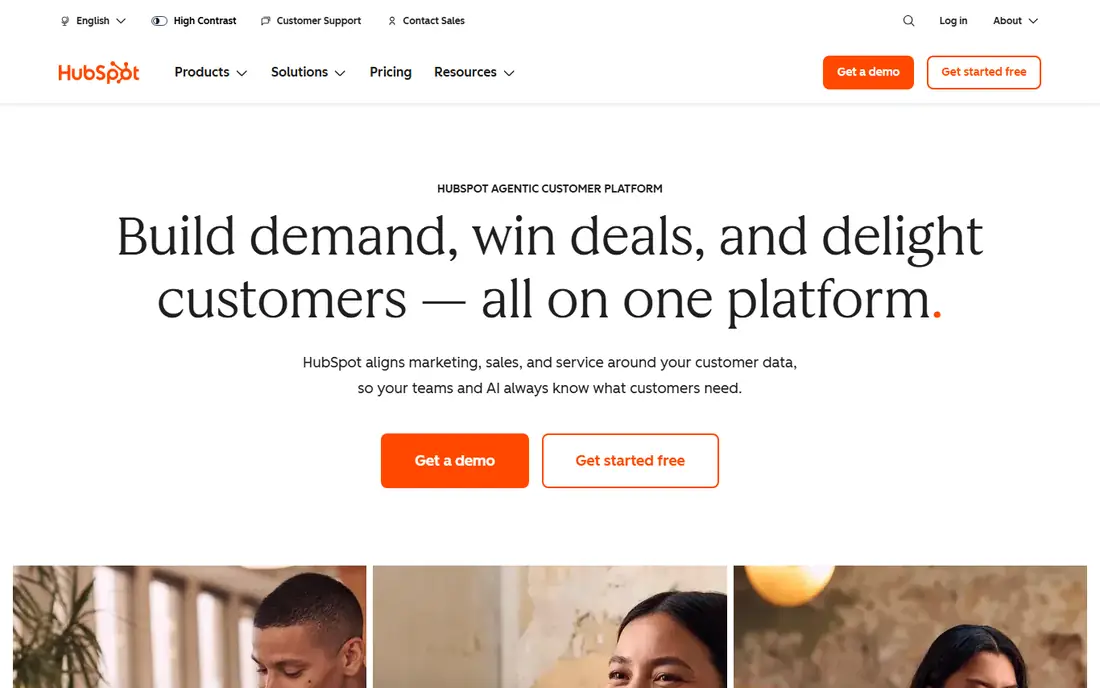
HubSpot CRM is a strong starting point because the free tier already covers contacts, companies, deals, pipelines, and basic email tracking. Small teams can organize contacts, log calls and emails, and follow deals without paying, then add Starter at about 20 dollars per user per month when they need more automation and support. The interface is clean, which helps adoption.
Costs rise as you add marketing, sales, and service hubs, so a growing team should price the full setup, not just the CRM alone. For a small business that wants a free, credible CRM with room to grow, HubSpot is our first recommendation.
- Strong free CRM with contacts, deals, and email tools
- Easy to learn
- Good marketing and service add-ons
- Paid tiers rise quickly
- Advanced reporting and automation need higher plans
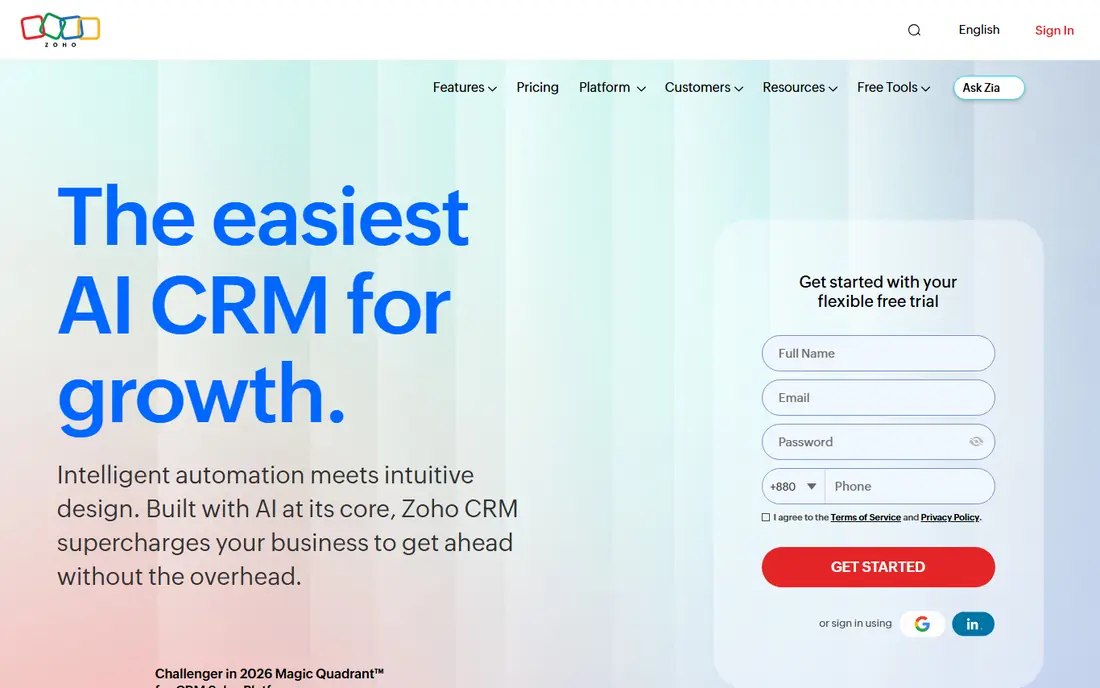
Zoho CRM offers a free tier for up to three users, with paid plans starting at about 20 dollars per user per month for Standard and rising through Professional and Enterprise. It covers contacts, leads, deals, tasks, email, and workflow automation, with customization options that suit teams with specific fields and processes. Integration with other Zoho apps is a bonus for existing Zoho users.
The interface packs in many options, which can feel busy for new users, and some advanced features sit on higher tiers. With a short setup period and clear field rules, though, Zoho CRM gives small and midsize teams strong value for the price.
- Low cost plans
- Strong customization
- Good fit for Zoho users
- Interface can feel busy
- Some features need higher tiers or other Zoho apps
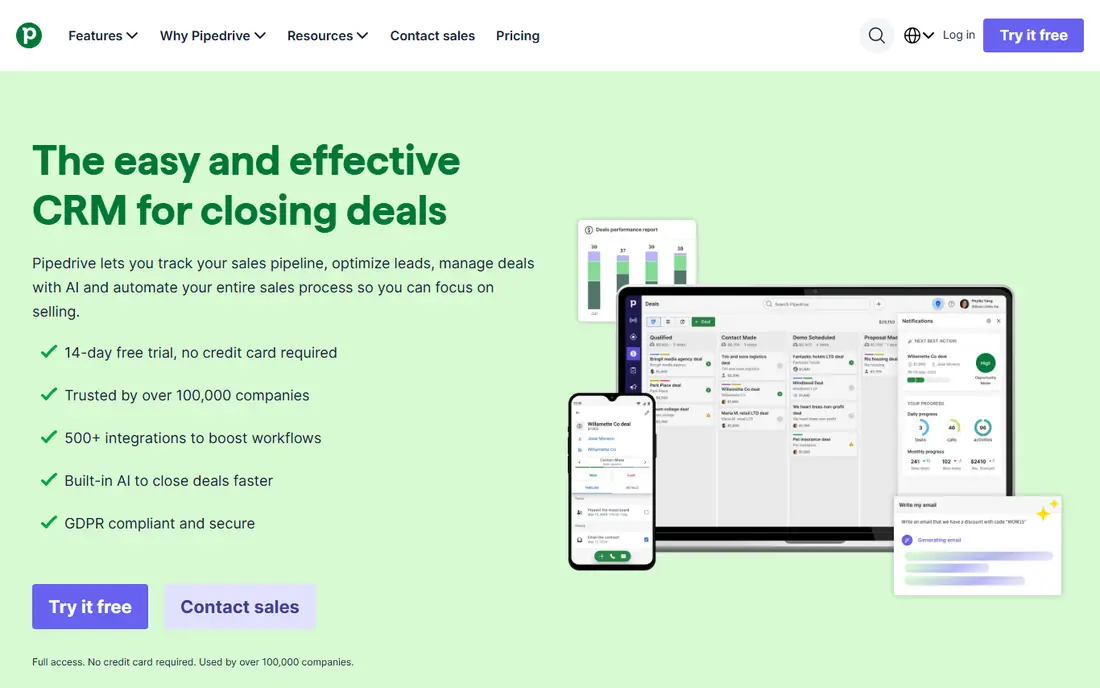
Pipedrive is built around a visual sales pipeline, where deals move across stages and next activities stay visible. Essential starts at about 24 dollars per user per month billed annually, with higher tiers adding automation, reporting, and project tools. Sales reps who live in their pipeline tend to adopt it quickly, since the daily view matches how they work.
Marketing automation and broad customer service tools are less deep than HubSpot, so teams that need those areas may need another tool alongside Pipedrive. For a sales team that wants pipeline clarity above all, Pipedrive is a focused and effective choice.
- Clear visual pipeline
- Easy deal and activity tracking
- Good mobile app
- Less strong for marketing automation
- Reporting depth grows with higher plans
Salesforce is the most powerful and most complex tool on this list, with deep customization, reporting, automation, and a large marketplace of add-ons. Large sales organizations use it to model complex territories, products, approval flows, and forecasting rules that smaller CRMs cannot handle. Its ecosystem also means most integrations already exist.
That power comes with cost and setup time. Small teams with simple contact needs will find it heavy, and they may pay for capacity they never use. For a large or fast growing sales organization with an admin or partner to configure it, Salesforce remains the standard to beat.
- Deepest customization and ecosystem
- Strong reporting
- Huge app marketplace
- Higher cost and setup effort
- Overkill for a small team with simple contacts
Capsule keeps contact management simple: contacts, organizations, opportunities, tasks, and a shared history of conversations, without a long list of extra modules. The free tier suits very small teams, with paid plans adding users, storage, and integrations. Setup takes hours, not weeks, which helps small businesses that need a CRM now.
Larger sales teams may want deeper forecasting, automation, or marketing tools than Capsule offers. For a small team that mainly needs to remember who said what, when to follow up, and where a deal stands, Capsule does that job well and stays out of the way.
- Simple, clean contact and deal tracking
- Free tier for small teams
- Easy setup
- Less depth for large sales teams
- Fewer native marketing tools
Nimble builds a richer picture of each contact by pulling in social profiles, company details, and recent activity alongside emails and notes. That context helps relationship sellers, consultants, and small business owners who win work through personal connections rather than high volume outreach. A unified view of messages and tasks keeps follow up in one place.
Pipeline and forecasting depth is lighter than Pipedrive or Salesforce, so high volume sales teams may need more. For a team that sells through relationships and wants to remember personal context, Nimble offers a useful, distinct angle on contact management.
- Social and web context for contacts
- Unified inbox and activity view
- Good for relationship selling
- Pricing is plan dependent
- Less pipeline depth than Pipedrive or Salesforce
Streak runs inside Gmail, turning your inbox into a CRM with pipelines for sales, hiring, support, or partnerships. You can track deals, share email threads, set reminders, and view a pipeline without leaving Gmail, which suits teams that already live in Google Workspace. The free tier covers basic pipelines, with paid plans adding more features and users.
The Gmail tie is also the limit. Teams that use Outlook or other mail systems will not get the same benefit, and Streak is less of a standalone CRM than HubSpot or Zoho. For a Gmail based team that wants CRM without a new app to learn, Streak is a smart, low friction pick.
- Works inside Gmail
- Simple pipelines for sales and support
- Low learning curve
- Tied to Gmail and Google Workspace
- Less suited to teams outside Google
Insightly combines contact and deal management with project management, which suits service firms that sell a project and then deliver it. A deal can turn into a project with tasks, milestones, and related contacts, so delivery teams see the same history as sales. Reporting and workflow tools help managers track both sales and delivery.
Pricing is plan dependent, so check the current Insightly pricing page for your team size. The interface feels more traditional than HubSpot, though it is functional and clear. For a service business that wants contacts and projects linked, Insightly is a practical choice.
- Contacts, deals, and projects in one tool
- Good for service firms
- Useful reporting
- Pricing is plan dependent
- Interface feels more traditional than HubSpot
How we picked these
We compared official pricing pages, feature lists, and help materials for contact management tools available in 2026. We favored tools with current products, contact and deal tracking, email integration, and mobile access, plus a mix of free, budget, pipeline, and enterprise options. We left out spreadsheet only approaches, single feature address books with no deal or activity tracking, and tools with no current product presence.
How to choose contact management software
Start with how your team actually follows up. If follow up happens in email, Streak may win on adoption. If it happens in a pipeline, Pipedrive will feel natural. If marketing, sales, and service share contacts, HubSpot or Zoho will keep that history together. A CRM that your team avoids is worse than a simpler CRM they use every day.
Next, test with real contacts, not sample data. Import a small set of real contacts, log calls and emails, move a deal through stages, and run a simple report on deals by stage and owner. Check import quality, duplicate handling, mobile access, and data export before you pay. A one week trial with real work will show whether the tool fits your habits.
Also check how the tool handles duplicates and data quality over time. Contacts arrive from email, forms, events, and imports, and without duplicate checks, the same person can appear three times with different details. That confusion leads to duplicate outreach and lost history. Test the import and duplicate tools during your trial, set a rule for who can create or merge contacts, and review the database monthly. Clean data keeps follow up reliable, and it makes reports on pipeline and activity far more trustworthy.
Finally, review your pipeline together each week, so stale deals are closed or revived and no promising contact is forgotten.
FAQ
What is the best contact management software?
HubSpot CRM is best for most small teams thanks to its free tier, Zoho CRM is best for budget teams that want customization, and Pipedrive is best for pipeline focused sales teams. Salesforce suits large, complex organizations that need deep customization.
Is there free contact management software?
Yes. HubSpot CRM, Zoho CRM for up to three users, Capsule, and Streak all offer free tiers. Free plans usually limit users, storage, or automation, so check those limits against your team size before you commit.
What is the difference between a CRM and a contact manager?
A contact manager mainly stores contact details and conversation history, while a CRM adds deals, pipelines, tasks, forecasting, and automation. Many tools on this list do both, but simple tools such as Capsule lean toward contact management, while Salesforce leans toward full CRM.
Can I import contacts from a spreadsheet?
Yes, most tools on this list support CSV import, with field mapping and duplicate checks. Clean your spreadsheet first by removing duplicates, standardizing company names, and splitting first and last names, since a messy import will create messy records.
How much does contact management software cost?
Free tiers cover small teams, while paid plans often start at about 20 to 24 dollars per user per month for HubSpot Starter, Zoho Standard, and Pipedrive Essential. Salesforce and other enterprise tools cost more and are quote based for larger setups.