Best Contract Lifecycle Management Software in 2026: 8 Tools Compared
Compare the best contract lifecycle management software for 2026, with drafting, approvals, e-signature, and tracking for legal, sales, and procurement teams.

- Editor's choice
 Ironclad
Mid-market and enterprise legal teams
Starts atSee websiteVisit ironcladapp.comFull review - Great alternative
 DocuSign CLM
Teams already using DocuSign e-signature
Starts atSee websiteVisit docusign.comFull review - Also consider
 PandaDoc
Small sales-led teams that draft and sign fast
Starts at$35 per user per monthVisit pandadoc.comFull review
TL;DR:
- Ironclad and DocuSign CLM suit larger legal teams with complex approval workflows.
- PandaDoc and Concord give smaller teams a faster, lower cost way to draft and sign.
- Juro stands out for browser based collaboration without heavy desktop editing.
- AI review speeds drafting and extraction, but it does not replace legal judgment on high risk terms.
Quick comparison
| Tool | Best for | Starts at | Free plan? | |
|---|---|---|---|---|
| Ironclad | Mid-market and enterprise legal teams | See website | No | Visit |
| DocuSign CLM | Teams already using DocuSign e-signature | See website | No | Visit |
| PandaDoc | Small sales-led teams that draft and sign fast | $35 per user per month | Free trial (14 days) | Visit |
 ContractWorks | Teams that mainly need a searchable repository | See website | No | Visit |
 Agiloft | Teams with complex or unusual workflows | See website | No | Visit |
 Conga CLM | Salesforce based revenue teams | See website | No | Visit |
 Juro | High growth teams that collaborate in the browser | See website | No | Visit |
 LinkSquares | Legal teams with large existing repositories | See website | No | Visit |
The best contract lifecycle management software
Contract lifecycle management software covers a contract from first draft to signed deal and renewal. The tools below handle templates, redlining, approvals, e-signature, storage, and deadline alerts in one place, replacing email chains and shared folders. We compared depth of workflow, ease of use for non-legal teams, and how clearly each vendor prices its plans.
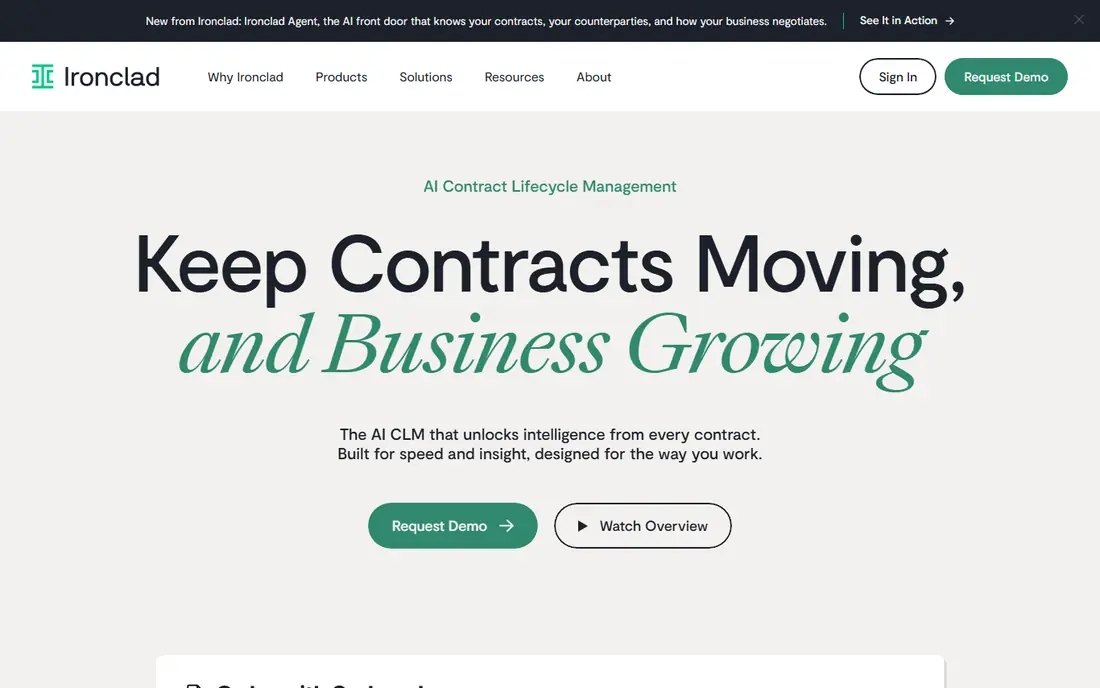
Ironclad is built for legal teams that manage high volumes of contracts with approvals that change by deal type, value, and risk. Its workflow tools let legal set guardrails so business teams can self-serve routine agreements while riskier terms route for review. AI drafting and clause tools cut the time spent on standard language. The cost and setup effort put it out of reach for very small teams, but for a growing legal function it is a serious platform.
The catch is worth naming plainly, and it sits in the limits below. Test the tool on one real workflow before you move a whole team or budget across, and check the current limits on the vendor page first. A short trial with your own leads, contracts, or files tells you more than any feature list.
- AI drafting and review tools
- Flexible approval workflows
- Strong Salesforce integration
- Quote based pricing
- Implementation can take weeks or longer
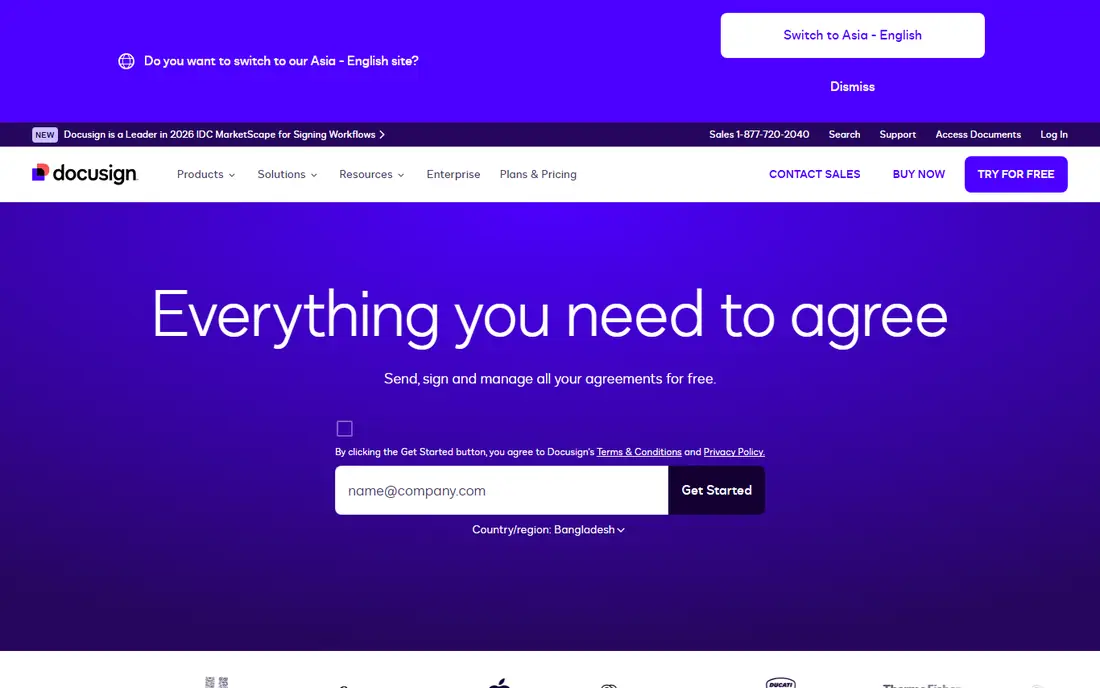
DocuSign CLM extends the familiar e-signature product into drafting, negotiation, approvals, and a searchable repository. Teams already on DocuSign gain a single agreement record, which helps with audits and renewal tracking. The platform handles complex routing well, but smaller teams may find the scope larger than they need. If your main problem is signing speed alone, a lighter tool may be enough.
Before you commit, weigh that weakness against the strength above. If the weakness touches the task you do most often, keep looking down this list. If it touches a task you do rarely, the strength may still win. Either way, start with the free plan or trial and confirm the price for your team size.
- Full lifecycle from drafting to signature
- Strong audit trail
- Wide integration options
- Quote based pricing
- Can be heavy for teams that only need simple signing
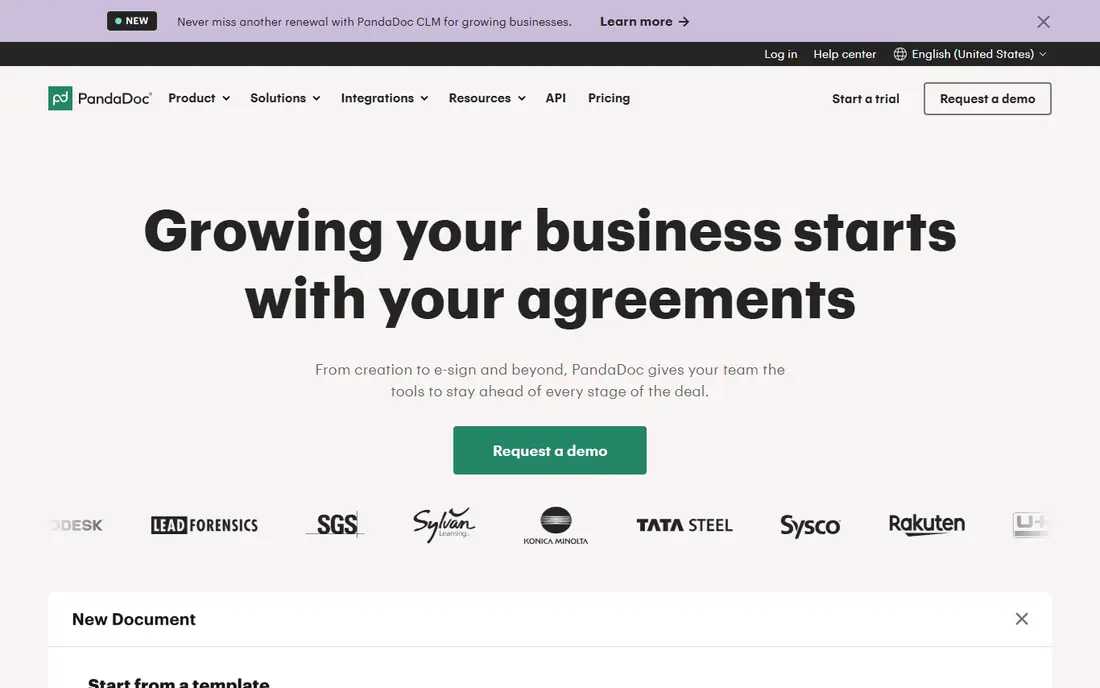
PandaDoc fits sales-led teams that need proposals, quotes, and contracts in one flow. Templates and content blocks speed drafting, and built-in e-signature removes the step of moving a document to another tool. It is not a full enterprise CLM, and legal teams with complex clause control may want more depth. For a small team that signs sales contracts every week, the speed gain is clear.
That weakness matters most at scale, so plan for it early. Ask the vendor what happens when volume grows, seats are added, or a second team joins. The answer to that question often decides the choice better than the headline feature set, and it is worth getting in writing.
- Templates for proposals and contracts
- Built-in e-signature
- CRM links for sales teams
- Full CLM depth is lighter than enterprise platforms
- Higher tiers needed for advanced workflows
ContractWorks suits teams whose main pain is finding contracts and tracking renewal dates, rather than building complex approval chains. The repository, alerts, and reporting are straightforward, and setup is faster than enterprise CLM rollouts. Teams that need deep drafting workflows or AI clause analysis may outgrow it. As a first step away from shared folders, it is a practical and honest choice.
The catch is worth naming plainly, and it sits in the limits below. Test the tool on one real workflow before you move a whole team or budget across, and check the current limits on the vendor page first. A short trial with your own leads, contracts, or files tells you more than any feature list.
- Simple repository with alerts and reporting
- Fast setup for a first CLM
- E-signature links
- Workflow and AI depth is lighter than full CLM platforms
- Pricing starts at a monthly level
Agiloft is the pick for teams whose contract process does not fit a standard template. Its no-code builder lets admins shape approvals, fields, and routing around the way the business actually works. That flexibility is powerful, but it also means a team must invest time in design and testing. Teams that want a tool that works out of the box with little setup may prefer a simpler platform.
Before you commit, weigh that weakness against the strength above. If the weakness touches the task you do most often, keep looking down this list. If it touches a task you do rarely, the strength may still win. Either way, start with the free plan or trial and confirm the price for your team size.
- No-code workflow builder
- Deep configuration options
- Strong permission controls
- Configuration takes time and care
- Quote based pricing for most teams
Conga CLM fits organisations that already run quotes and revenue work in Salesforce. Contracts, approvals, and related revenue documents stay close to the opportunity record, which reduces duplicate entry and version confusion. Outside Salesforce, the value drops, so teams on other CRMs should look elsewhere. Pricing is quote based, and implementation should be scoped with the vendor before signing.
That weakness matters most at scale, so plan for it early. Ask the vendor what happens when volume grows, seats are added, or a second team joins. The answer to that question often decides the choice better than the headline feature set, and it is worth getting in writing.
- Salesforce native contract and quote workflows
- Revenue lifecycle links
- Approval controls
- Best value inside Salesforce
- Quote based pricing adds cost outside that stack
Juro stands out for teams that hate version chaos in email attachments. Contracts are edited in the browser, comments stay in one place, and approvals follow a clear path. That makes it a good fit for commercial teams that need legal control without slowing deals down. Custom pricing means a demo and quote are needed to judge total cost, and very large enterprises may need to check the deepest governance features.
The catch is worth naming plainly, and it sits in the limits below. Test the tool on one real workflow before you move a whole team or budget across, and check the current limits on the vendor page first. A short trial with your own leads, contracts, or files tells you more than any feature list.
- Browser based editing and negotiation
- Template library
- Clean approval flows
- Pricing is custom for most teams
- Advanced enterprise controls cost more
LinkSquares is strongest after signature, when the question is what did we agree, when does it renew, and where is the clause. Its AI extraction pulls dates, values, and obligations from uploaded contracts into a searchable record. That helps legal teams manage a large back catalogue without reading every document again. Teams that mainly need drafting and negotiation may want a platform with deeper workflow tools beside it.
Before you commit, weigh that weakness against the strength above. If the weakness touches the task you do most often, keep looking down this list. If it touches a task you do rarely, the strength may still win. Either way, start with the free plan or trial and confirm the price for your team size.
- AI extraction of key terms and dates
- Strong post-signature search
- Renewal alerts
- Quote based pricing
- Drafting workflow is lighter than some full CLM rivals
How we picked these
We compared official product pages, workflow depth, and pricing transparency for each platform, and we checked whether drafting, negotiation, approval, signature, and renewal tracking are covered in one system. We favoured tools with a clear owner for each stage, since a CLM that only stores contracts solves half the problem. We also noted implementation effort, because a powerful platform that takes months to deploy can delay the very gains it promises.
How to choose contract lifecycle management software
Start with the stage that hurts most. Some teams lose time in drafting, others in approvals, and others in finding signed contracts at renewal time. The right tool fixes your worst stage first, then covers the rest.
Map your contract types first
List the agreements you handle most, such as sales contracts, supplier terms, and employment documents. A sales-led team needs fast templates and CRM links. A legal-led team needs clause control and audit trails. Buying before this list is written leads to paying for depth you never use.
Test negotiation with a real redline
Ask each vendor to run a real contract through redlining, comments, and approval in a trial. Check version control, who can edit, and how changes are tracked. A smooth demo with a simple document can hide friction on a heavily negotiated agreement.
Plan migration and renewal alerts
A repository is only useful if old contracts are searchable and renewal dates trigger action. Ask how bulk upload, term extraction, and alerts work, and who owns cleanup. Budget time for migration, since poor data in the new system repeats the old problem.
Confirm total cost and rollout time
Enterprise CLM is often quote based, and implementation can run from weeks to months. Ask for a scoped schedule, user limits, and any fees for storage, signatures, or AI features. A lighter tool that ships in days may beat a deeper tool that ships next quarter.
FAQ
What is contract lifecycle management software?
Contract lifecycle management software handles drafting from templates, negotiation and redlining, approvals, e-signature, storage, and renewal tracking in one system. It replaces manual Word and email workflows with a single contract record.
What is the best contract lifecycle management software for small business?
PandaDoc and Concord style tools suit small teams that mainly draft, send, and sign sales contracts. ContractWorks also works well when the main need is a searchable repository with renewal alerts rather than complex workflows.
Does contract software replace a lawyer?
No. Automation speeds drafting, review, and management, and AI can flag risky terms, but it supports rather than replaces legal judgment. High value or unusual agreements should still be reviewed by qualified counsel, and AI clauses should be checked.
How much does contract lifecycle management software cost?
Smaller tools publish prices from around 35 dollars per user per month, while enterprise CLM is usually quote based and can reach five or six figures a year. Factor in implementation, signature volume, and any AI or storage fees before you compare.
How long does CLM implementation take?
Repository tools can go live in one to four weeks including migration. Workflow CLM for larger teams often takes two to six months with process design. Migration quality matters most, so clean contract data before you start.