Best Contract Repository Software in 2026: 8 Tools Compared
Compare the best contract repository software for small business in 2026, with search, version control, reminders and pricing explained clearly before you buy
- Editor's choice
 PandaDoc
Small business contracts
Starts atSee websiteVisit pandadoc.comFull review - Great alternative
 Ironclad
Legal teams at scale
Starts atSee websiteVisit ironcladapp.comFull review - Also consider
 DocuSign CLM
DocuSign users
Starts atSee websiteVisit docusign.comFull review
TL;DR:
- A contract repository is only useful if teams actually use it, so search, permissions and easy upload matter more than advanced AI features.
- Small businesses often do best with a simple, affordable tool, while larger teams need approval workflows and CRM integrations.
- Renewal and expiry reminders prevent the most common contract problem: a deal auto-renewing because no one noticed the date.
- Check migration help before you buy, since moving old contracts and their metadata takes longer than most teams expect.
Quick comparison
| Tool | Best for | Starts at | Free plan? | |
|---|---|---|---|---|
| PandaDoc | Small business contracts | See website | Yes | Visit |
| Ironclad | Legal teams at scale | See website | Free trial | Visit |
| DocuSign CLM | DocuSign users | See website | Free trial | Visit |
 ContractWorks | Simple repository | See website | Free trial | Visit |
 Concord | Affordable collaboration | See website | Yes | Visit |
 Juro | Fast contract creation | See website | Free trial | Visit |
 Agiloft | Custom workflows | See website | Free trial | Visit |
 LinkSquares | AI search and analytics | See website | Free trial | Visit |
The best contract repository software
A contract repository stores agreements in one searchable place, tracks key dates and versions, and controls who can view or edit each document. We compared official feature and pricing pages for tools that offer a central repository with search, reminders and permissions, and we note where a tool is a full contract lifecycle platform versus a simpler storage and tracking tool.
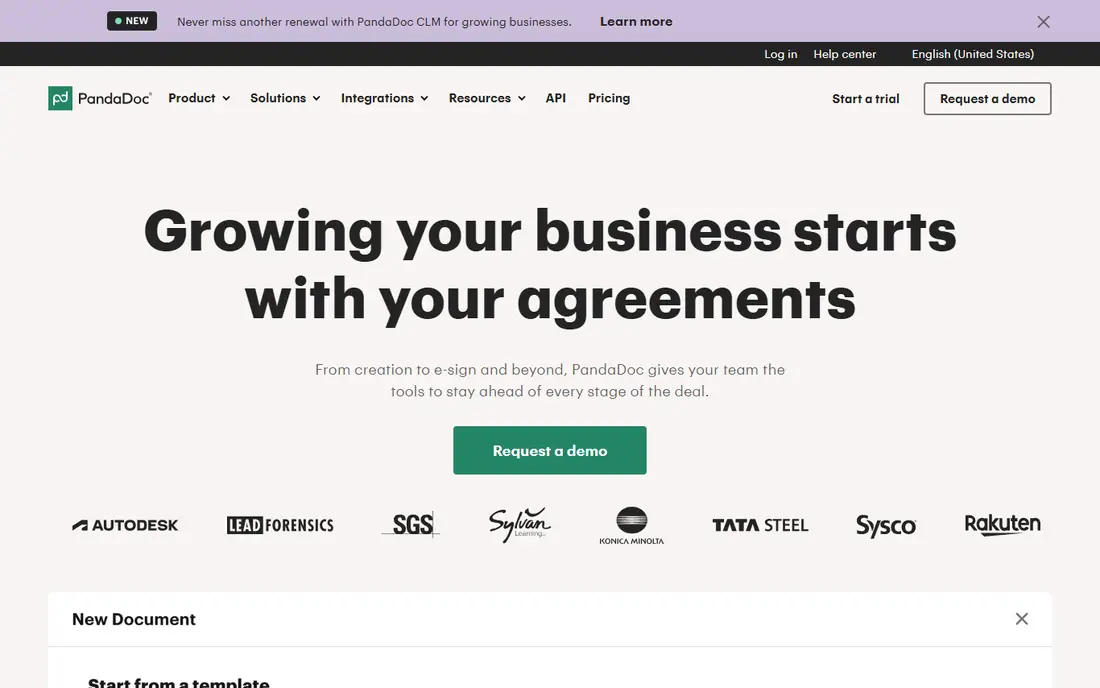
PandaDoc is a practical starting point for small businesses that need contracts created, signed and stored without a legal platform. Templates, e-signing and document tracking sit in one tool, and a free plan covers basic use. For a team that currently stores contracts in email and shared folders, PandaDoc is a clear step up.
The repository itself is lighter than specialist contract lifecycle tools. Advanced approval workflows, deep clause libraries and detailed analytics are thinner, so larger legal teams may outgrow it. For small businesses that need signed contracts in one searchable place with reminders, PandaDoc offers good value and a gentle learning curve.
- Easy document creation and e-signing
- Templates
- Free plan for basic use
- Repository and workflow depth is lighter than specialist CLM tools
- Pricing varies by plan

Ironclad is built for legal teams that handle high contract volumes and need control over drafting, approval and storage. Workflow automation routes contracts to the right reviewers, a clause library keeps language consistent, and integrations with Salesforce and other tools keep contract data connected to deals. Reporting helps legal teams show volume, cycle time and bottlenecks.
That power comes with implementation effort. Setting up workflows, templates and permissions takes legal and operations input, and pricing is quote-based. Small businesses may find Ironclad more than they need. For growing companies where contracts are a bottleneck, Ironclad is one of the strongest full lifecycle options.
- Strong workflow automation
- Clause library
- Salesforce and CRM integrations
- Quote-based pricing
- Implementation takes time and legal input
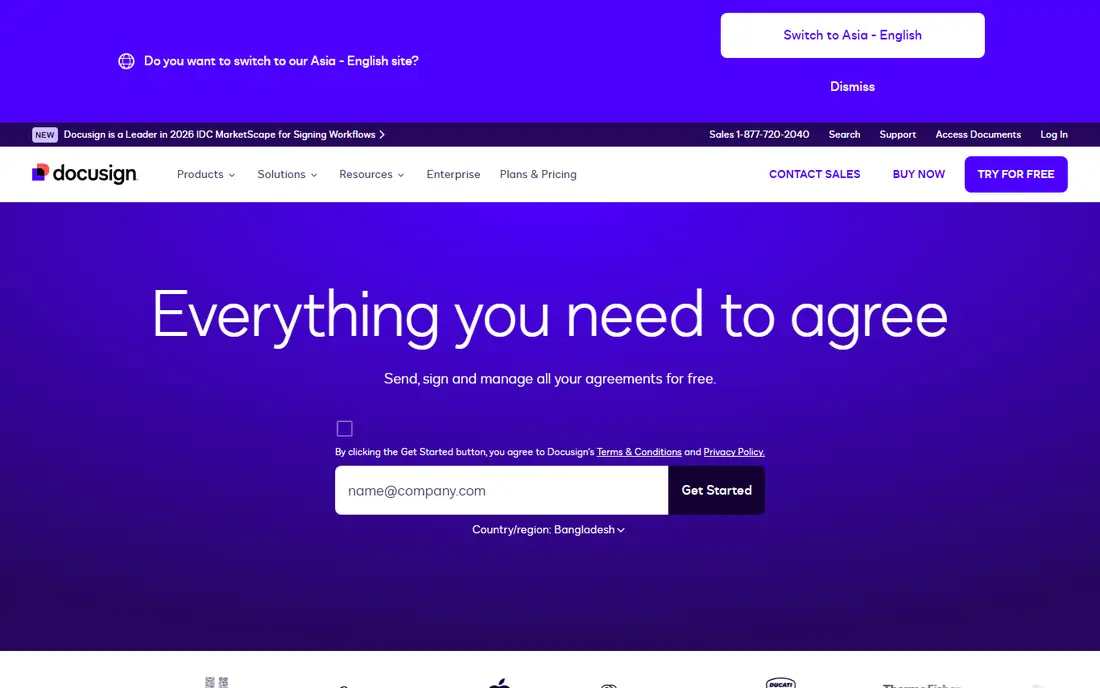
DocuSign CLM suits organizations that already use DocuSign for signing. Contracts move from drafting to signature to repository without leaving the DocuSign ecosystem, and AI-assisted tools help search clauses and extract key dates and terms. Security and compliance features suit regulated industries and larger teams.
Full CLM implementation can be complex, and pricing is quote-based, so small teams should check whether a simpler repository would do. If your team already signs with DocuSign and you want one system from draft to archive, DocuSign CLM is a natural fit. If you only need storage and reminders, a lighter tool will be cheaper and faster to adopt.
- Native e-signing integration
- AI-assisted search and extraction
- Strong security
- Quote-based pricing
- Full CLM setup can be complex for small teams
ContractWorks focuses on doing the repository job well. Upload contracts, tag key details, search full text, set expiry and renewal reminders, and control permissions by user. Setup is quick compared with full lifecycle platforms, which suits small and mid-sized teams that mainly need to find contracts and never miss a date.
Drafting, negotiation and advanced approval workflows are more basic, so teams that need heavy redlining or complex approvals should look at Ironclad or DocuSign CLM. For teams whose main pain is lost contracts and missed renewals, ContractWorks is a focused, practical choice.
- Simple setup
- Strong search
- Expiry reminders and alerts
- Drafting and workflow features are basic
- Integrations are narrower
Concord combines contract drafting, collaboration, signing and storage in a simple interface, with a free plan for basic use. Teams can negotiate in the document, sign electronically and store the final version in the same place, which reduces the email chains that cause version confusion. That simplicity helps small teams adopt it quickly.
Advanced analytics, complex workflows and deep integrations are thinner than enterprise CLM platforms. Larger legal teams may need more. For small businesses and startups that want contracts drafted, signed and stored in one affordable tool, Concord is a strong option.
- Collaborative editing and signing in one place
- Free plan
- Simple interface
- Advanced CLM analytics are thinner
- Enterprise workflow depth is limited
Juro is built for speed. Its browser-based editor uses templates with dynamic fields, so sales and operations teams can generate contracts without waiting for legal to draft each one. Signing and storage sit in the same platform, and a searchable repository keeps signed versions easy to find.
Pricing is quote-based for many plans, so small teams should ask for a clear quote early. Juro began in the UK, so US teams should check template and compliance fit for their contracts. For companies that need fast, consistent contract creation with a clean repository, Juro is worth a trial.
- Browser-based editor
- Templates with dynamic fields
- Signing and storage
- Quote-based pricing for many plans
- US market coverage is newer than UK roots
Agiloft suits organizations with unusual contract processes that off-the-shelf tools cannot fit. Its no-code platform lets admins build custom workflows, approval chains, fields and reports without heavy development. That flexibility helps teams with complex procurement, legal or compliance requirements.
Flexibility brings complexity. Setup takes time, admins need training, and pricing is quote-based. Teams with standard needs may find Agiloft more than they require. If your contract process has many exceptions, custom approvals or detailed reporting needs, Agiloft offers control that simpler tools cannot match.
- Highly configurable workflows
- No-code customization
- Strong reporting
- Setup can be complex
- Pricing is quote-based
- Learning curve for admins
LinkSquares focuses on what happens after signing. AI-assisted tools extract key terms, dates and clauses from stored contracts, so teams can search across hundreds of agreements for a specific clause or obligation. Analytics show renewal dates, contract value and risk patterns across the portfolio, which helps finance and legal plan ahead.
Drafting and negotiation features are lighter than full lifecycle suites, so teams that need heavy drafting should pair LinkSquares with a drafting tool or choose a full platform. For organizations with a large existing contract library that is hard to search, LinkSquares offers one of the clearest returns: find any clause in seconds instead of digging through folders.
- AI-assisted search and clause extraction
- Analytics on contract terms
- Repository focus
- Quote-based pricing
- Drafting features are lighter than full CLM suites
How we picked these
We compared official feature and pricing pages for tools that offer a central contract repository with search, permissions and date reminders in 2026. We favoured tools with trials or free plans, clear repository features and different strengths from simple storage to full lifecycle management. We left out generic document storage tools without contract-specific search, reminders or version control, since those features are what make a repository useful for contracts.
How to choose a contract repository
Start with the contracts you already have. Count them, note where they live now, and list the dates and terms you must track, such as renewals, notice periods and payment terms. That list determines the fields and reminders you need, and it prevents you from buying advanced AI features while missing basic date tracking.
Then test search and permissions with real documents. Upload a sample set, search for a clause and a counterparty, and check that the right people can view or edit each contract. Ask about migration help, since moving old contracts and tagging their key dates is often the slowest part. Finally, agree on who owns the repository, since a tool no one maintains quickly becomes another messy folder.
Set reminders before you migrate
Expiry and renewal reminders are the fastest win. Set alerts well before notice deadlines, not on the day itself, so teams have time to renegotiate or cancel. A 90-day and 30-day alert pattern works for most agreements.
Keep permissions simple at first
Start with a small set of roles: viewers, editors and admins. Complex permission schemes slow adoption and cause access requests. You can add finer controls later once teams use the repository daily.
FAQ
What is contract repository software?
Contract repository software stores agreements in one searchable place, tracks versions, key dates and obligations, and controls access. It replaces scattered folders and email attachments with a central system where teams can find the signed version and its terms quickly.
How is it different from contract lifecycle management?
A repository focuses on storage, search and tracking after signing. Contract lifecycle management covers the full process from drafting and negotiation through approval, signing and renewal. Many tools do both, but simpler repositories cost less and set up faster.
Can small businesses use contract repository software?
Yes. Tools such as PandaDoc, Concord and ContractWorks suit small teams, with free plans or trials and simple setup. Start with storage, search and reminders, and add workflow features only when contract volume justifies them.
How do renewal reminders work?
You set alerts for key dates such as expiry, renewal and notice deadlines, and the tool emails or notifies the owner before the date. Most tools allow multiple alerts, such as 90 days and 30 days before expiry, so teams have time to act.
Is contract data secure in these tools?
Reputable tools offer encryption, access controls, audit logs and compliance certifications, but levels vary. Check security pages for encryption, data residency and certifications relevant to your industry, and confirm who can export or delete contracts.
How long does migration take?
It depends on contract count and how clean your current files are. A small library of under 100 contracts can move in days, while a large library with manual tagging can take weeks. Ask vendors about bulk upload, AI extraction and migration support before you sign.