5 Best Reporting Software for Registration for 2026, Vetted and Compared
Compare 5 picks for the best reporting software for registration, with prices, free plans and who each fits. Every entry states what it lacks. Details below.
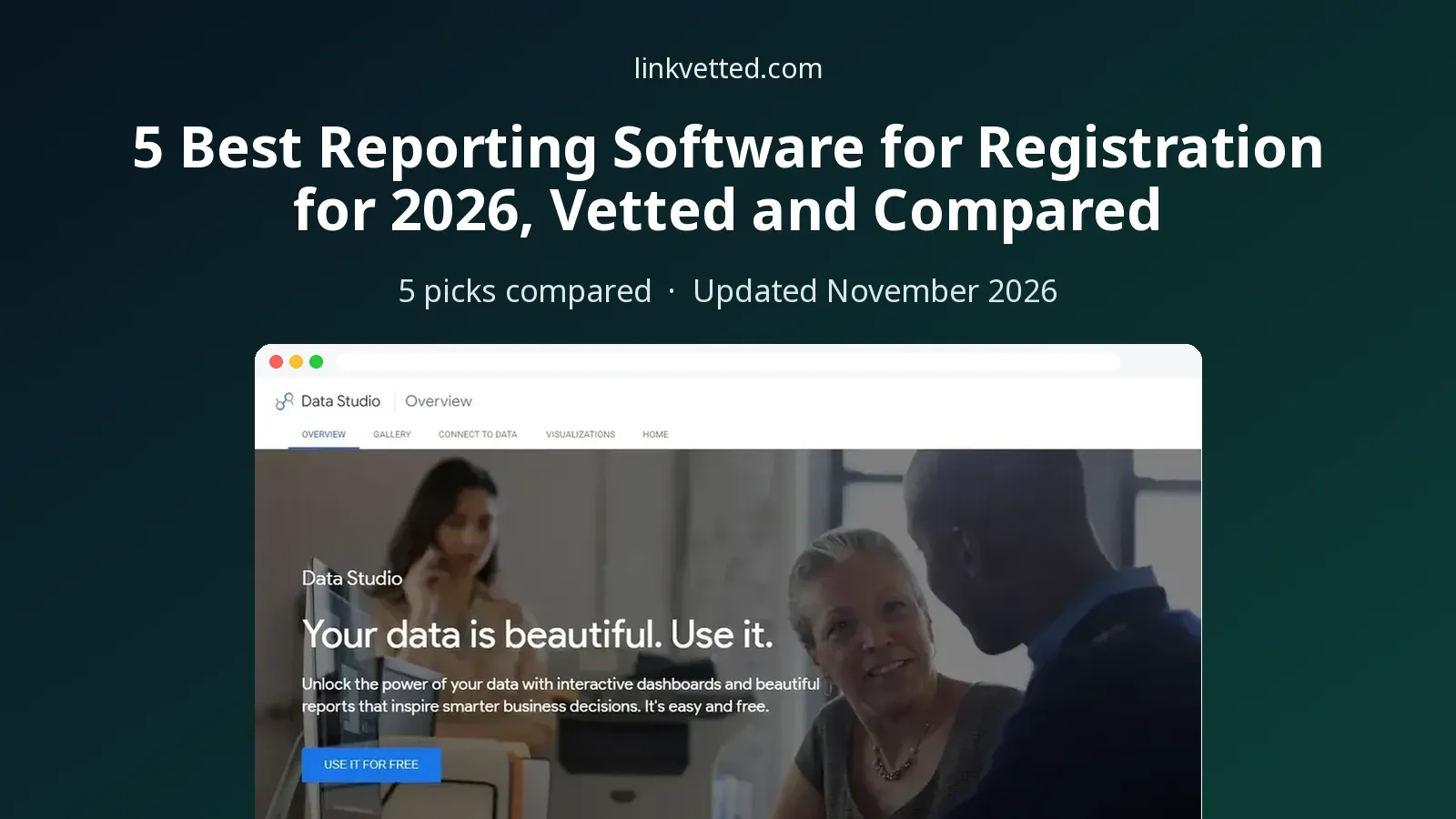
- Editor's choice
 Looker Studio
Interactive dashboards and shareable reports
Starts atSee websiteVisit lookerstudio.google.comFull review - Great alternative
 Qlik Sense
End-to-end data integration and analytics
Starts atSee websiteVisit qlik.comFull review - Also consider
 Sisense
Embedded analytics for registration data
Starts atSee websiteVisit sisense.comFull review
Direct answer
Start with Looker Studio if you need interactive dashboards and shareable reports. Listed starting prices: Tableau from $15 per user a month. Qlik Sense fits end-to-end data integration and analytics; Sisense fits embedded analytics for registration data. The full list of 5 tools follows, with prices and free plan facts.
TL;DR:
- This list starts with Looker Studio, which is built for interactive dashboards and shareable reports.
- Tableau suits visual exploration of registration data.
- Only Tableau offers a free plan among these 5 tools.
- One limit worth knowing about Qlik Sense: may need technical expertise to implement.
Last checked November 2026. Prices and plan details were read from the vendors' own pages in November 2026; vendors change plans often, so confirm the current price on the vendor site before you buy.
Quick comparison
| Tool | Best for | Starts at | Free plan? | |
|---|---|---|---|---|
| Looker Studio | Interactive dashboards and shareable reports | See website | Not stated | Visit |
| Qlik Sense | End-to-end data integration and analytics | See website | Not stated | Visit |
| Sisense | Embedded analytics for registration data | See website | Free trial | Visit |
 Domo | Governed data and AI-driven insights | See website | Free trial | Visit |
 Tableau | Visual exploration of registration data | $15 per user a month | Yes | Visit |
The 5 tools in detail
Choosing reporting software for registration usually comes down to price, fit and limits. This LinkVetted guide sets 5 tools side by side on those three points, with the facts kept short and checkable.
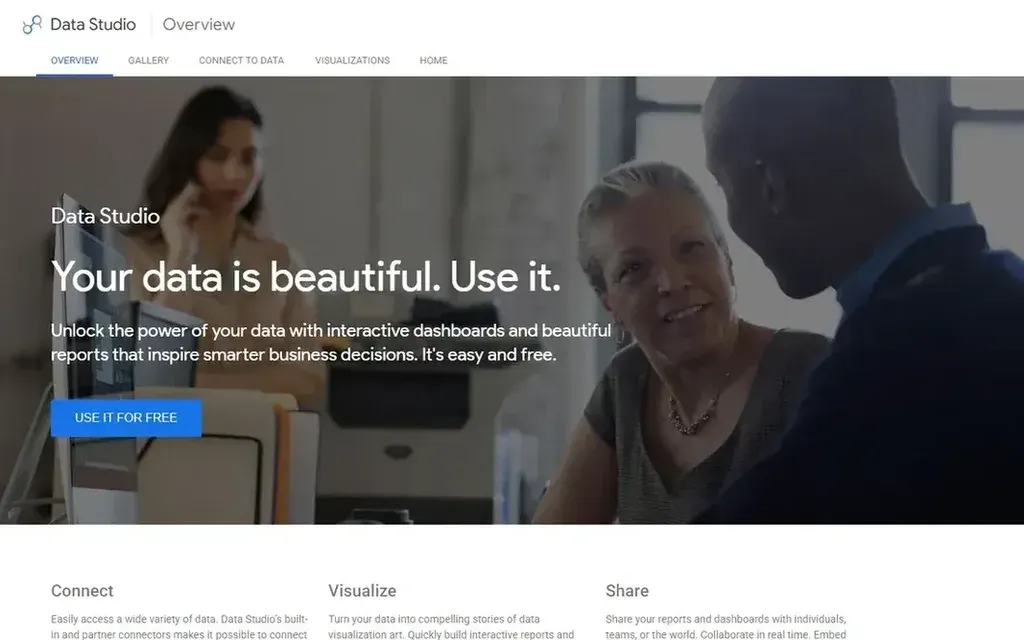
Looker Studio is designed for interactive dashboards and shareable reports. Looker Studio is a reporting tool that unlocks the power of your data with interactive dashboards and beautiful reports. It is meant to help teams produce shareable views that support smarter business decisions.
Limits to weigh: May need data preparation outside the tool.
The tool may not deal with complicated statistical analysis on its own, and you might have to prepare data elsewhere first. Worth adding: if you need deep predictive modeling, consider a more advanced analytics product. For registration reporting, it does well when you want to present sign-up data in a clear, visual format that others can explore. Looker Studio shows no starting price here, so confirm the cost on the vendor site. Free options: Not stated.
- Interactive dashboards
- Beautiful report design
- Restricted advanced analytics without extras
Qlik Sense targets end-to-end data integration and analytics. Qlik Sense, now with Talend, provides a data fabric and next-level insights through its end-to-end data integration, data quality, and analytics options. It is built for organizations that want to connect data across systems and produce insights from a unified view.
For registration reporting, it fits teams that require solid data integration alongside analytics. The system can be complicated to implement and may need technical skills to completely use its integration features. Qlik Sense shows no starting price here, so confirm the cost on the vendor site. Free plan details: Not stated.
What to check first: May need technical expertise to implement.
- End-to-end data quality and analytics
- Next-level insights from combined data
- Can be complicated for non-technical users
Sisense targets embedded analytics for registration data. If you need a traditional dashboard tool, consider other choices. For registration reporting, it fits product teams that require to bring registration insights straight into their tools.
For everyday use, the embedded focus means it may not be the best fit for standalone reporting, and customization can need development resources. Sisense gives AI-powered embedded analytics to unlock insights and convert data into revenue with pro-code, low-code, and no-code adaptability. It is aimed at businesses that want to embed analytics into their own applications or workflows. Check the vendor site for Sisense pricing; none is listed in this comparison. Trial and free access: Free trial.
Drawbacks to consider: May need development resources for customization.
- Pro-code, low-code
- AI-powered embedded analytics
- Embedded focus may not suit all reporting needs
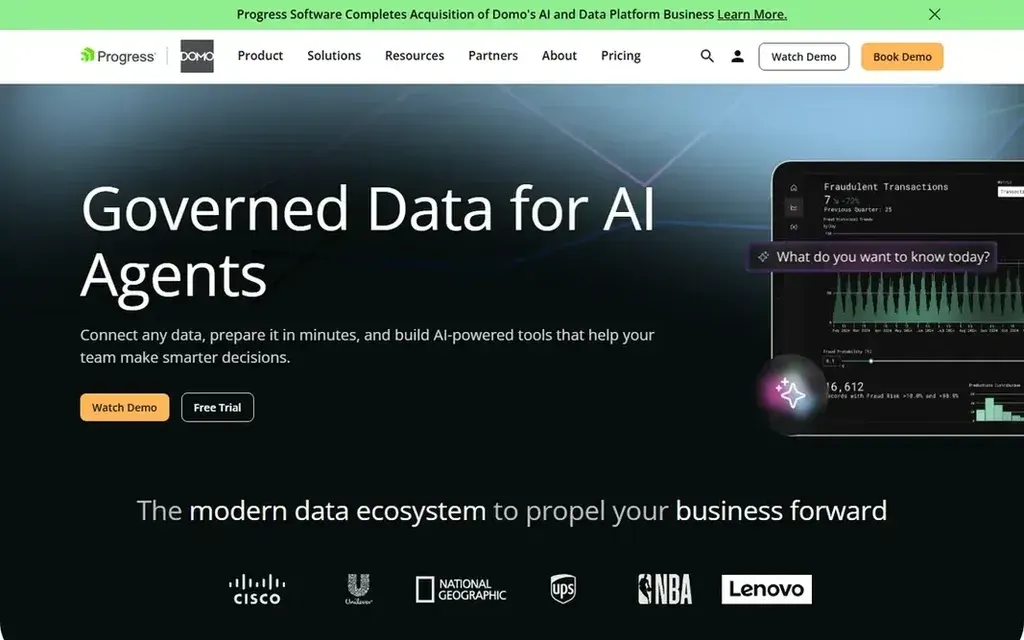
Domo makes the most sense for governed data and AI-driven insights. The breadth of the system can be more than needed for entry-level registration tracking. It needs initial setup to align with your data governance policies.
For everyday use, if you only need a straightforward dashboard, a lighter tool may be simpler to adopt. For registration reporting, it fits organizations that require governed data and want to bring together several sources for a unified view. As for the details, Domo is a product that strengthens the whole data journey with AI and data products. No starting price is listed for Domo here; confirm pricing on the vendor site. Free plan details: Free trial.
Honest limits: Needs setup for data governance.
- Prepares and expands data access
- Accelerates business-critical insights
- Wide product may be overwhelming for straightforward needs
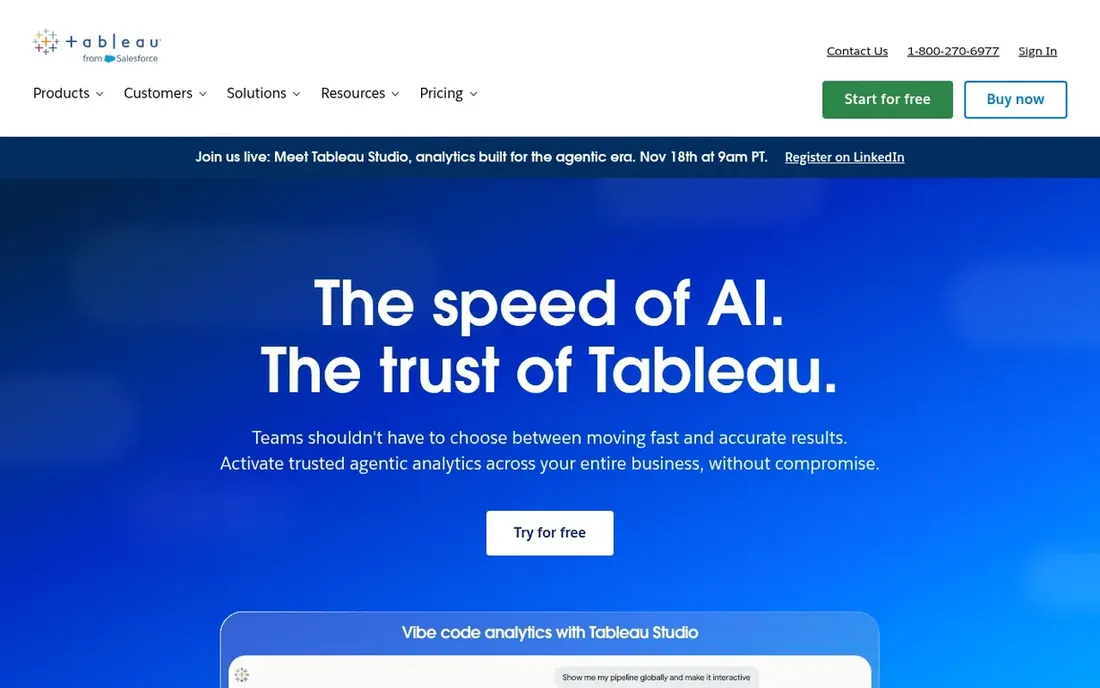
Where Tableau fits: visual exploration of registration data. Tableau is a business intelligence and analytics product that helps users see and understand their data. It links to many different databases and lets you build visualizations through drag-and-drop actions, then share them easily.
This makes it a solid fit for teams that want to explore registration data deeply and produce custom views without heavy coding. If your needs are straightforward, a lighter tool like Looker Studio might be more appropriate. For everyday use, the product can be complicated for users who only need entry-level registration counts. It may need training to use advanced features. Starting cost for Tableau: $15 per user per month. Tableau offers a free plan.
- Drag-and-drop visualization building
- Share insights with a click
- May need training for advanced use
How we compared the tools
Before you commit
- Get a written quote from Looker Studio, Qlik Sense, Sisense and Domo; the list shows no starting price for them.
- Look at the free plan from Tableau closely: its caps decide whether it is usable for real work.
- Run a trial of Sisense and Domo with real work before paying for a year; your own workflow is the best test.
- Read the limits listed for Looker Studio first: restricted advanced analytics without extras.
- Work out what Qlik Sense costs with your real seat count, add-ons and usage, not just the entry price.
- Get the contract term, renewal terms and any onboarding fees from Domo in writing.
FAQ
What should I look for in reporting software for registration data?
Focus on connectivity to your registration sources, ease of building dashboards, and sharing choices. Consider whether you need advanced analytics or straightforward reporting, and check data governance features if privacy is a concern.
What is the cheapest option for reporting software for registration in this list?
On published monthly entry prices, Tableau is the lowest here at $15 per user per month. Entry price is only part of the cost, because seats, add-ons and billing terms can change the total. For the full picture, the cards above cover all 5 entries of this reporting software for registration list, including price, free plan and limits.
Is Looker Studio the right pick for everyone comparing reporting software for registration?
No single tool suits every team. Looker Studio comes first because it fits interactive dashboards and shareable reports, while Qlik Sense suits end-to-end data integration and analytics and Sisense suits embedded analytics for registration data. Match the tool to your own size, budget and workflow before deciding.
How are the tools for reporting software for registration ordered?
Looker Studio sits first and Tableau last because the order follows typical fit for reporting software for registration, then price clarity and free access. It is a judgement call, so read each profile for fit and limits.
Do these tools publish their prices?
Not all of them. Looker Studio, Qlik Sense, Sisense and Domo publish no starting price, so expect a quote request for those. The rest, Tableau included, show a starting price, though seats and billing terms still change the final cost.
Sources
- https://lookerstudio.google.com
- https://www.qlik.com
- https://www.sisense.com
- https://www.domo.com
- https://www.tableau.com