Best Real-Time Analytics Software for Gaming (2026): 6 Picks Checked on Vendor Pages
Need the best Real-Time analytics software for gaming? We compare 6 tools on cost, free access and who each suits. Concise write-ups of every option. No filler.
- Editor's choice
 SingleStore
Live reads and writes in one engine
Starts atSee websiteVisit singlestore.comFull review - Great alternative
 Google BigQuery
Managed warehouse with AI automation
Starts atSee websiteVisit cloud.google.comFull review - Also considerClickHouse
High-volume live event analytics
Starts at$0.056 per unit per hourVisit clickhouse.comFull review
Direct answer
SingleStore leads the list, best for live reads and writes in one engine. Listed starting prices: ClickHouse from $0.056 per unit per hour. Google BigQuery fits managed warehouse with AI automation; ClickHouse fits high-volume live event analytics. The other 3 tools in the list cover narrower or pricier cases.
TL;DR:
- SingleStore takes the first slot, best suited to live reads and writes in one engine.
- Before buying SingleStore, weigh this: needs careful workload design.
- For SingleStore, Google BigQuery, Apache Pinot and others, you have to request a quote because no starting price is shown.
- Databricks is the one to check for unified data, analytics and AI work.
- Just one of the 6 tools, Amazon Kinesis, has a free plan.
Last checked November 2026. Prices and plan details were read from the vendors' own pages in November 2026; vendors change plans often, so confirm the current price on the vendor site before you buy.
Quick comparison
| Tool | Best for | Starts at | Free plan? | |
|---|---|---|---|---|
| SingleStore | Live reads and writes in one engine | See website | Not stated | Visit |
| Google BigQuery | Managed warehouse with AI automation | See website | Not stated | Visit |
| ClickHouse | High-volume live event analytics | $0.056 per unit per hour | Free trial | Visit |
| Apache Pinot | User-facing apps and AI agents | See website | Not stated | Visit |
| Amazon Kinesis | Streaming ingestion and live pipelines | See website | Yes | Visit |
 Databricks | Unified data, analytics and AI work | See website | Not stated | Visit |
6 options for Real-Time analytics software for gaming in detail
This LinkVetted guide covers 6 options for Real-Time analytics software for gaming. Each profile lists a starting price, free plan details, strengths and drawbacks, so you can drop poor fits quickly.
Pick SingleStore if this describes you: live reads and writes in one engine. SingleStore describes itself as the live database for AI, apps and analytics, offering live reads and writes, one engine for transactions and analytics, and open data access.
Trade-offs to know: Needs careful workload design.
As for the details, studios that only need batch reporting over historical data may find a warehouse for example BigQuery more straightforward to adopt. Beyond that, combining transactional and analytical workloads demands thoughtful schema and workload planning. Check the vendor site for SingleStore pricing; none is listed in this comparison. Free access: Not stated.
- Live reads and writes
- One engine for transactions and analytics
- Less suited to pure batch reporting
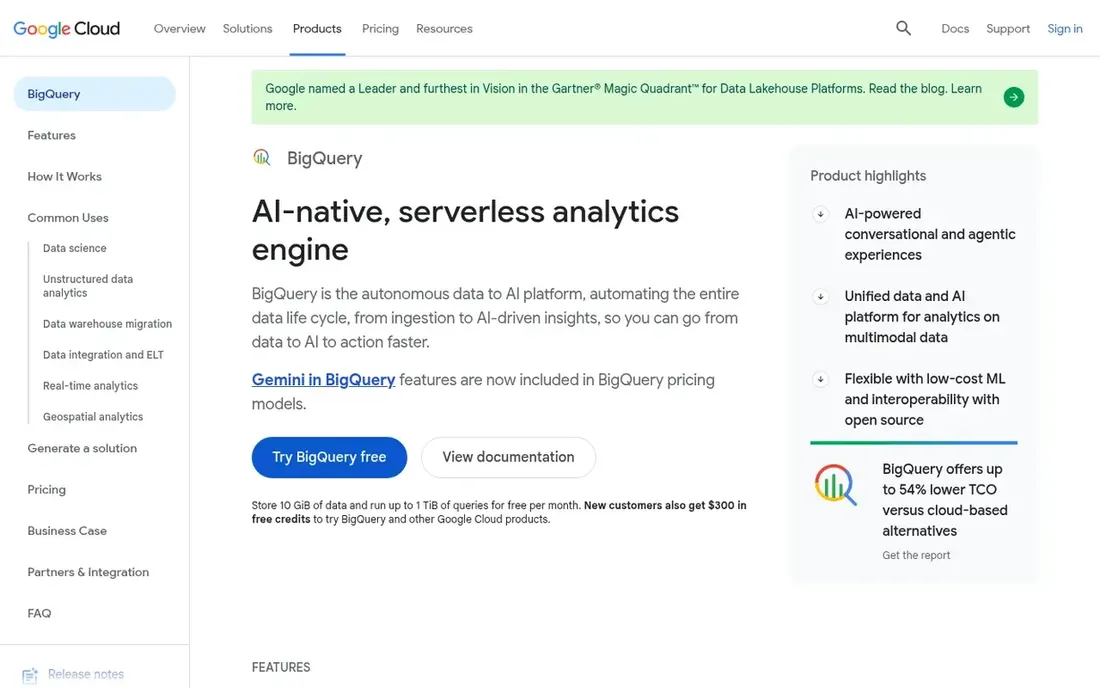
Google BigQuery makes the most sense for managed warehouse with AI automation. Google BigQuery presents itself as an autonomous data and AI platform that automates the whole data life cycle, moving from data to AI to action quicker.
Where it falls short: Costs need careful monitoring.
Gaming teams frequently use it as a central warehouse for player behavior, monetization and live operations reporting, where managed infrastructure and built-in automation cut operational overhead. This comparison lists no price for Google BigQuery; ask the vendor. As for free access: Not stated.
- Serverless-style managed service
- Autonomous data and AI system
- Less centred on sub-second serving
ClickHouse
Best for: High-volume live event analytics
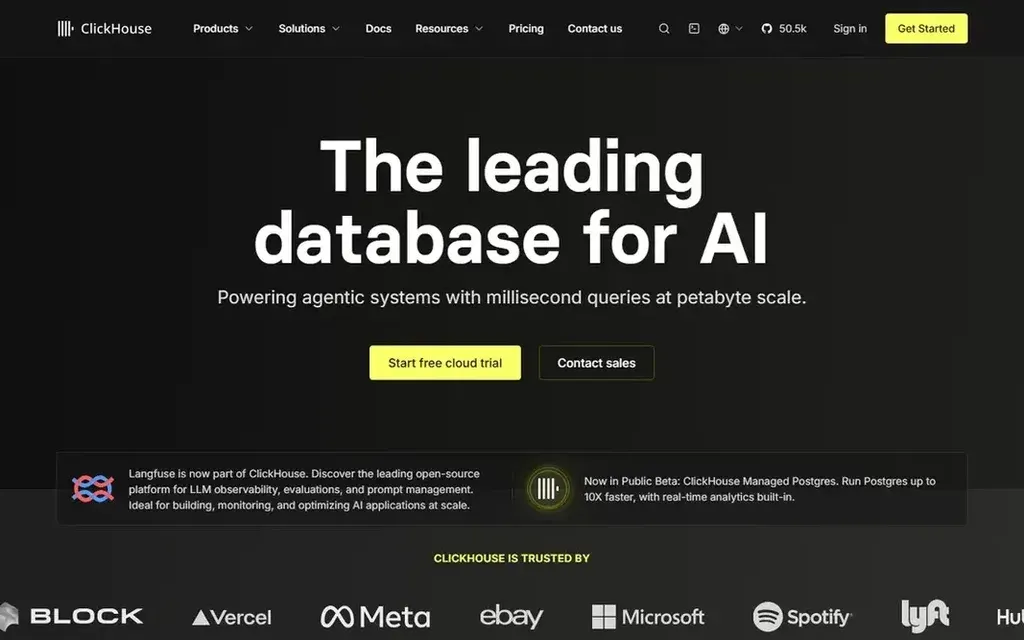
In short, ClickHouse is for high-volume live event analytics. Since ClickHouse is a product instead of a turnkey gaming product, teams have to plan ingestion, schema and operations themselves.
Main advantages: Open and composable system.
What you pay to start with ClickHouse: $0.056 per unit per hour. Free options: Free trial. Where it falls short: Needs operational expertise.
- Spans analytics
- Observability and more
- Wide scope can mean more setup
Apache Pinot
Best for: User-facing apps and AI agents
Apache Pinot is a good fit for user-facing apps and AI agents. Pinot depends on a streaming source and skilled operators to run dependably at scale, so it is not the lightest starting point.
This comparison lists no price for Apache Pinot; ask the vendor. On free options: Not stated.
Downsides: Operationally involved to run.
- Sub-second latency on fresh data
- Open-source distributed OLAP database
- Needs streaming infrastructure
Amazon Kinesis
Best for: Streaming ingestion and live pipelines
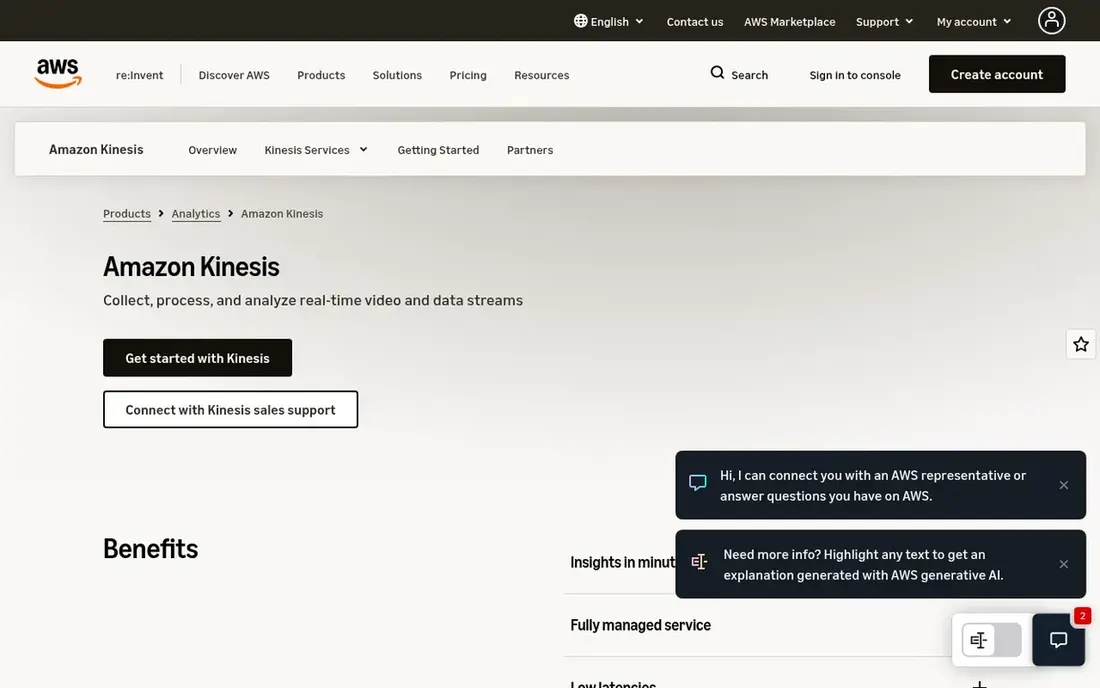
Where Amazon Kinesis fits: streaming ingestion and live pipelines. Amazon Kinesis is built around collecting streaming data, creating a live data pipeline, and analyzing streams for log analytics, event analytics and IoT analytics.
It does well as the ingestion layer beneath a separate analytics engine. Amazon Kinesis shows no starting price here, so confirm the cost on the vendor site. You can start on Amazon Kinesis without paying.
The main drawbacks: Layers on complexity for small teams.
- Supports logs
- Suits AWS-centric architectures
- Concentrated on ingestion more than dashboards
Pick Databricks if this describes you: unified data, analytics and AI work. Databricks provides a unified product for data, analytics and AI, with a data-centric approach that eases ETL, data warehousing, governance and AI work.
Honest limits: Wide system with a ramp-up time.
For everyday use, the system is wide, and smaller studios may find it heavier than needed for straightforward live dashboards. Databricks does not show a starting price in this comparison, so check the vendor site for current pricing. As for free access: Not stated.
- Spans ETL
- Unified data and AI system
- Overkill for narrow reporting needs
What went into this list
LinkVetted looked at what each vendor publishes: pricing, plan limits, feature coverage for Real-Time analytics software for gaming and stated drawbacks. No hands-on testing is claimed. Treat prices as a snapshot: vendors change plans often, so check the vendor site for the figure that applies today. Tools are placed by general fit for Real-Time analytics software for gaming, with price clarity and free access as tie-breakers. A different team can reasonably rank them differently.
Questions to settle before buying
- Get a written quote from SingleStore, Google BigQuery, Apache Pinot and others; the list shows no starting price for them.
- Test the free plan from Amazon Kinesis against your real workload before relying on it.
- Use real work to test the free trial from ClickHouse, rather than a demo project.
- Read the limits listed for SingleStore first: needs careful workload design.
- Before you load data into ClickHouse, check what an export looks like and who can run it.
- Ask the daily users to test Apache Pinot on a live task before you roll it out to everyone.
FAQ
Is SingleStore the right pick for everyone comparing Real-Time analytics software for gaming?
No single tool suits every team. SingleStore comes first because it fits live reads and writes in one engine, while Google BigQuery suits managed warehouse with AI automation and ClickHouse suits high-volume real-time event analytics. Match the tool to your own size, budget and workflow before deciding.
Which options for Real-Time analytics software for gaming have a free plan?
Amazon Kinesis is the only tool in this list with a free plan. Free plans usually cap users, projects or features, so check the limits on the vendor page. One other tool offers a trial instead.
What makes live analytics different for gaming?
Gaming analytics often involves continuous event streams from players, so products must ingest data rapidly and answer queries whereas that data is still fresh. Latency and concurrency matter more than in traditional batch reporting, notably for live dashboards and player-facing features.
Can I try these tools before paying?
Often, yes. Amazon Kinesis has a free plan and ClickHouse offers a free trial. Use your own data and a real task during the test, and check what the free tier or trial limits before you rely on it.
Do these tools publish their prices?
Not all of them. SingleStore, Google BigQuery, Apache Pinot and others publish no starting price, so expect a quote request for those. The rest, ClickHouse included, show a starting price, though seats and billing terms still change the final cost.
Sources
- https://www.singlestore.com
- https://cloud.google.com/bigquery
- https://clickhouse.com
- https://pinot.apache.org
- https://aws.amazon.com/kinesis
- https://www.databricks.com