Choosing Quality Management Software for Contractors in 2026: 6 Options Compared
Searching for the best quality management software for contractors? Here are 6 options with prices and free plans. Real limits included. Updated for 2026.
- Editor's choice
 SafetyCulture
Site inspections and workplace operations
Starts at$24 per seat per monthVisit safetyculture.comFull review - Great alternative
 MasterControl
Regulated manufacturing quality and compliance
Starts atSee websiteVisit mastercontrol.comFull review - Also consider
 Procore
Construction quality tied to project delivery
Starts atSee websiteVisit procore.comFull review
Direct answer
For site inspections and workplace operations, SafetyCulture is where this list starts. Listed starting prices: SafetyCulture from $24 per seat per month and Fieldwire from $39 per user a month. MasterControl is the stronger choice for regulated manufacturing quality and compliance, while Procore suits Construction quality tied to project delivery. Prices, free plans and limits for all 6 tools follow.
TL;DR:
- This list starts with SafetyCulture, which is built for site inspections and workplace operations.
- Only 2 of the 6 tools have a free plan (SafetyCulture, Fieldwire), so check the caps.
- The lowest published monthly entry price here is $24 per seat per month, from SafetyCulture.
- For collaborative project teams and design-linked quality, Autodesk Construction Cloud is worth a look.
- Procore comes with a trade-off: broad system to configure.
Last checked November 2026. Prices and plan details were read from the vendors' own pages in November 2026; vendors change plans often, so confirm the current price on the vendor site before you buy.
Quick comparison
| Tool | Best for | Starts at | Free plan? | |
|---|---|---|---|---|
| SafetyCulture | Site inspections and workplace operations | $24 per seat per month | Yes | Visit |
| MasterControl | Regulated manufacturing quality and compliance | See website | Not stated | Visit |
| Procore | Construction quality tied to project delivery | See website | Not stated | Visit |
 Intelex | Scalable EHS and quality workflows | See website | Not stated | Visit |
 Fieldwire | Jobsite task and drawing tracking | $39 per user a month | Yes | Visit |
 Autodesk Construction Cloud | Collaborative project teams and design-linked quality | See website | Not stated | Visit |
6 quality management software for contractors in detail
This LinkVetted guide covers 6 quality management software for contractors. Each profile lists a starting price, free plan details, strengths and drawbacks, so you can drop poor fits quickly.
In short, SafetyCulture is for site inspections and workplace operations. SafetyCulture, presented as Mitti, is a workplace operations system that helps teams work safely, meet higher standards and see what is happening across every site.
The main drawbacks: Less depth in construction scheduling.
It fits contractors who want inspections, checks and operational standards captured consistently in the field. What you pay to start with SafetyCulture: $24 per seat per month. A free plan is available with SafetyCulture.
- Visibility across every site
- Spans safety and operations checks
- General operations focus
MasterControl is built with regulated manufacturing quality and compliance in mind. MasterControl supplies manufacturing execution and quality management software that helps regulated industries like life sciences ensure compliance, cut risks and boost product quality and safety.
Where it is weaker: Not a construction field tool.
On top of that, contractors doing general building work should look at construction-focused products instead. Beyond that, organizations facing formal regulatory scrutiny are the clearest match. Pricing for MasterControl is not stated here, so ask the vendor for current figures. Free access: Not stated.
- MES and QMS combined
- Aimed at regulated industries
- Geared toward manufacturing
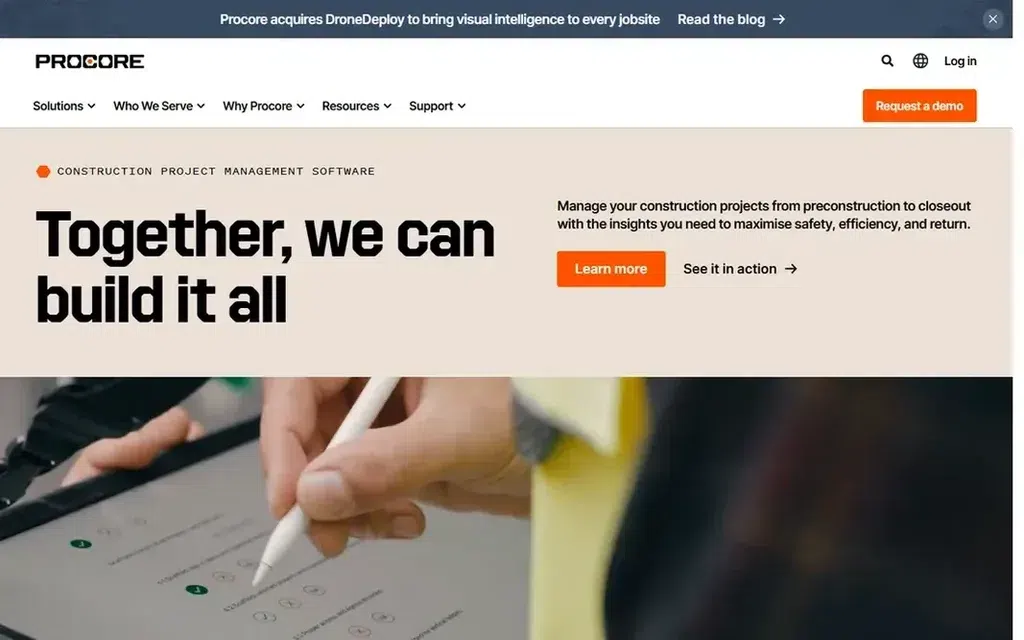
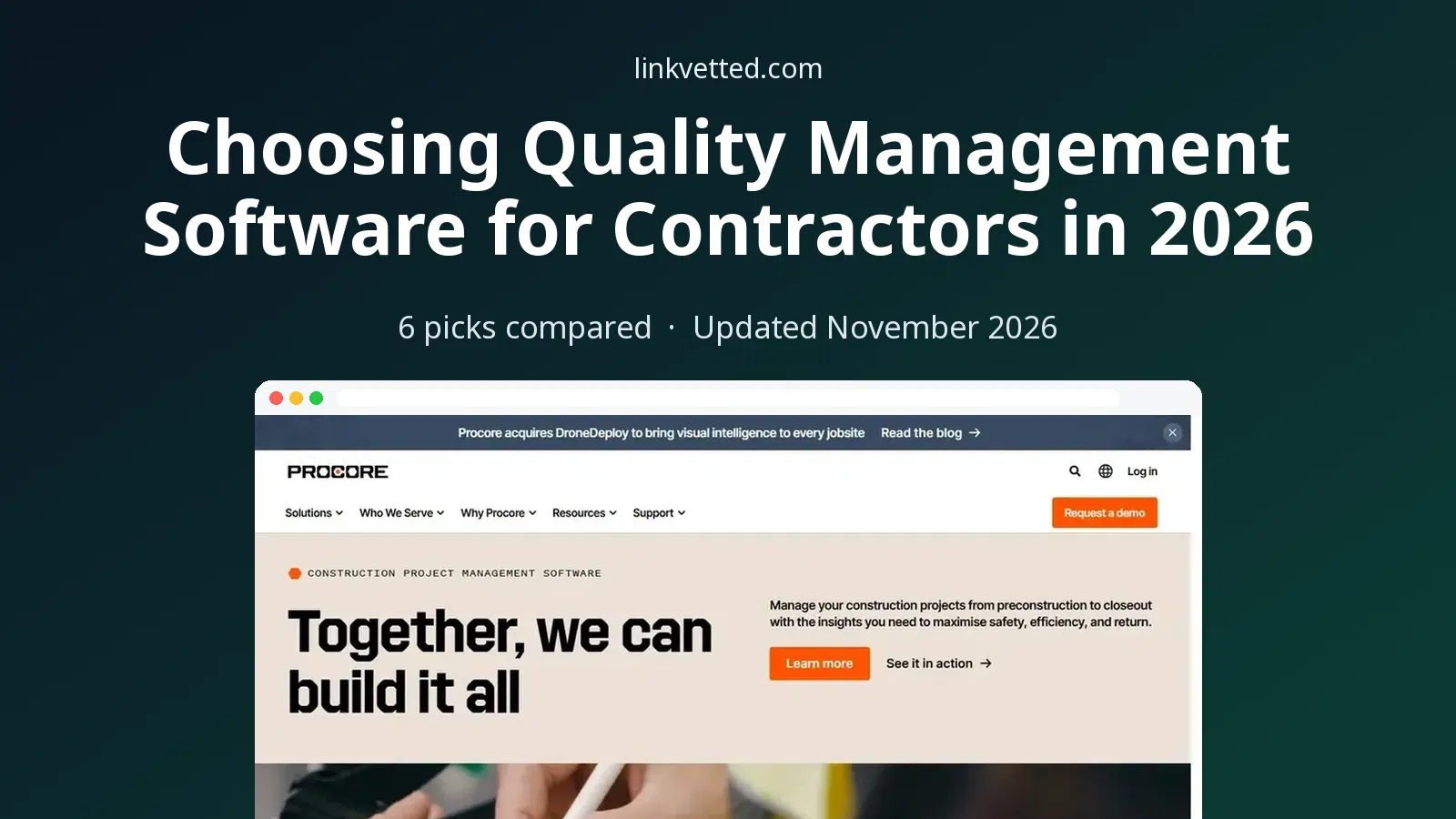
Procore is aimed squarely at Construction quality tied to project delivery. Organizations whose quality work is largely regulated product manufacturing should look at a dedicated quality management system instead. Since it is a wide construction product, setup and administration take effort, and smaller crews may find more capability than they need.
Quality workflows sit alongside project management, which suits general contractors and builders who want inspections, observations and quality records in the same place as schedules and documents. For everyday use, Procore is a construction management product that links the jobsite with the office so teams share live visibility. Procore does not show a starting price in this comparison, so check the vendor site for current pricing. Free plan details: Not stated.
Limits to weigh: Less suited to pure manufacturing.
- Links site and office teams
- Live project visibility
- Wide product to configure
Intelex works best for scalable EHS and quality workflows. Intelex supplies EHS and quality management software geared toward simplifying workflow processes, ensuring compliance and mitigating risk.
Where it is weaker: Less field-first for small crews.
In practice, contractors with formal compliance obligations and several sites are the usual audience. More specifically, smaller contractors wanting fast jobsite inspections may find a lighter field tool more practical. Intelex shows no starting price here, so confirm the cost on the vendor site. Free options: Not stated.
- Scalable for bigger operations
- EHS and quality in one system
- Heavier configuration
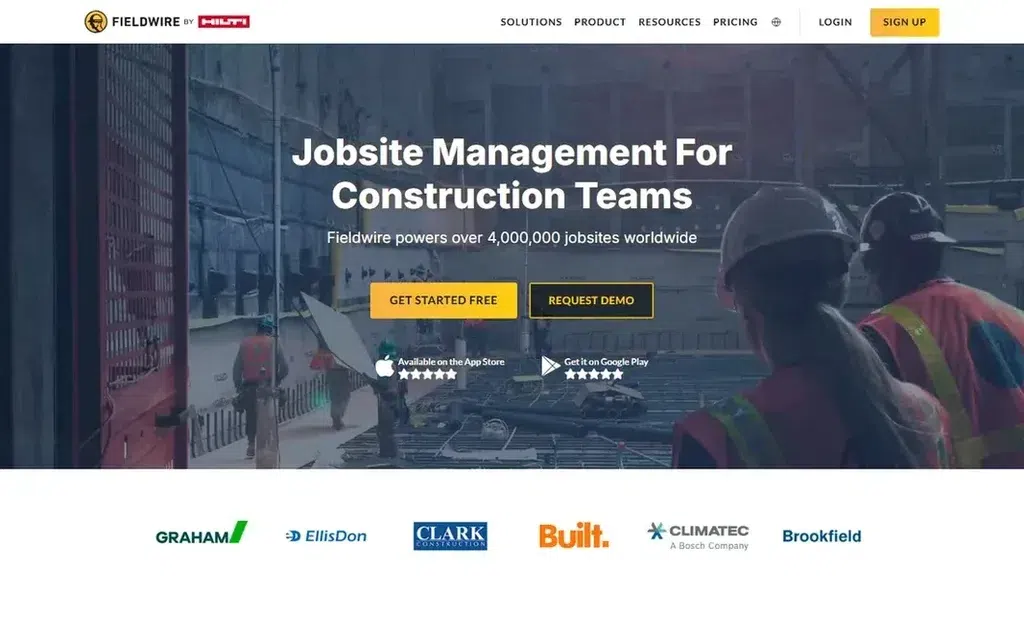
Fieldwire works best for Jobsite task and drawing tracking. Fieldwire by Hilti is live jobsite management software for tracking tasks, updating drawings and reducing expensive rework.
As for the details, pick a dedicated quality management system when regulatory documentation is the priority. In practice, owners, general contractors and subcontractors use it to keep field teams aligned on what needs doing and where. The starting price for Fieldwire: $39 per user per month. Fieldwire has a free plan.
Where it is weaker: Narrower than full quality systems.
- Task tracking tied to drawings
- Aims to cut expensive rework
- Best value with field adoption
Autodesk Construction Cloud
Best for: Collaborative project teams and design-linked quality
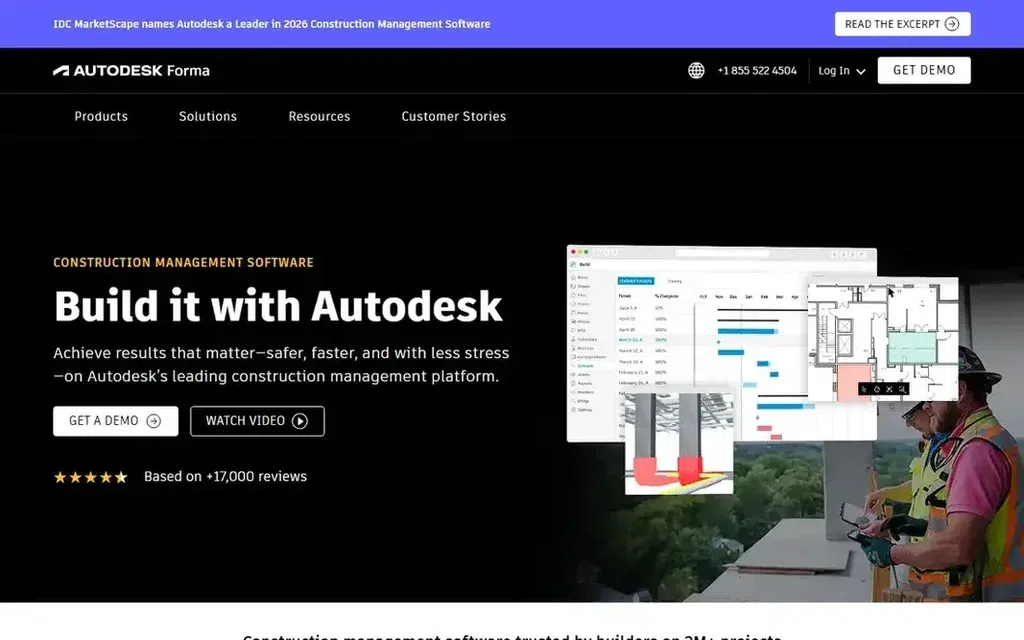
Autodesk Construction Cloud makes the most sense for collaborative project teams and design-linked quality. Autodesk Construction Cloud, described as Autodesk Forma, hands project teams a place to collaborate securely and rapidly so projects finish on time and on budget. From a buyer's view, the system spans numerous modules, so what you get for quality relies on which ones you adopt.
Points against: Requires team onboarding.
Teams need onboarding to use it well. From a buyer's view, contractors wanting a more straightforward field inspection tool may prefer a more focused choice. This comparison lists no price for Autodesk Construction Cloud; ask the vendor. Trial and free access: Not stated.
- Secure team collaboration
- On-budget delivery
- Feature depth varies by module
How these tools were picked
The comparison looks at four things: starting price, free access, how well the feature set matches quality management software for contractors, and the main limit of each tool. Where a vendor does not publish a price, the entry says quote. Where a price depends on seats or billing term, the entry says so. The order reflects how well each tool fits the most common buying scenario for quality management software for contractors, then price clarity, then free plan access. It is a starting point, not a verdict.
Questions to settle before buying
- Get a written quote from MasterControl, Procore, Intelex and Autodesk Construction Cloud; the list shows no starting price for them.
- Check what the free option really includes: SafetyCulture and Fieldwire offer a free plan, and usage caps differ.
- Before choosing SafetyCulture, weigh its main limit: general operations focus.
- Before rolling out Autodesk Construction Cloud, verify the integrations your workflow depends on.
- Confirm the exact Intelex plan that includes your must-have features.
FAQ
How do I choose between EHS-focused and quality-focused products?
Choose a quality-focused eQMS when document control, audits and compliance are the primary need, and add a field tool for jobsite capture.
Can I try these tools before paying?
Often, yes. SafetyCulture and Fieldwire have a free plan. Use your own data and a real task during the test, and check what the free tier or trial limits before you rely on it.
What is the cheapest option for quality management software for contractors in this list?
On published monthly entry prices, SafetyCulture is the lowest here at $24 per seat per month. Entry price is only part of the cost, because seats, add-ons and billing terms can change the total. Each of the 6 options in this quality management software for contractors guide has its own card above with the price, free plan and limits.
Do these tools publish their prices?
Not all of them. MasterControl, Procore, Intelex and Autodesk Construction Cloud publish no starting price, so expect a quote request for those. The rest, SafetyCulture included, show a starting price, though seats and billing terms still change the final cost.
Which options for quality management software for contractors have a free plan?
On this list, SafetyCulture and Fieldwire include a free plan. Caps on seats, usage or features are common, so test the free plan against your real workload.
Sources
- https://safetyculture.com
- https://www.mastercontrol.com
- https://www.procore.com
- https://www.intelex.com
- https://www.fieldwire.com
- https://construction.autodesk.com