6 Punch Clock App for Small Retail Worth Shortlisting in 2026
Compare 6 picks for the best punch clock app for small retail, with prices, free plans and who each fits. Every entry states what it lacks. Read the profiles.
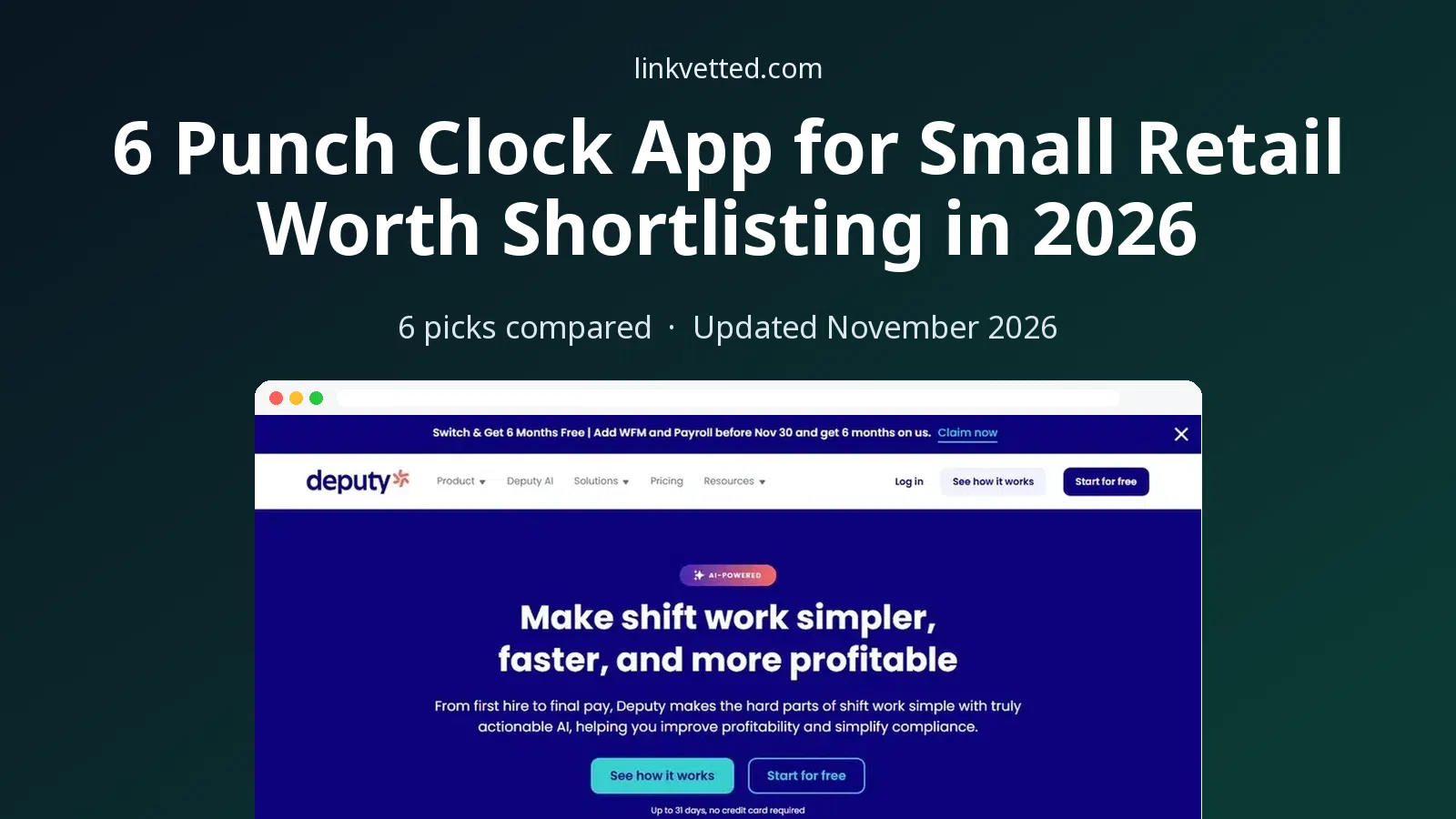
- Editor's choice
 Sling
Shift scheduling and planning
Starts at$1.70 per user per monthVisit getsling.comFull review - Great alternative
 QuickBooks Time
Time tracking tied to QuickBooks payroll
Starts atSee websiteVisit quickbooks.intuit.comFull review - Also consider
 Deputy
Scheduling with labor forecasting
Starts at$5 per user per monthVisit deputy.comFull review
Direct answer
Sling leads the list, best for shift scheduling and planning. Listed starting prices: Sling from $1.70 per user per month, Deputy from $5 per user per month and Homebase from $30 per location a month. Look at QuickBooks Time for Time tracking tied to QuickBooks payroll, and at Deputy for scheduling with labor forecasting. All 6 tools are compared below on price, free plan and limits.
TL;DR:
- Sling is the opening pick, best for shift scheduling and planning.
- Only 3 of the 6 tools have a free plan (Sling, Homebase, Connecteam), so check the caps.
- The cheapest monthly starting price in the list is $1.70 per user per month, offered by Sling.
- For shift scheduling with team messaging, When I Work is worth a look.
- Homebase comes with a trade-off: may be more than a straightforward punch clock needs.
Last checked November 2026. Prices and plan details were read from the vendors' own pages in November 2026; vendors change plans often, so confirm the current price on the vendor site before you buy.
Quick comparison
| Tool | Best for | Starts at | Free plan? | |
|---|---|---|---|---|
| Sling | Shift scheduling and planning | $1.70 per user per month | Yes | Visit |
| QuickBooks Time | Time tracking tied to QuickBooks payroll | See website | Not stated | Visit |
| Deputy | Scheduling with labor forecasting | $5 per user per month | Free trial | Visit |
 Homebase | All-in-one hourly team management | $30 per location a month | Yes | Visit |
 Connecteam | Frontline team management in one app | $29 a month | Yes | Visit |
 When I Work | Shift scheduling with team messaging | $2.50 per user a month | Free trial | Visit |
6 options for punch clock app for small retail in detail
This LinkVetted guide covers 6 options for punch clock app for small retail. Each profile lists a starting price, free plan details, strengths and drawbacks, so you can drop poor fits quickly.
Sling was built for shift scheduling and planning. Sling is employee shift scheduling and planning software that helps companies handle shifts and communicate with employees.
Points against: Payroll needs separate handling.
Sling centers on scheduling and planning, so dedicated time tracking and payroll may need separate tools. In practice, choose Sling when shift planning and employee communication are the central needs and time tracking can be handled alongside it. The starting price for Sling: $1.70 per user per month. Sling offers a free plan.
- Bundles employee communication
- Concentrates on shift scheduling and planning
- Time tracking is not the headline feature
QuickBooks Time works best for Time tracking tied to QuickBooks payroll. The tool is most valuable inside the QuickBooks ecosystem, so shops using other accounting software may not get the same benefit.
Choose QuickBooks Time when payroll integration is the deciding factor, and a lighter tracker when it is not. No starting price is listed for QuickBooks Time here; confirm pricing on the vendor site. Free access: Not stated.
What to check first: Job and GPS features may exceed straightforward needs.
- Tracks employee time, jobs, GPS
- Links time tracking with payroll
- Most handy within the QuickBooks ecosystem
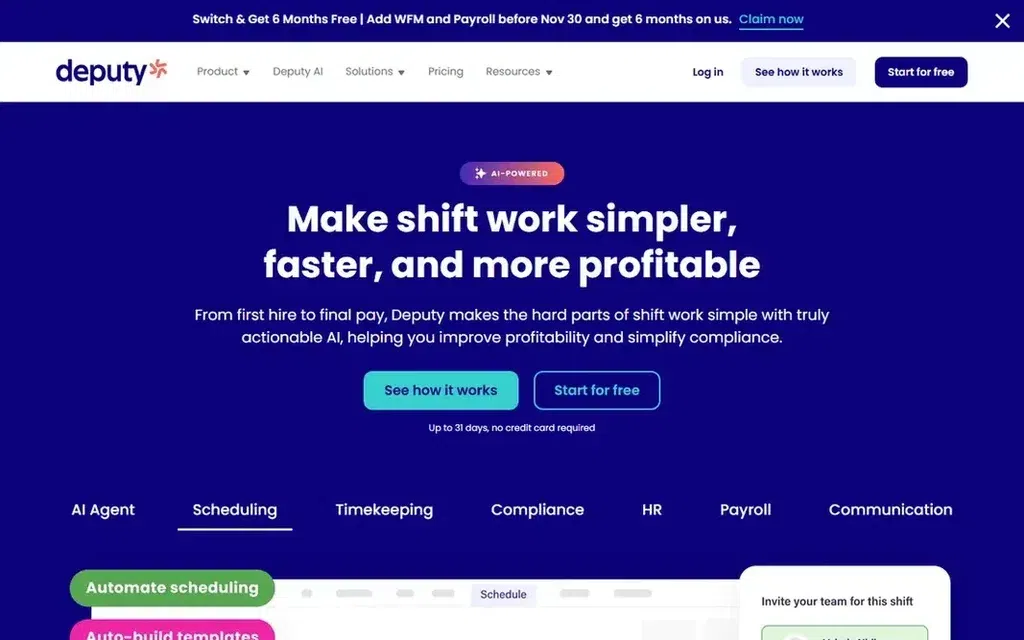
Where Deputy fits: scheduling with labor forecasting. Deputy is employee scheduling, HR, and payroll software that also offers AI labor forecasting. Worth adding: the range of features can be more than a small shop needs if the goal is just a punch clock.
The main drawbacks: Setup can take more planning.
Also, consider Deputy when labor planning and scheduling are priorities, and look at a more straightforward tracker if you only need clock-in records. Getting forecasting and HR modules configured takes some planning. For retail, forecasting can help match staffing to expected busy periods, whereas scheduling and time tracking keep daily hours organized. Price to start with Deputy: $5 per user per month. Free access: Free trial.
Highlights: payroll software.
- Scheduling, HR
- Comes with AI labor forecasting
- Wide feature set may overwhelm small shops
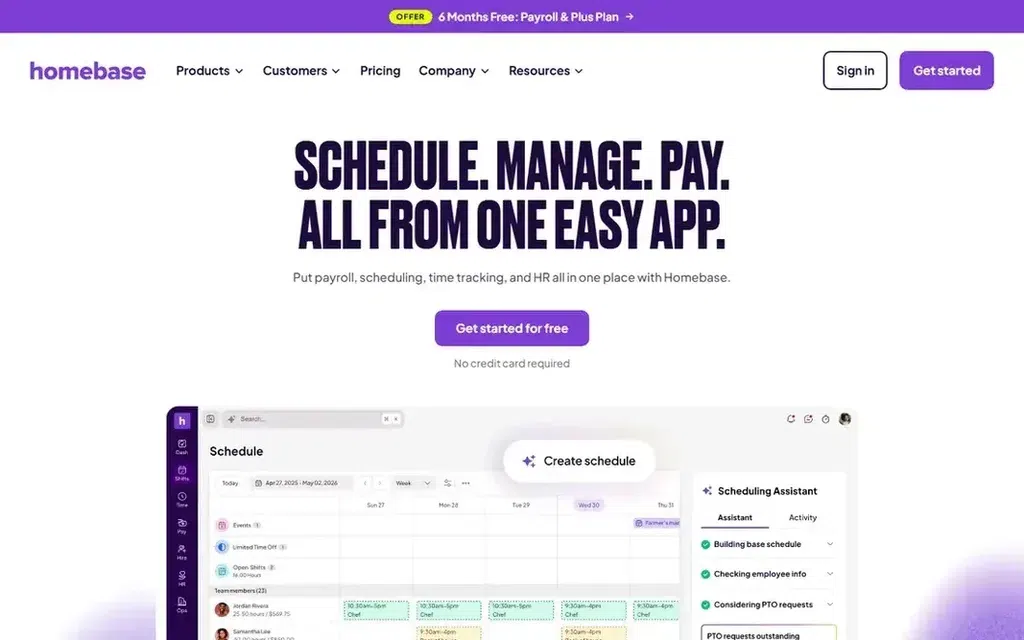
Think of Homebase for all-in-one hourly team management. Teams that already run payroll elsewhere may prefer a more straightforward tracker, and companies wanting only shift scheduling may find a dedicated scheduler lighter. For a small retail shop, that means staff can clock in and out whereas managers build schedules and move hours toward payroll without stitching tools together.
More specifically, since it spans multiple functions, the app can feel broader than a shop that only needs basic punch in and punch out. On top of that, consider Homebase when you want time clocks and payroll side by side. Homebase is an all-in-one employee management app that brings scheduling, time clocks, payroll, and hiring into one place. Starting cost for Homebase: $30 per location per month. Homebase has a free plan.
Where it is weaker: May be more than a straightforward punch clock needs.
- Time clocks, payroll
- Aimed at hourly teams in small business
- Feature depth varies by module
Connecteam is a good fit for frontline team management in one app. Since it spans scheduling, time tracking, and messaging, there are multiple features to configure before it suits your workflow.
What Connecteam does well: time tracking.
Drawbacks to consider: May be broader than a punch clock alone.
Consider Connecteam when communication and scheduling sit alongside time tracking in daily operations. Connecteam is an employee management app made for frontline teams, combining scheduling, time tracking, and communication with clarity and control. Price to start with Connecteam: $29 per month. Connecteam includes a free tier.
- Designed for frontline teams
- Scheduling
- Plenty of features to configure
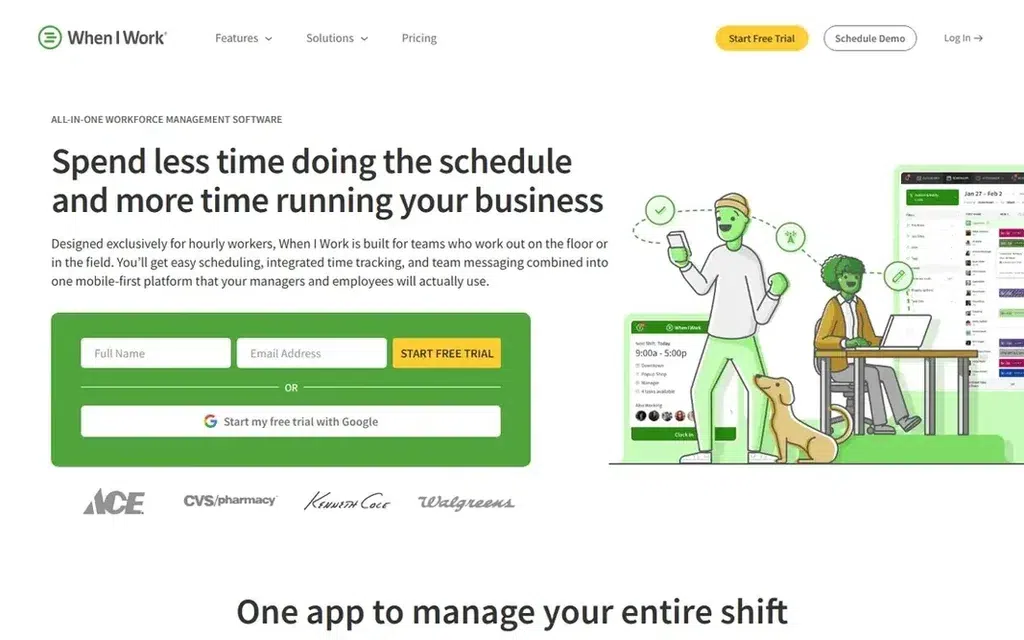
When I Work makes the most sense for shift scheduling with team messaging. Pick When I Work when shift coordination and team communication matter most.
Where it falls short: A good match for shift-based teams.
It fits shops that put scheduling at the center of daily operations and want messaging built in. Starting cost for When I Work: $2.50 per user per month. Trial and free access: Free trial.
- Contains team messaging
- Schedules shifts and tracks time in one app
- Payroll is not the core focus
How we compared the tools
Selection started from tools commonly considered for punch clock app for small retail, then narrowed to 6 that have clear pricing information or a clear quote process. Where a price is missing, the vendor does not list one publicly or ties it to a quote. Always confirm before budgeting. Tools are placed by general fit for punch clock app for small retail, with price clarity and free access as tie-breakers. A different team can reasonably rank them differently.
Questions to settle before buying
- Get a written quote from QuickBooks Time; the list shows no starting price for them.
- Check what the free option really includes: Sling, Homebase and Connecteam offer a free plan, and usage caps differ.
- Take the trial from Deputy and When I Work and push a live task through it before you pay.
- Before choosing Sling, weigh its main limit: Time tracking is not the headline feature.
- List the apps you already depend on and check that Deputy supports each one on the plan you would buy.
- Test how quickly Homebase answers a pre-sales question; it hints at how support will feel later.
FAQ
What is the cheapest option for punch clock app for small retail in this list?
On published monthly entry prices, Sling is the lowest here at $1.70 per user per month. Entry price is only part of the cost, because seats, add-ons and billing terms can change the total. Prices, free plan details and limits for all 6 tools in this punch clock app for small retail roundup sit on the individual cards above.
Can a punch clock app manage payroll too?
Some apps, including Homebase and QuickBooks Time, link time tracking with payroll. Check how hours move from the clock to payroll before you commit, particularly if you already use accounting software.
Can I try these tools before paying?
Often, yes. Sling, Homebase and Connecteam have a free plan and Deputy and When I Work offer a free trial. Use your own data and a real task during the test, and check what the free tier or trial limits before you rely on it. Each of the 6 options in this punch clock app for small retail guide has its own card above with the price, free plan and limits.
Do these tools publish their prices?
Not all of them. QuickBooks Time publishes no starting price, so expect a quote request for it. The rest, Sling included, show a starting price, though seats and billing terms still change the final cost.
How are the tools for punch clock app for small retail ordered?
Sling sits first and When I Work last because the order follows typical fit for punch clock app for small retail, then price clarity and free access. It is a judgement call, so read each profile for fit and limits.
Sources
- https://getsling.com
- https://quickbooks.intuit.com/time-tracking
- https://www.deputy.com
- https://www.joinhomebase.com
- https://connecteam.com
- https://wheniwork.com