Top 5 Productivity Software for Law Firms for 2026 (Prices and Free Plans)
Compare 5 best productivity software for law firms, with prices, free plans and who each fits. Every pick includes one clear drawback. Jump to the table.
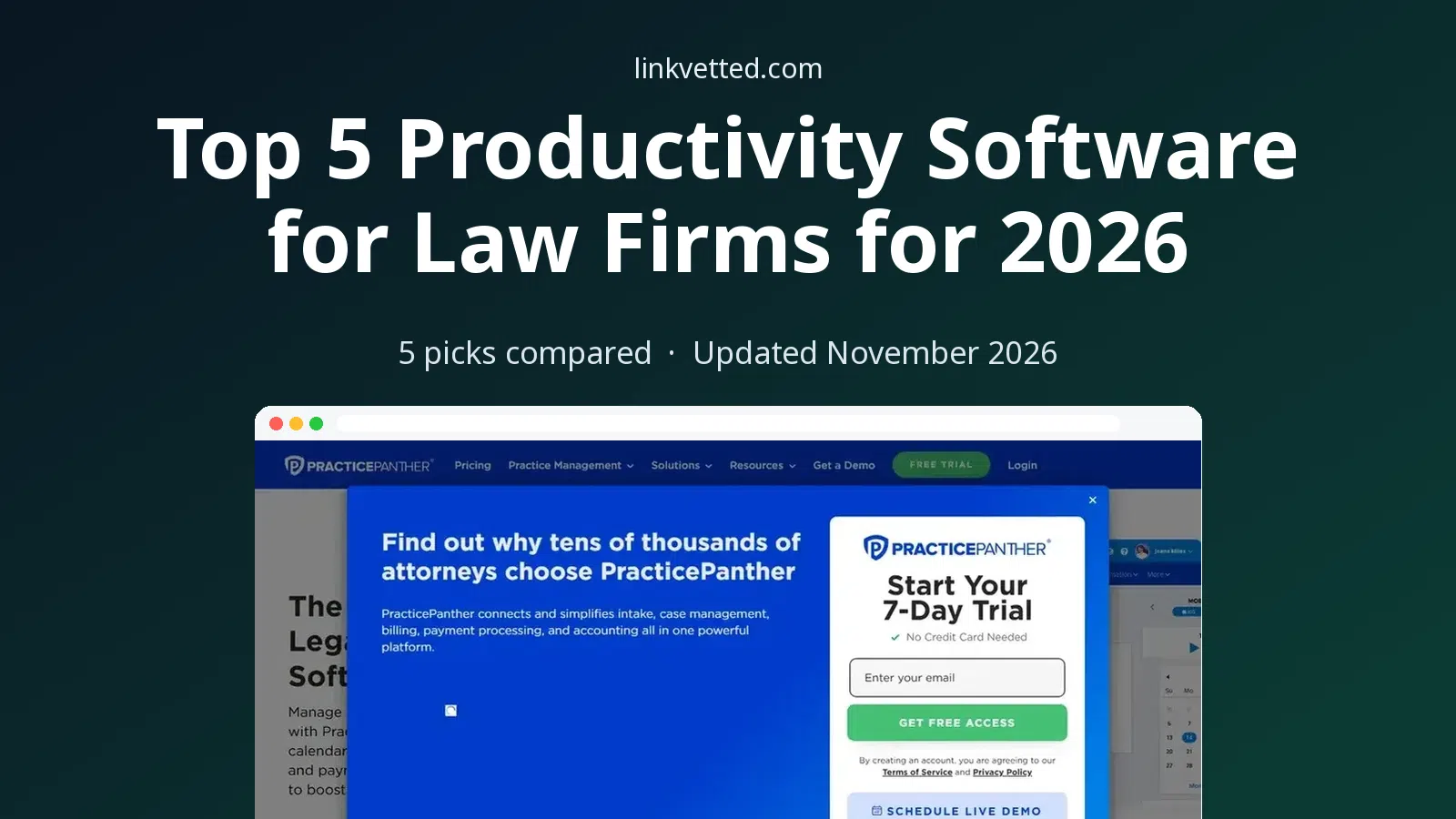
- Editor's choiceLexisNexis
Legal research and information sources
Starts atSee websiteVisit lexisnexis.comFull review - Great alternative
 PracticePanther
Automating billing, time tracking and firm processes
Starts at$49 per user per monthVisit practicepanther.comFull review - Also consider
 Filevine
Legal case management with AI assistance
Starts atSee websiteVisit filevine.comFull review
Direct answer
This list puts LexisNexis first for legal research and information sources. Listed starting prices: PracticePanther from $49 per user per month and MyCase from $50 per user per month. PracticePanther is better for automating billing, time tracking and firm processes, and Filevine is better for legal case management with AI assistance. Prices, free plans and limits for all 5 tools follow.
TL;DR:
- Number one here is LexisNexis, a fit for legal research and information sources.
- MyCase suits all-in-one practice and billing management.
- A permanent free plan is missing from all 5 tools, LexisNexis and MyCase included; plan for a trial or a premium start.
- For the cheapest start, look at PracticePanther: $49 per user per month.
Last checked November 2026. Prices and plan details were read from the vendors' own pages in November 2026; vendors change plans often, so confirm the current price on the vendor site before you buy.
Quick comparison
| Tool | Best for | Starts at | Free plan? | |
|---|---|---|---|---|
| LexisNexis | Legal research and information sources | See website | Not stated | Visit |
| PracticePanther | Automating billing, time tracking and firm processes | $49 per user per month | Free trial | Visit |
| Filevine | Legal case management with AI assistance | See website | Free trial | Visit |
| iManage | Knowledge management for legal and professional services | See website | Not stated | Visit |
 MyCase | All-in-one practice and billing management | $50 per user per month | Free trial | Visit |
The full productivity software for law firms list
Short on time? The summary and table above give the quick view of 5 productivity software for law firms, and the profiles that follow give the detail behind each entry.
LexisNexis
Best for: Legal research and information sources
LexisNexis makes the most sense for legal research and information sources. LexisNexis is a provider of legal, government, business and high-tech information sources. In daily use, for law businesses, it supports the research side of productivity, helping attorneys and staff locate authoritative information, which complements practice management and document systems instead of replacing them.
It does not handle cases, billing or document workflows for the firm. On top of that, businesses should treat it as a research layer and select practice management or document software separately to handle operational tasks. This comparison lists no price for LexisNexis; ask the vendor. As for free access: Not stated.
Reasons to shortlist it: Research support for legal work. Where it falls short: Needs pairing with management software.
- Legal and business information sources
- Wide content provider
- Research focus instead of firm operations
PracticePanther
Best for: Automating billing, time tracking and firm processes

PracticePanther makes the most sense for automating billing, time tracking and firm processes. If your firm's main gap is document and email management or legal research, a dedicated system may serve better.
Honest limits: Feature depth varies by practice area.
In practice, check how well its automation maps to your existing billing and matter workflows before deciding. The starting price for PracticePanther: $49 per user per month. Free access: Free trial.
- Practice management in one system
- Automates firm processes for example billing
- May overlap with tools you already use
Filevine is designed for legal case management with AI assistance. Filevine presents itself as a legal AI product for law businesses and legal teams, with its homepage identifying LOIS as Filevine.
What to check first: Smaller businesses may prefer more straightforward systems.
From a buyer's view, confirm how its capabilities align with your practice areas and existing document processes. In daily use, businesses that want a straightforward billing and case management system without an AI emphasis may find simpler choices simpler to adopt. Check the vendor site for Filevine pricing; none is listed in this comparison. Free options: Free trial.
- Aimed at legal team workflows
- Legal product geared toward law businesses and legal teams
- AI focus may be more than some businesses need
iManage
Best for: Knowledge management for legal and professional services
iManage is built with knowledge management for legal and professional services in mind. Businesses seeking an all-in-one practice management system may prefer a broader tool, whereas iManage performs best alongside one.
Honest limits: Knowledge focus may not handle billing needs.
It suits businesses that treat accumulated documents and expertise as a core asset and want that knowledge organized and usable across teams. Pricing for iManage is not stated here, so ask the vendor for current figures. Free plan details: Not stated.
- Handles and activates firm knowledge
- Links people with AI securely
- Needs integration with practice management tools
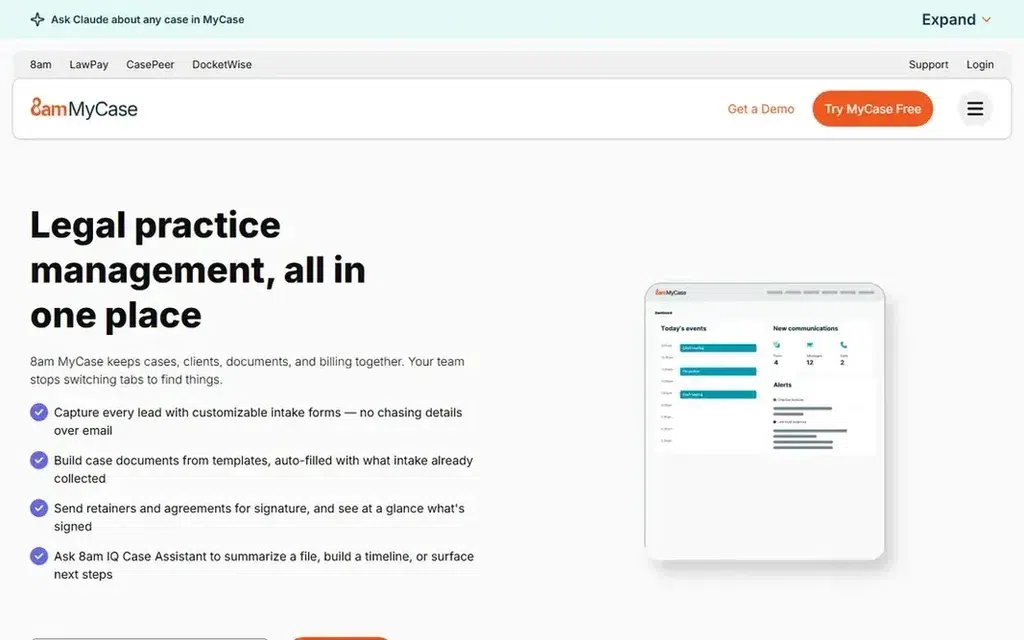
Think of MyCase for all-in-one practice and billing management. MyCase is legal practice management software positioned around running a profitable firm rather than only managing cases. Its homepage describes cases, clients, billing and payments living in one place, which fits small to midsize businesses that want fewer separate systems and a clearer view of matter and financial activity together.
Limits to weigh: Wide scope may exceed small firm needs.
What users get: Cases, clients.
On top of that, since it spans plenty of functions, businesses with very specific document automation or research needs may still pair it with dedicated tools. Consider alternatives if your priority is automatic time capture or deep document management instead of a consolidated practice management hub. The starting price for MyCase: $50 per user per month. Free options: Free trial.
- Billing and payments in one place
- Merges case management with payment handling
- Less specialized for deep document automation
How we chose
Things to verify first
- Ask LexisNexis, Filevine and iManage for a written quote, since no starting price is shown.
- Use real work to test the free trial from PracticePanther, Filevine and MyCase, rather than a demo project.
- Before choosing LexisNexis, weigh its main limit: research focus instead of firm operations.
- Check whether Filevine bills monthly or annually, and what cancelling early costs.
- Price PracticePanther for your actual team size; headline prices rarely include add-ons or overage.
FAQ
What is the cheapest option for productivity software for law firms in this list?
On published monthly entry prices, PracticePanther is the lowest here at $49 per user per month. Entry price is only part of the cost, because seats, add-ons and billing terms can change the total. All 5 picks in this productivity software for law firms comparison list a starting price, free plan details and the main limits on their cards above.
Does any tool for productivity software for law firms here have a free plan?
No tool in this list, LexisNexis and MyCase included, has a permanent free plan. PracticePanther, Filevine, MyCase offer a trial. Trials and quotes are the usual route, so plan a short evaluation period.
Do these tools publish their prices?
Not all of them. LexisNexis, Filevine and iManage publish no starting price, so expect a quote request for those. The rest, PracticePanther included, show a starting price, though seats and billing terms still change the final cost.
Can I try these tools before paying?
Often, yes. PracticePanther, Filevine and MyCase offer a free trial. Use your own data and a real task during the test, and check what the free tier or trial limits before you rely on it.
Can these tools work together in one firm?
Yes, businesses often combine a practice management system with document management and research tools. The key is confirming integrations and avoiding duplicate storage of the same matter information across systems.
How should a small firm choose among these tools?
Start with the biggest bottleneck, whether that is billing, time capture, documents or research. A consolidated practice management system may cut the number of systems to handle, whereas specialized tools can go deeper in one area. Confirm fit on vendor sites before deciding.
Sources
- https://www.lexisnexis.com
- https://www.practicepanther.com
- https://www.filevine.com
- https://imanage.com
- https://www.mycase.com