Best Product Analytics Software for Remote Teams for 2026: Our 6 Vetted Picks
Compare 6 best product analytics software for remote teams, with prices, free plans and who each fits. Plus the drawbacks of each tool. Updated for 2026.
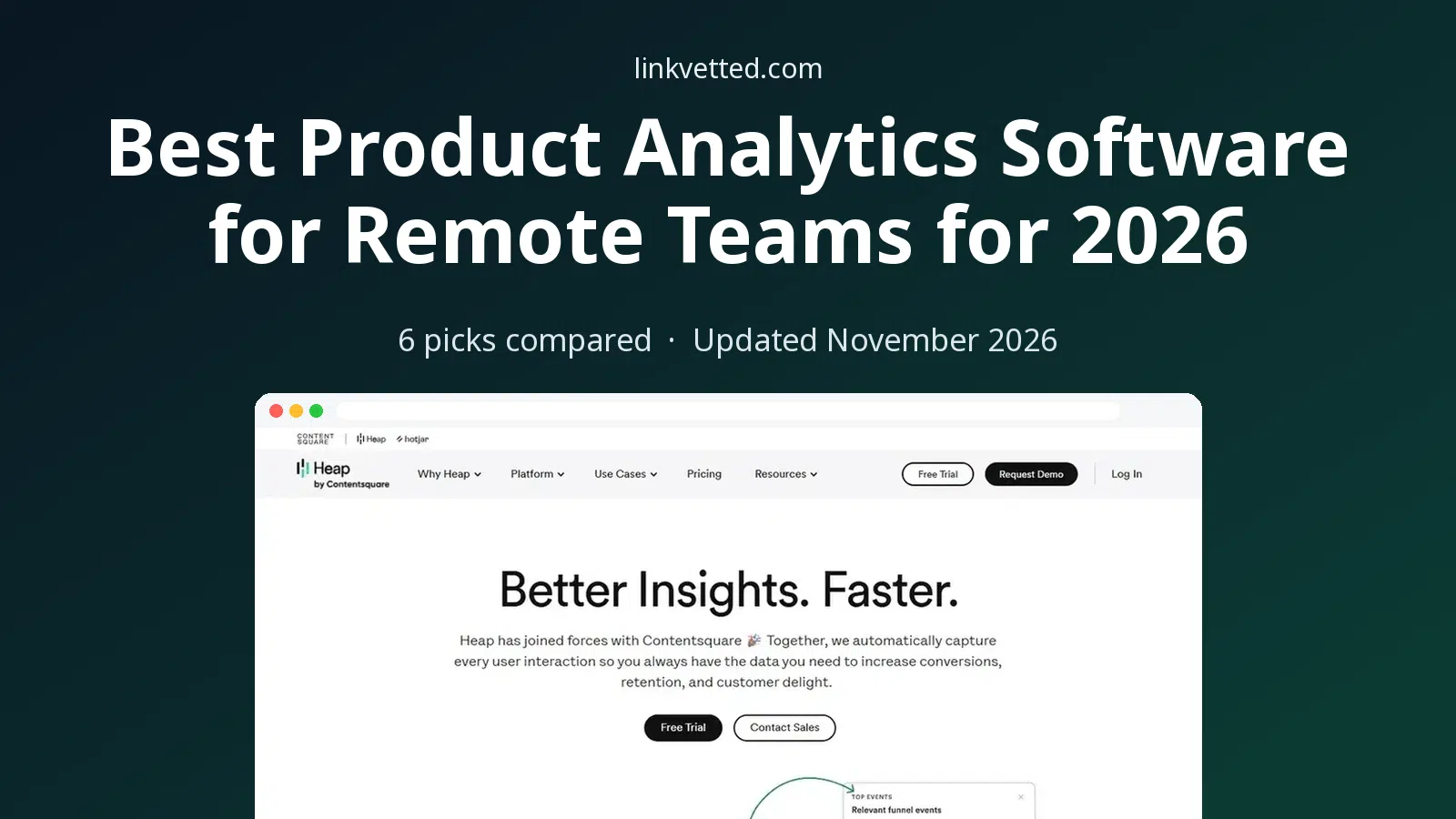
- Editor's choice
 Heap
Surfacing unknown unknowns in user behavior
Starts atSee websiteVisit heap.ioFull review - Great alternative
 Adobe Analytics
Enterprise digital experience measurement
Starts atSee websiteVisit business.adobe.comFull review - Also consider
 Countly
Self-hosted private product intelligence
Starts at$175 a monthVisit countly.comFull review
Direct answer
Heap is the first pick on this list for surfacing unknown unknowns in user behavior. Listed starting prices: Countly from $175 a month and Mixpanel from $100 a month. If your case is different, Adobe Analytics suits enterprise digital experience measurement and Countly suits self-hosted private product intelligence. The other 3 tools in the list cover narrower or pricier cases.
TL;DR:
- Number one here is Heap, a fit for surfacing unknown unknowns in user behavior.
- A fair warning about Countly: self-hosting needs operational resources.
- For the cheapest start, look at Mixpanel: $100 per month.
- PostHog is the one to check for engineering-led analytics with automated diagnostics.
- Only 2 of the 6 tools have a free plan (Heap, Mixpanel), so check the caps.
Last checked November 2026. Prices and plan details were read from the vendors' own pages in November 2026; vendors change plans often, so confirm the current price on the vendor site before you buy.
Quick comparison
| Tool | Best for | Starts at | Free plan? | |
|---|---|---|---|---|
| Heap | Surfacing unknown unknowns in user behavior | See website | Yes | Visit |
| Adobe Analytics | Enterprise digital experience measurement | See website | Not stated | Visit |
| Countly | Self-hosted private product intelligence | $175 a month | Free trial | Visit |
 Mixpanel | All-in-one product intelligence for distributed teams | $100 a month | Yes | Visit |
 Pendo | In-app guidance and adoption for remote users | See website | Not stated | Visit |
 PostHog | Engineering-led analytics with automatic diagnostics | See website | Not stated | Visit |
The best product analytics software for remote teams
If you are comparing product analytics software for remote teams, this page covers 6 tools in one place: what each is best for, what it costs to start, whether it has a free plan, and the main limit to know about.
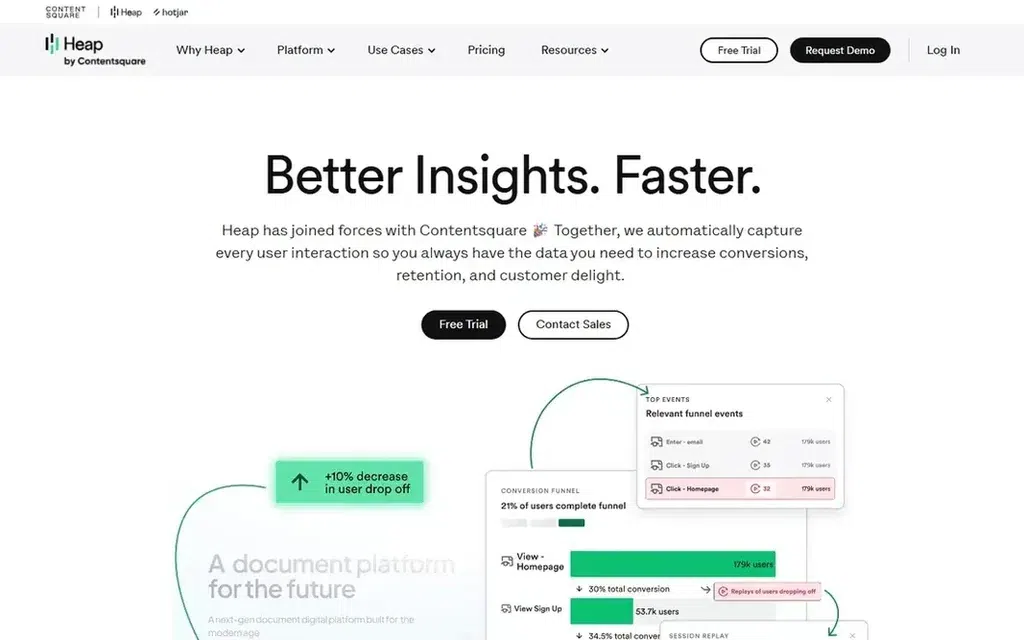
In short, Heap is for surfacing unknown unknowns in user behavior. Choose Heap when discovery and wide behavioral visibility matter more than a narrow, predefined reporting setup.
The main drawbacks: Homepage excerpt emphasizes digital insights instead of experimentation.
Check the vendor site for Heap pricing; none is listed in this comparison. A free plan is available with Heap.
- Handy for exploratory analysis by remote teams
- Flags behaviors that other tools may miss
- Wide capture can need governance to stay manageable
Adobe Analytics works best for enterprise digital experience measurement. Remote teams working inside a bigger Adobe ecosystem can use it as a shared measurement layer across marketing and product.
In practice, enterprise analytics systems commonly involve implementation and governance effort, which can be heavy for a small remote product group. This comparison lists no price for Adobe Analytics; ask the vendor. Free options: Not stated.
Trade-offs to know: May be heavier than needed for small product teams.
- Measures digital marketing performance
- AI-powered insights for enterprise decisions
- Enterprise scope can be complicated to administer
Pick Countly if this describes you: self-hosted private product intelligence. Remote teams with data residency or control requirements can keep analysis close to their own systems.
Points against: Self-hosting needs operational resources.
It suits organizations that value deployment control alongside product analytics. Starting cost for Countly: $175 per month. On free options: Free trial.
Best features of Countly: Can be self-hosted on your own infrastructure.
- Analytics
- Private product intelligence across all your data
- May not suit teams without infrastructure support

Mixpanel was built for all-in-one product intelligence for distributed teams. Mixpanel presents itself as a product intelligence system for the AI era, bringing analytics, session replay, experiments, feature flags and AI-powered insights together. On top of that, the breadth of the platform means setup and governance deserve attention, particularly when plenty of remote contributors need consistent event definitions.
The main drawbacks: Advanced experimentation may overlap with dedicated tools.
For remote teams, that means product managers, designers and engineers can examine the same event data and replay sessions without scheduling a separate walkthrough. Also, choose Mixpanel when product behavior, experimentation and replay belong in one remote-friendly workspace. On cost, Mixpanel starts like this: $100 per month. You can start on Mixpanel without paying.
- Experiments and feature flags
- Single product cuts tool switching for remote squads
- Wide feature set can take time to configure
Pendo is designed for in-app guidance and adoption for remote users. It suits organizations that want analytics connected to guidance inside the product.
Organizations that primarily need raw behavioral analysis or self-hosted intelligence may prefer a different tool. No starting price is listed for Pendo here; confirm pricing on the vendor site. Free plan details: Not stated.
Points against: Emphasis on in-app guidance may not suit every product.
- Feeds product context to apps and AI agents
- Concentrates on adoption and revenue outcomes
- Needs implementation planning across teams
Pick PostHog if this describes you: engineering-led analytics with automatic diagnostics. PostHog presents itself as automatically diagnosing problems, fixing bugs and generating pull requests without you having to prompt it.
Automatic diagnosis and code generation still need human review, so teams should define how suggestions enter their development process. Beyond that, for remote engineering and product teams, that automation can cut the back-and-forth of reproducing issues across time zones. This comparison lists no price for PostHog; ask the vendor. As for free access: Not stated.
The main drawbacks: Automation may need review before production use.
- Appeals to engineering-heavy remote teams
- Can produce pull requests without prompting
- Homepage excerpt centres on diagnostics instead of wide reporting
Selection criteria
Each tool was reviewed on what its vendor publishes: price, plan limits, core features and stated drawbacks. We did not run hands-on tests. Where a vendor does not publish a price, the entry says quote. Where a price depends on seats or billing term, the entry says so. Tools are placed by general fit for product analytics software for remote teams, with price clarity and free access as tie-breakers. A different team can reasonably rank them differently.
Things to verify first
- Ask Heap, Adobe Analytics, Pendo and PostHog for a written quote, since no starting price is shown.
- Read the fine print on the free plans from Heap and Mixpanel; seat, project and feature caps differ.
- Run a trial of Countly with real work before paying for a year; your own workflow is the best test.
- Before choosing Heap, weigh its main limit: broad capture can require governance to stay manageable.
- Confirm minimum seats and billing terms with Pendo before you commit to an annual plan.
- Confirm the exact PostHog plan that includes your must-have features.
FAQ
What is the cheapest option for product analytics software for remote teams in this list?
On published monthly entry prices, Mixpanel is the lowest here at $100 per month. Entry price is only part of the cost, because seats, add-ons and billing terms can change the total. Prices, free plan details and limits for all 6 tools in this product analytics software for remote teams roundup sit on the individual cards above.
What should remote teams look for in product analytics software?
Remote teams benefit from shared dashboards, clear event definitions and asynchronous access to session context. Also confirm privacy controls and deployment choices match your organization.
Do these tools publish their prices?
Not all of them. Heap, Adobe Analytics, Pendo and PostHog publish no starting price, so expect a quote request for those. The rest, Countly included, show a starting price, though seats and billing terms still change the final cost.
When does self-hosted analytics like Countly make sense?
Countly can be self-hosted on your own infrastructure, which fits teams with data control or residency requirements. Teams without operational support should weigh the maintenance effort against managed alternatives.
Can I try these tools before paying?
Often, yes. Heap and Mixpanel have a free plan and Countly offers a free trial. Use your own data and a real task during the test, and check what the free tier or trial limits before you rely on it. Each of the 6 options in this product analytics software for remote teams guide has its own card above with the price, free plan and limits.
Can Pendo replace a standalone analytics tool?
Teams that require deep exploratory analysis or automatic diagnostics may still pair it with another tool. Confirm that its guidance features fit your product architecture.
Sources
- https://heap.io
- https://business.adobe.com/products/analytics/adobe-analytics.html
- https://countly.com
- https://mixpanel.com
- https://www.pendo.io
- https://posthog.com