5 Process Automation Software for Schools Worth Shortlisting in 2026
Best process automation software for schools: 5 tools compared on price, free plans and fit. Strengths and weak spots are spelled out. Prices checked.
- Editor's choice
 ServiceNow
Enterprise service and workflow management
Starts atSee websiteVisit servicenow.comFull review - Great alternativeNintex Workflow
End-to-end process mapping and automation
Starts atSee websiteVisit nintex.comFull review - Also consider
 Make
No-code automation between cloud apps
Starts atSee websiteVisit make.comFull review
Direct answer
If you need enterprise service and workflow management, ServiceNow is the first tool to look at here. Listed starting prices: UiPath from $25 a month. If your case is different, Nintex Workflow suits end-to-end process mapping and automation and Make suits no-code automation between cloud apps. Prices, free plans and limits for all 5 tools follow.
TL;DR:
- ServiceNow sits first on this list: enterprise service and workflow management.
- Before buying UiPath, weigh this: heavy for small school offices.
- The lowest published monthly entry price here is $25 per month, from UiPath.
- For low-code forms and approval workflows, Kissflow is worth a look.
- 2 of 5 tools offer a free plan: Make, UiPath.
Last checked November 2026. Prices and plan details were read from the vendors' own pages in November 2026; vendors change plans often, so confirm the current price on the vendor site before you buy.
Quick comparison
| Tool | Best for | Starts at | Free plan? | |
|---|---|---|---|---|
| ServiceNow | Enterprise service and workflow management | See website | Not stated | Visit |
| Nintex Workflow | End-to-end process mapping and automation | See website | Free trial | Visit |
| Make | No-code automation between cloud apps | See website | Yes | Visit |
 UiPath | Large-scale orchestration with robots and AI | $25 a month | Yes | Visit |
 Kissflow | Low-code forms and approval workflows | See website | Not stated | Visit |
Process Automation Software for Schools profiles
LinkVetted put together this guide to process automation software for schools for readers who want a clear shortlist without reading every vendor page. It compares 5 tools on starting price, free plans, who each one suits and where each one falls short.
In short, ServiceNow is for enterprise service and workflow management. ServiceNow frames its AI Platform around simplifying enterprise workflows for both customers and employees across the business.
Downsides: Enterprise scope for smaller needs.
From a buyer's view, the system's enterprise scope can outweigh the needs of a small school, and administration calls for trained staff. No starting price is listed for ServiceNow here; confirm pricing on the vendor site. On free options: Not stated.
- Simplifies service requests
- AI system for employees and customers
- Needs administrative expertise
Nintex Workflow
Best for: End-to-end process mapping and automation
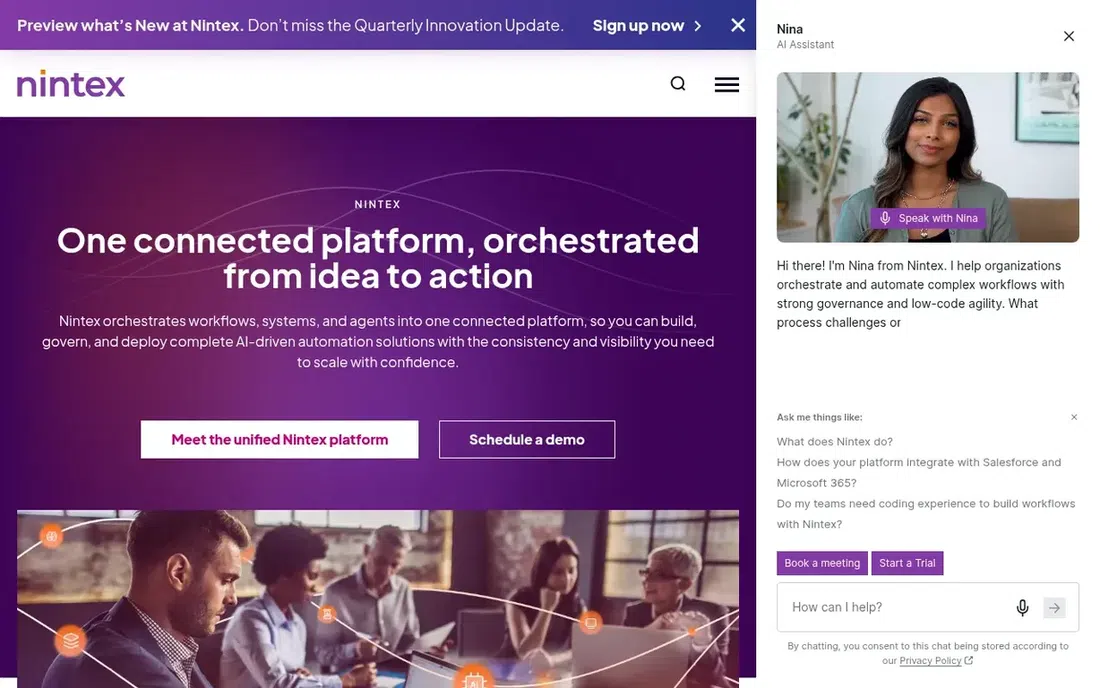
Nintex Workflow is aimed squarely at end-to-end process mapping and automation. Schools wanting fast, straightforward automations may prefer a lighter no-code connector tool.
Points against: Configuration can need trained staff.
Districts that want to document how a process actually runs, then automate it, will find that emphasis handy. Consider Nintex when process visibility across departments is the priority. Nintex Workflow shows no starting price here, so confirm the cost on the vendor site. On free options: Free trial.
- Integration-oriented workflow design
- Custom app development included
- Broader product than some schools need
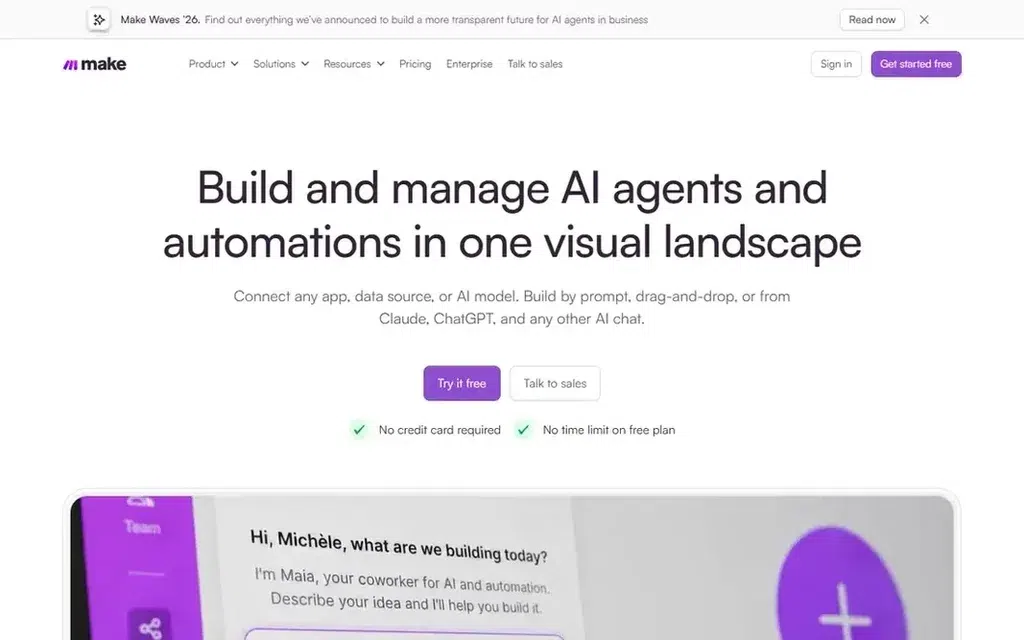
Where Make fits: no-code automation between cloud apps. Make provides a visual, no-code environment for building, scaling and automating AI and agentic workflows.
Points against: Not a dedicated records or case system.
Make automates connections instead of replacing core school systems, so it works alongside your student information system instead of rather than it. Pricing for Make is not stated here, so ask the vendor for current figures. Make has a free plan.
- No-code integration builder
- Scales from straightforward to complicated scenarios
- Complicated scenarios need careful testing
Pick UiPath if this describes you: large-scale orchestration with robots and AI. Bigger districts or education groups with repetitive, high-volume back-office tasks are the natural fit.
What users get: compliant outcomes.
Drawbacks to consider: Heavy for small school offices.
If your goal is straightforward form approvals, a low-code workflow tool will get there quicker. On cost, UiPath starts like this: $25 per month. UiPath includes a free tier.
- Enterprise-scale automation product
- Robots and people
- Needs specialist implementation skills
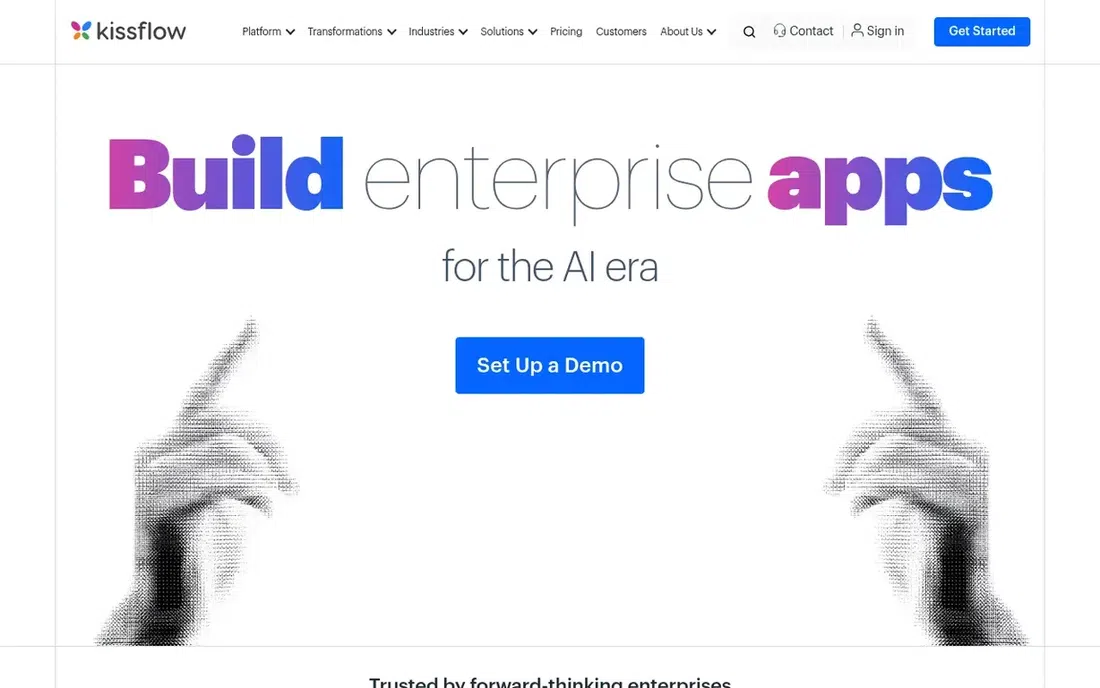
In short, Kissflow is for low-code forms and approval workflows. Kissflow presents itself as an AI-powered low-code product for IT and a no-code product for business leaders. Schools with a small IT team should plan who owns maintenance.
Downsides: Advanced customization may need IT help.
More specifically, since the product centers on workflow and app building, very specialized or highly integrated processes may need technical support to set up. If you chiefly have to link existing cloud tools instead of build internal apps, a connector-focused tool may be more straightforward. On top of that, for schools, that split matters: office staff can build request forms, leave approvals or equipment checkout flows, whereas IT keeps oversight of bigger apps. Kissflow does not show a starting price in this comparison, so check the vendor site for current pricing. As for free access: Not stated.
- No-code building for business users
- AI-assisted custom app creation
- A good match for standard business processes
Our selection method
We compared the tools on published pricing, free plan or trial availability, feature coverage for process automation software for schools, and the limits each vendor documents. Treat prices as a snapshot: vendors change plans often, so check the vendor site for the figure that applies today. The ranking is editorial: typical fit first, then clear pricing, then free access. If your needs are unusual, read the profiles rather than relying on position.
Questions to settle before buying
- Confirm the entry price on the vendor page. For ServiceNow, Nintex Workflow, Make and Kissflow that means a quote rather than a fixed price.
- Read the fine print on the free plans from Make and UiPath; seat, project and feature caps differ.
- Take the trial from Nintex Workflow and push a live task through it before you pay.
- Read the limits listed for ServiceNow first: enterprise scope for smaller needs.
- Verify that exporting from ServiceNow is possible on your plan and covers all your records.
- Pick one real project and run it in UiPath first; a small pilot shows fit faster than a checklist.
FAQ
Is ServiceNow the right pick for everyone comparing process automation software for schools?
No single tool suits every team. ServiceNow comes first because it fits enterprise service and workflow management, while Nintex Workflow suits end-to-end process mapping and automation and Make suits no-code automation between cloud apps. Match the tool to your own size, budget and workflow before deciding.
Do these tools publish their prices?
Not all of them. ServiceNow, Nintex Workflow, Make and Kissflow publish no starting price, so expect a quote request for those. The rest, UiPath included, show a starting price, though seats and billing terms still change the final cost.
Can automation software work with existing school systems?
Most systems emphasize integration with existing systems instead of replacement. Confirm that connectors exist for your student information, finance and communication tools before committing. Ask vendors to demonstrate the specific integrations you depend on.
Which options for process automation software for schools have a free plan?
Make and UiPath offer a free plan in this list. Free plans usually cap users, projects or features, so check the limits on the vendor page. One other tool offers a trial instead. All 5 picks in this process automation software for schools comparison list a starting price, free plan details and the main limits on their cards above.
What should schools automate first?
Start with high-volume, rule-based processes like permission forms, equipment requests, leave approvals or IT help requests. These have clear steps and visible time savings. Pick one process, document it, then automate before expanding.
Can I try these tools before paying?
Often, yes. Make and UiPath have a free plan and Nintex Workflow offers a free trial. Use your own data and a real task during the test, and check what the free tier or trial limits before you rely on it. For the full picture, the cards above cover all 5 entries of this process automation software for schools list, including price, free plan and limits.
Sources
- https://www.servicenow.com
- https://www.nintex.com
- https://www.make.com
- https://www.uipath.com
- https://kissflow.com