6 Best Process Automation Software for Contractors for 2026, Vetted and Compared
Searching for the best process automation software for contractors? Here are 6 options with prices and free plans. Weak spots flagged for every entry. No hype.
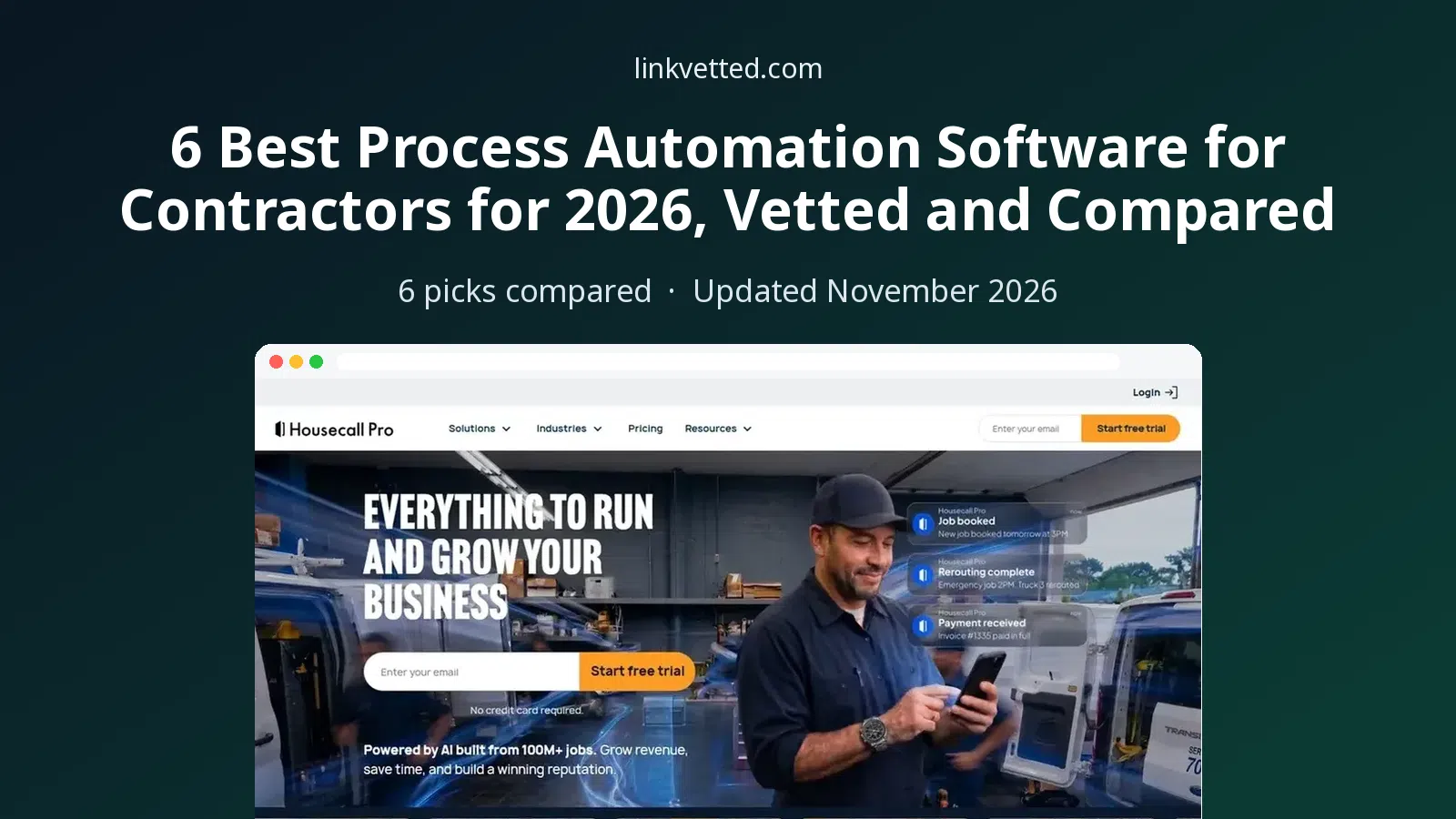
- Editor's choice
 Knowify
Trade contractors bidding and invoicing jobs
Starts at$19 per unit per monthVisit knowify.comFull review - Great alternative
 Procore
Construction teams needing site-to-office visibility
Starts atSee websiteVisit procore.comFull review - Also consider
 Contractor Foreman
All-in-one construction management on a budget
Starts atSee websiteVisit contractorforeman.comFull review
Direct answer
Our first pick is Knowify, best for trade contractors bidding and invoicing jobs. Listed starting prices: Knowify from $19 per unit per month, Housecall Pro from $59 a month and Fieldwire from $39 per user a month. Procore fits construction teams needing site-to-office visibility; Contractor Foreman fits all-in-one construction management on a budget. Details, prices and limits for the rest of the 6 tools are below.
TL;DR:
- Number one here is Knowify, a fit for trade contractors bidding and invoicing jobs.
- The lowest published monthly entry price here is $19 per unit per month, from Knowify.
- Fieldwire fits live jobsite task and drawing management.
- Only Fieldwire offers a free plan among these 6 tools.
- Housecall Pro comes with a trade-off: homepage messaging is oriented to home services.
Last checked November 2026. Prices and plan details were read from the vendors' own pages in November 2026; vendors change plans often, so confirm the current price on the vendor site before you buy.
Quick comparison
| Tool | Best for | Starts at | Free plan? | |
|---|---|---|---|---|
| Knowify | Trade contractors bidding and invoicing jobs | $19 per unit per month | Free trial | Visit |
| Procore | Construction teams needing site-to-office visibility | See website | Not stated | Visit |
| Contractor Foreman | All-in-one construction management on a budget | See website | Not stated | Visit |
 Housecall Pro | Home service firms managing field operations | $59 a month | Free trial | Visit |
 ServiceTitan | All-in-one home and commercial contractor operations | See website | Free trial | Visit |
 Fieldwire | Live jobsite task and drawing management | $39 per user a month | Yes | Visit |
The best process automation software for contractors
Short on time? The summary and table above give the quick view of 6 process automation software for contractors, and the profiles that follow give the detail behind each entry.
Where Knowify fits: trade contractors bidding and invoicing jobs. Knowify is oriented toward trade contractors managing jobs, so companies that chiefly manage fast service calls may find the job-centric structure heavier than necessary. Worth adding: contractors needing broad jobsite drawing management might look at a field-focused tool.
Limits to weigh: Trade-contractor focus may not suit every construction niche.
Also, Knowify is construction management software for trade contractors. It is pitched at specialty trades that require to move from estimate to invoice whereas keeping job costs visible, making it relevant for contractors who want tighter control over project financials. Entry price for Knowify: $19 per unit per month. As for free access: Free trial.
- Invoicing jobs
- Supports bidding, managing
- Job costing emphasis may be more than straightforward service work needs
In short, Procore is for construction teams needing site-to-office visibility. It emphasizes live visibility so teams can deliver quality projects on time.
This makes it a fit for general contractors and construction businesses that require to coordinate project information between field and office staff, instead of for companies whose work is chiefly short service visits. Pricing for Procore is not stated here, so ask the vendor for current figures. Trial and free access: Not stated.
The main drawbacks: May be broader than needed for straightforward service work.
- Centred on construction project management
- Links the jobsite and the office
- Construction-focused instead of service-call oriented
Contractor Foreman
Best for: All-in-one construction management on a budget
Contractor Foreman is built with all-in-one construction management on a budget in mind. Contractor Foreman describes itself as all-in-one construction management software handling estimates, scheduling, time cards, and invoicing.
Trade-offs to know: May be more than needed for single-service companies.
As for the details, firms focused only on service dispatch might prefer a service-specific tool. Choose Contractor Foreman when you want construction management essentials combined in a single system. Contractor Foreman does not show a starting price in this comparison, so check the vendor site for current pricing. On free options: Not stated.
- Time cards, invoicing
- Markets a guarantee alongside its software
- Wide all-in-one tools can take time to configure
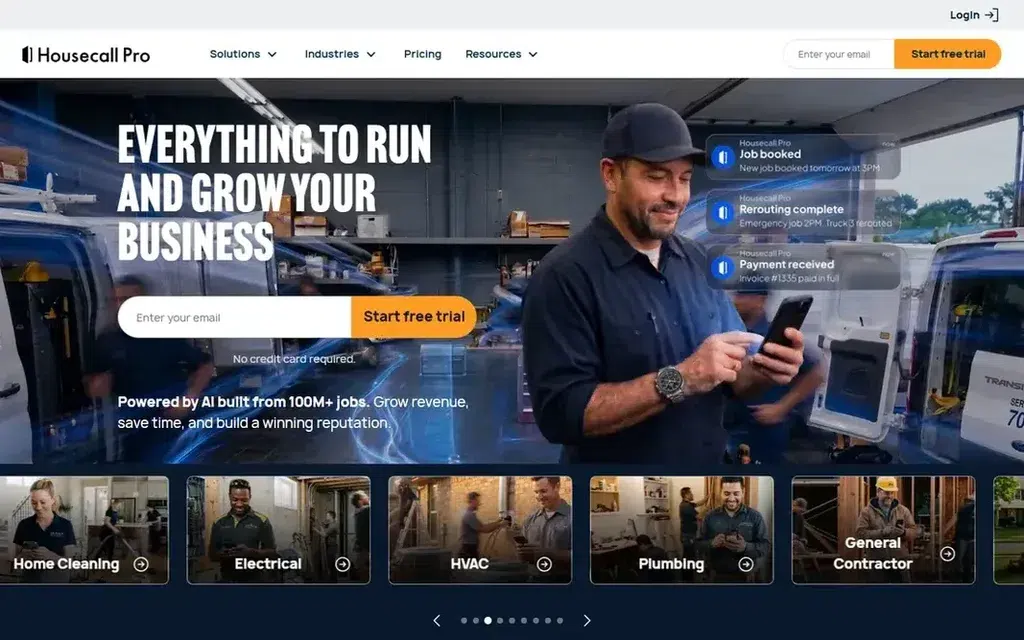
Pick Housecall Pro if this describes you: home service firms managing field operations. Housecall Pro is presented as a software option for home service firms, with its homepage describing it as a tool for field service professionals.
For everyday use, the homepage positions Housecall Pro around home service companies, so contractors concentrated on commercial construction projects may find the emphasis less aligned with their needs. What you pay to start with Housecall Pro: $59 per month. Trial and free access: Free trial.
Watch-outs: Homepage messaging is oriented to home services.
- Includes business management for service work
- Software solution targeted at home service companies
- Construction-heavy workflows may need a different tool

ServiceTitan targets all-in-one home and commercial contractor operations. This makes it a candidate for contractors who want a single system to coordinate field work, office tasks, and project activity instead of stitching together separate tools for each function.
Watch-outs: Wide feature set may need setup time.
Since ServiceTitan targets both home and commercial work, smaller operations may find the scope broader than they need. No starting price is listed for ServiceTitan here; confirm pricing on the vendor site. Free access: Free trial.
- Designed for home and commercial contractors
- Includes service visits and construction projects in one system
- Best fit for contractors with substantial service volume
Choose Fieldwire for live jobsite task and drawing management. Fieldwire by Hilti is live jobsite management software. Its homepage says it helps teams track tasks, update drawings, and cut expensive rework, and it is positioned for owners, general contractors, and subcontractors.
Best features of Fieldwire: Used by owners.
Fieldwire centers on jobsite management, so it may not replace office functions like estimating or invoicing. In practice, pick Fieldwire when drawing updates and task tracking in the field are the primary pain points. On cost, Fieldwire starts like this: $39 per user per month. Fieldwire includes a free tier.
Where it is weaker: May need pairing with other business software.
- General contractors, subcontractors
- Track tasks and update drawings on the jobsite
- Jobsite-focused instead of office accounting
How we chose
Selection started from tools commonly considered for process automation software for contractors, then narrowed to 6 that have clear pricing information or a clear quote process. Where a price is missing, the vendor does not list one publicly or ties it to a quote. Always confirm before budgeting. Order on the page follows fit for the typical buyer first, then price transparency and free access. Your own requirements should decide the final pick.
Before you commit
- Confirm the entry price on the vendor page. For Procore, Contractor Foreman and ServiceTitan that means a quote rather than a fixed price.
- Look at the free plan from Fieldwire closely: its caps decide whether it is usable for real work.
- Run a trial of Knowify, Housecall Pro and ServiceTitan with real work before paying for a year; your own workflow is the best test.
- Read the limits listed for Knowify first: trade-contractor focus may not suit every construction niche.
- Check how data leaves Fieldwire: formats, limits and whether exports are available on every plan.
- Look at which plan of ServiceTitan unlocks the features you need; entry tiers are often cut down.
FAQ
What is the cheapest option for process automation software for contractors in this list?
On published monthly entry prices, Knowify is the lowest here at $19 per unit per month. Entry price is only part of the cost, because seats, add-ons and billing terms can change the total. Prices, free plan details and limits for all 6 tools in this process automation software for contractors roundup sit on the individual cards above.
How are the tools for process automation software for contractors ordered?
Knowify sits first and Fieldwire last because the order follows typical fit for process automation software for contractors, then price clarity and free access. It is a judgement call, so read each profile for fit and limits.
What is the best way to evaluate these tools before buying?
Start with Knowify if you need trade contractors bidding and invoicing jobs. Procore is the better match for construction teams needing site-to-office visibility, and Contractor Foreman for all-in-one construction management on a budget. The best choice depends on budget, team size and workflow.
Do these tools publish their prices?
Not all of them. Procore, Contractor Foreman and ServiceTitan publish no starting price, so expect a quote request for those. The rest, Knowify included, show a starting price, though seats and billing terms still change the final cost.
Is Knowify the right pick for everyone comparing process automation software for contractors?
No single tool suits every team. Knowify comes first because it fits trade contractors bidding and invoicing jobs, while Procore suits construction teams needing site-to-office visibility and Contractor Foreman suits all-in-one construction management on a budget. Match the tool to your own size, budget and workflow before deciding.
Sources
- https://www.knowify.com
- https://www.procore.com
- https://www.contractorforeman.com
- https://www.housecallpro.com
- https://www.servicetitan.com
- https://www.fieldwire.com
Related guides
- Best AP Automation Software for Construction (2026): 5 Picks Checked on Vendor Pages
- Best Access Management Software for Government Contractors for 2026: Our 5 Vetted Picks
- Best Accounting Software for Contractors in 2026: 9 Tools Compared
- 6 Analytics Software for Contractors Worth Shortlisting in 2026