Best Process Automation Software for Cleaning Businesses for 2026: Our 5 Vetted Picks
Best process automation software for cleaning businesses: 5 tools compared on price, free plans and fit. Plain-spoken summaries throughout. Prices included.
- Editor's choice
 Kickserv
Straightforward job, customer and payment management
Starts at$60 a monthVisit kickserv.comFull review - Great alternative
 monday.com
Adaptable work management beyond field service
Starts at$9 per seat a monthVisit monday.comFull review - Also consider
 Jobber
All-in-one quoting, scheduling and payments
Starts atSee websiteVisit getjobber.comFull review
Direct answer
Kickserv leads the list, best for straightforward job, customer and payment management. Listed starting prices: Kickserv from $60 a month, monday.com from $9 per seat a month and Housecall Pro from $59 a month. If your case is different, monday.com suits adaptable work management beyond field service and Jobber suits all-in-one quoting, scheduling and payments. The remaining 2 options are covered below with prices and limits.
TL;DR:
- Kickserv takes the first slot, best suited to straightforward job, customer and payment management.
- monday.com is the lowest-priced starter here at $9 per seat per month.
- ServiceTitan suits larger contractors with complex service and project work.
- monday.com stands alone as the one tool in this list with a free plan.
- A fair warning about monday.com: not a dedicated field service tool.
Last checked November 2026. Prices and plan details were read from the vendors' own pages in November 2026; vendors change plans often, so confirm the current price on the vendor site before you buy.
Quick comparison
| Tool | Best for | Starts at | Free plan? | |
|---|---|---|---|---|
| Kickserv | Straightforward job, customer and payment management | $60 a month | Free trial | Visit |
| monday.com | Adaptable work management beyond field service | $9 per seat a month | Yes | Visit |
| Jobber | All-in-one quoting, scheduling and payments | See website | Not stated | Visit |
 Housecall Pro | Home service teams wanting a refined customer experience | $59 a month | Free trial | Visit |
 ServiceTitan | Bigger contractors with complicated service and project work | See website | Free trial | Visit |
Our 5 process automation software for cleaning businesses
LinkVetted put together this guide to process automation software for cleaning businesses for readers who want a clear shortlist without reading every vendor page. It compares 5 tools on starting price, free plans, who each one suits and where each one falls short.
Kickserv serves straightforward job, customer and payment management. Cleaning firms looking for a focused tool to track jobs and keep customers informed may find the scope approachable. It centers on the essentials of running service work instead of wide business management.
As for the details, Kickserv gives you field service management software that includes jobs, customers, communication and payments for home service firms. Cross-application automation is not its focus. The starting price for Kickserv: $60 per month. On free options: Free trial.
Watch-outs: Narrower scope than full contractor suites.
- Pitched at home service companies
- Runs jobs and customers in one place
- Custom automation choices are restricted
monday.com works best for adaptable work management beyond field service. monday.com presents itself as an AI workspace where people and agents work side by side to execute, run and operate.
From a buyer's view, cleaning companies can model jobs, clients and internal processes on adaptable boards, and AI agents can help move routine work along. It is not purpose-built for dispatch or invoicing, so cleaning-specific scheduling may need configuration or integrations. Price to start with monday.com: $9 per seat per month. monday.com has a free plan.
Trade-offs to know: Not a dedicated field service tool.
- Adaptable boards for numerous workflows
- Supports execution and operations together
- Needs setup to model cleaning operations
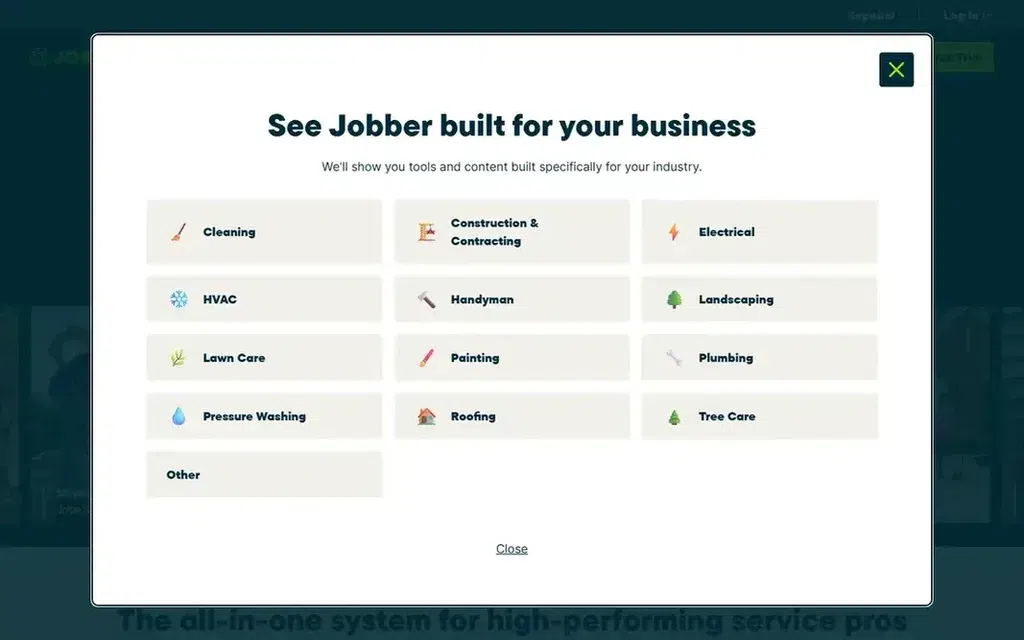
Jobber is a good fit for all-in-one quoting, scheduling and payments. Jobber positions itself as home and commercial service software that helps organize a service business. Its core promise is quoting, scheduling, invoicing and getting premium in one place, with an app that supports sales, operations and customer communication.
What users get: Quoting.
From a buyer's view, for cleaning firms with recurring jobs and several crews, that combination handles most of the day-to-day admin flow without stitching separate tools together. Worth adding: if your central need is just organized scheduling and billing, it is a solid starting point. More specifically, since Jobber is a wide service product, teams wanting deep custom automation across unrelated apps may find it less adaptable than a dedicated workflow builder. It also assumes you want an integrated system rather than best-of-breed point tools. Jobber does not show a starting price in this comparison, so check the vendor site for current pricing. Free access: Not stated.
Watch-outs: May be more than a very small crew needs.
- Scheduling and invoicing in one place
- Easy-to-use app for sales and operations
- Less suited to highly custom cross-app workflows
Housecall Pro
Best for: Home service teams wanting a refined customer experience
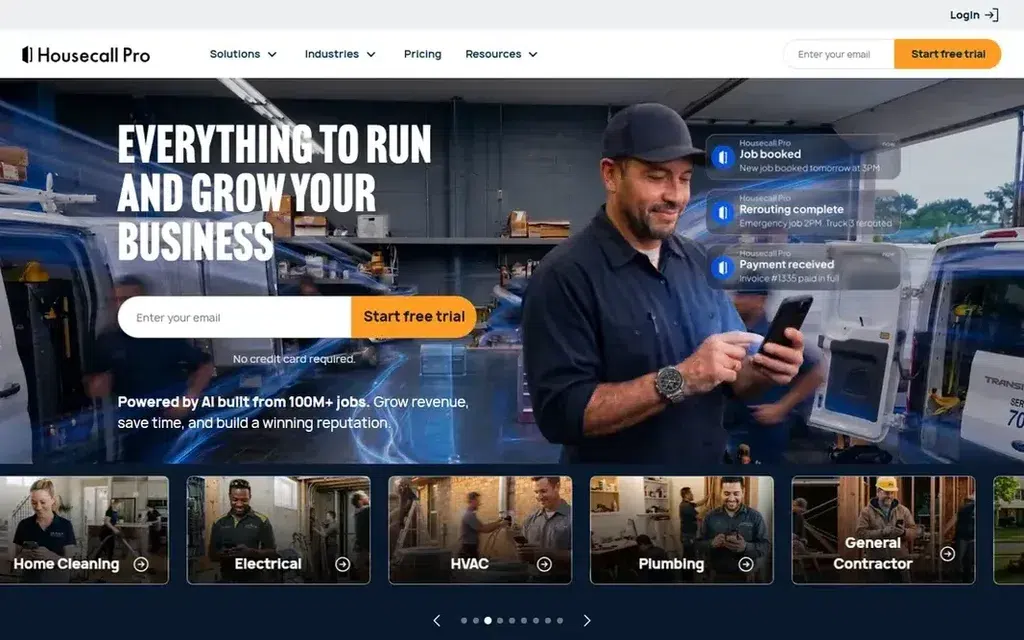
Housecall Pro is designed for home service teams wanting a refined customer experience. Housecall Pro is presented as a software option for home service companies, covering the management side of field service work. For everyday use, choose it when customer-facing service management matters most.
On top of that, cleaning firms that deal straight with homeowners fit its profile well, since it is designed around scheduling, dispatch and customer communication for service visits. It is also a management product instead of a general automation engine, so cross-app workflow building is better handled elsewhere. What you pay to start with Housecall Pro: $59 per month. On free options: Free trial.
Where it falls short: Custom workflow logic is restricted compared to no-code tools.
- Handles field service operations end to end
- Capable fit for customer-facing scheduling
- Home service focus may not fit every cleaning niche
ServiceTitan
Best for: Bigger contractors with complicated service and project work
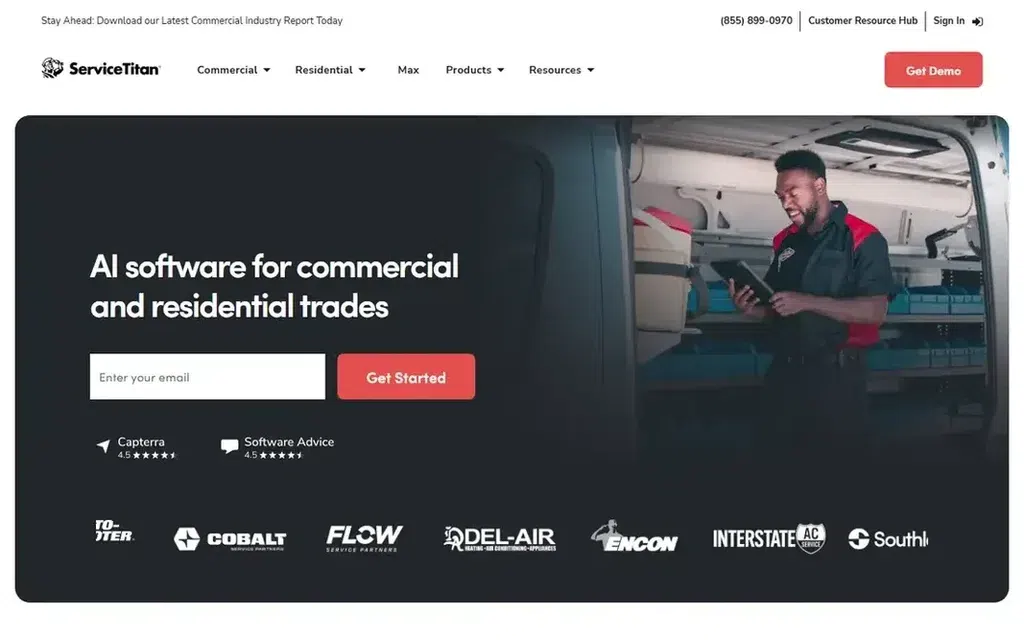
ServiceTitan is designed for bigger contractors with complicated service and project work. ServiceTitan describes its all-in-one software as made for home and commercial contractors, keeping service visits and construction projects running smoothly. From a buyer's view, consider it when your cleaning operation resembles a contractor business with mixed service and project workloads.
The product is framed around the trades, so cleaning-specific workflows should be confirmed before committing. Also, very small teams may find the scope heavier than needed. This comparison lists no price for ServiceTitan; ask the vendor. On free options: Free trial.
Trade-offs to know: Oriented to trades instead of cleaning specifically.
- Aimed at home and commercial trades
- All-in-one software for contractors
- Depth may overwhelm small cleaning crews
Our selection method
The comparison looks at four things: starting price, free access, how well the feature set matches process automation software for cleaning businesses, and the main limit of each tool. Prices and plan limits come from vendor pages and can change, so confirm them on the vendor site before you buy. The ranking is editorial: typical fit first, then clear pricing, then free access. If your needs are unusual, read the profiles rather than relying on position.
Questions to settle before buying
- Ask Jobber and ServiceTitan for a written quote, since no starting price is shown.
- Test the free plan from monday.com against your real workload before relying on it.
- Take the trial from Kickserv, Housecall Pro and ServiceTitan and push a live task through it before you pay.
- Read the limits listed for Kickserv first: narrower scope than full contractor suites.
- Pick one real project and run it in Jobber first; a small pilot shows fit faster than a checklist.
- Compare total cost, not headline price: for Housecall Pro, add extra seats, add-ons and any usage-based charges.
FAQ
Can I try these tools before paying?
Often, yes. monday.com has a free plan and Kickserv, Housecall Pro and ServiceTitan offer a free trial. Use your own data and a real task during the test, and check what the free tier or trial limits before you rely on it.
What is the cheapest option for process automation software for cleaning businesses in this list?
On published monthly entry prices, monday.com is the lowest here at $9 per seat per month. Entry price is only part of the cost, because seats, add-ons and billing terms can change the total. Prices, free plan details and limits for all 5 tools in this process automation software for cleaning businesses roundup sit on the individual cards above.
Do these tools publish their prices?
Not all of them. Jobber and ServiceTitan publish no starting price, so expect a quote request for those. The rest, Kickserv included, show a starting price, though seats and billing terms still change the final cost. Each of the 5 options in this process automation software for cleaning businesses guide has its own card above with the price, free plan and limits.
Is Kickserv the right pick for everyone comparing process automation software for cleaning businesses?
No single tool suits every team. Kickserv comes first because it fits straightforward job, customer and payment management, while monday.com suits flexible work management beyond field service and Jobber suits all-in-one quoting, scheduling and payments. Match the tool to your own size, budget and workflow before deciding.
How should a small cleaning crew choose between these tools?
Start with the core flow of quoting, scheduling, invoicing and getting premium, then check which tools handle it without additional extras. A focused system like Kickserv or Jobber commonly suits small crews better than a wide contractor suite.
Sources
- https://www.kickserv.com
- https://monday.com
- https://www.getjobber.com
- https://www.housecallpro.com
- https://www.servicetitan.com