Best Process Automation Software for Electricians (2026): 6 Picks Checked on Vendor Pages
Best process automation software for electricians: 6 tools compared on price, free plans and fit. Honest caveats for every entry. Skim the table first.
- Editor's choice
 Kickserv
Jobs, customers and payments in one tool
Starts at$60 per monthVisit kickserv.comFull review - Great alternative
 FieldEdge
Tracking customers, dispatch and service history
Starts atSee websiteVisit fieldedge.comFull review - Also consider
 FieldPulse
Scheduling, invoicing and team communication
Starts atSee websiteVisit fieldpulse.comFull review
Direct answer
Kickserv comes first here, mainly for jobs, customers and payments in one tool. Listed starting prices: Kickserv from $60 per month, ServiceM8 from $29 per month and Housecall Pro from $59 a month. For a different need, FieldEdge covers tracking customers, dispatch and service history and FieldPulse covers scheduling, invoicing and team communication. Prices, free plans and limits for all 6 tools follow.
TL;DR:
- Kickserv takes the first slot, best suited to jobs, customers and payments in one tool.
- For the cheapest start, look at ServiceM8: $29 per month.
- Just one of the 6 tools, ServiceM8, has a free plan.
- Housecall Pro suits home service teams wanting wide adoption.
- A fair warning about Kickserv: narrower scope than full contractor suites.
Last checked November 2026. Prices and plan details were read from the vendors' own pages in November 2026; vendors change plans often, so confirm the current price on the vendor site before you buy.
Quick comparison
| Tool | Best for | Starts at | Free plan? | |
|---|---|---|---|---|
| Kickserv | Jobs, customers and payments in one tool | $60 per month | Free trial | Visit |
| FieldEdge | Tracking customers, dispatch and service history | See website | No | Visit |
| FieldPulse | Scheduling, invoicing and team communication | See website | Not stated | Visit |
 ServiceM8 | Small trade contractors cutting paperwork | $29 per month | Yes | Visit |
 Jobber | All-in-one quoting, scheduling and payments | See website | Not stated | Visit |
 Housecall Pro | Home service teams wanting wide adoption | $59 a month | Free trial | Visit |
Process Automation Software for Electricians, one by one
Choosing process automation software for electricians usually comes down to price, fit and limits. This LinkVetted guide sets 6 tools side by side on those three points, with the facts kept short and checkable.
Kickserv serves jobs, customers and payments in one tool. For electricians, that maps to the essentials: tracking each job, keeping customer details, staying in touch and collecting payment.
Trade-offs to know: Check fit for commercial electrical work.
Starting cost for Kickserv: $60 per month. As for free access: Free trial.
- Communication and payment features
- Targeted at home service companies
- Narrower scope than full contractor suites
FieldEdge is built with tracking customers, dispatch and service history in mind. FieldEdge gives you ways to track customers, dispatches and service history through its field service management software and app. Beyond that, the vendor asks interested companies to request a demo, so plan time to see the software before deciding.
In practice, choose FieldEdge when dispatch tracking and service history are central to how your electrical business runs. For electricians, that combination speaks to the records that matter most: who the customer is, where the crew is going and what was done at the site previously. This comparison lists no price for FieldEdge; ask the vendor. FieldEdge has no free tier.
Points against: Demo request needed before evaluating.
- Tracks customers and dispatches
- Keeps service history organized
- Feature depth may suit established shops
FieldPulse serves scheduling, invoicing and team communication. FieldPulse helps run a field service business with tools for scheduling, invoicing, communication and team management together.
From a buyer's view, a solo electrician may not need the team management side. Combining scheduling, invoicing and communication means more setup before the system runs smoothly. Pricing for FieldPulse is not stated here, so ask the vendor for current figures. As for free access: Not stated.
Downsides: Wide toolset needs setup time.
- Team management included
- Scheduling and invoicing in one place
- Confirm electrical workflow fit directly
Think of ServiceM8 for small trade contractors cutting paperwork. ServiceM8 offers smart job management software with job tracking and CRM for trade contractors and home service companies. Its homepage frames the goal as cutting paperwork, getting more jobs done and supplying decent service.
Downsides: Trade-focused scope may limit complex operations.
Firms with complex commercial operations should compare broader products. Choose ServiceM8 when you run a small trade operation and want job tracking and customer records to replace paperwork. Entry price for ServiceM8: $29 per month. Free access exists with ServiceM8.
- Made for home service companies
- Pitched at reducing paperwork
- Confirm fit for bigger electrical crews
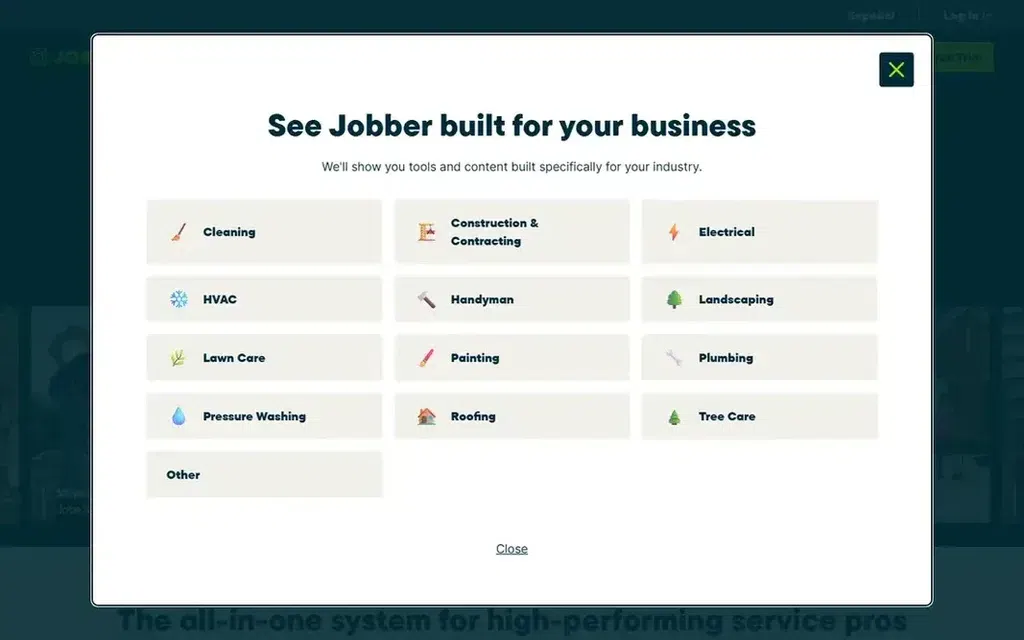
Think of Jobber for all-in-one quoting, scheduling and payments. Jobber is home and commercial service software built to organize a service business. For electricians who want a single hub for the daily flow from first quote to final payment, it includes the core automation steps without stitching tools together.
Honest limits: Advanced needs may call for a deeper product.
Beyond that, if your work is heavy commercial project management with complicated job costing, a contractor-focused product may fit better. Per its homepage, it lets you quote, schedule, invoice and get premium in one place, with an app that powers sales, operations and customer service. Since it serves numerous home and commercial trades, the interface carries more than a small electrical shop may need at first. Jobber shows no starting price here, so confirm the cost on the vendor site. Free plan details: Not stated. What Jobber does well: Easy-to-use app for service operations.
- Fits home and commercial service work
- Quote, schedule
- Wide feature set may feel large for solo work
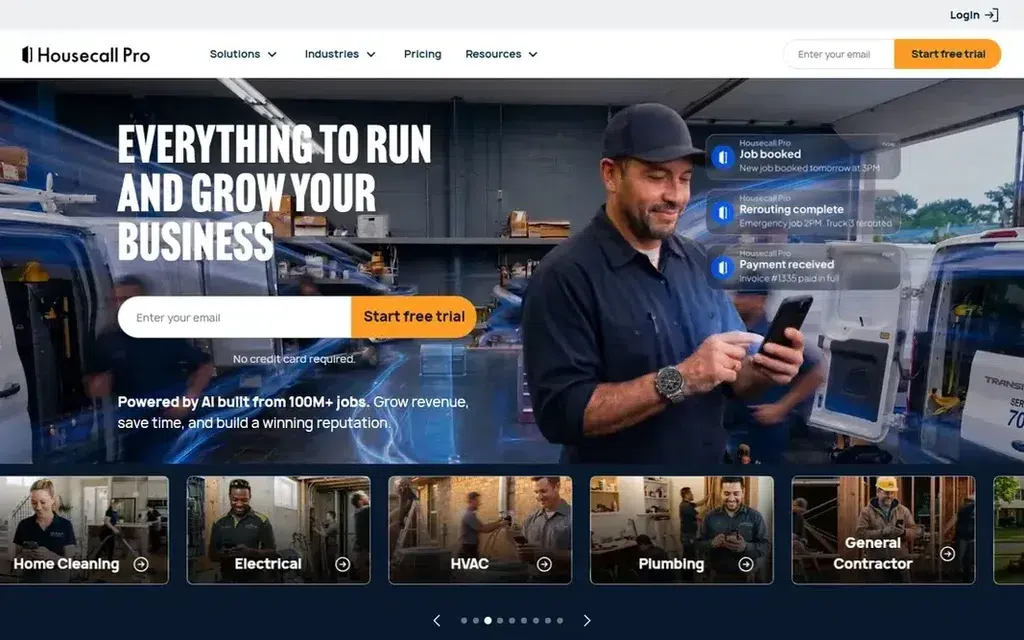
Choose Housecall Pro for home service teams wanting wide adoption. Housecall Pro presents itself as a software option for home service firms, with its homepage noting that plenty of field service professionals use it. Pick Housecall Pro when residential service work is the core of your business and you want a familiar home service system.
Beyond that, for electricians who largely serve homeowners, that home service orientation matches the way the work flows: booking a visit, doing the job and collecting payment. It is a reasonable choice when you want a widely used product for running a residential electrical operation. Its home service emphasis means companies centred on commercial electrical contracting should check whether the workflows fit before committing. Housecall Pro pricing: $59 per month. Free options: Free trial.
Where it falls short: Confirm electrical-specific features on vendor site.
- Includes core service business workflows
- Management software for home service companies
- Home service focus may not suit pure commercial work
Our selection method
For each of the 6 tools we noted price, free plan or trial, fit for process automation software for electricians and the main limit, using vendor pages and documentation. Treat prices as a snapshot: vendors change plans often, so check the vendor site for the figure that applies today. Order on the page follows fit for the typical buyer first, then price transparency and free access. Your own requirements should decide the final pick.
What to confirm before you sign up
- Ask FieldEdge, FieldPulse and Jobber for a written quote, since no starting price is shown.
- Test the free plan from ServiceM8 against your real workload before relying on it.
- Run a trial of Kickserv and Housecall Pro with real work before paying for a year; your own workflow is the best test.
- Read the limits listed for Kickserv first: narrower scope than full contractor suites.
- Ask FieldPulse which support channels and response times come with the plan you would buy.
- Look at the renewal terms for ServiceM8: auto-renewal, notice periods and price changes can matter more than the first-year price.
FAQ
Do these tools publish their prices?
Not all of them. FieldEdge, FieldPulse and Jobber publish no starting price, so expect a quote request for those. The rest, Kickserv included, show a starting price, though seats and billing terms still change the final cost.
Is Kickserv the right pick for everyone comparing process automation software for electricians?
No single tool suits every team. Kickserv comes first because it fits jobs, customers and payments in one tool, while FieldEdge suits tracking customers, dispatch and service history and FieldPulse suits scheduling, invoicing and team communication. Match the tool to your own size, budget and workflow before deciding.
What is the cheapest option for process automation software for electricians in this list?
On published monthly entry prices, ServiceM8 is the lowest here at $29 per month. Entry price is only part of the cost, because seats, add-ons and billing terms can change the total. Prices, free plan details and limits for all 6 tools in this process automation software for electricians roundup sit on the individual cards above.
What should electricians automate first?
Automating those cuts manual entry between the office and the job site. Most products here combine those functions, so pick the one whose workflow matches your jobs.
How are the tools for process automation software for electricians ordered?
The order follows typical fit for process automation software for electricians, with Kickserv first and Housecall Pro last, then price clarity and free access. It is editorial judgement, not a score, so another team could rank the tools differently.
Sources
- https://www.kickserv.com
- https://www.fieldedge.com
- https://www.fieldpulse.com
- https://www.servicem8.com
- https://www.getjobber.com
- https://www.housecallpro.com