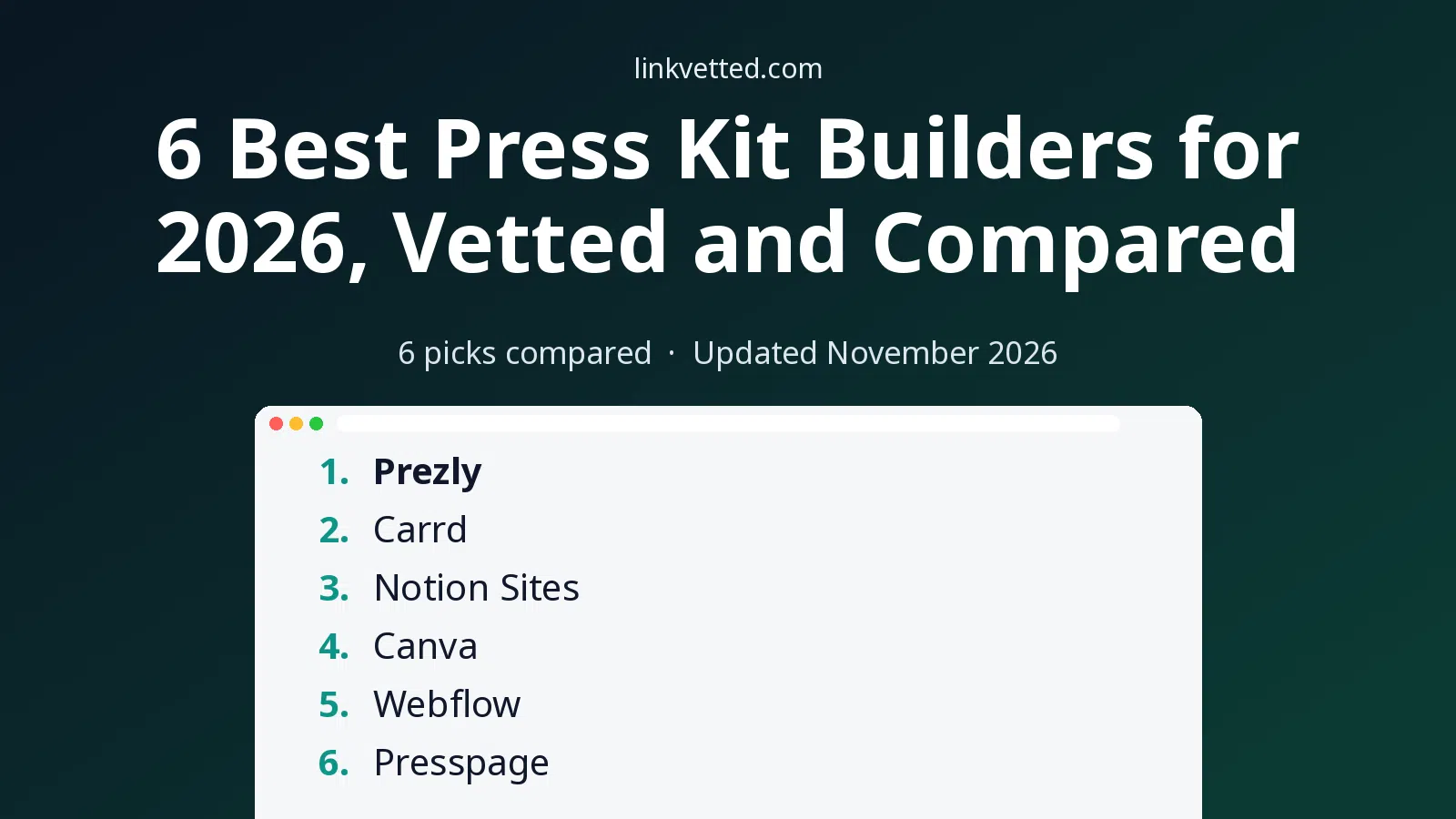
6 Best Press Kit Builders for 2026, Vetted and Compared
A comparison of the best press kit builders in 2026, covering what each tool does, who it fits, and the limits to check before you choose one.
- Editor's choice
 Prezly
PR teams running a newsroom
Starts atSee websiteVisit prezly.comFull review - Great alternative
 Carrd
Fast one-page kits for founders
Starts atSee websiteVisit carrd.coFull review - Also considerNotion Sites
Teams already using Notion
Starts atSee websiteVisit notion.comFull review
Direct answer
My top pick is Prezly, because it combines a hosted newsroom with press kit pages and media contact handling in one place. If you mainly need a simple, fast one-page kit, Carrd is the easier choice. If your team already lives inside Notion, Notion Sites lets you publish a kit without adding another tool. I based this on vendor documentation and public sources, not hands-on testing.
TL;DR:
- A press kit builder should host your logo files, founder bios, product shots and contact details on one link you can send to journalists.
- Hosted newsroom tools like Prezly suit teams that send press releases often, while page builders like Carrd suit a single static kit.
- Check file size limits and image formats before you upload high-resolution logos and product photography.
- Confirm whether the tool gives you a custom domain, because a branded link reads better in an email pitch.
- Keep the kit updated: outdated team photos and old product names are the most common problem I see when I review client kits.
Last checked November 2026. Plan prices are not quoted in this guide because they change often; see each vendor's own pricing page for current figures before you buy.
Quick comparison
| Tool | Best for | Starts at | Free plan? | |
|---|---|---|---|---|
| Prezly | PR teams running a newsroom | See website | Not stated | Visit |
| Carrd | Fast one-page kits for founders | See website | Free plan | Visit |
| Notion Sites | Teams already using Notion | See website | Free plan | Visit |
 Canva | Visually rich kits with design assets | See website | Free plan | Visit |
 Webflow | Full design control over the kit | See website | Free plan | Visit |
| Presspage | Larger organisations with PR teams | See website | Not stated | Visit |
The best press kit builders compared
I compared these tools from vendor documentation, help centre articles and public product pages. I did not run hands-on tests, so treat this as a starting shortlist to check against your own needs rather than a lab result.
Prezly is a PR platform built around a hosted newsroom. You publish releases, keep a media gallery and give journalists a single link with your company background, logos and contacts. It fits in-house PR teams and agencies that send announcements regularly and want the kit to sit next to the stories they publish.
For press kit work, the value is in keeping assets and contacts together. When a journalist asks for a headshot or a product image, you point them to the newsroom rather than emailing files. That reduces back-and-forth and keeps the version they download current, which matters when your logo or leadership changes.
The limit is scope. If you publish one kit and rarely update it, a simpler page builder will do the job for less setup. Skip Prezly if you have no ongoing PR output and just need a static page.
- Newsroom and press kit in one place
- media contact management
- built for PR workflows
- More than a solo founder needs
- pricing not public
Carrd is a simple site builder for one-page sites. That format suits a press kit well: a short company intro, a logo download section, founder bios and a contact block, all on one scrollable page. It is the tool I would suggest first to a solo founder who wants a kit live in an afternoon.
The workflow is straightforward. You pick a template, drop in text and image blocks, link to a folder of downloadable assets, and publish. Paid plans let you connect a custom domain, so the link you send reads as your own brand rather than a subdomain.
The limits show up when a kit grows. Carrd is built around single pages, so a large library of product shots, fact sheets and archived releases becomes awkward. If you need a multi-section media centre, look at a newsroom tool instead.
- Quick to build
- clean templates
- easy custom domain on paid plans
- Single-page focus
- limited structure for large asset libraries
Notion Sites
Best for: Teams already using Notion
Notion Sites publishes a Notion page as a public website. If your company already keeps docs, brand notes and product information in Notion, you can assemble a press kit from those pages and publish it without copying content into another system. It suits small teams that value speed of editing over visual polish.
For a press kit, the practical approach is a parent page with sections for company facts, team bios, brand assets and contact details. Because several people can edit the same page, updates stay in one place. You can embed links to a shared drive folder for large files.
The trade-off is design. Public Notion pages look like Notion pages, and layout options are limited. If your brand guidelines demand a specific look, a dedicated builder gives you more control.
- No new tool to learn
- easy to edit by several people
- simple publishing step
- Limited design control
- public page styling is basic
Canva is a design tool, and many teams already use it for social graphics and one-pagers. It can also publish a simple website from a design, which makes it a workable option for a press kit that leans on visuals: brand boards, product imagery and a designed company overview.
The useful part for press kits is asset preparation. You can export logos in several formats, resize product shots and keep a consistent visual style, then link those files from your kit page. That saves time when a journalist asks for a specific format.
The limit is structure. Canva pages are not built for contact directories or release archives, and managing many downloadable files is manual. Use it alongside a host, or choose a builder with asset management built in.
- Strong design templates
- easy asset export
- simple published page option
- Less structured for media contacts
- page features are basic
Webflow is a visual website builder that gives you control over layout, typography and responsive behaviour without writing code. For a press kit, that means you can match your main site exactly and build reusable sections for team members or product lines using the CMS.
The CMS is the part that helps most over time. You can store bios or product entries as structured items and have the kit page pull them in, so adding a new team member is a data entry task rather than a design task. That keeps a larger kit consistent.
The cost is time. Webflow takes longer to learn than Carrd or Notion, and a one-page kit may not justify the effort. Skip it if nobody on your team wants to manage a site builder.
- Detailed layout control
- CMS for repeatable sections
- custom domain support
- Steep learning curve
- more setup time than simple builders
Presspage
Best for: Larger organisations with PR teams
Presspage is a newsroom platform aimed at larger organisations. It covers press release publishing, a media library and brand asset sections, which is close to what a corporate press kit needs. It fits companies with a communications team that publishes often and needs a consistent public face.
For press kit work, the platform keeps brand assets, boilerplate text and contacts in a structured newsroom that journalists can browse. That structure helps when several people contribute and when releases need to sit alongside background material.
The limit is fit. Presspage is aimed at bigger communications operations, and the setup reflects that. A small business or solo founder will usually be better served by a simpler page builder.
- Built for corporate newsrooms
- media monitoring features
- structured asset handling
- Enterprise-oriented
- pricing not public
How I chose
I started from vendor documentation and public product pages, then filtered by one question: does the tool let you publish a press kit page with brand assets, company background and contact details on a link you can share? Tools that only design assets or only send releases were left out unless they also publish a usable page.
The second filter was fit. I grouped the tools by who they suit: PR teams with regular output, solo founders who need one page, and teams already working inside another platform. I also noted the limits that show up in documentation, such as single-page structure, design constraints or enterprise focus. I did not run hands-on tests, so check current features and plan details on each vendor's site before you commit.
What to check before you buy
- File size and format limits for logo and image uploads, since press kits carry high-resolution assets.
- Whether a custom domain is included, because a branded link is easier to put in a pitch email.
- How downloadable files are stored and whether links stay stable when you update the kit.
- Whether the tool supports a contact section with named media contacts and a direct email.
- How easy it is for a second person to edit the kit without breaking the layout.
- Whether the published page works well on mobile, since many journalists open links on a phone.
FAQ
What is a press kit builder?
A press kit builder is a tool that lets you publish a page with your company background, brand assets, team bios and media contacts on one shareable link. Some are dedicated newsroom platforms, while others are general page builders that happen to suit the format well.
Do I need a paid plan for a press kit?
Not always. Carrd, Notion Sites, Canva and Webflow all offer a free starting point, though custom domains and some features usually sit on paid plans. Check what the free tier includes before you build, because moving a kit later takes time.
Can I use my existing website instead?
Yes. A page on your main site under a clear URL works well and keeps everything in one place. A separate builder helps when your main site is hard to edit or when you want the kit live without waiting on a developer.
What should a press kit include?
At minimum: a short company description, logo files in common formats, founder or team bios with photos, product images, and a named media contact with an email address. Add fact sheets or recent announcements if journalists ask for them often.
How often should I update a press kit?
Review it whenever leadership, branding or product names change, and at least once a year. Old headshots and outdated product names are the issues I see most when checking client kits before an outreach push.
Sources
- https://www.prezly.com
- https://carrd.co
- https://www.notion.com
- https://www.canva.com
- https://webflow.com
- https://www.presspage.com