Best Practices for Reporting Software Bugs in 2026: Prices, Free Plans and 6 Picks
Best practices for reporting software bugs in 2026: 6 contenders with entry costs and free tiers. We note where every tool falls short. Updated for 2026.

- Editor's choice
 GitLab
Bug tracking across the full lifecycle
Starts at$29 per user per monthVisit about.gitlab.comFull review - Great alternative
 GitHub
Bug reports tied straight to code
Starts at$4 per user a monthVisit github.comFull review - Also consider
 YouTrack
All-in-one task and bug tracking
Starts atSee websiteVisit jetbrains.comFull review
Direct answer
GitLab is the first pick on this list for bug tracking across the full lifecycle. Listed starting prices: GitLab from $29 per user per month and GitHub from $4 per user a month. GitHub is better for bug reports tied straight to code, and YouTrack is better for all-in-one task and bug tracking. Details, prices and limits for the rest of the 6 tools are below.
TL;DR:
- GitLab sits first on this list: bug tracking across the full lifecycle.
- Azure DevOps suits bugs inside an enterprise delivery pipeline.
- GitHub has the lowest monthly starting price in this list: $4 per user per month.
- Before buying YouTrack, weigh this: wide feature set takes time to learn.
- A free plan is available from 2 of the 6 tools: GitLab, GitHub.
Last checked November 2026. Prices and plan details were read from the vendors' own pages in November 2026; vendors change plans often, so confirm the current price on the vendor site before you buy.
Quick comparison
| Tool | Best for | Starts at | Free plan? | |
|---|---|---|---|---|
| GitLab | Bug tracking across the full lifecycle | $29 per user per month | Yes | Visit |
| GitHub | Bug reports tied straight to code | $4 per user a month | Yes | Visit |
| YouTrack | All-in-one task and bug tracking | See website | Not stated | Visit |
 Jira | Structured bug tracking with project planning | See website | Not stated | Visit |
 Bugzilla | Dedicated, focused bug tracking | See website | Not stated | Visit |
 Azure DevOps | Bugs inside an enterprise delivery pipeline | See website | Not stated | Visit |
The full practices for reporting software bugs list
LinkVetted put together this guide to practices for reporting software bugs for readers who want a clear shortlist without reading every vendor page. It compares 6 tools on starting price, free plans, who each one suits and where each one falls short.

Where GitLab fits: bug tracking across the full lifecycle. GitLab's breadth means bug reporting is one piece of a bigger system, which can be more than a small team needs.
Teams can track bugs alongside code, pipelines, and delivery work. Price to start with GitLab: $29 per user per month. GitLab offers a free plan.
Watch-outs: Broad product may be more than bug tracking needs.
- Spans the whole software lifecycle
- Supports teams and agents together
- Needs setup to match your workflow

GitHub targets bug reports tied straight to code. GitHub's issue tracking is part of a broader product, so teams needing deep, dedicated bug workflows may find specialized trackers more focused. The homepage describes an AI-powered product used by developers and open source communities.
For everyday use, GitHub is a developer system where teams host code and collaborate. Its issue tracking lets reporters link bugs straight to the code and pull requests that fix them. The starting price for GitHub: $4 per user per month. A free plan is available with GitHub.
Points against: Advanced tracking may need additional configuration.
- Issues live beside repositories and pull requests
- Widely used developer product
- Issue tracking is one part of a larger system
YouTrack is designed for all-in-one task and bug tracking. Its homepage notes it is designed with every team member in mind.
YouTrack shows no starting price here, so confirm the cost on the vendor site. Free options: Not stated.
The main drawbacks: Best value comes from using more of its features.
- Knowledge base in one place
- Tasks, projects
- Wide feature set takes time to learn
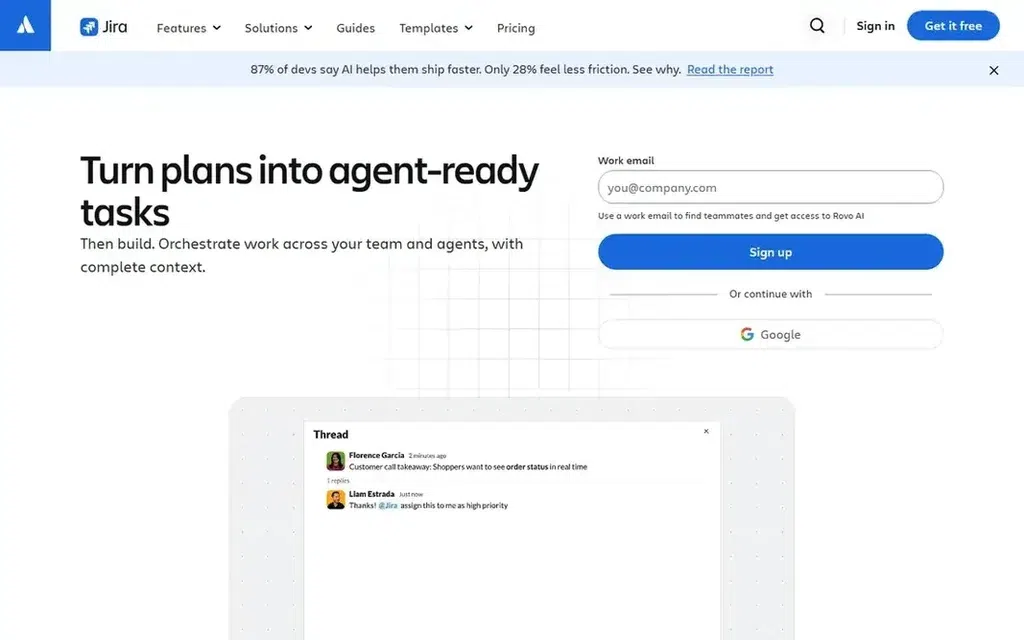
Jira works best for structured bug tracking with project planning. Jira is a project management system from Atlassian that teams use to plan, track, and organize work, including software bugs.
Its homepage flags AI agents that orchestrate, plan, and track projects at scale. Pricing for Jira is not stated here, so ask the vendor for current figures. Free access: Not stated.
Trade-offs to know: Setup needs planning effort.
- Scales across numerous teams and workflows
- Merges issue tracking with project planning
- Configuration can feel heavy for small teams
Think of Bugzilla for dedicated, focused bug tracking. Choose Bugzilla when a focused, self-hosted bug tracker matches your team's needs.
Limits to weigh: Interface can feel dated to new users.
From a buyer's view, Bugzilla is a dedicated bug tracking system designed to drive software development, letting teams plan, organize, and release software. Since Bugzilla concentrates on bug tracking, teams wanting integrated planning, code hosting, or chat may have to pair it with other tools. Pricing for Bugzilla is not stated here, so ask the vendor for current figures. On free options: Not stated.
- Long-established open source project
- Release software
- Customization may need administrator effort
For bugs inside an enterprise delivery pipeline, Azure DevOps is a natural candidate. Teams outside Microsoft-centered environments may prefer a lighter tracker.
Where it falls short: Enterprise scope can overwhelm small teams.
Azure DevOps is Microsoft's set of development services for planning, collaboration, and delivery, with agile tools, CI/CD, and agentic AI. Check the vendor site for Azure DevOps pricing; none is listed in this comparison. On free options: Not stated.
- Suits Microsoft-centered organizations
- Agile planning tools alongside CI/CD
- Setup and administration take effort
How these tools were picked
Selection started from tools commonly considered for practices for reporting software bugs, then narrowed to 6 that have clear pricing information or a clear quote process. Prices and plan limits come from vendor pages and can change, so confirm them on the vendor site before you buy. Tools are placed by general fit for practices for reporting software bugs, with price clarity and free access as tie-breakers. A different team can reasonably rank them differently.
Pre-purchase checklist
- Confirm the entry price on the vendor page. For YouTrack, Jira, Bugzilla and Azure DevOps that means a quote rather than a fixed price.
- Read the fine print on the free plans from GitLab and GitHub; seat, project and feature caps differ.
- Read the limits listed for GitLab first: wide product may be more than bug tracking needs.
- Ask GitHub whether prices are locked for the first term and what happens at renewal.
- Map your must-have features to a specific GitLab plan before you compare prices.
FAQ
Can I try these tools before paying?
Often, yes. GitLab and GitHub have a free plan. Use your own data and a real task during the test, and check what the free tier or trial limits before you rely on it. All 6 picks in this practices for reporting software Bugs comparison list a starting price, free plan details and the main limits on their cards above.
How do I keep bug reports consistent across a team?
Agree on required fields and a short template, then configure your tracker to prompt for them. Reviewing a handful of reports together early on helps align expectations.
How are the tools for practices for reporting software bugs ordered?
GitLab sits first and Azure DevOps last because the order follows typical fit for practices for reporting software bugs, then price clarity and free access. It is a judgement call, so read each profile for fit and limits.
Is GitLab the right pick for everyone comparing practices for reporting software bugs?
No single tool suits every team. GitLab comes first because it fits bug tracking across the full lifecycle, while GitHub suits bug reports tied directly to code and YouTrack suits all-in-one task and bug tracking. Match the tool to your own size, budget and workflow before deciding.
Do these tools publish their prices?
Not all of them. YouTrack, Jira, Bugzilla and Azure DevOps publish no starting price, so expect a quote request for those. The rest, GitLab included, show a starting price, though seats and billing terms still change the final cost.
Sources
- https://about.gitlab.com
- https://github.com
- https://www.jetbrains.com/youtrack
- https://www.atlassian.com/software/jira
- https://www.bugzilla.org
- https://azure.microsoft.com/en-us/products/devops