5 POS Systems for Smart Retail Worth Shortlisting in 2026
5 tools for the best POS systems for smart retail, compared on pricing, free plans and best-fit use. Caveats come with every verdict. See the full list.
- Editor's choice
 Clover
Counter checkout with card readers
Starts atSee websiteVisit clover.comFull review - Great alternativeRetail Pro
Serious retailers needing global support
Starts atSee websiteVisit retailpro.comFull review - Also consider
 Square for Retail
All-in-one inventory, sales and customer data
Starts atSee websiteVisit squareup.comFull review
Direct answer
Clover is the first pick on this list for counter checkout with card readers. Listed starting prices: Loyverse from $5 per store a month. Alternatives: Retail Pro for serious retailers needing global support, and Square for Retail for all-in-one inventory, sales and customer data. Prices, free plans and limits for all 5 tools follow.
TL;DR:
- Clover sits first on this list: counter checkout with card readers.
- Check the limits for Shopify POS before you commit: best value if you already use Shopify.
- Loyverse is the one to check for small companies wanting mobile POS.
- Loyverse is the lowest-priced starter here at $5 per store per month.
- Loyverse is the only tool of the 5 with a free plan.
Last checked November 2026. Prices and plan details were read from the vendors' own pages in November 2026; vendors change plans often, so confirm the current price on the vendor site before you buy.
Quick comparison
| Tool | Best for | Starts at | Free plan? | |
|---|---|---|---|---|
| Clover | Counter checkout with card readers | See website | Not stated | Visit |
| Retail Pro | Serious retailers needing global support | See website | Not stated | Visit |
| Square for Retail | All-in-one inventory, sales and customer data | See website | Not stated | Visit |
 Shopify POS | Retailers tied to an online store | See website | Not stated | Visit |
| Loyverse | Small firms wanting mobile POS | $5 per store a month | Yes | Visit |
The full POS systems for smart retail list
If you are comparing POS systems for smart retail, this page covers 5 tools in one place: what each is best for, what it costs to start, whether it has a free plan, and the main limit to know about.
Pick Clover if this describes you: counter checkout with card readers. Capabilities depend heavily on the particular configuration and hardware chosen, so confirm the details with the vendor.
Drawbacks to consider: Detail relies on the specific configuration.
Keeps needing deep inventory or wholesale management may find a retail-specific product a more solid fit. On top of that, Clover offers POS systems and credit card readers for companies that want a hardware-centered checkout. This comparison lists no price for Clover; ask the vendor. On free options: Not stated.
- Hardware-focused point of sale approach
- Widely recognized retail payment setup
- Feature set varies by setup
Retail Pro
Best for: Serious retailers needing global support
For serious retailers needing global support, Retail Pro is a natural candidate. Retail Pro describes itself as a global retail software partner, delivering retail management products and global support services positioned for serious retailers.
What to check first: May be more than small shops need.
More specifically, companies wanting a fast, straightforward checkout may prefer a lighter choice. The emphasis on serious retail operations means it can be more system than a small shop needs. Pricing for Retail Pro is not stated here, so ask the vendor for current figures. As for free access: Not stated.
- Long-established retail software focus
- Retail management products for serious retailers
- Oriented toward bigger retail operations
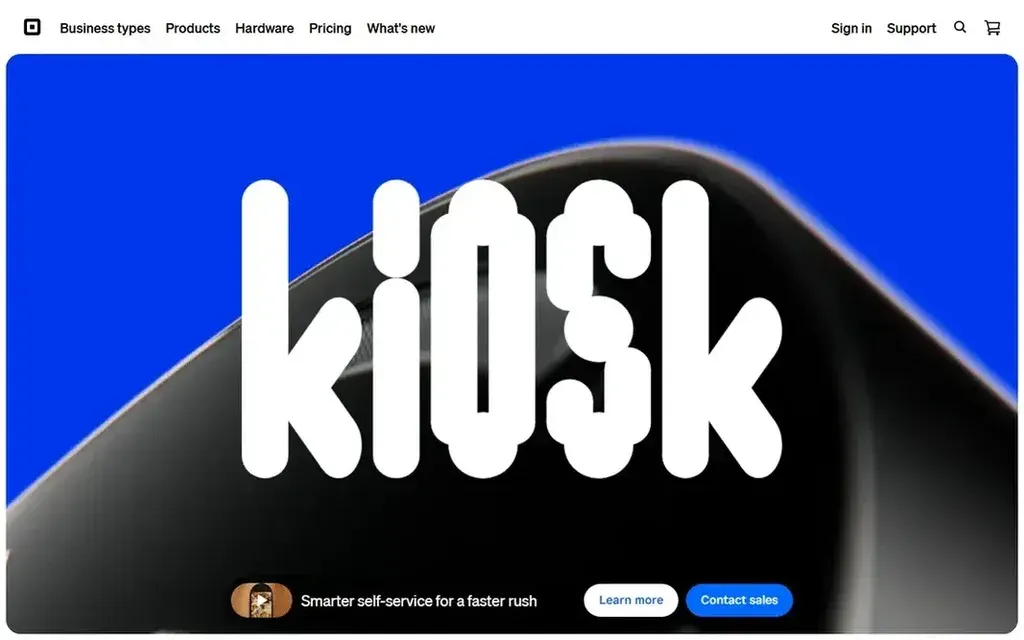
Square for Retail is built with all-in-one inventory, sales and customer data in mind. Retailers with complicated wholesale or multi-store requirements may find a specialized system a better match.
Smaller keeps and expanding shops commonly start here. Square for Retail shows no starting price here, so confirm the cost on the vendor site. Free options: Not stated.
Trade-offs to know: Hardware choices affect the overall setup.
- Built to manage inventory and sales together
- Positioned as an all-in-one retail system
- Retail-specific features differ from the general Square setup
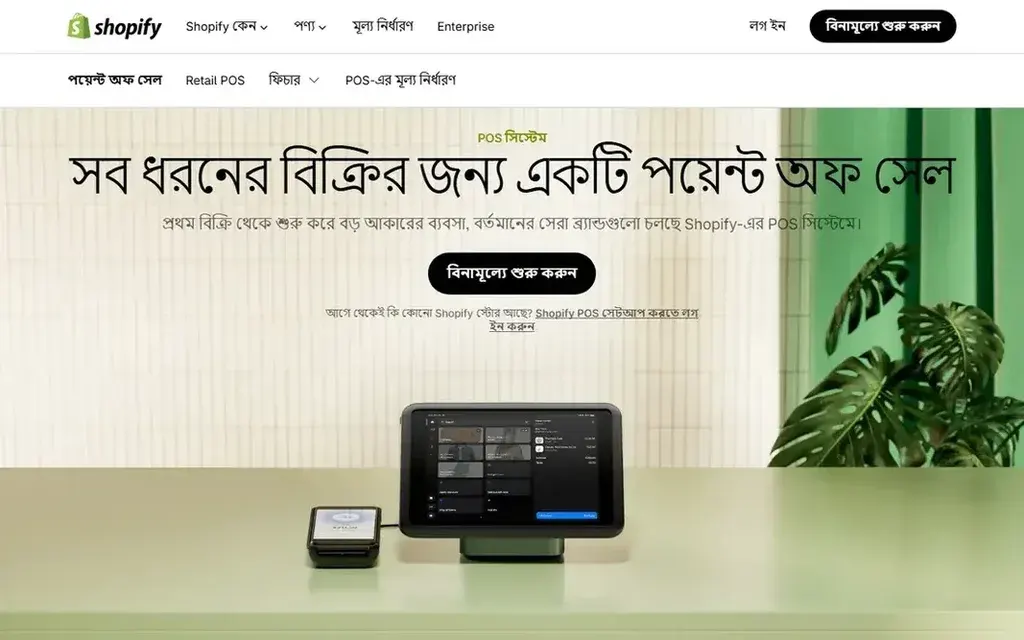
Shopify POS is built with retailers tied to an online store in mind. Stores that treat in-person sales as the core of the business and prefer a standalone system may look elsewhere.
For everyday use, since the value relies on tying the register to a Shopify storefront, the fit is weaker for merchants who only want a straightforward counter checkout. No starting price is listed for Shopify POS here; confirm pricing on the vendor site. Trial and free access: Not stated.
Drawbacks to consider: Best value if you already use Shopify.
- Integrates checkout with inventory management
- Links in-store selling to an online storefront
- Advanced needs may need add-on apps
Loyverse
Best for: Small firms wanting mobile POS
In short, Loyverse is for small firms wanting mobile POS. Loyverse provides a mobile point-of-sale system that simplifies sales, inventory and employee management for small firms.
Also, as a mobile-first system geared toward small companies, it may not handle the advanced inventory, purchasing or multi-store needs of bigger retailers. Shops with complicated operations should compare a fuller retail product. Entry price for Loyverse: $5 per store per month. Loyverse has a free plan.
Trade-offs to know: Geared toward smaller operations.
- Simplifies sales and inventory
- Mobile point-of-sale system
- May lack depth for complicated retail
How these tools were picked
We compared the tools on published pricing, free plan or trial availability, feature coverage for POS systems for smart retail, and the limits each vendor documents. Treat prices as a snapshot: vendors change plans often, so check the vendor site for the figure that applies today. We ordered the tools by general fit, then by how clearly pricing is shown, then by free access. A buyer with unusual needs may reorder them.
What to check before you buy
- Ask Clover, Retail Pro, Square for Retail and Shopify POS for a written quote, since no starting price is shown.
- Test the free plan from Loyverse against your real workload before relying on it.
- Before choosing Clover, weigh its main limit: detail relies on the specific configuration.
- Read the plan comparison for Shopify POS carefully; key features often start on a higher tier.
- A short pilot of Square for Retail with your real workflow tells you more than a feature table.
FAQ
Do these tools publish their prices?
Not all of them. Clover, Retail Pro, Square for Retail and Shopify POS publish no starting price, so expect a quote request for those. The rest, Loyverse included, show a starting price, though seats and billing terms still change the final cost.
Is Clover the right pick for everyone comparing POS systems for smart retail?
No single tool suits every team. Clover comes first because it fits counter checkout with card readers, while Retail Pro suits serious retailers needing global support and Square for Retail suits all-in-one inventory, sales and customer data. Match the tool to your own size, budget and workflow before deciding.
How are the tools for POS systems for smart retail ordered?
Clover sits first and Loyverse last because the order follows typical fit for POS systems for smart retail, then price clarity and free access. It is a judgement call, so read each profile for fit and limits.
Which options for POS systems for smart retail have a free plan?
Loyverse is the only tool in this list with a free plan. Free plans usually cap users, projects or features, so check the limits on the vendor page.
Sources
- https://www.clover.com
- https://www.retailpro.com
- https://squareup.com/us/en/point-of-sale/retail
- https://www.shopify.com/pos
- https://loyverse.com