Top 6 Platforms for VOD and Live Shopping Overlays for 2026 (Prices and Free Plans)
Best platforms for VOD and live shopping overlays in 2026: 6 tools with starting prices, free plans and limits. Honest caveats for every entry. Easy to scan.
- Editor's choice
 Dacast
Scheduled broadcasts with hosting
Starts at$29 a monthVisit dacast.comFull review - Great alternative
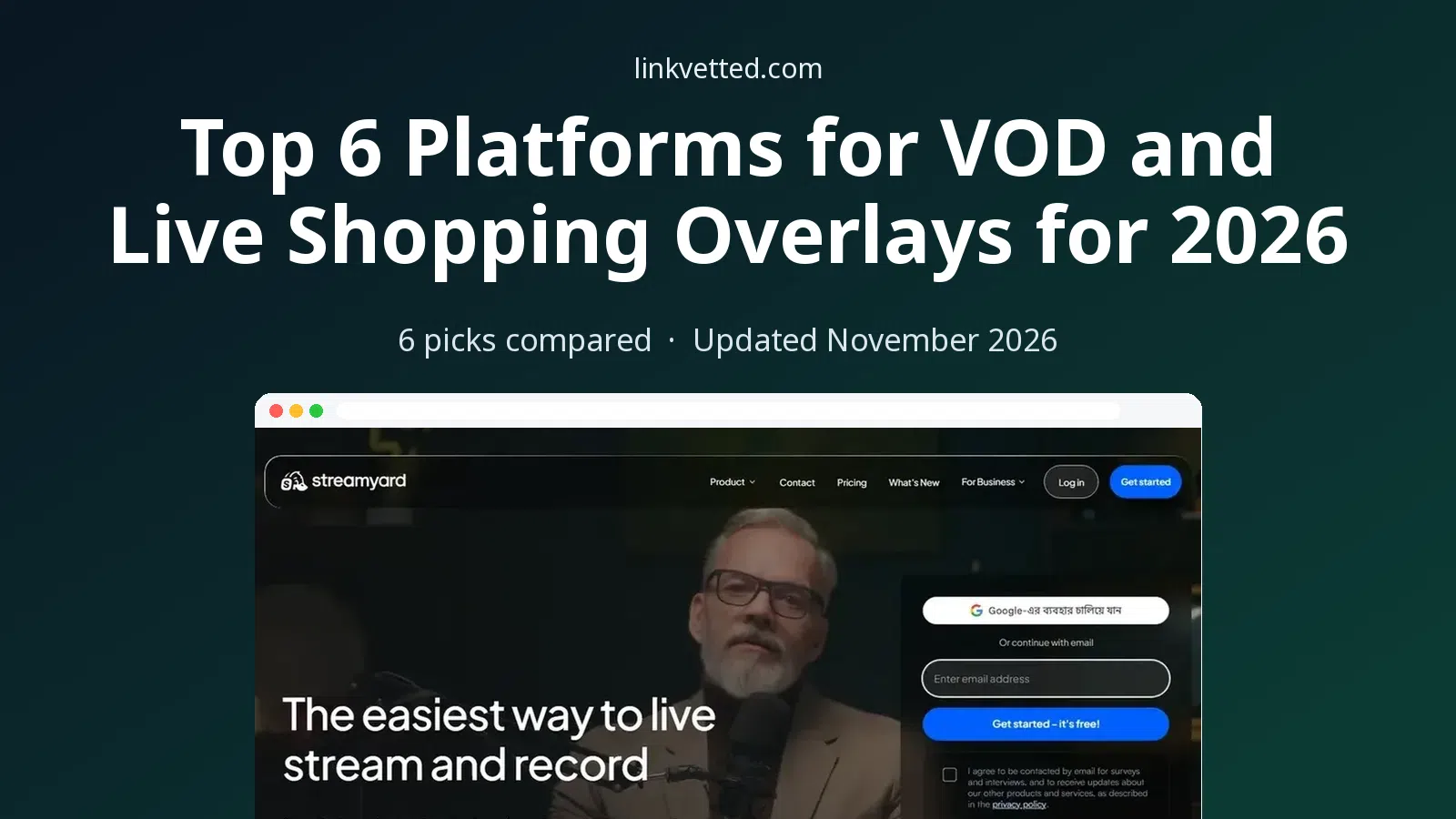
 StreamYard
Browser-based live displays with graphics
Starts atSee websiteVisit streamyard.comFull review - Also consider
 vMix
Professional live production
Starts atSee websiteVisit vmix.comFull review
Direct answer
If you need scheduled broadcasts with hosting, Dacast is the first tool to look at here. Listed starting prices: Dacast from $29 a month, BoxCast from $109 a month and Bambuser from $79 per month. If your case is different, StreamYard suits browser-based live displays with graphics and vMix suits professional live production. Prices, free plans and limits for all 6 tools follow.
TL;DR:
- This list starts with Dacast, which is built for scheduled broadcasts with hosting.
- A fair warning about Dacast: Overlays may be restricted.
- Bambuser is the only tool of the 6 with a free plan.
- For dedicated live shopping overlays, Bambuser is worth a look.
Last checked November 2026. Prices and plan details were read from the vendors' own pages in November 2026; vendors change plans often, so confirm the current price on the vendor site before you buy.
Quick comparison
| Tool | Best for | Starts at | Free plan? | |
|---|---|---|---|---|
| Dacast | Scheduled broadcasts with hosting | $29 a month | Free trial | Visit |
| StreamYard | Browser-based live displays with graphics | See website | Free trial | Visit |
| vMix | Professional live production | See website | Not stated | Visit |
 OBS Studio | Open-source configurable overlays | See website | Not stated | Visit |
| BoxCast | Simplified live production | $109 a month | Free trial | Visit |
| Bambuser | Dedicated live shopping overlays | $79 per month | Yes | Visit |
Our 6 platforms for VOD and live shopping overlays
LinkVetted put together this guide to platforms for VOD and live shopping overlays for readers who want a clear shortlist without reading every vendor page. It compares 6 tools on starting price, free plans, who each one suits and where each one falls short.
Dacast was built for scheduled broadcasts with hosting. If interactive commerce is your priority, consider a dedicated video commerce system. Dacast is capable for scheduled broadcasts but does not specialize in live shopping overlays.
Points against: Not commerce-focused.
Highlights: Video hosting included.
Dacast is a professional live streaming and video hosting product for organizations that broadcast on a schedule. It supplies steady streaming and hosting, with overlay capabilities that can support branded experiences. What you pay to start with Dacast: $29 per month. Trial and free access: Free trial.
- Transparent pricing
- Steady streaming
- Overlays may be restricted
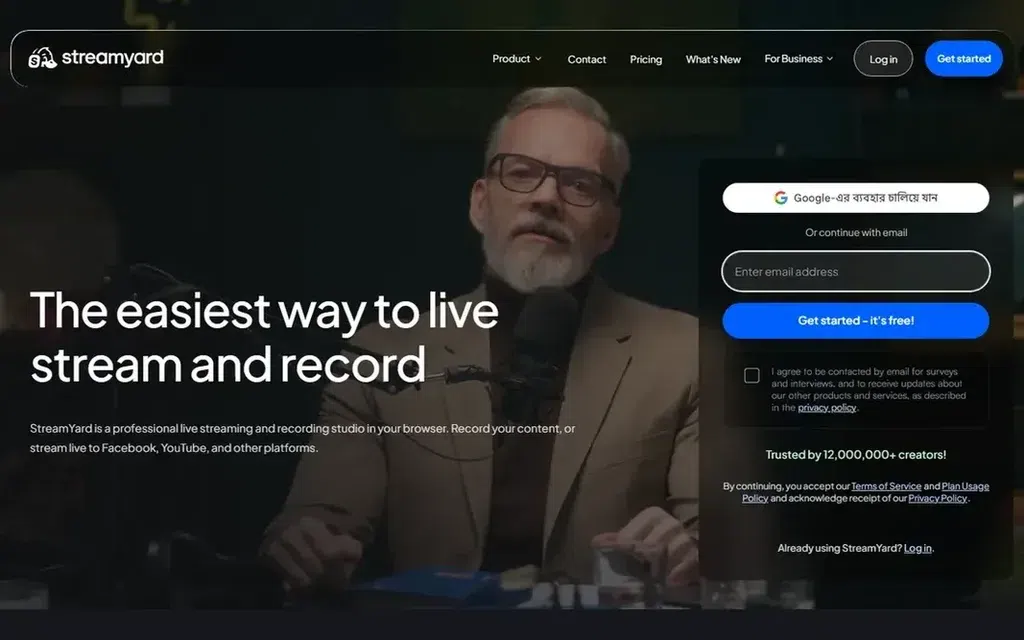
StreamYard works best for browser-based live displays with graphics. StreamYard is a browser-based live streaming and recording studio that lets you go live to products like Facebook and YouTube.
It contains features for adding graphics and overlays, making it accessible for marketers and creators who want professional-looking displays without complicated software. Check the vendor site for StreamYard pricing; none is listed in this comparison. Trial and free access: Free trial.
What to check first: Restricted advanced production.
- No installation needed
- Simple guest invites
- Overlays tied to streaming
vMix is a good fit for professional live production. vMix is live streaming and production software for Windows that functions as a video mixer and switcher.
Where it falls short: Can be complicated for beginners.
Its Windows-only limitation and complexity mean more straightforward browser-based tools might be preferable for basic needs. This comparison lists no price for vMix; ask the vendor. Free plan details: Not stated.
- Built-in overlays
- Multiple input support
- Windows only
For open-source customizable overlays, OBS Studio is a natural candidate. OBS Studio is free and open-source software for video recording and live streaming.
The main drawbacks: Steeper ramp-up time.
It supports high-quality encoding and can stream to numerous providers, with broad customization choices for overlays through scenes and sources. More specifically, OBS Studio needs technical knowledge to set up overlays and lacks native shopping features. This comparison lists no price for OBS Studio; ask the vendor. Free options: Not stated.
Upsides: Free and open source.
- Highly configurable
- Supports numerous plugins
- No built-in commerce features
BoxCast
Best for: Simplified live production
For simplified live production, BoxCast is a natural candidate. It is meant to help organizations link with their community through live video, with straightforward overlay features.
More specifically, BoxCast prioritizes simplicity over advanced commerce overlays. The starting price for BoxCast: $109 per month. Free access: Free trial.
Where it falls short: Less focus on commerce.
- Integrated video product
- Straightforward to use
- Overlay choices may be entry-level
Bambuser
Best for: Dedicated live shopping overlays
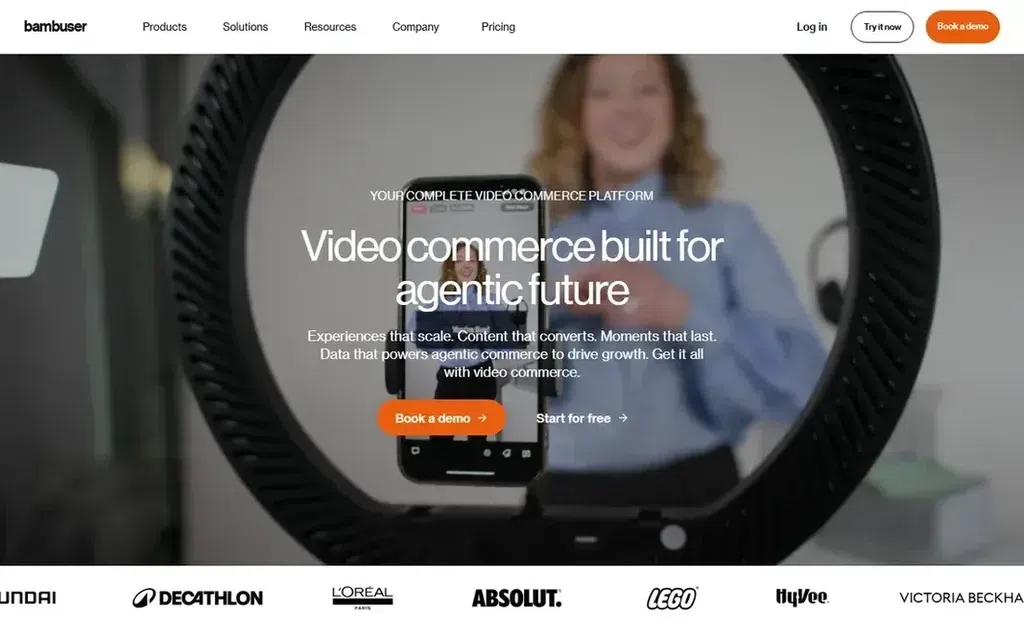
Bambuser works best for dedicated live shopping overlays. Bambuser is a video commerce product meant to help brands convert audiences through live and on-demand video.
It emphasizes immediate feedback and engagement, making it a fit for retailers and brands that want to integrate shopping straight into video content with overlays. Bambuser pricing: $79 per month. A free plan is available with Bambuser.
Where it falls short: May require specialized setup.
- Interactive overlays
- Aimed at video commerce
- Restricted general streaming features
How we built this list
What to confirm before you sign up
- Ask StreamYard, vMix and OBS Studio for a written quote, since no starting price is shown.
- Look at the free plan from Bambuser closely: its caps decide whether it is usable for real work.
- Run a trial of Dacast, StreamYard and BoxCast with real work before paying for a year; your own workflow is the best test.
- Read the limits listed for Dacast first: Overlays may be restricted.
- Compare total cost, not headline price: for Dacast, add extra seats, add-ons and any usage-based charges.
- Check how data leaves StreamYard: formats, limits and whether exports are available on every plan.
FAQ
Do I need a separate system for VOD and live shopping?
It relies on your needs. Some systems like Bambuser focus on video commerce for both live and on-demand content, whereas others like Dacast offer hosting and streaming.
Which options for platforms for VOD and live shopping overlays have a free plan?
Bambuser is the only tool in this list with a free plan. Free plans usually cap users, projects or features, so check the limits on the vendor page. Several others offer a trial instead. Prices, free plan details and limits for all 6 tools in this platforms for VOD and live shopping Overlays roundup sit on the individual cards above.
Can I try these tools before paying?
Often, yes. Bambuser has a free plan and Dacast, StreamYard and BoxCast offer a free trial. Use your own data and a real task during the test, and check what the free tier or trial limits before you rely on it.
Which platform is a good match for multistreaming with overlays?
Dacast comes first here and is built for scheduled broadcasts with hosting. Buyers with other needs may prefer StreamYard (for browser-based live shows with graphics) or vMix (for professional live production). Compare costs and limits first.
Can I use OBS Studio for live shopping overlays?
OBS Studio can be used to create custom overlays through its scene and source system, but it lacks built-in commerce features. You would have to integrate extra tools or plugins to enable interactive shopping elements.
Do these tools publish their prices?
Not all of them. StreamYard, vMix and OBS Studio publish no starting price, so expect a quote request for those. The rest, Dacast included, show a starting price, though seats and billing terms still change the final cost.
Sources
- https://www.dacast.com
- https://streamyard.com
- https://www.vmix.com
- https://obsproject.com
- https://www.boxcast.com
- https://bambuser.com