Platforms for Learning Computer Vision in 2026: The 5 Best Options Side by Side
Best platforms for learning computer vision: 5 contenders ranked by fit, with entry costs and free tiers. The catches are listed up front. Skim the table first.
- Editor's choice
 DataCamp
Browser-based Python and data practice
Starts at$5 a month billed yearlyVisit datacamp.comFull review - Great alternative
 Udacity
Project-based technical skill building
Starts atSee websiteVisit udacity.comFull review - Also consider
 edX
University-backed courses and degrees
Starts atSee websiteVisit edx.orgFull review
Direct answer
For browser-based Python and data practice, DataCamp is where this list starts. Listed starting prices: DataCamp from $5 a month billed yearly and Pluralsight from $399 a month per user. If your case is different, Udacity suits project-based technical skill building and edX suits University-backed courses and degrees. The full list of 5 tools follows, with prices and free plan facts.
TL;DR:
- Number one here is DataCamp, a fit for browser-based Python and data practice.
- A fair warning about edX: pacing follows academic schedules.
- Pluralsight is the one to check for team and enterprise tech upskilling.
- The cheapest monthly starting price in the list is $5 per month billed annually, offered by DataCamp.
Last checked November 2026. Prices and plan details were read from the vendors' own pages in November 2026; vendors change plans often, so confirm the current price on the vendor site before you buy.
Quick comparison
| Tool | Best for | Starts at | Free plan? | |
|---|---|---|---|---|
| DataCamp | Browser-based Python and data practice | $5 a month billed yearly | Yes | Visit |
| Udacity | Project-based technical skill building | See website | Not stated | Visit |
| edX | University-backed courses and degrees | See website | Not stated | Visit |
 Coursera | Wide academic and industry course catalog | See website | Not stated | Visit |
| Pluralsight | Team and enterprise tech upskilling | $399 a month per user | Free trial | Visit |
Our 5 picks for platforms for learning computer vision
LinkVetted put together this guide to platforms for learning computer vision for readers who want a clear shortlist without reading every vendor page. It compares 5 tools on starting price, free plans, who each one suits and where each one falls short.
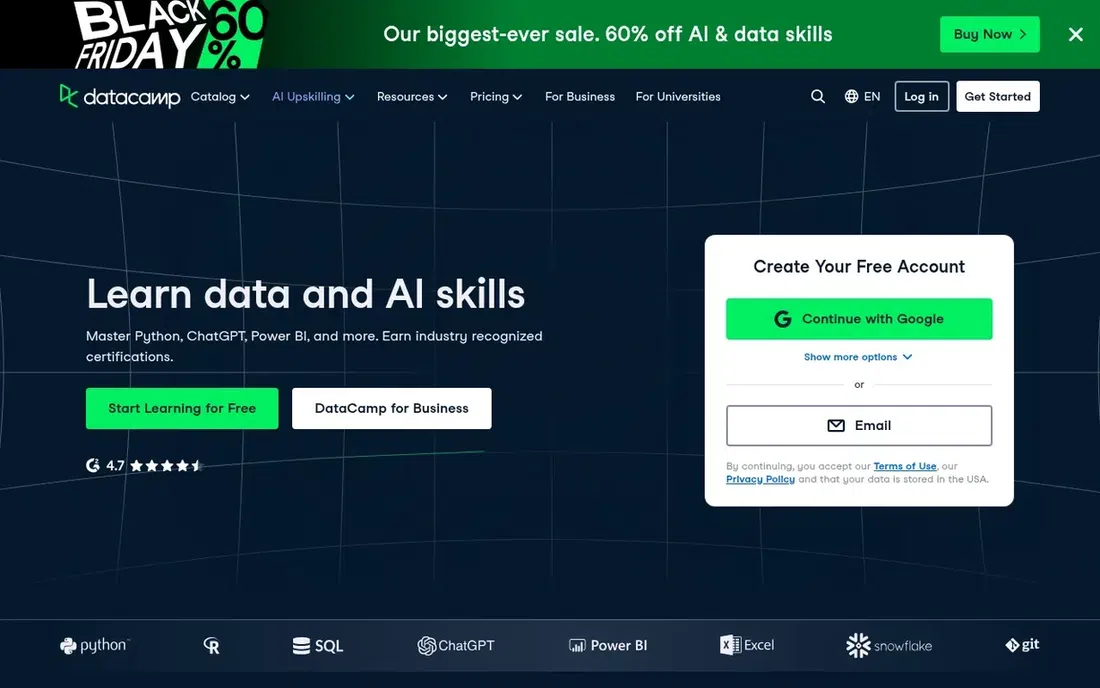
DataCamp targets browser-based Python and data practice. For computer vision, it is a practical place to build the data handling, NumPy and Python skills that underpin image pipelines before moving to dedicated deep learning material.
Main advantages: Self-paced video tutorials and challenges.
Entry price for DataCamp: $5 per month billed annually. A free plan is available with DataCamp. Honest limits: Less depth in deep learning specialization.
- Solid Python
- Interactive coding in the browser
- Computer vision is not the primary focus

Udacity is designed for project-based technical skill building. Udacity is an online platform for technical skills, with courses in programming, data science, artificial intelligence and digital marketing. Its AI and programming tracks provide computer vision learners a project-centered route, pairing concepts with applied exercises that build a portfolio instead of relying on lectures alone.
Best features of Udacity: Career-oriented course structure.
Where it is weaker: Catalog is narrower than large marketplaces. In practice, the catalog is smaller than wide marketplaces, so niche vision topics may be missing, and the self-paced format rewards disciplined learners. Those who want university-branded credentials or a wider choice of instructors should compare Coursera or edX instead. Check the vendor site for Udacity pricing; none is listed in this comparison. Trial and free access: Not stated.
- Technical tracks for working professionals
- Focus on programming
- Self-directed pace needs discipline
edX works best for University-backed courses and degrees. edX gives you online courses, certificates and degrees delivered by institutions like Harvard, Google and Amazon.
Drawbacks to consider: Advanced vision courses can be demanding.
Worth adding: course pacing and prerequisites follow academic norms, which can feel slow or demanding for career switchers. Check the vendor site for edX pricing; none is listed in this comparison. Free plan details: Not stated.
- Certificates and full degree pathways
- Courses from leading institutions
- Pacing follows academic schedules
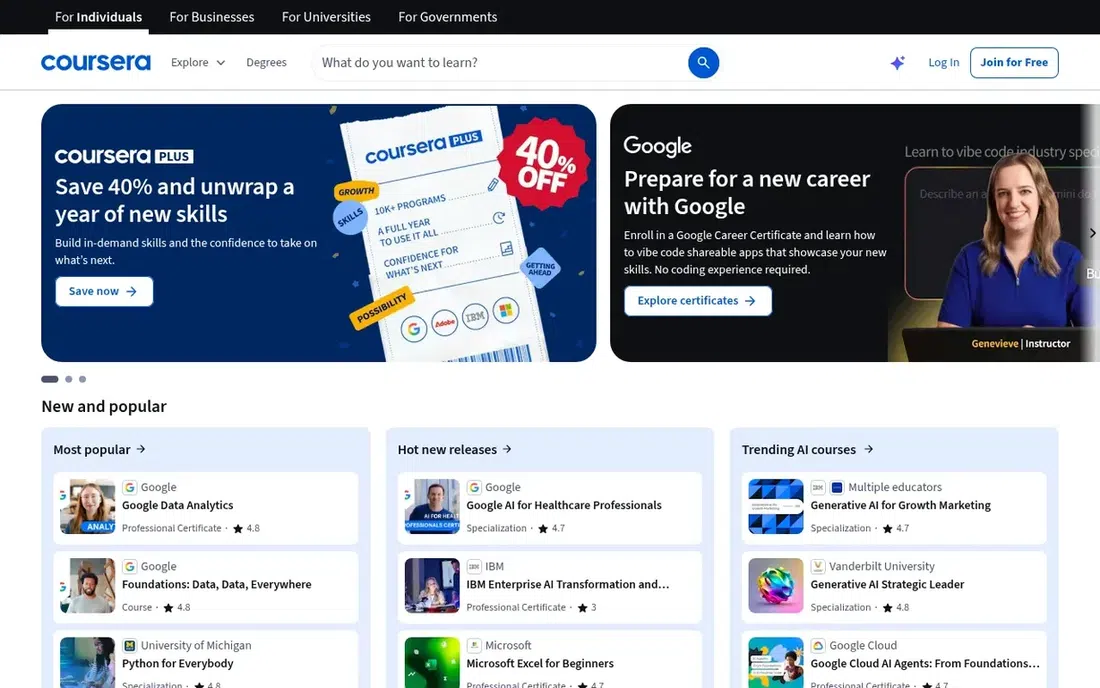
Coursera is aimed squarely at wide academic and industry course catalog. Coursera is an online learning marketplace offering courses, Professional Certificates, Specializations and degrees from institutions and businesses including Stanford, Google, Meta and DeepLearning.AI.
Upsides: Certificates.
Points against: Quality varies by course and instructor.
Check the vendor site for Coursera pricing; none is listed in this comparison. Trial and free access: Not stated.
- Includes both theory and applied projects
- Courses from universities and major tech businesses
- Advanced vision content is spread across numerous courses
Pluralsight
Best for: Team and enterprise tech upskilling
Think of Pluralsight for team and enterprise tech upskilling. Pluralsight is a technology learning product for teams, offering courses and practical labs in AI, cloud, data and security.
What works well: Skill assessments support planning.
What to check first: Individual catalog feels corporate in tone. Also, the system is oriented toward workplace skill building, so dedicated computer vision content is thinner than on academic marketplaces. Starting cost for Pluralsight: $399 per month per user. Free options: Free trial.
- Courses and labs for AI
- Made for organizational learning programs
- Vision-specific tracks are limited
How the list was put together
Selection started from tools commonly considered for platforms for learning computer vision, then narrowed to 5 that have clear pricing information or a clear quote process. Figures are shown as the vendors publish them. Billing terms, seat minimums and add-ons can change the real cost. The ranking is editorial: typical fit first, then clear pricing, then free access. If your needs are unusual, read the profiles rather than relying on position.
What to confirm before you sign up
- Get a written quote from Udacity, edX and Coursera; the list shows no starting price for them.
- Look at the free plan from DataCamp closely: its caps decide whether it is usable for real work.
- Run a trial of Pluralsight with real work before paying for a year; your own workflow is the best test.
- Read the limits listed for DataCamp first: less depth in deep learning specialization.
- Get the contract term, renewal terms and any onboarding fees from Udacity in writing.
- Involve the people who will use DataCamp daily; a short pilot beats a long feature checklist.
FAQ
Is DataCamp the right pick for everyone comparing platforms for learning computer vision?
No single tool suits every team. DataCamp comes first because it fits browser-based Python and data practice, while Udacity suits project-based technical skill building and edX suits University-backed courses and degrees. Match the tool to your own size, budget and workflow before deciding.
Which product is a good match for a complete beginner in computer vision?
The first pick on this list is DataCamp, because it suits browser-based Python and data practice. Udacity is better for project-based technical skill building, and edX for University-backed courses and degrees. Check price and limits against your own needs before choosing.
Can I learn computer vision without a university degree program?
Marketplaces for example Coursera, Udacity and DataCamp offer individual courses and specializations that cover vision topics without enrolling in a degree. A degree pathway is optional and primarily handy for formal credentials.
Can I try these tools before paying?
Often, yes. DataCamp has a free plan and Pluralsight offers a free trial. Use your own data and a real task during the test, and check what the free tier or trial limits before you rely on it. For the full picture, the cards above cover all 5 entries of this platforms for learning computer Vision list, including price, free plan and limits.
What is the cheapest option for platforms for learning computer vision in this list?
On published monthly entry prices, DataCamp is the lowest here at $5 per month billed annually. Entry price is only part of the cost, because seats, add-ons and billing terms can change the total. Prices, free plan details and limits for all 5 tools in this platforms for learning computer Vision roundup sit on the individual cards above.
Do these tools publish their prices?
Not all of them. Udacity, edX and Coursera publish no starting price, so expect a quote request for those. The rest, DataCamp included, show a starting price, though seats and billing terms still change the final cost.
Sources
- https://www.datacamp.com
- https://www.udacity.com
- https://www.edx.org
- https://www.coursera.org
- https://www.pluralsight.com