5 Best Platform with Multiple View Types for Data for 2026, Vetted and Compared
Best platform with multiple view types for data, compared. 5 tools with published prices, free plans and limits. Honest caveats for every entry. No hype.
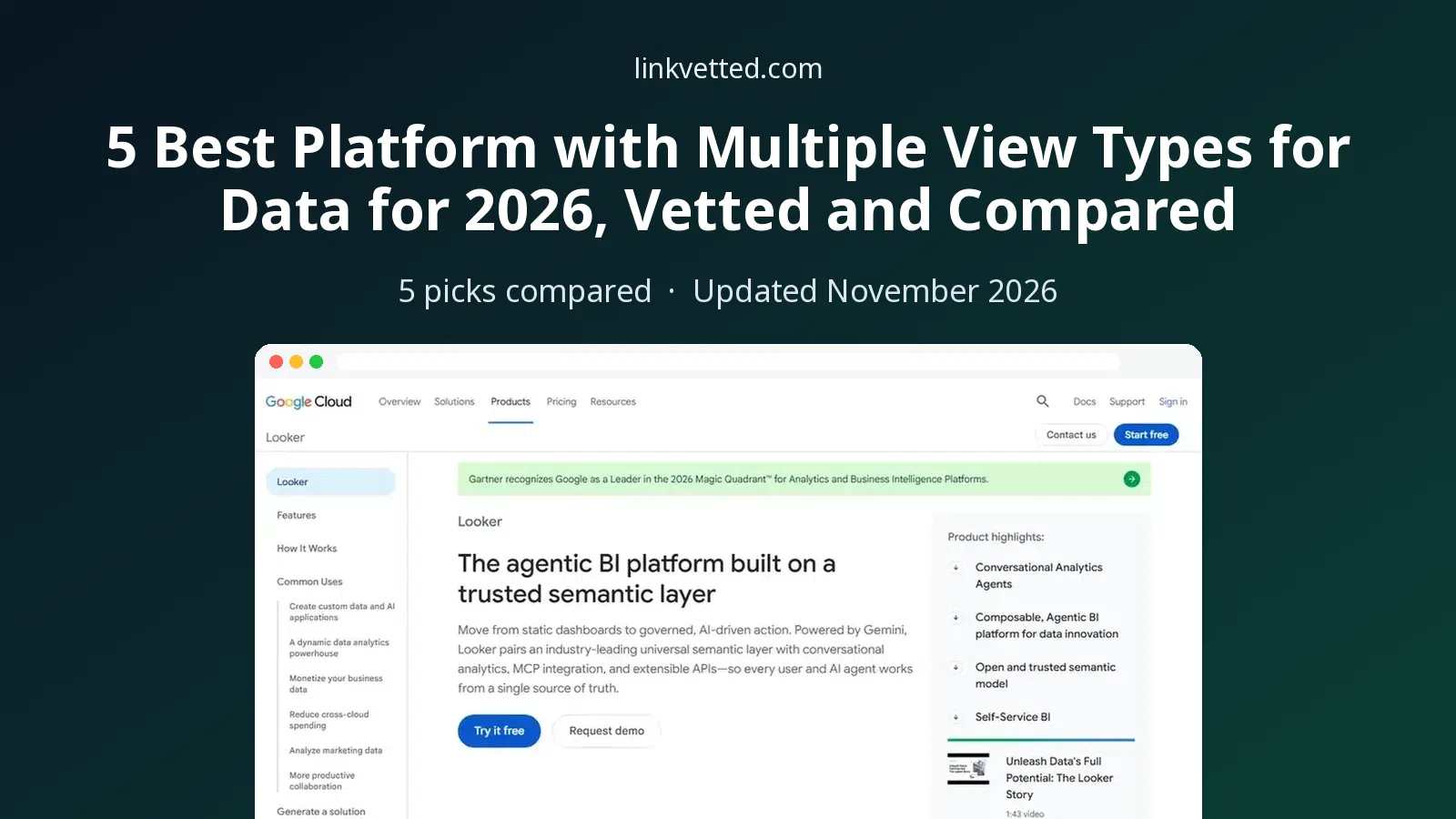
- Editor's choice
 Domo
Connected data journeys and insights
Starts atSee websiteVisit domo.comFull review - Great alternative
 Looker
Governed metrics and embedded analytics
Starts atSee websiteVisit cloud.google.comFull review - Also consider
 ThoughtSpot
AI-assisted search and automatic insight
Starts at$25 per user a monthVisit thoughtspot.comFull review
Direct answer
Start with Domo if you need connected data journeys and insights. Listed starting prices: ThoughtSpot from $25 per user a month and Tableau from $15 per user a month. Looker fits governed metrics and embedded analytics; ThoughtSpot fits AI-assisted search and automatic insight. Prices, free plans and limits for all 5 tools follow.
TL;DR:
- This list starts with Domo, which is built for connected data journeys and insights.
- A fair warning about Looker: semantic modeling needs effort.
- Tableau is the lowest-priced starter here at $15 per user per month.
- For wide visual analysis and dashboards, Tableau is worth a look.
Last checked November 2026. Prices and plan details were read from the vendors' own pages in November 2026; vendors change plans often, so confirm the current price on the vendor site before you buy.
Quick comparison
| Tool | Best for | Starts at | Free plan? | |
|---|---|---|---|---|
| Domo | Connected data journeys and insights | See website | Free trial | Visit |
| Looker | Governed metrics and embedded analytics | See website | Not stated | Visit |
| ThoughtSpot | AI-assisted search and automatic insight | $25 per user a month | Free trial | Visit |
 Sisense | Embedded analytics in products | See website | Free trial | Visit |
 Tableau | Wide visual analysis and dashboards | $15 per user a month | Yes | Visit |
Platform with Multiple View Types for Data profiles
This LinkVetted guide covers 5 options for platform with multiple view types for data. Each profile lists a starting price, free plan details, strengths and drawbacks, so you can drop poor fits quickly.
Domo was built for connected data journeys and insights. It suits organizations that want one place to strengthen the entire data journey and accelerate business-critical insights across multiple view types.
Trade-offs to know: Governance setup takes planning.
More specifically, the broad product scope can feel overwhelming at first, and governance needs deliberate planning. Check the vendor site for Domo pricing; none is listed in this comparison. Trial and free access: Free trial.
- Data preparation support
- Links data from plenty of sources
- Wide scope can overwhelm
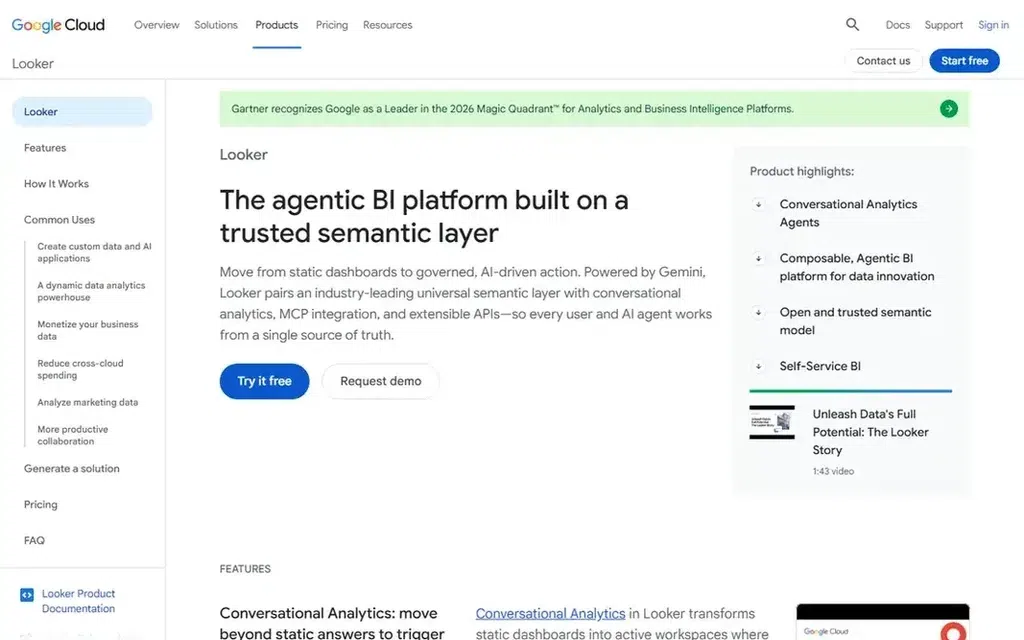
Looker serves governed metrics and embedded analytics. If you need fast ad hoc charts with minimal modeling, a self-service tool may be preferable.
Drawbacks to consider: Semantic modeling needs effort.
No starting price is listed for Looker here; confirm pricing on the vendor site. As for free access: Not stated.
- Trusted semantic layer
- Google Cloud integration
- Best fit within Google Cloud
ThoughtSpot was built for AI-assisted search and automated insight. ThoughtSpot presents an agentic analytics product with AI agents, automatic insights and embedded intelligence.
Where it is weaker: Search habits take adjustment.
In daily use, if you prefer completely manual chart building, a conventional BI tool may feel more familiar. Also, AI-driven results rely on well-prepared data, and users may need time to adjust to search-led analysis. On cost, ThoughtSpot starts like this: $25 per user per month. Free options: Free trial.
- Automatic insights
- Agentic analytics product
- AI features need clean data
Pick Sisense if this describes you: embedded analytics in products. It suits software teams that want analytics embedded directly in their own products.
If you want a standalone analysis workspace for internal teams, another product may suit better. This comparison lists no price for Sisense; ask the vendor. Free options: Free trial.
Upsides: Pro-code.
Drawbacks to consider: Embedded focus may limit general BI.
- AI-powered embedded analytics
- Low-code and no-code choices
- Integration work is required
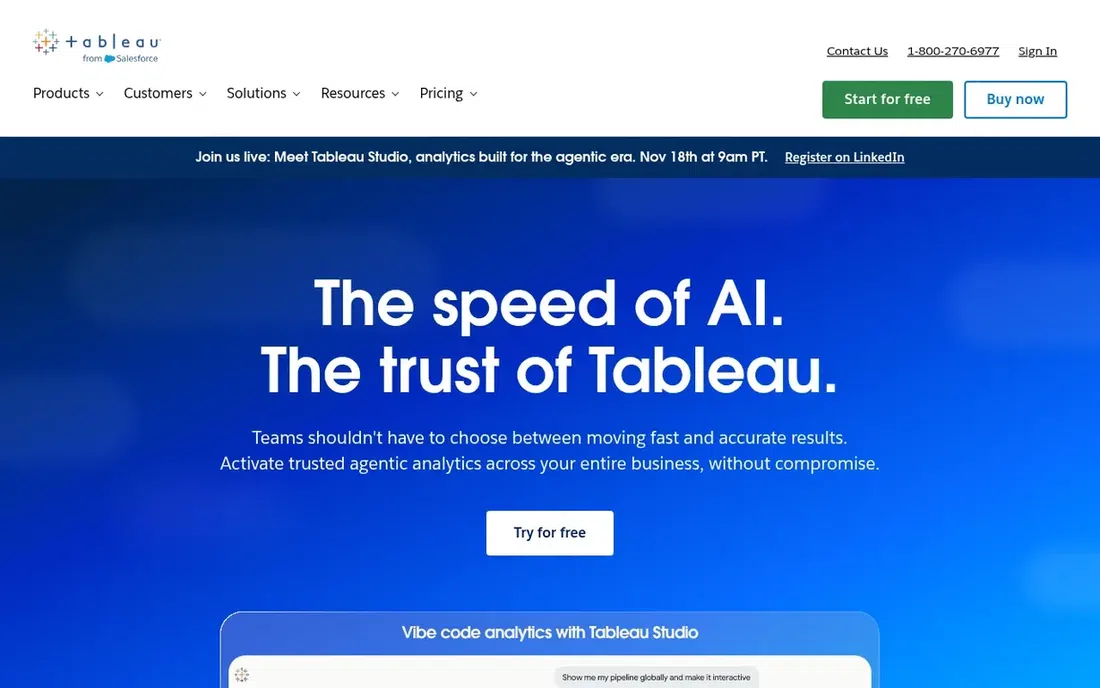
In short, Tableau is for broad visual analysis and dashboards. It suits analysts and teams that want numerous view types, from straightforward charts to interactive dashboards, without heavy coding.
As for the details, if you primarily need light embedded views inside a product, an embedded-focused product may be a better fit. Tableau pricing: $15 per user per month. You can start on Tableau without paying.
Trade-offs to know: Advanced setups need care.
- Simple sharing of views
- Drag-and-drop visualization building
- Can feel complicated for new users
How these tools were picked
Each tool was reviewed on what its vendor publishes: price, plan limits, core features and stated drawbacks. We did not run hands-on tests. Where a price is missing, the vendor does not list one publicly or ties it to a quote. Always confirm before budgeting. Tools are placed by general fit for platform with multiple view types for data, with price clarity and free access as tie-breakers. A different team can reasonably rank them differently.
Pre-purchase checklist
- Get a written quote from Domo, Looker and Sisense; the list shows no starting price for them.
- Look at the free plan from Tableau closely: its caps decide whether it is usable for real work.
- Use real work to test the free trial from Domo, ThoughtSpot and Sisense, rather than a demo project.
- Before choosing Domo, weigh its main limit: wide scope can overwhelm.
- Make sure Tableau lets you export your data in a format another tool can read.
- Confirm the exact ThoughtSpot plan that includes your must-have features.
FAQ
Do these systems need a semantic layer?
Some, like Looker, center on a trusted semantic layer for consistent metrics across views. Decide how much metric consistency your teams need before choosing.
How are the tools for platform with multiple view types for data ordered?
Domo sits first and Tableau last because the order follows typical fit for platform with multiple view types for data, then price clarity and free access. It is a judgement call, so read each profile for fit and limits.
Is Domo the right pick for everyone comparing platform with multiple view types for data?
No single tool suits every team. Domo comes first because it fits connected data journeys and insights, while Looker suits governed metrics and embedded analytics and ThoughtSpot suits AI-assisted search and automated insight. Match the tool to your own size, budget and workflow before deciding.
What is the cheapest option for platform with multiple view types for data in this list?
On published monthly entry prices, Tableau is the lowest here at $15 per user per month. Entry price is only part of the cost, because seats, add-ons and billing terms can change the total. All 5 picks in this platform with multiple view types for data comparison list a starting price, free plan details and the main limits on their cards above.
Do these tools publish their prices?
Not all of them. Domo, Looker and Sisense publish no starting price, so expect a quote request for those. The rest, ThoughtSpot included, show a starting price, though seats and billing terms still change the final cost.
How does AI fit into multi-view data systems?
Multiple vendors describe AI agents and automatic insights alongside traditional charts and dashboards. Treat AI features as additions and confirm they work with your prepared data before relying on them.
Sources
- https://www.domo.com
- https://cloud.google.com/looker
- https://www.thoughtspot.com
- https://www.sisense.com
- https://www.tableau.com