Best Platform for Hosting Webinar Recordings (2026): 5 Picks Checked on Vendor Pages
Compare 5 best platform for hosting webinar recordings, with prices, free plans and who each fits. Weaknesses are named for every tool. Full profiles inside.
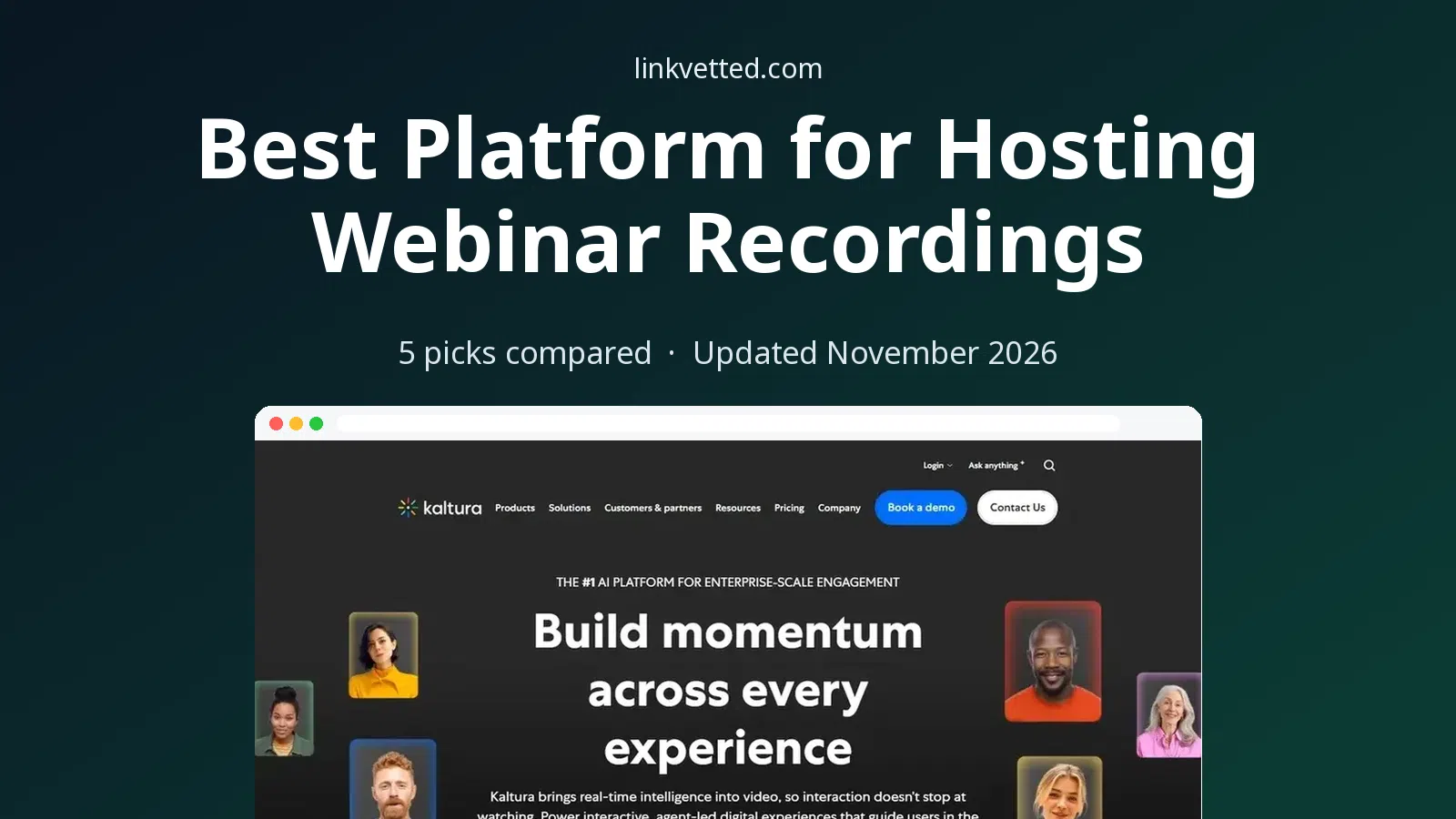
- Editor's choiceAWS Elemental MediaConvert
File-based transcoding at scale
Starts atSee websiteVisit aws.amazon.comFull review - Great alternative
 Kaltura
Education and enterprise video management
Starts atSee websiteVisit corp.kaltura.comFull review - Also consider
 Vimeo
Refined on-demand playback and discovery
Starts atSee websiteVisit vimeo.comFull review
Direct answer
AWS Elemental MediaConvert comes first here, mainly for file-based transcoding at scale. Listed starting prices: SproutVideo from $12 per month billed yearly and Cloudflare Stream from $7 per month. If your case is different, Kaltura suits education and enterprise video management and Vimeo suits refined on-demand playback and discovery. Details, prices and limits for the rest of the 5 tools are below.
TL;DR:
- AWS Elemental MediaConvert is the opening pick, best for file-based transcoding at scale.
- The lowest published monthly entry price here is $7 per month, from Cloudflare Stream.
- A free plan is available from 2 of the 5 tools: Vimeo, Cloudflare Stream.
- Check the limits for Vimeo before you commit: restricted enterprise security controls.
Last checked November 2026. Prices and plan details were read from the vendors' own pages in November 2026; vendors change plans often, so confirm the current price on the vendor site before you buy.
Quick comparison
| Tool | Best for | Starts at | Free plan? | |
|---|---|---|---|---|
| AWS Elemental MediaConvert | File-based transcoding at scale | See website | Not stated | Visit |
| Kaltura | Education and enterprise video management | See website | Free trial | Visit |
| Vimeo | Refined on-demand playback and discovery | See website | Yes | Visit |
 SproutVideo | Business video marketing and privacy | $12 per month billed yearly | Free trial | Visit |
| Cloudflare Stream | Managed video pipeline with straightforward pricing | $7 per month | Yes | Visit |
The 5 tools in detail
Choosing platform for hosting webinar recordings usually comes down to price, fit and limits. This LinkVetted guide sets 5 tools side by side on those three points, with the facts kept short and checkable.
AWS Elemental MediaConvert
Best for: File-based transcoding at scale
AWS Elemental MediaConvert targets file-based transcoding at scale. It suits teams already working within the AWS ecosystem.
The main drawbacks: Needs AWS expertise.
If you want an all-in-one hosting option, a managed video system is a better starting point. AWS Elemental MediaConvert does not show a starting price in this comparison, so check the vendor site for current pricing. As for free access: Not stated.
- Scales for broadcast delivery
- Plugs into AWS services
- Not a hosting front end
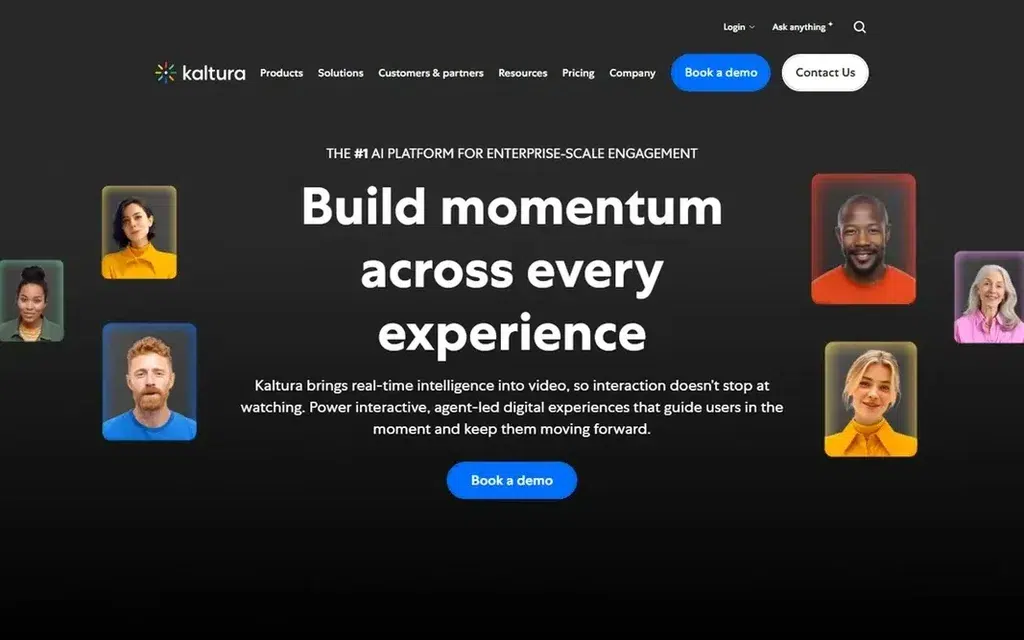
Kaltura is a good fit for education and enterprise video management. Kaltura is a video system widely adopted in education and enterprise settings for managing live and on-demand video. It offers tools for hosting, publishing, and analyzing video content, and is commonly used for lecture capture and internal communications.
Where it falls short: Setup may need technical support.
Beyond that, Kaltura's wide feature set can make the interface feel complicated for newcomers, and initial setup may require technical assistance. Beyond that, if you need a straightforward host for a handful of webinar recordings, a more simplified system could be simpler to handle. Kaltura does not show a starting price in this comparison, so check the vendor site for current pricing. As for free access: Free trial.
- Widely used in education
- Enterprise video management
- Interface can feel complicated
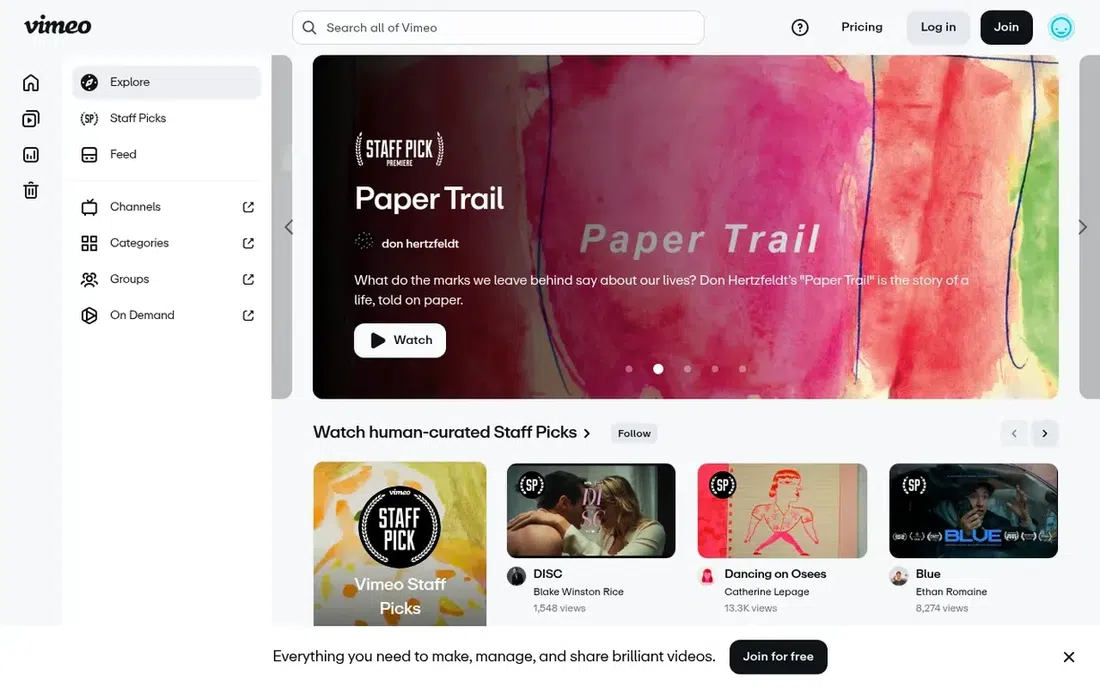
Choose Vimeo for refined on-demand playback and discovery. Vimeo is a video hosting platform known for high-quality playback and a clean, ad-free viewer experience. It supports on-demand video streaming and supplies discovery features that can help recordings reach a broader audience.
Downsides: Less centred on live webinar capture.
Vimeo may lack the advanced security and access controls that large enterprises need for sensitive content. Its live streaming capabilities are less specialized than dedicated webinar products. Pricing for Vimeo is not stated here, so ask the vendor for current figures. A free plan is available with Vimeo.
- Community and discovery features
- Broad device support
- Restricted enterprise security controls
Where SproutVideo fits: business video marketing and privacy. It gives you marketing analytics and privacy tools that help organizations share webinar recordings securely and measure engagement.
Watch-outs: Focus on business use cases.
Its feature set is less concentrated on public discovery and community. Worth adding: if you prioritize a straightforward public-facing video library, a consumer-oriented host might be a better match. The starting price for SproutVideo: $12 per month billed annually. On free options: Free trial.
- Live streaming support
- Marketing analytics
- Less suited to casual creators
Cloudflare Stream
Best for: Managed video pipeline with straightforward pricing
Cloudflare Stream is designed for managed video pipeline with straightforward pricing. If you need a ready-made hosting interface with marketing tools, look at a dedicated video system.
Drawbacks to consider: Less focus on marketing features.
It may need technical familiarity to integrate. What you pay to start with Cloudflare Stream: $7 per month. You can start on Cloudflare Stream without paying.
- Global delivery
- All-in-one managed pipeline
- Needs some technical comfort
What went into this list
Each tool was reviewed on what its vendor publishes: price, plan limits, core features and stated drawbacks. We did not run hands-on tests. Prices and plan limits come from vendor pages and can change, so confirm them on the vendor site before you buy. The order reflects how well each tool fits the most common buying scenario for platform for hosting webinar recordings, then price clarity, then free plan access. It is a starting point, not a verdict.
What to confirm before you sign up
- Confirm the entry price on the vendor page. For AWS Elemental MediaConvert, Kaltura and Vimeo that means a quote rather than a fixed price.
- Read the fine print on the free plans from Vimeo and Cloudflare Stream; seat, project and feature caps differ.
- Run a trial of Kaltura and SproutVideo with real work before paying for a year; your own workflow is the best test.
- Before choosing AWS Elemental MediaConvert, weigh its main limit: not a hosting front end.
- Test how quickly SproutVideo answers a pre-sales question; it hints at how support will feel later.
- Add up seats, add-ons and usage charges for Kaltura before comparing it with cheaper entries.
FAQ
What should I look for in a webinar recording hosting product?
Focus on playback quality, security controls, and management features like search and analytics. In daily use, consider whether you need public discovery or private access, and check integration with your existing tools.
Is AWS Elemental MediaConvert a hosting option?
No, MediaConvert is a transcoding service for processing video files, not a hosting front end. You would need extra services to store and deliver the converted recordings.
How are the platform for hosting webinar recordings ordered?
The order follows typical fit for platform for hosting webinar recordings, with AWS Elemental MediaConvert first and Cloudflare Stream last, then price clarity and free access. It is editorial judgement, not a score, so another team could rank the tools differently.
How does Cloudflare Stream differ from a traditional video product?
Cloudflare Stream is a managed media pipeline that takes care of upload, encoding, and delivery, making it more of an infrastructure service. Traditional products frequently bundle ready-made interfaces and marketing tools.
Which platform for hosting webinar recordings have a free plan?
Vimeo and Cloudflare Stream offer a free plan in this list. Free plans usually cap users, projects or features, so check the limits on the vendor page. Several others offer a trial instead.
Can I try these tools before paying?
Often, yes. Vimeo and Cloudflare Stream have a free plan and Kaltura and SproutVideo offer a free trial. Use your own data and a real task during the test, and check what the free tier or trial limits before you rely on it.
Sources
- https://aws.amazon.com/mediaconvert
- https://corp.kaltura.com
- https://vimeo.com
- https://sproutvideo.com
- https://www.cloudflare.com/products/cloudflare-stream