Top 5 Photogrammetry Software for Startups for 2026 (Prices and Free Plans)
Compare 5 best photogrammetry software for startups, with prices, free plans and who each fits. Every entry states what it lacks. Full profiles inside.
- Editor's choiceMaps Made Easy
Straightforward web-based map creation
Starts atSee websiteVisit mapsmadeeasy.comFull review - Great alternativeSimActive Correlator3D
High-end mapping from several sources
Starts at$295 per monthVisit simactive.comFull review - Also consider
 Polycam
Phone-based 3D scanning for AEC
Starts at$12.50 a monthVisit poly.camFull review
Direct answer
Maps Made Easy leads the list, best for straightforward web-based map creation. Listed starting prices: SimActive Correlator3D from $295 per month, Polycam from $12.50 a month and Nira from $19 a month. SimActive Correlator3D is better for high-end mapping from several sources, and Polycam is better for phone-based 3D scanning for AEC. The other 2 tools in the list cover narrower or pricier cases.
TL;DR:
- Number one here is Maps Made Easy, a fit for straightforward web-based map creation.
- Polycam is the lowest-priced starter here at $12.50 per month.
- What to know about Polycam first: mobile-first may limit precision.
- iTwin Capture Modeler is the one to check for infrastructure modeling from imagery and LIDAR.
- Polycam stands alone as the one tool in this list with a free plan.
Last checked November 2026. Prices and plan details were read from the vendors' own pages in November 2026; vendors change plans often, so confirm the current price on the vendor site before you buy.
Quick comparison
| Tool | Best for | Starts at | Free plan? | |
|---|---|---|---|---|
| Maps Made Easy | Straightforward web-based map creation | See website | Not stated | Visit |
| SimActive Correlator3D | High-end mapping from several sources | $295 per month | Free trial | Visit |
| Polycam | Phone-based 3D scanning for AEC | $12.50 a month | Yes | Visit |
| Nira | Live 3D model collaboration | $19 a month | Free trial | Visit |
| iTwin Capture Modeler | Infrastructure modeling from imagery and LIDAR | See website | Not stated | Visit |
5 photogrammetry software for startups in detail
If you are comparing photogrammetry software for startups, this page covers 5 tools in one place: what each is best for, what it costs to start, whether it has a free plan, and the main limit to know about.
Maps Made Easy
Best for: Straightforward web-based map creation
Maps Made Easy is a good fit for simple web-based map creation. Maps Made Easy is a web application that lets users upload aerial photos, stitch them into maps, and host the results. It supports DJI drones and numerous others, making it accessible for beginners.
The main drawbacks: May lack advanced modeling.
The tool concentrates on map creation and may not offer advanced 3D modeling or analytics. Startups needing fast, straightforward map generation without complicated software installation may find it ideal. This comparison lists no price for Maps Made Easy; ask the vendor. Free options: Not stated.
- Simple upload and stitching
- Hosts created maps
- Limited to map outputs
SimActive Correlator3D
Best for: High-end mapping from several sources
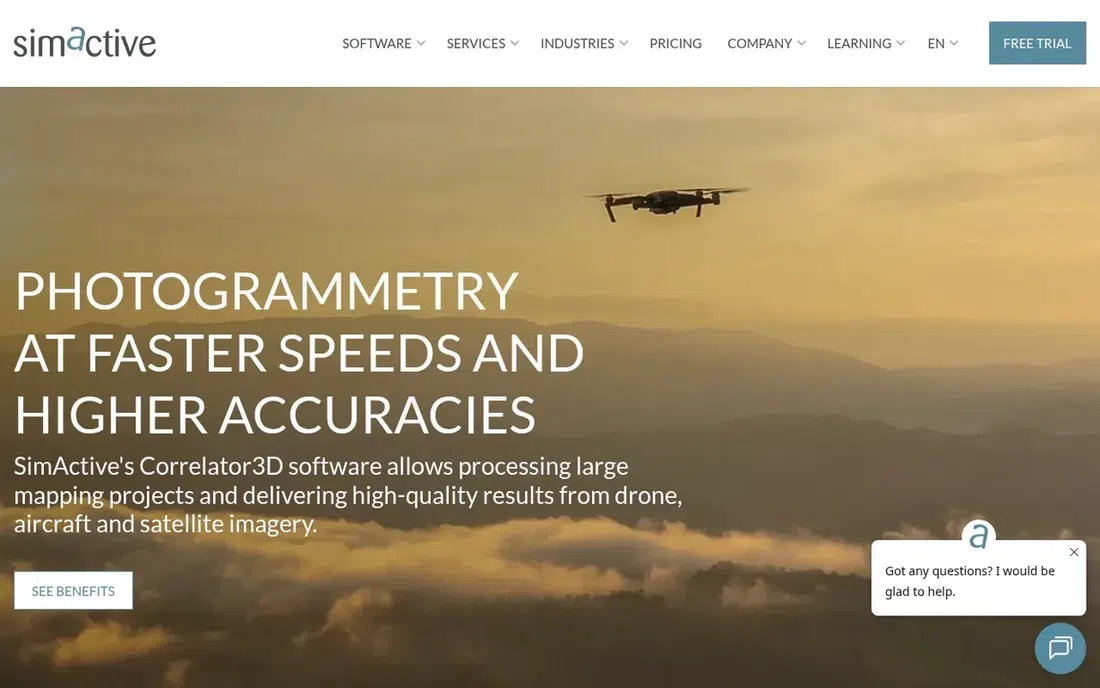
SimActive Correlator3D works best for high-end mapping from multiple sources. Startups concentrated on mapping services or geospatial analysis may find it suitable for handling diverse imagery sources.
Limits to weigh: Likely needs training.
The tool's advanced features might be overkill for straightforward projects and could need specialized knowledge. What you pay to start with SimActive Correlator3D: $295 per month. On free options: Free trial.
- Rapid processing
- Processes drone, aircraft
- May be complicated for beginners
For phone-based 3D scanning for AEC, Polycam is a natural candidate. Polycam supplies AI 3D scanning, floor plans, and reality capture for AEC teams, with the capacity to export to CAD/BIM straight from a phone. Startups in architecture, engineering, or construction that require quick, on-site capture may find it convenient.
Beyond that, for high-accuracy mapping, consider SimActive Correlator3D. Beyond that, as a mobile-focused tool, it may not match the precision of dedicated photogrammetry software for large-scale projects. Polycam starts at: $12.50 per month. Polycam has a free plan.
Downsides: Business trial required for full features.
- AI 3D scanning via phone
- Bundles floor plans and measurements
- Mobile-first may limit precision
Nira
Best for: Live 3D model collaboration
Nira is a good fit for live 3D model collaboration. Nira is a collaborative system for rendering massive 3D models in live, enabling interactive, web-based visualization and inspection on any device, including smartphones and tablets. It is built for teams that require to review and share 3D models easily.
Points against: Not a full photogrammetry suite.
Startups with distributed teams may benefit from its collaboration features. For everyday use, if you have to create models from images, pair it with a processing tool like SimActive Correlator3D. Price to start with Nira: $19 per month. As for free access: Free trial.
- Accessible on any device
- Live rendering
- Focus on collaboration
iTwin Capture Modeler
Best for: Infrastructure modeling from imagery and LIDAR
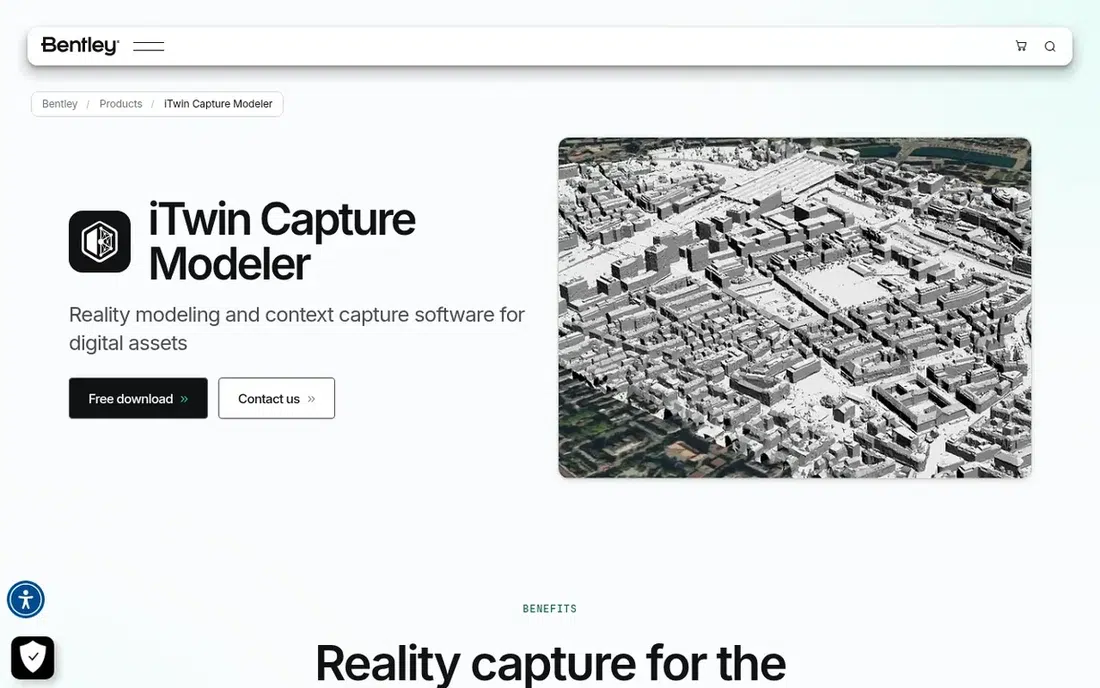
iTwin Capture Modeler was built for infrastructure modeling from imagery and LIDAR. The software may have a steeper ramp-up time and demand significant computing resources, which could be challenging for startups with restricted IT support.
iTwin Capture Modeler does not show a starting price in this comparison, so check the vendor site for current pricing. Trial and free access: Not stated.
Drawbacks to consider: Steeper ramp-up time.
- Imports LIDAR or imagery
- Organizes data for quick modeling
- May need feature-rich hardware
What went into this list
We compared the tools on published pricing, free plan or trial availability, feature coverage for photogrammetry software for startups, and the limits each vendor documents. Where a price is missing, the vendor does not list one publicly or ties it to a quote. Always confirm before budgeting. The ranking is editorial: typical fit first, then clear pricing, then free access. If your needs are unusual, read the profiles rather than relying on position.
What to confirm before you sign up
- Get a written quote from Maps Made Easy and iTwin Capture Modeler; the list shows no starting price for them.
- Test the free plan from Polycam against your real workload before relying on it.
- Use real work to test the free trial from SimActive Correlator3D and Nira, rather than a demo project.
- Before choosing Maps Made Easy, weigh its main limit: may lack advanced modeling.
- Confirm minimum seats and billing terms with Maps Made Easy before you commit to an annual plan.
- Confirm the exact Nira plan that includes your must-have features.
FAQ
What should startups look for in photogrammetry software?
Consider the types of data you work with and whether you need advanced analytics or straightforward map creation. Collaboration features can also be important for distributed teams.
Can I use phone-based scanning for professional projects?
Phone-based scanning like Polycam can be right for fast records and preliminary work, but may not meet precision requirements for all professional projects.
How do I choose between web-based and desktop photogrammetry tools?
Desktop tools like iTwin Capture Modeler offer more processing power and features for complicated projects. Consider your project complexity and IT resources.
How are the tools for photogrammetry software for startups ordered?
The order follows typical fit for photogrammetry software for startups, with Maps Made Easy first and iTwin Capture Modeler last, then price clarity and free access. It is editorial judgement, not a score, so another team could rank the tools differently.
Can I try these tools before paying?
Often, yes. Polycam has a free plan and SimActive Correlator3D and Nira offer a free trial. Use your own data and a real task during the test, and check what the free tier or trial limits before you rely on it.
Do these tools publish their prices?
Not all of them. Maps Made Easy and iTwin Capture Modeler publish no starting price, so expect a quote request for those. The rest, SimActive Correlator3D included, show a starting price, though seats and billing terms still change the final cost.
Sources
- https://www.mapsmadeeasy.com
- https://www.simactive.com
- https://poly.cam
- https://nira.app
- https://www.bentley.com/software/itwin-capture-modeler