Pharmacy POS Systems for Enterprise in 2026: The 5 Best Options Side by Side
Compare 5 picks for the best pharmacy POS systems for enterprise, with prices, free plans and who each fits. Plus the drawbacks of each tool. Facts only.
- Editor's choiceQS/1
Retail community pharmacies needing NRx and SystemOne
Starts atPricing on requestVisit qs1.comFull review - Great alternativeComputer-Rx
Teams comparing choices in this category
Starts atPricing on requestVisit computer-rx.comFull review - Also considerLiberty Software
Community pharmacies seeking growth
Starts atPricing on requestVisit libertysoftware.comFull review
Direct answer
For retail community pharmacies needing NRx and SystemOne, QS/1 is where this list starts. Look at Computer-Rx for teams comparing options in this category, and at Liberty Software for community pharmacies seeking growth. The full list of 5 tools follows, with free plan facts. None of these vendors publish plan prices, so pricing is on request for every option.
TL;DR:
- QS/1 is the opening pick, best for retail community pharmacies needing NRx and SystemOne.
- For teams comparing choices in this category, BestRx is worth a look.
- Neither QS/1 nor BestRx, nor any of the other 3 tools, has a permanent free plan; trials and quotes are the norm.
- The main caution on Rx30: may need training for full use.
- Pricing across the list, from QS/1 to BestRx, is by quote only.
Last checked November 2026. Pricing on request: vendors did not publish plan prices when this guide was last checked (November 2026), so ask each vendor for a written quote.
Quick comparison
| Tool | Best for | Starts at | Free plan? | |
|---|---|---|---|---|
| QS/1 | Retail community pharmacies needing NRx and SystemOne | Pricing on request | Not stated | Visit |
| Computer-Rx | Teams comparing choices in this category | Pricing on request | Not stated | Visit |
| Liberty Software | Community pharmacies seeking growth | Pricing on request | Not stated | Visit |
| Rx30 | Complete pharmacy management and processing | Pricing on request | Not stated | Visit |
| BestRx | Teams comparing choices in this category | Pricing on request | Not stated | Visit |
Tool-by-tool breakdown
Choosing pharmacy POS systems for enterprise usually comes down to price, fit and limits. This LinkVetted guide sets 5 tools side by side on those three points, with the facts kept short and checkable.
QS/1
Best for: Retail community pharmacies needing NRx and SystemOne
QS/1 works best for retail community pharmacies needing NRx and SystemOne. The homepage does not detail POS-specific features, so enterprises should verify POS integration.
More specifically, if your focus is a standalone POS system, other tools may be more suitable. QS/1 shows no starting price here, so confirm the cost on the vendor site. Free options: Not stated.
Where it falls short: POS features not highlighted.
- Part of RedSail Technologies
- Upgrades for retail pharmacies
- May be less centred on enterprise POS
Computer-Rx
Best for: Teams comparing choices in this category
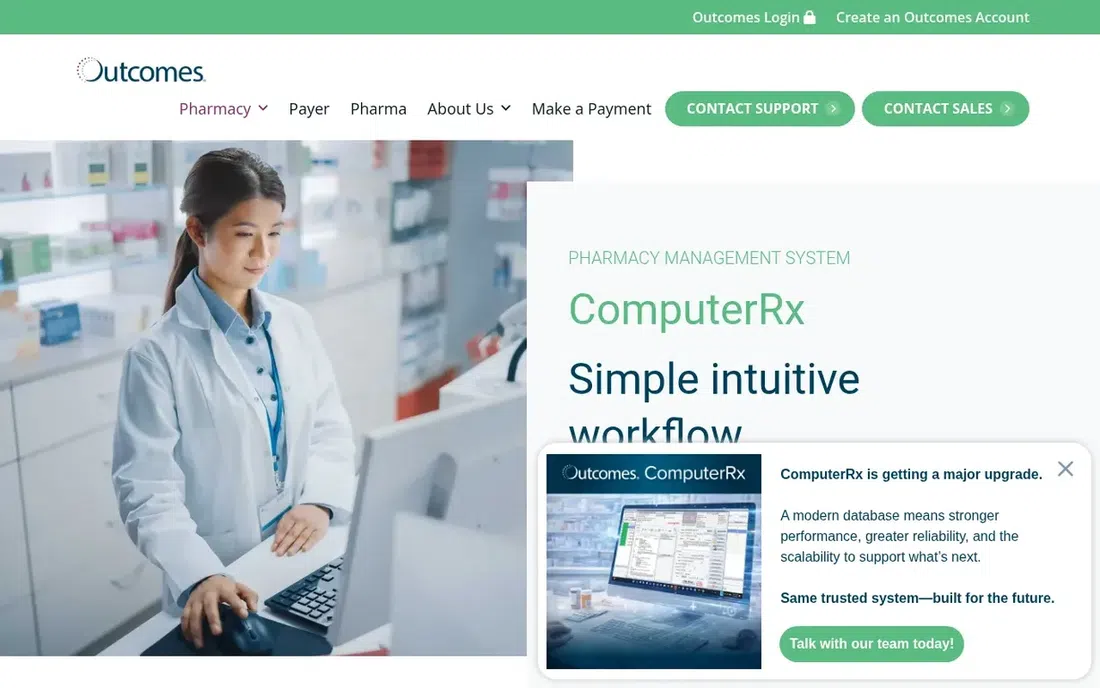
Computer-Rx makes the most sense for teams comparing choices in this category. The product emphasizes outcomes and full support.
The homepage does not specify enterprise-scale POS features, so bigger organizations should confirm scalability. Check the vendor site for Computer-Rx pricing; none is listed in this comparison. On free options: Not stated.
The main drawbacks: POS features not in-depth on homepage.
- Patient engagement tools included
- Includes dispensing, billing, POS
- May be less suited for large hospital systems
Liberty Software
Best for: Community pharmacies seeking growth
Liberty Software is designed for community pharmacies seeking growth. If you need a system with a capable POS component, explore other choices.
Watch-outs: May lack enterprise-scale details.
Details on POS capabilities are not provided on the homepage, so enterprises should confirm POS functionality. No starting price is listed for Liberty Software here; confirm pricing on the vendor site. As for free access: Not stated.
- Focus on pharmacy success
- Made for all community pharmacy types
- POS features not specified on homepage
Rx30
Best for: Complete pharmacy management and processing
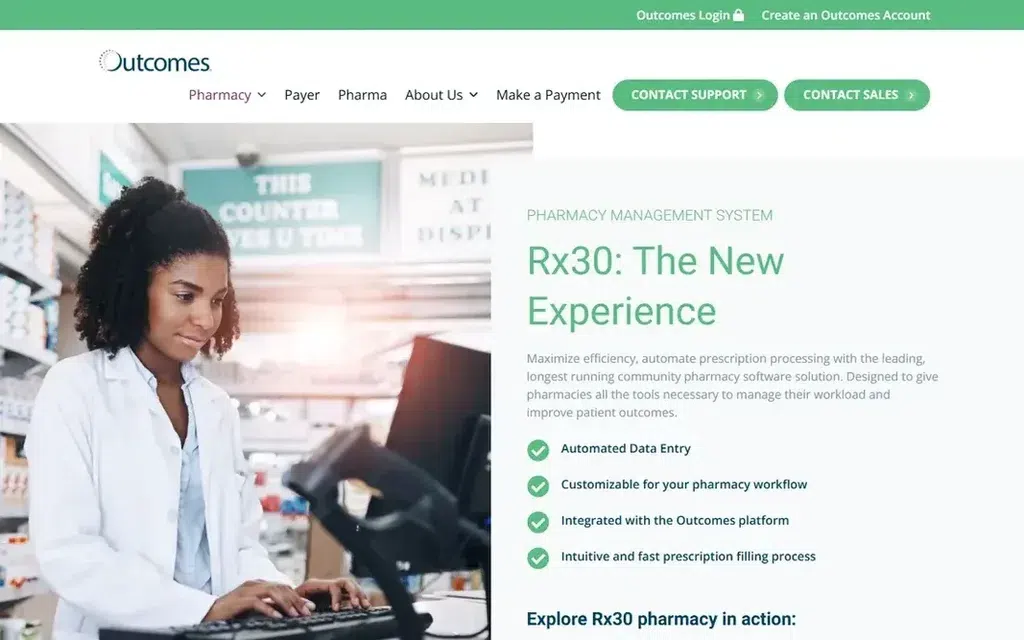
For complete pharmacy management and processing, Rx30 is a natural candidate. Rx30 presents itself as a top pharmacy PMS and processing software, offering complete management for eCare, DIR fees, and patient engagement.
Worth adding: enterprises with highly specialized POS requirements should verify integration choices straight. Also, the product aims to simplify operations and support patient outreach. Rx30 does not show a starting price in this comparison, so check the vendor site for current pricing. Free plan details: Not stated.
Downsides: Restricted public details on POS specifics.
- ECare and DIR fee support
- Patient engagement features
- May need training for full use
BestRx
Best for: Teams comparing choices in this category
BestRx is built with teams comparing choices in this category in mind. POS capabilities are not specified on the homepage, so enterprises should confirm POS features.
Points against: POS features not in-depth on homepage.
The platform emphasizes simplicity and growth support. BestRx shows no starting price here, so confirm the cost on the vendor site. As for free access: Not stated.
- Thorough pharmacy management
- Approachable design
- May lack enterprise-scale customization
How we compared the tools
LinkVetted looked at what each vendor publishes: pricing, plan limits, feature coverage for pharmacy POS systems for enterprise and stated drawbacks. No hands-on testing is claimed. Prices and plan limits come from vendor pages and can change, so confirm them on the vendor site before you buy. The ranking is editorial: typical fit first, then clear pricing, then free access. If your needs are unusual, read the profiles rather than relying on position.
A buyer's checklist
- Confirm the entry price with every vendor: no tool from QS/1 to BestRx shows a fixed starting price.
- Before choosing QS/1, weigh its main limit: POS features not highlighted.
- See whether Liberty Software offers onboarding or training, and whether it is included in the price.
- The entry price of Computer-Rx is only the starting point; model the full cost with seats and extras.
- Find out whether the entry plan of QS/1 covers your must-haves or only a trimmed-down version.
FAQ
What should an enterprise pharmacy look for in a POS system?
Enterprises should prioritize integration with pharmacy management software, scalability across locations, and solid reporting. Compliance and security features are also critical. Confirm these details straight with vendors.
Is QS/1 the right pick for everyone comparing pharmacy POS systems for enterprise?
No single tool suits every team. QS/1 comes first because it fits retail community pharmacies needing NRx and SystemOne, while Computer-Rx suits teams comparing options in this category and Liberty Software suits community pharmacies seeking growth. Match the tool to your own size, budget and workflow before deciding.
Do these tools publish their prices?
No. None of the tools, from QS/1 to BestRx, shows a fixed starting price here, so budget time for quotes. For the full picture, the cards above cover all 5 entries of this pharmacy POS systems for enterprise list, including price, free plan and limits.
Does any tool for pharmacy POS systems for enterprise here have a free plan?
A permanent free plan is not offered by QS/1, BestRx or the other tools here. Plan a short evaluation period instead.
Can I try these tools before paying?
Not by default. None of the tools, from QS/1 to BestRx, lists a free plan or a free trial here, so ask each vendor for a demo before committing. Prices, free plan details and limits for all 5 tools in this pharmacy POS systems for enterprise roundup sit on the individual cards above.
Sources
- https://www.qs1.com
- https://www.computer-rx.com
- https://www.libertysoftware.com
- https://www.rx30.com
- https://www.bestrx.com