Process Automation Software for Medical Clinics in 2026: The 6 Best Options Side by Side
Weighing the best process automation software for medical clinics? We lined up 6 products by cost, free access and fit. Each pick lists its main limit. No hype.
- Editor's choice
 Nintex
End-to-end process and workflow management
Starts atSee websiteVisit nintex.comFull review - Great alternative
 Kissflow
Low-code custom apps and workflows
Starts atSee websiteVisit kissflow.comFull review - Also consider
 Appian
Orchestrating critical processes without replacement
Starts atSee websiteVisit appian.comFull review
Direct answer
Nintex is the first pick on this list for end-to-end process and workflow management. Listed starting prices: UiPath from $25 a month. If your case is different, Kissflow suits low-code custom apps and workflows and Appian suits orchestrating critical processes without replacement. Prices, free plans and limits for all 6 tools follow.
TL;DR:
- This list starts with Nintex, which is built for end-to-end process and workflow management.
- ServiceNow suits large enterprise workflow standardization.
- For the cheapest start, look at UiPath: $25 per month.
- 2 of 6 tools offer a free plan: Make, UiPath.
Last checked November 2026. Prices and plan details were read from the vendors' own pages in November 2026; vendors change plans often, so confirm the current price on the vendor site before you buy.
Quick comparison
| Tool | Best for | Starts at | Free plan? | |
|---|---|---|---|---|
| Nintex | End-to-end process and workflow management | See website | Free trial | Visit |
| Kissflow | Low-code custom apps and workflows | See website | Not stated | Visit |
| Appian | Orchestrating critical processes without replacement | See website | Not stated | Visit |
 Make | No-code workflow building for small teams | See website | Yes | Visit |
 UiPath | Enterprise orchestration of robots and AI | $25 a month | Yes | Visit |
 ServiceNow | Large enterprise workflow standardization | See website | Not stated | Visit |
The full process automation software for medical clinics list
Short on time? The summary and table above give the quick view of 6 process automation software for medical clinics, and the profiles that follow give the detail behind each entry.
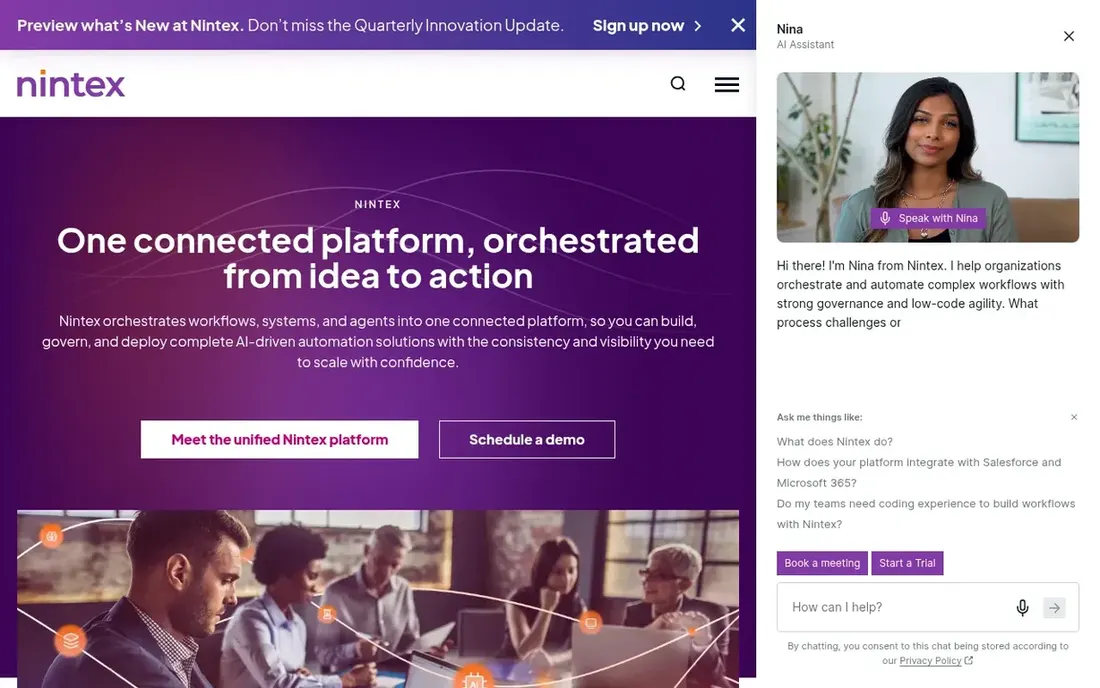
Pick Nintex if this describes you: end-to-end process and workflow management. Nintex positions itself around process management and workflow automation, including custom app development for integrated workflows.
Watch-outs: May need configuration support.
Pricing for Nintex is not stated here, so ask the vendor for current figures. On free options: Free trial.
- Custom app development for workflows
- Focus on end-to-end process automation
- Wide feature set takes time to learn
Kissflow makes the most sense for low-code custom apps and workflows. Clinics with very straightforward automation needs may find a focused integration tool quicker to adopt.
Kissflow shows no starting price here, so confirm the cost on the vendor site. As for free access: Not stated.
Drawbacks to consider: Custom apps need planning and governance.
- Workflow automation for enterprise efficiency
- No-code choices for business users
- Wide system may exceed straightforward needs
Think of Appian for orchestrating critical processes without replacement. Appian centres on AI-powered process orchestration across the enterprise, coordinating AI agents, systems and people without replacing existing systems. That makes it relevant for clinics that want to automate around an existing records or billing system instead of migrate away from it.
Highlights: AI automation for critical processes.
The product is complicated and usually needs skilled staff to design and maintain processes. On top of that, a clinic with restricted IT capacity may prefer a no-code tool with a shorter setup path. Appian shows no starting price here, so confirm the cost on the vendor site. On free options: Not stated. Where it falls short: System complexity needs skilled staff.
- Orchestrates AI agents
- Systems and people
- Enterprise orientation may be excessive
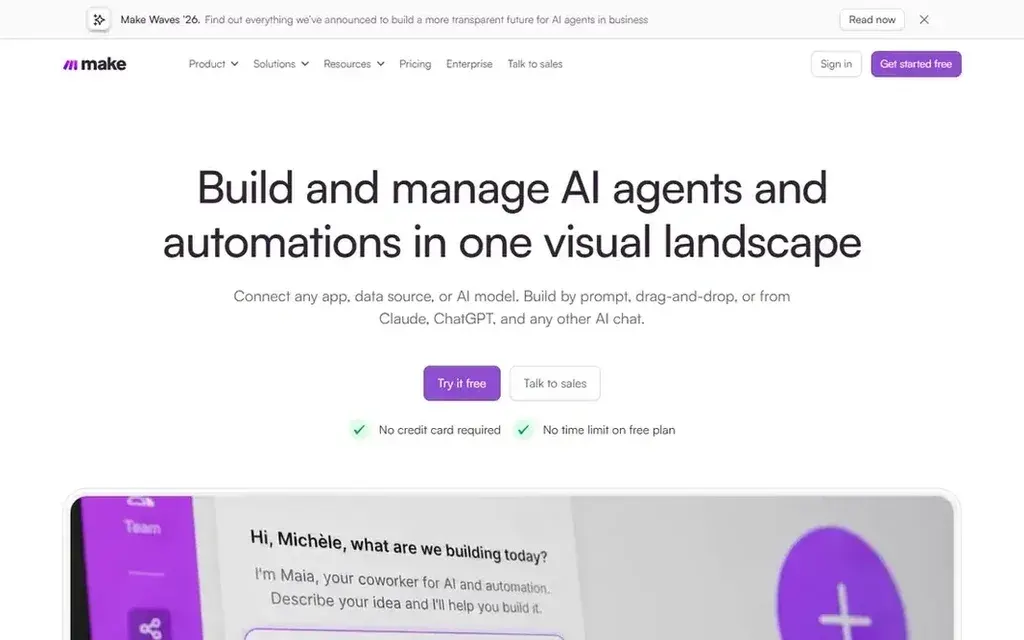
Make is built with no-code workflow building for small teams in mind. Make is a visual, no-code automation product for building and scaling workflows that link apps and AI agents.
Honest limits: Complicated flows need careful design.
Beyond that, if you need enterprise-grade orchestration across numerous systems and departments, a heavier system may be the better choice. In daily use, as workflows grow, the visual canvas can become harder to document and troubleshoot, and clinics with strict compliance audits may want more built-in governance. Check the vendor site for Make pricing; none is listed in this comparison. Make offers a free plan.
- Visual no-code integration builder
- Supports AI and agentic workflows
- Less suited to heavy enterprise governance

Think of UiPath for enterprise orchestration of robots and AI. The product is aimed at enterprise scale, so a small practice may find it heavier than needed and dependent on technical staff to configure.
Price to start with UiPath: $25 per month. UiPath includes a free tier.
What users get: Emphasis on secure.
Where it is weaker: Enterprise focus can overwhelm small clinics.
- Designed for scale across operations
- Compliant outcomes
- Setup needs technical resources
Think of ServiceNow for large enterprise workflow standardization. Bigger clinic groups or hospital-affiliated practices with service desks and numerous departments may use it to standardize requests, approvals and support processes.
The enterprise scope can be more than a standalone clinic needs, and it usually needs dedicated administration. For everyday use, ServiceNow gives you an AI product for simplifying enterprise workflows that serve both customers and employees across the business. Check the vendor site for ServiceNow pricing; none is listed in this comparison. As for free access: Not stated.
Watch-outs: Needs dedicated administration.
- AI system for wide operations
- Serves employees and customers
- Enterprise scope is heavy for small clinics
Our selection method
For each of the 6 tools we noted price, free plan or trial, fit for process automation software for medical clinics and the main limit, using vendor pages and documentation. Where a price is missing, the vendor does not list one publicly or ties it to a quote. Always confirm before budgeting. We ordered the tools by general fit, then by how clearly pricing is shown, then by free access. A buyer with unusual needs may reorder them.
Questions to settle before buying
- Get a written quote from Nintex, Kissflow, Appian and others; the list shows no starting price for them.
- Check what the free option really includes: Make and UiPath offer a free plan, and usage caps differ.
- Use real work to test the free trial from Nintex, rather than a demo project.
- Before choosing Nintex, weigh its main limit: wide feature set takes time to learn.
- Look at the renewal terms for Kissflow: auto-renewal, notice periods and price changes can matter more than the first-year price.
- Confirm the exact Appian plan that includes your must-have features.
FAQ
What is the cheapest option for process automation software for medical clinics in this list?
On published monthly entry prices, UiPath is the lowest here at $25 per month. Entry price is only part of the cost, because seats, add-ons and billing terms can change the total. For the full picture, the cards above cover all 6 entries of this process automation software for medical clinics list, including price, free plan and limits.
Can I try these tools before paying?
Often, yes. Make and UiPath have a free plan and Nintex offers a free trial. Use your own data and a real task during the test, and check what the free tier or trial limits before you rely on it.
How do we choose between low-code app building and workflow automation?
Choose low-code app building, like Kissflow, when you need custom forms or trackers that match your own processes. Choose workflow automation when the goal is connecting existing systems and removing repetitive steps.
Is Nintex the right pick for everyone comparing process automation software for medical clinics?
No single tool suits every team. Nintex comes first because it fits end-to-end process and workflow management, while Kissflow suits low-code custom apps and workflows and Appian suits orchestrating critical processes without replacement. Match the tool to your own size, budget and workflow before deciding.
Do these tools publish their prices?
Not all of them. Nintex, Kissflow, Appian and others publish no starting price, so expect a quote request for those. The rest, UiPath included, show a starting price, though seats and billing terms still change the final cost.
What should a small clinic look for in process automation software?
Prioritize a no-code builder, clear connections to scheduling and billing systems, and capable access controls. A product like Make can handle typical intake and reminder workflows without heavy IT involvement.
Sources
- https://www.nintex.com
- https://kissflow.com
- https://appian.com
- https://www.make.com
- https://www.uipath.com
- https://www.servicenow.com