Best Pharmacy POS Systems for Startups for 2026: Our 5 Vetted Picks
Best pharmacy POS systems for startups: 5 contenders ranked by fit, with entry costs and free tiers. Each pick comes with its main catch. Choose faster.
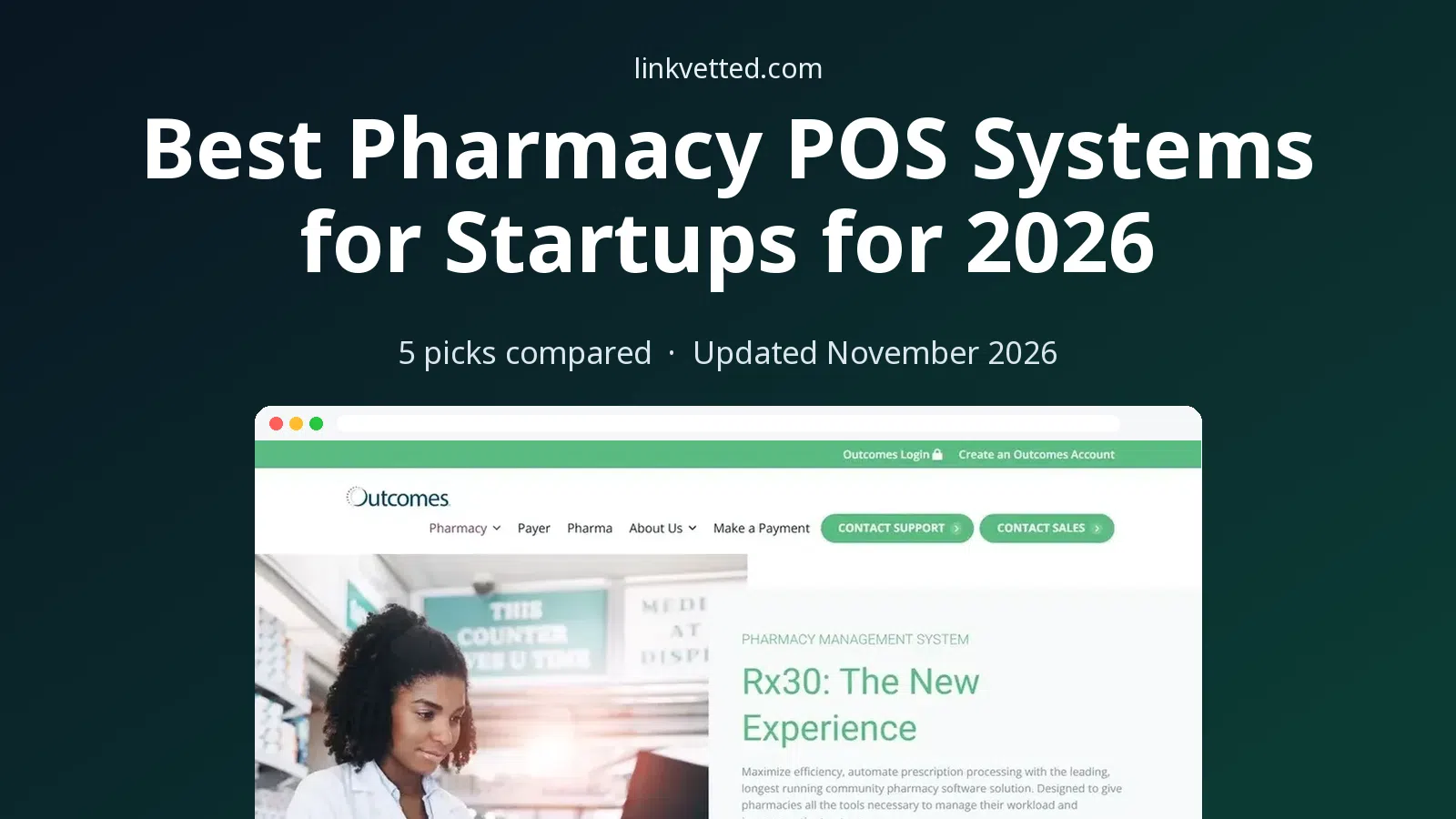
- Editor's choiceBestRx
Teams comparing choices in this category
Starts atPricing on requestVisit bestrx.comFull review - Great alternativeLiberty Software
Community pharmacies seeking growth-oriented software
Starts atPricing on requestVisit libertysoftware.comFull review - Also considerRx30
Pharmacies needing eCare and DIR fee support
Starts atPricing on requestVisit rx30.comFull review
Direct answer
Start with BestRx if you need teams comparing choices in this category. Alternatives: Liberty Software for community pharmacies seeking growth-oriented software, and Rx30 for pharmacies needing eCare and DIR fee support. Free plan facts and limits for all 5 tools follow. None of these vendors publish plan prices, so pricing is on request for every option.
TL;DR:
- BestRx sits first on this list: teams comparing choices in this category.
- Pricing across the list, from BestRx to Computer-Rx, is by quote only.
- Rx30 comes with a trade-off: POS features not explicitly highlighted.
- A permanent free plan is missing from all 5 tools, BestRx and Computer-Rx included; plan for a trial or a premium start.
- Computer-Rx fits teams comparing choices in this category.
Last checked November 2026. Pricing on request: vendors did not publish plan prices when this guide was last checked (November 2026), so ask each vendor for a written quote.
Quick comparison
| Tool | Best for | Starts at | Free plan? | |
|---|---|---|---|---|
| BestRx | Teams comparing choices in this category | Pricing on request | Not stated | Visit |
| Liberty Software | Community pharmacies seeking growth-oriented software | Pricing on request | Not stated | Visit |
| Rx30 | Pharmacies needing eCare and DIR fee support | Pricing on request | Not stated | Visit |
| PioneerRx | Teams comparing choices in this category | Pricing on request | Not stated | Visit |
| Computer-Rx | Teams comparing choices in this category | Pricing on request | Not stated | Visit |
Tool-by-tool breakdown
Short on time? The summary and table above give the quick view of 5 pharmacy POS systems for startups, and the profiles that follow give the detail behind each entry.
BestRx
Best for: Teams comparing choices in this category
BestRx targets teams comparing choices in this category. Its homepage flags simplicity and growth support, making it a fit for startups that want straightforward software.
Honest limits: POS features not explicitly stated.
Check the vendor site for BestRx pricing; none is listed in this comparison. Trial and free access: Not stated.
- Thorough pharmacy management
- Approachable design
- Startup onboarding details unclear
Liberty Software
Best for: Community pharmacies seeking growth-oriented software
In short, Liberty Software is for community pharmacies seeking growth-oriented software. Its homepage emphasizes a revolutionary design and industry leadership, which may appeal to startups looking for modern tools.
Liberty is most useful for those prioritizing a growth-focused pharmacy system. Pricing for Liberty Software is not stated here, so ask the vendor for current figures. Free plan details: Not stated.
The main drawbacks: POS not explicitly mentioned.
- Aimed at all types of community pharmacies
- Focus on pharmacy success
- Startup-specific guidance not highlighted
Rx30
Best for: Pharmacies needing eCare and DIR fee support
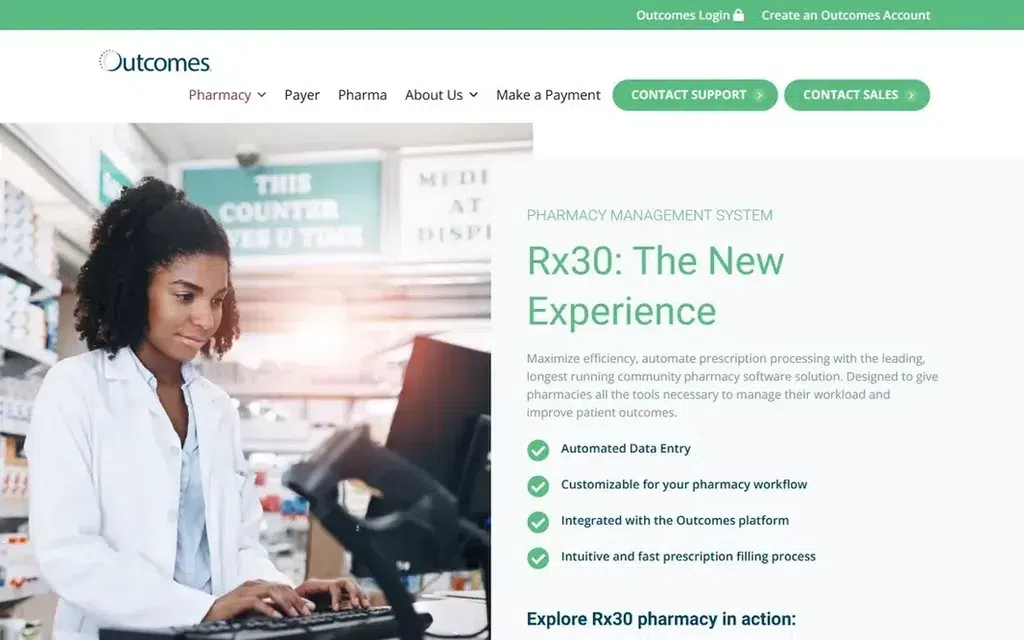
Think of Rx30 for pharmacies needing eCare and DIR fee support. Rx30 supplies complete pharmacy management software for eCare, DIR fees, patient engagement, and more. Its homepage positions it as a full PMS and processing option, which fits startups that require solid pharmacy operations support.
Startups focused primarily on front-end retail POS may find Rx30's pharmacy management focus broader than needed. Beyond that, Whereas POS is not explicitly named, the system likely bundles point of sale as part of its management suite, but confirm with the vendor. Pricing for Rx30 is not stated here, so ask the vendor for current figures. As for free access: Not stated.
Limits to weigh: Startup onboarding details unclear from homepage.
- Patient engagement tools
- ECare and DIR fee features
- POS features not explicitly highlighted
PioneerRx
Best for: Teams comparing choices in this category
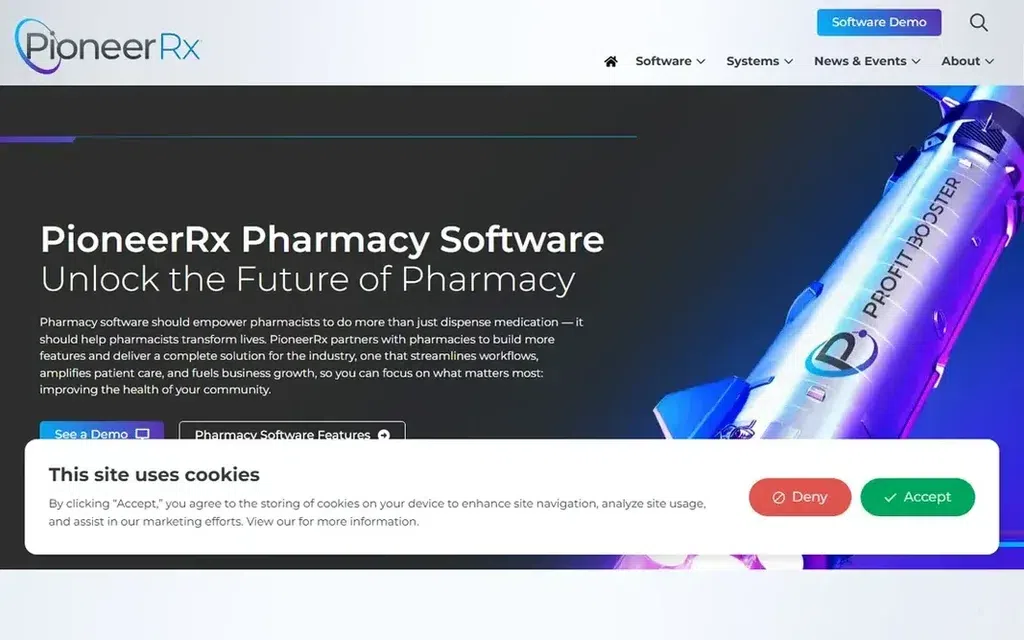
Pick PioneerRx if this describes you: teams comparing choices in this category. Since PioneerRx markets itself broadly as pharmacy software, startups with highly specialized POS needs may have to verify integration details.
Limits to weigh: May need vendor consultation for startup needs.
The product likely contains point of sale and dispensing features, though exact POS capabilities should be confirmed with the vendor. PioneerRx does not show a starting price in this comparison, so check the vendor site for current pricing. Free access: Not stated.
- Innovative and configurable pharmacy management
- Feature-rich pharmacy software system
- Restricted public detail on POS specifics
Computer-Rx
Best for: Teams comparing choices in this category
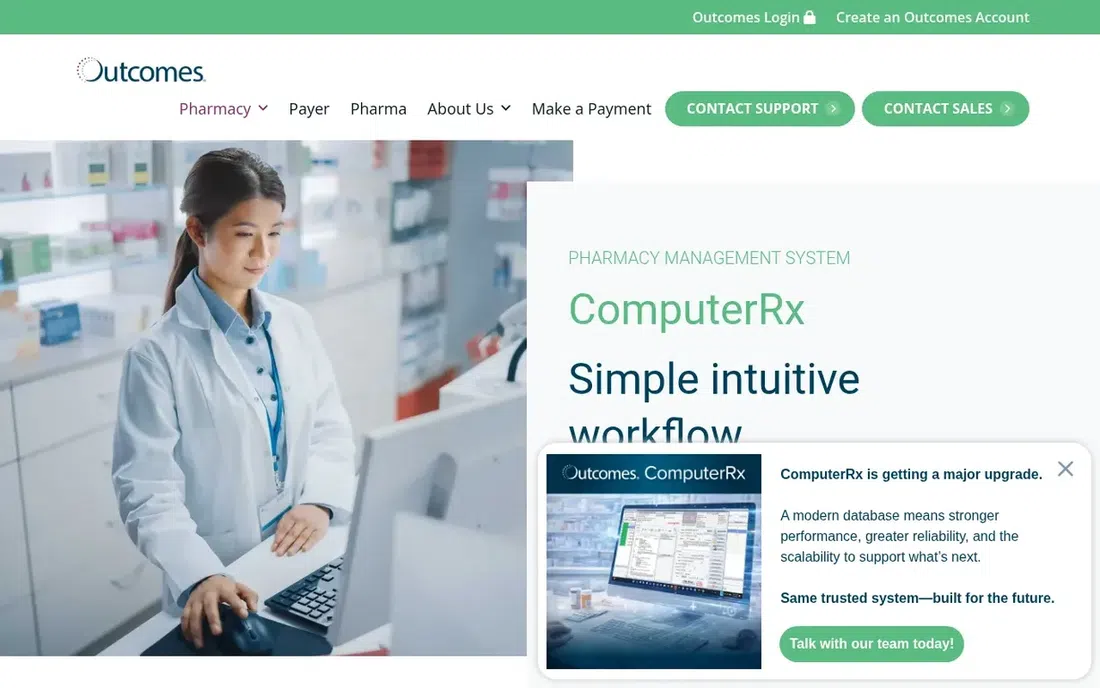
Computer-Rx is built with teams comparing options in this category in mind. Its homepage explicitly lists POS, making it a clear choice for startups that want an integrated pharmacy system.
Watch-outs: Restricted detail on startup-specific features.
Also, startups with complicated front-end merchandising may have to ask about POS capabilities. Check the vendor site for Computer-Rx pricing; none is listed in this comparison. Trial and free access: Not stated.
- Covers dispensing, billing, POS
- Patient engagement included
- POS depth not fully described
Our selection method
For each of the 5 tools we noted price, free plan or trial, fit for pharmacy POS systems for startups and the main limit, using vendor pages and documentation. Where a vendor does not publish a price, the entry says quote. Where a price depends on seats or billing term, the entry says so. We ordered the tools by general fit, then by how clearly pricing is shown, then by free access. A buyer with unusual needs may reorder them.
Things to verify first
- Request quotes from BestRx, Computer-Rx and the others; the list shows no fixed prices.
- Read the limits listed for BestRx first: POS features not explicitly stated.
- Confirm the exact Rx30 plan that includes your must-have features.
- Ask BestRx how an export works before you move any records in; an easy exit lowers the risk.
- Run a one or two week pilot of Liberty Software with the people who will use it every day.
FAQ
What should a startup pharmacy look for in a POS system?
A startup pharmacy should prioritize a POS that links up with pharmacy management for dispensing and billing. Look for features like prescription processing, inventory management, and patient engagement. Also consider simplicity and vendor support for new firms.
Does any tool for pharmacy POS systems for startups here have a free plan?
A permanent free plan is not offered by BestRx, Computer-Rx or the other tools here. Plan a short evaluation period instead.
Is BestRx the right pick for everyone comparing pharmacy POS systems for startups?
No single tool suits every team. BestRx comes first because it fits teams comparing options in this category, while Liberty Software suits community pharmacies seeking growth-oriented software and Rx30 suits pharmacies needing eCare and DIR fee support. Match the tool to your own size, budget and workflow before deciding.
How are the tools for pharmacy POS systems for startups ordered?
BestRx sits first and Computer-Rx last because the order follows typical fit for pharmacy POS systems for startups, then price clarity and free access. It is a judgement call, so read each profile for fit and limits.
Do these tools publish their prices?
No. None of the tools, from BestRx to Computer-Rx, shows a fixed starting price here, so budget time for quotes.
Sources
- https://www.bestrx.com
- https://www.libertysoftware.com
- https://www.rx30.com
- https://www.pioneerrx.com
- https://www.computer-rx.com