Patient Queue Management Software for Pharmacies in 2026: The 6 Best Options Side by Side
Best patient queue management software for pharmacies in 2026: 6 contenders with entry costs and free tiers. Clear notes on pricing gaps and limits. No filler.
- Editor's choiceQS/1
Retail community pharmacies on NRx or SystemOne
Starts atPricing on requestVisit qs1.comFull review - Great alternativeComputer-Rx
Teams comparing choices in this category
Starts atPricing on requestVisit computer-rx.comFull review - Also considerBestRx
Teams comparing choices in this category
Starts atPricing on requestVisit bestrx.comFull review
Direct answer
If you need retail community pharmacies on NRx or SystemOne, QS/1 is the first tool to look at here. Alternatives: Computer-Rx for teams comparing choices in this category, and BestRx for teams comparing choices in this category. Free plan facts and limits for all 6 tools follow. None of these vendors publish plan prices, so pricing is on request for every option.
TL;DR:
- QS/1 takes the first slot, best suited to retail community pharmacies on NRx or SystemOne.
- For dedicated queue and journey management, Qmatic is worth a look.
- Neither QS/1 nor Qmatic, nor any of the other 4 tools, has a permanent free plan; trials and quotes are the norm.
- One limit worth knowing about Computer-Rx: queue features not specified.
- Pricing across the list, from QS/1 to Qmatic, is by quote only.
Last checked November 2026. Pricing on request: vendors did not publish plan prices when this guide was last checked (November 2026), so ask each vendor for a written quote.
Quick comparison
| Tool | Best for | Starts at | Free plan? | |
|---|---|---|---|---|
| QS/1 | Retail community pharmacies on NRx or SystemOne | Pricing on request | Not stated | Visit |
| Computer-Rx | Teams comparing choices in this category | Pricing on request | Not stated | Visit |
| BestRx | Teams comparing choices in this category | Pricing on request | Not stated | Visit |
| Liberty Software | Community pharmacies seeking workflow design | Pricing on request | Not stated | Visit |
| Rx30 | Pharmacies pairing dispensing with engagement | Pricing on request | Not stated | Visit |
| Qmatic | Dedicated queue and journey management | Pricing on request | Not stated | Visit |
6 patient queue management software for pharmacies in detail
If you are comparing patient queue management software for pharmacies, this page covers 6 tools in one place: what each is best for, what it costs to start, whether it has a free plan, and the main limit to know about.
QS/1
Best for: Retail community pharmacies on NRx or SystemOne
QS/1 serves retail community pharmacies on NRx or SystemOne. For queue management, its relevance lies in the retail community setting, where counter traffic and pickup flow straight affect patient experience.
Where it falls short: Upgrade paths may vary by system.
From a buyer's view, pharmacies outside the NRx or SystemOne ecosystem may find migration less attractive. In practice, the homepage does not describe patient queue or ticketing functions, so confirm what is available in your specific system version. No starting price is listed for QS/1 here; confirm pricing on the vendor site. Free plan details: Not stated.
- Support for NRx and SystemOne
- Backed by RedSail Technologies
- Queue features not described
Computer-Rx
Best for: Teams comparing choices in this category
Computer-Rx is aimed squarely at teams comparing choices in this category. A wide module set can also mean more configuration work during rollout.
As for the details, pick Computer-Rx when integrated dispensing, billing and POS matter and you can confirm queue-related features fit your store layout. Check the vendor site for Computer-Rx pricing; none is listed in this comparison. On free options: Not stated.
The main drawbacks: Module breadth may complicate setup.
- Handles dispensing and billing
- Contains POS and patient engagement
- Queue features not specified
BestRx
Best for: Teams comparing choices in this category
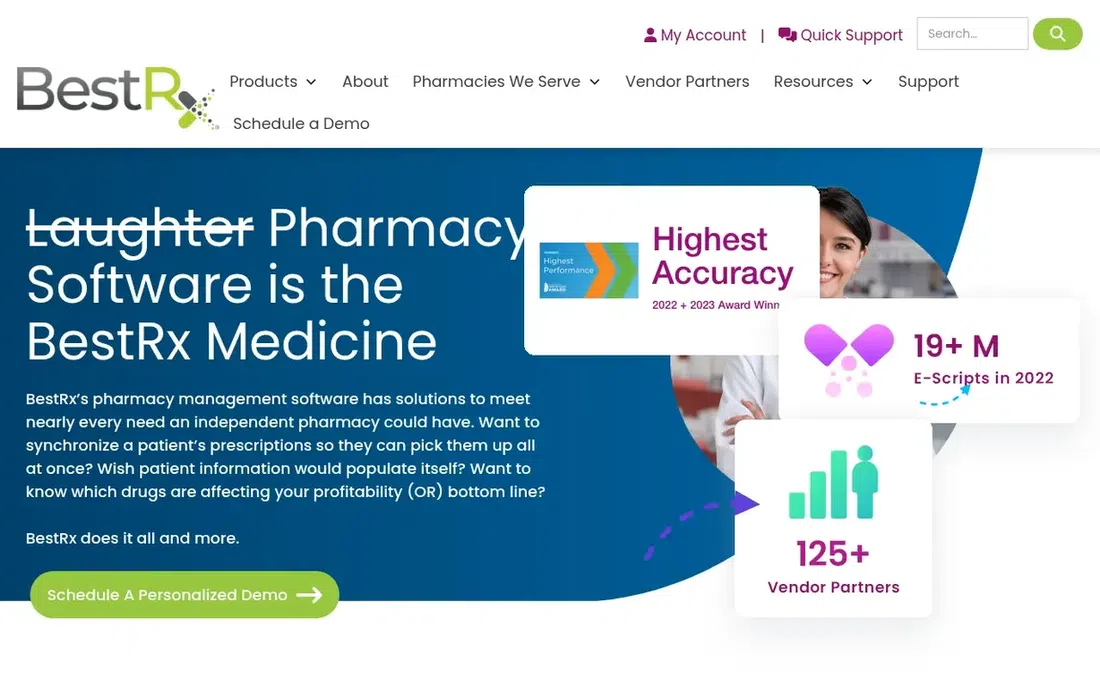
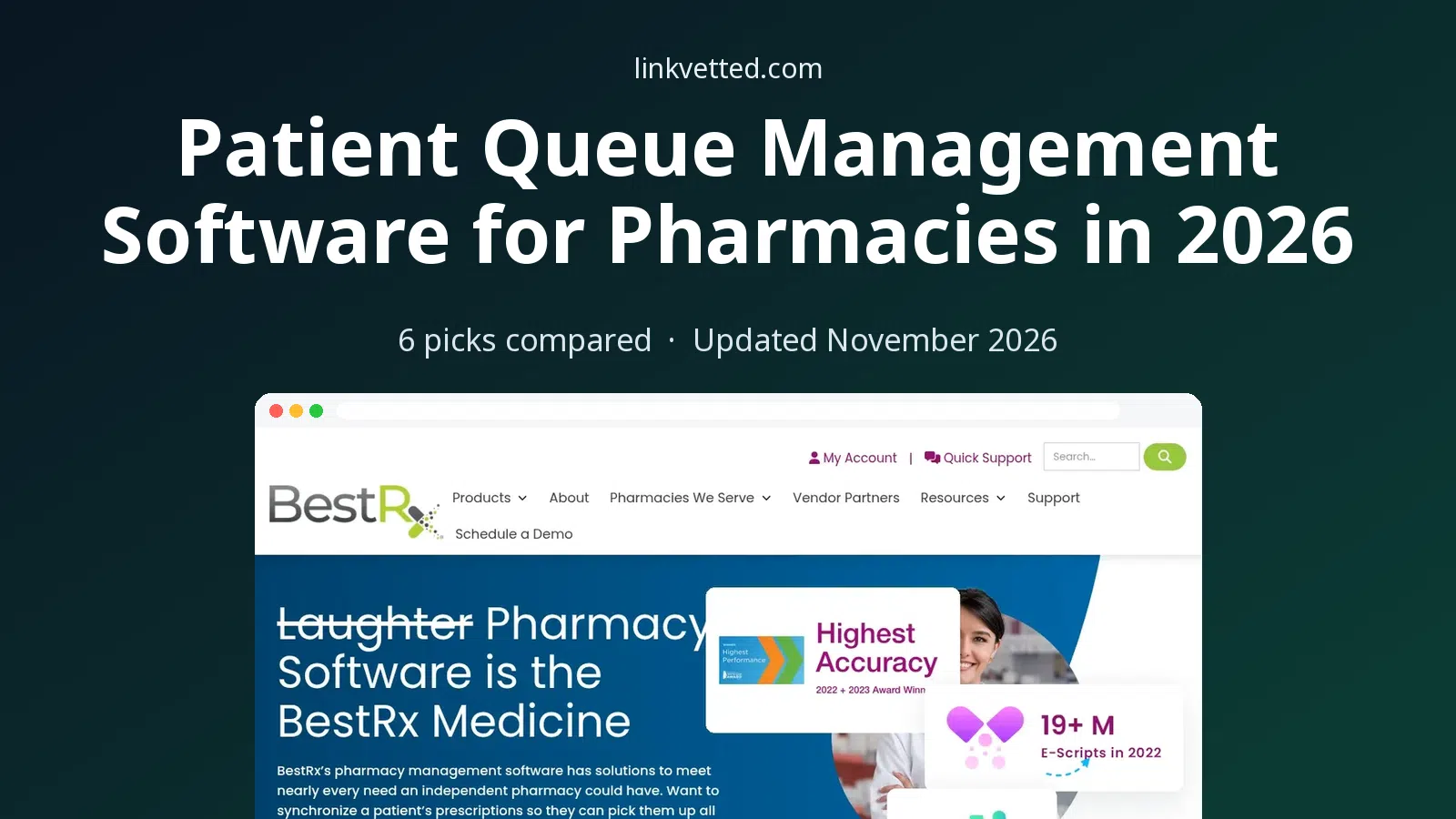
BestRx serves teams comparing choices in this category. The homepage does not spell out dedicated queue or ticketing features, so confirm the specifics of patient flow handling before committing.
Honest limits: Queue features not in-depth on homepage.
If you need advanced queue analytics or a standalone customer journey product, a specialized tool may serve better. Check the vendor site for BestRx pricing; none is listed in this comparison. Free plan details: Not stated.
- Thorough pharmacy management focus
- Emphasizes simplicity
- Less suited to large chains
Liberty Software
Best for: Community pharmacies seeking workflow design
Liberty Software was built for community pharmacies seeking workflow design. Liberty Software markets pharmacy management software for all types of community pharmacies, describing a design intended to help pharmacies increase results. Its wide community focus means the system is meant to adapt across different store sizes and service mixes, which can help when patient flow varies by location.
As for the details, the high-level positioning also makes it harder to judge fit without a demo. Also, choose Liberty Software when a community-focused management platform is the priority and queue handling can be verified during evaluation. Beyond that, specific queue management features are not in-depth on the homepage, so request a walkthrough of how waiting patients are organized. Pricing for Liberty Software is not stated here, so ask the vendor for current figures. Free options: Not stated.
Points against: Homepage stays high level.
- Made for all community pharmacy types
- Revolutionary design positioning
- Queue capabilities not listed
Rx30
Best for: Pharmacies pairing dispensing with engagement
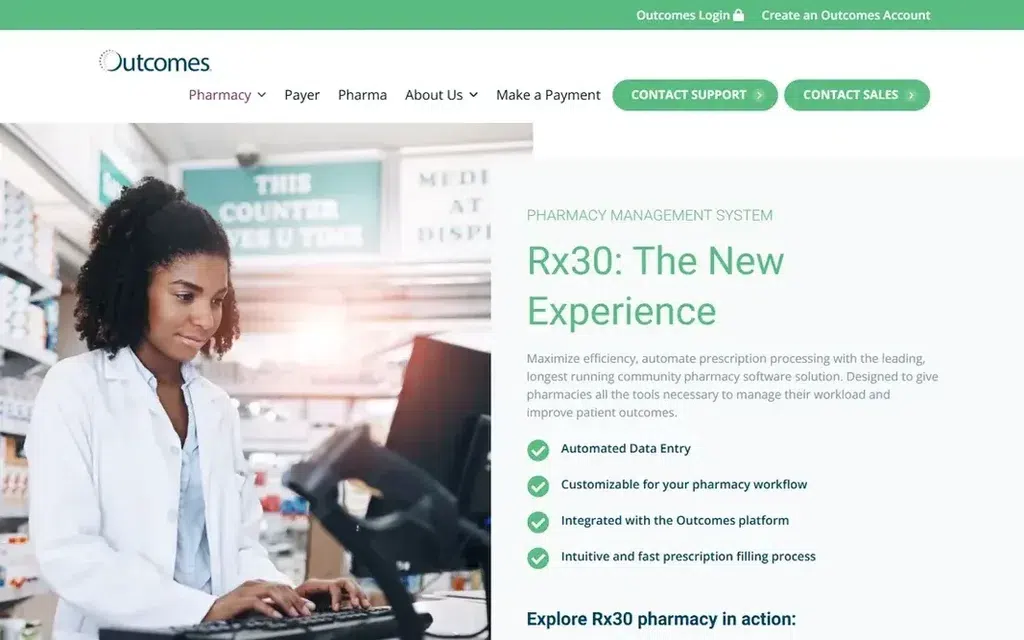
For pharmacies pairing dispensing with engagement, Rx30 is a natural candidate. Rx30 gives you complete pharmacy management software with attention to eCare, DIR fees and patient engagement.
Trade-offs to know: Queue module details unclear.
The homepage frames Rx30 broadly, so ask specifically how in-store patient queues are managed and displayed. This comparison lists no price for Rx30; ask the vendor. Trial and free access: Not stated.
- Processing and eCare support
- Complete management scope
- Wide focus may dilute queue depth
Qmatic
Best for: Dedicated queue and journey management
Qmatic was built for dedicated queue and journey management. Qmatic focuses squarely on queue management systems and customer journey options, positioning itself as a global leader in that space. Qmatic is not a pharmacy management system, so dispensing and clinical workflows stay in your existing software and integration planning becomes necessary.
Beyond that, choose Qmatic when patient queueing is the central problem and you want a specialist tool alongside your pharmacy system. Smaller pharmacies may find a dedicated product more than they need. Check the vendor site for Qmatic pricing; none is listed in this comparison. Free options: Not stated.
Where it is weaker: Not pharmacy-specific software.
- Specialist queue management focus
- Customer journey options
- Needs integration with pharmacy systems
How we chose
Selection started from tools commonly considered for patient queue management software for pharmacies, then narrowed to 6 that have clear pricing information or a clear quote process. Where a vendor does not publish a price, the entry says quote. Where a price depends on seats or billing term, the entry says so. The order reflects how well each tool fits the most common buying scenario for patient queue management software for pharmacies, then price clarity, then free plan access. It is a starting point, not a verdict.
Things to verify first
- Confirm the entry price with every vendor: no tool from QS/1 to Qmatic shows a fixed starting price.
- Read the limits listed for QS/1 first: queue features not described.
- Get the contract term, renewal terms and any onboarding fees from Rx30 in writing.
- Look at which plan of BestRx unlocks the features you need; entry tiers are often cut down.
- See whether Liberty Software offers onboarding or training, and whether it is included in the price.
FAQ
Is QS/1 the right pick for everyone comparing patient queue management software for pharmacies?
No single tool suits every team. QS/1 comes first because it fits retail community pharmacies on NRx or SystemOne, while Computer-Rx suits teams comparing options in this category and BestRx suits teams comparing options in this category. Match the tool to your own size, budget and workflow before deciding.
When should a pharmacy choose a dedicated queue product?
A dedicated system makes sense when patient queueing is the primary operational problem and you want specialized ticketing and journey features. You will then have to plan integration with your existing pharmacy management software.
Can I try these tools before paying?
Not by default. None of the tools, from QS/1 to Qmatic, lists a free plan or a free trial here, so ask each vendor for a demo before committing.
Do these tools publish their prices?
No. None of the tools, from QS/1 to Qmatic, shows a fixed starting price here, so budget time for quotes.
Do pharmacy management systems contain queue management?
Some pharmacy management products bundle patient engagement and workflow tools that support counter flow, but the depth varies widely. Review each vendor's documentation and ask for a demonstration of queue handling before assuming it is included.
Does any tool for patient queue management software for pharmacies here have a free plan?
A permanent free plan is not offered by QS/1, Qmatic or the other tools here. Plan a short evaluation period instead.
Sources
- https://www.qs1.com
- https://www.computer-rx.com
- https://www.bestrx.com
- https://www.libertysoftware.com
- https://www.rx30.com
- https://www.qmatic.com