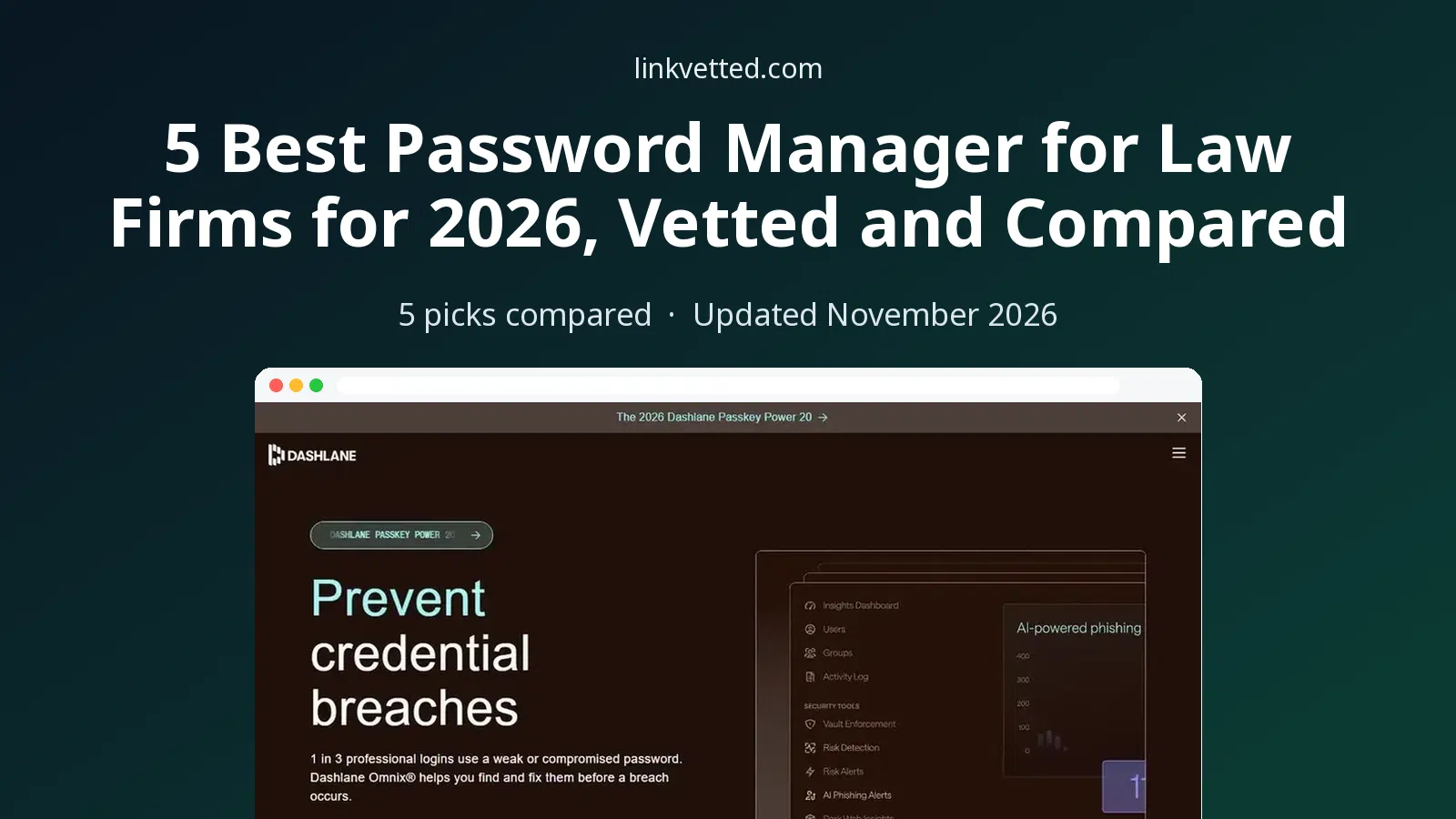
5 Best Password Manager for Law Firms for 2026, Vetted and Compared
Best password manager for law firms in 2026: 5 tools with starting prices, free plans and limits. Every pick gets a straight assessment. Easy to scan.
- Editor's choice
 Bitwarden
Open source password and secrets management
Starts at$1.65 a monthVisit bitwarden.comFull review - Great alternative
 LastPass
Shadow IT and AI governance visibility
Starts atSee websiteVisit lastpass.comFull review - Also consider
 Dashlane
Businesses wanting a wide credential security system
Starts at$4 per user a monthVisit dashlane.comFull review
Direct answer
Bitwarden leads the list, best for open source password and secrets management. Listed starting prices: Bitwarden from $1.65 a month and Dashlane from $4 per user a month. For a different need, LastPass covers shadow IT and AI governance visibility and Dashlane covers businesses wanting a wide credential security product. The remaining 2 options are covered below with prices and limits.
TL;DR:
- This list starts with Bitwarden, which is built for open source password and secrets management.
- NordPass is the one to check for straightforward password management.
- For the cheapest start, look at Bitwarden: $1.65 per month.
- One limit worth knowing about LastPass: governance features need configuration.
Last checked November 2026. Prices and plan details were read from the vendors' own pages in November 2026; vendors change plans often, so confirm the current price on the vendor site before you buy.
Quick comparison
| Tool | Best for | Starts at | Free plan? | |
|---|---|---|---|---|
| Bitwarden | Open source password and secrets management | $1.65 a month | Yes | Visit |
| LastPass | Shadow IT and AI governance visibility | See website | Free trial | Visit |
| Dashlane | Businesses wanting a wide credential security system | $4 per user a month | Free trial | Visit |
 1Password | Businesses needing secrets and access management | See website | Not stated | Visit |
 NordPass | Straightforward password management | See website | Not stated | Visit |
Password Manager for Law Firms profiles
LinkVetted put together this guide to password manager for law firms for readers who want a clear shortlist without reading every vendor page. It compares 5 tools on starting price, free plans, who each one suits and where each one falls short.
Bitwarden serves open source password and secrets management. The open source approach can mean additional internal review before adoption, and businesses should confirm that the features they need are available for their setting.
Downsides: Open source model may need internal review.
Price to start with Bitwarden: $1.65 per month. Free access exists with Bitwarden.
- Open source codebase
- Passkeys and secrets
- Enterprise features need evaluation
LastPass makes the most sense for shadow IT and AI governance visibility. LastPass is a password manager that secures logins whereas giving visibility into shadow IT and AI governance across the SaaS and AI tools employees use. It creates solid passwords stored in encrypted form.
A firm that only needs entry-level credential storage may find the additional scope unnecessary, whereas businesses worried about unapproved AI and SaaS use should evaluate LastPass closely. Law businesses concerned about staff adopting unsanctioned tools may value that visibility. This comparison lists no price for LastPass; ask the vendor. Free plan details: Free trial.
Drawbacks to consider: Confirm fit for firm policies.
- Shadow IT visibility across SaaS tools
- Password generation and encrypted storage
- Governance features need configuration
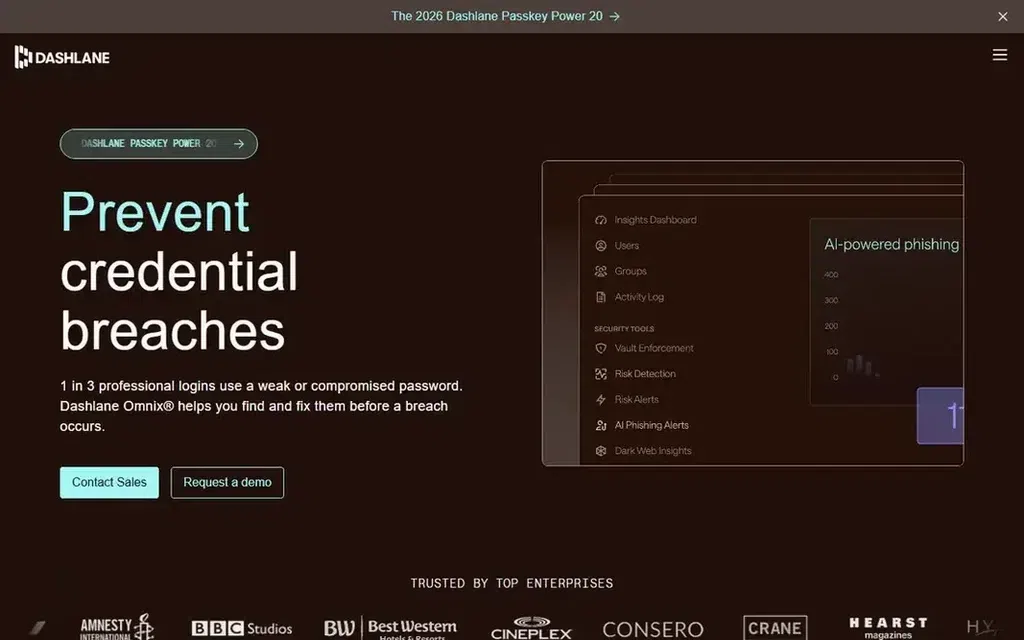
Think of Dashlane for businesses wanting a wide credential security product. Businesses that want a recognizable, broadly positioned system and expect to standardize credential security across staff may find Dashlane a reasonable candidate to evaluate.
Since Dashlane spans individual through enterprise use, the features a firm actually receives rely on the edition chosen, so confirm details before committing. Dashlane cost at the entry level: $4 per user per month. On free options: Free trial.
Trade-offs to know: Feature set varies by edition.
- Password management and credential protection together
- Positioned for enterprises and firms
- Enterprise focus may feel heavy for small businesses
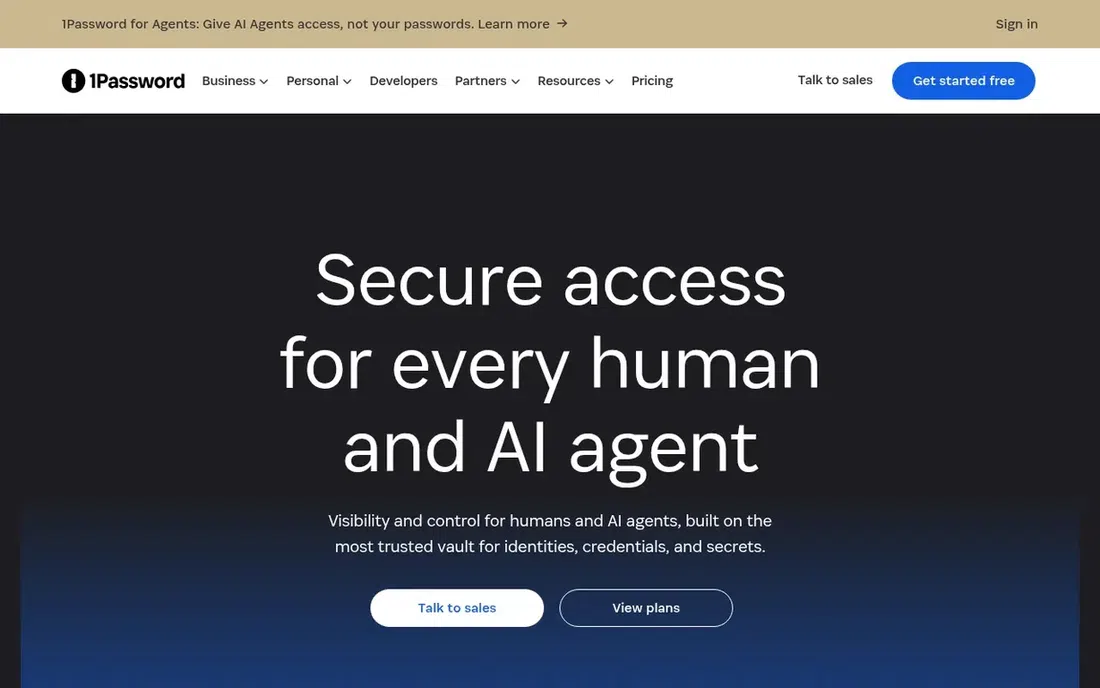
Think of 1Password for firms needing secrets and access management. 1Password is a password manager that also handles secrets and access management, targeted at protecting credentials whereas controlling app access and securing AI tools.
Pricing for 1Password is not stated here, so ask the vendor for current figures. Free access: Not stated.
Honest limits: Setup needs planning across teams.
- Keeps passwords and secrets in one place
- Scales from expanding teams to enterprise
- Feature depth may exceed small firm needs
NordPass is designed for straightforward password management. NordPass is a password manager from the team behind Nord security products, built to store and organize logins for individuals and organizations.
The main drawbacks: Less emphasis on privileged access tooling.
Also, businesses that want a focused password tool without a large surrounding system may find it worth a look. More specifically, businesses with complicated access requirements should compare it against systems made for that purpose, and any firm should confirm the business capabilities it relies on before standardizing. This comparison lists no price for NordPass; ask the vendor. Free access: Not stated.
- Straightforward to introduce to staff
- Focused password management tool
- Confirm business features before adopting
How these tools were picked
Pricing pages, product documentation and feature lists were the main sources, and every entry carries at least one honest drawback. Where a price is missing, the vendor does not list one publicly or ties it to a quote. Always confirm before budgeting. Tools are placed by general fit for password manager for law firms, with price clarity and free access as tie-breakers. A different team can reasonably rank them differently.
Questions to settle before buying
- Confirm the entry price on the vendor page. For LastPass, 1Password and NordPass that means a quote rather than a fixed price.
- Look at the free plan from Bitwarden closely: its caps decide whether it is usable for real work.
- Run a trial of LastPass and Dashlane with real work before paying for a year; your own workflow is the best test.
- Read the limits listed for Bitwarden first: open source model may need internal review.
- Test how quickly 1Password answers a pre-sales question; it hints at how support will feel later.
- Involve the people who will use LastPass daily; a short pilot beats a long feature checklist.
FAQ
Which options for password manager for law firms have a free plan?
Bitwarden is the only tool in this list with a free plan. Free plans usually cap users, projects or features, so check the limits on the vendor page. Several others offer a trial instead. Each of the 5 options in this Password manager for law firms guide has its own card above with the price, free plan and limits.
What should businesses check about shadow IT and AI tool use?
Businesses should confirm these features align with internal policy and client confidentiality terms. Other tools focus more narrowly on credential storage, so match the choice to your oversight needs.
How are the tools for password manager for law firms ordered?
Bitwarden sits first and NordPass last because the order follows typical fit for password manager for law firms, then price clarity and free access. It is a judgement call, so read each profile for fit and limits.
Do these tools publish their prices?
Not all of them. LastPass, 1Password and NordPass publish no starting price, so expect a quote request for those. The rest, Bitwarden included, show a starting price, though seats and billing terms still change the final cost.
Can I try these tools before paying?
Often, yes. Bitwarden has a free plan and LastPass and Dashlane offer a free trial. Use your own data and a real task during the test, and check what the free tier or trial limits before you rely on it. All 5 picks in this Password manager for law firms comparison list a starting price, free plan details and the main limits on their cards above.
Can a small firm use the same tools as a large one?
Yes, multiple of these tools serve individuals, teams and enterprises, including Bitwarden and Dashlane. The central difference is administration effort, since broader systems take more configuration.
Sources
- https://bitwarden.com
- https://www.lastpass.com
- https://www.dashlane.com
- https://1password.com
- https://nordpass.com