Top 5 Outliner Software for 2026 (Prices and Free Plans)
Best outliner software in 2026: 5 contenders with entry costs and free tiers. Dynalist opens the ranking for structured lists for ideas and tasks. Plain facts.
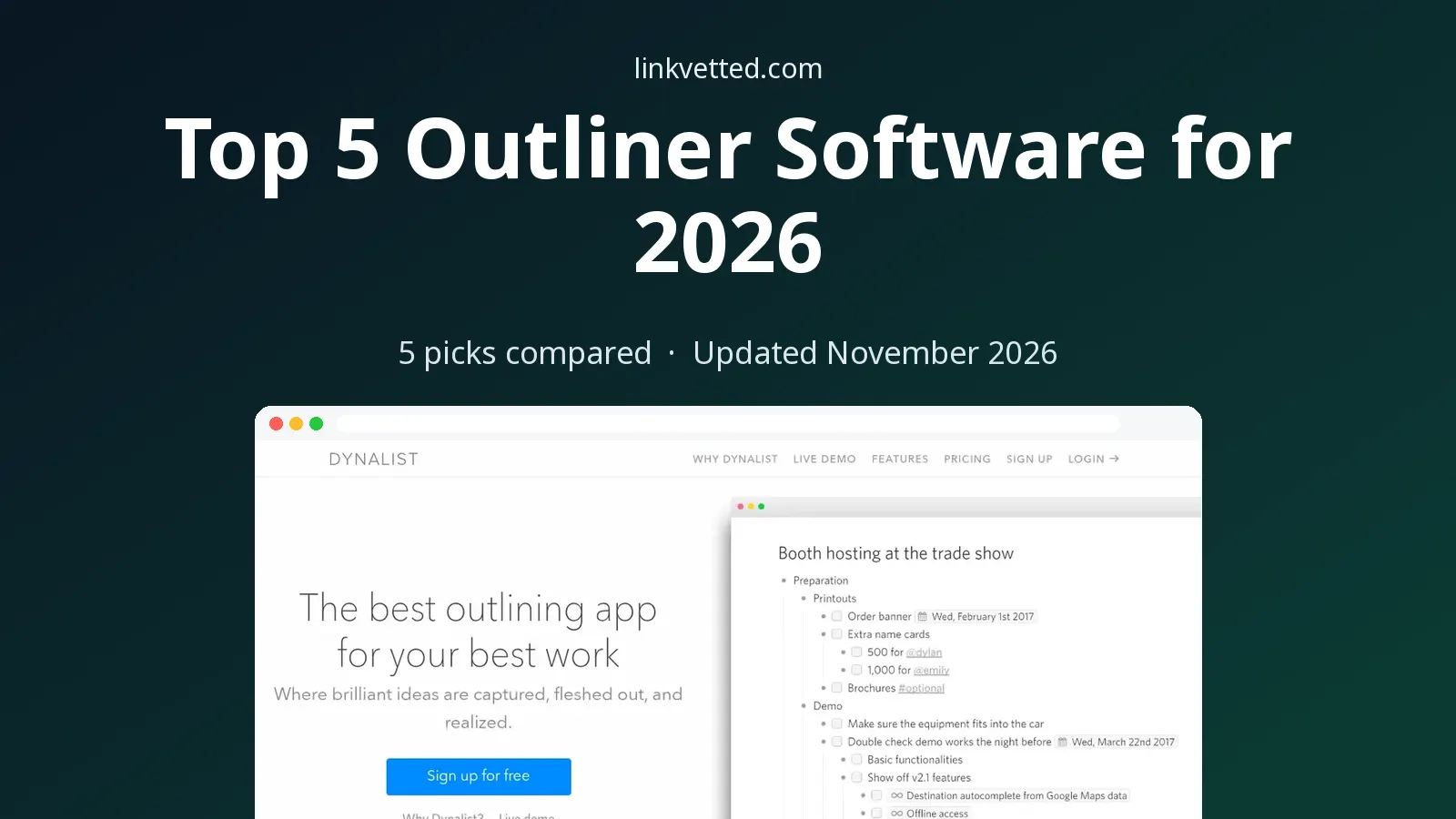
- Editor's choiceDynalist
Structured lists for ideas and tasks
Starts at$7.99 a monthVisit dynalist.ioFull review - Great alternativeRoam Research
Networked thought and linked notes
Starts atSee websiteVisit roamresearch.comFull review - Also consider
 Notion
All-in-one AI workspace
Starts at$10 per member per monthVisit notion.soFull review
Direct answer
Dynalist leads the list, best for structured lists for ideas and tasks. Listed starting prices: Dynalist from $7.99 a month, Notion from $10 per member per month and Workflowy from $6.99 a month. If your case is different, Roam Research suits networked thought and linked notes and Notion suits all-in-one AI workspace. The other 2 tools in the list cover narrower or pricier cases.
TL;DR:
- Top of the list is Dynalist, which targets structured lists for ideas and tasks.
- The main caution on Notion: can feel heavy for pure outlining.
- For refined notes and docs across devices, Craft is worth a look.
- Dynalist, Notion, Workflowy, Craft: these are the 4 tools out of 5 that offer a free plan.
Last checked November 2026. Prices and plan details were read from the vendors' own pages in November 2026; vendors change plans often, so confirm the current price on the vendor site before you buy.
Quick comparison
| Tool | Best for | Starts at | Free plan? | |
|---|---|---|---|---|
| Dynalist | Structured lists for ideas and tasks | $7.99 a month | Yes | Visit |
| Roam Research | Networked thought and linked notes | See website | Not stated | Visit |
| Notion | All-in-one AI workspace | $10 per member per month | Yes | Visit |
| Workflowy | Straightforward, focused bullet outlining | $6.99 a month | Yes | Visit |
 Craft | Refined notes and docs across devices | $4.8 a month | Yes | Visit |
The 5 tools in detail
Choosing outliner software usually comes down to price, fit and limits. This LinkVetted guide sets 5 tools side by side on those three points, with the facts kept short and checkable.
Dynalist
Best for: Structured lists for ideas and tasks
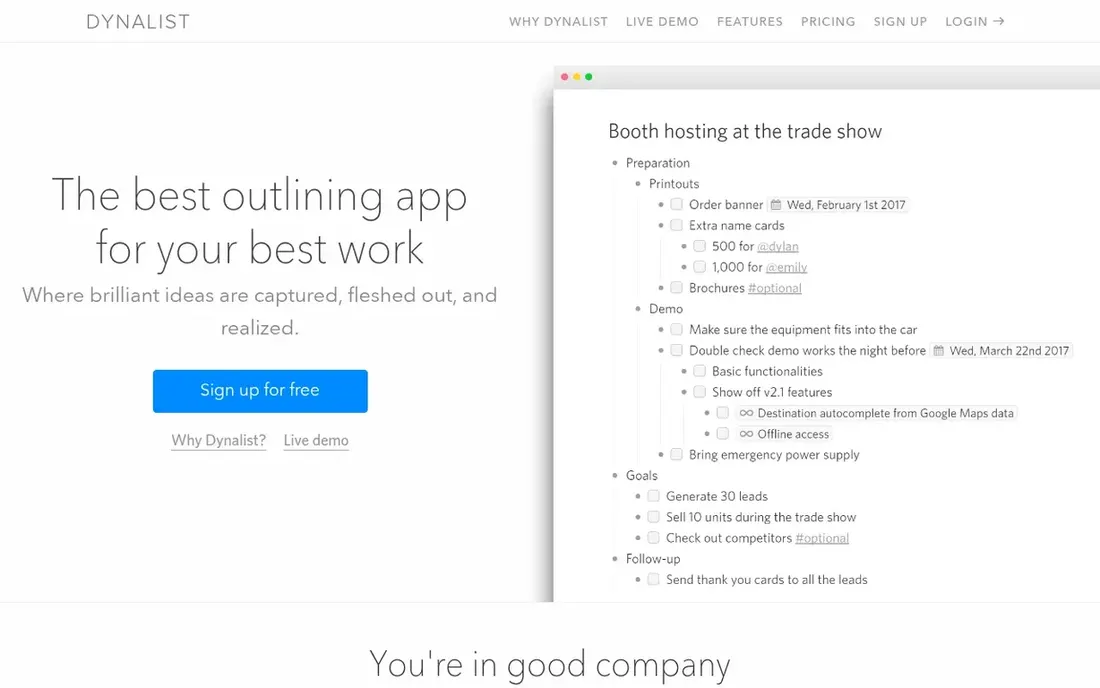
Dynalist targets structured lists for ideas and tasks. Pick Dynalist when straightforward lists and documents are the core need. As for the details, Dynalist describes itself as a way to organize ideas and tasks in straightforward lists.
It leans on document-style structure with nested items. If linking ideas across plenty of pages is central to your workflow, a networked note tool may fit better. As for the details, compared to networked tools, Dynalist puts less emphasis on inbound links and graph-style connections between notes. The interface stays close to classic outlining. Dynalist starts at: $7.99 per month. A free plan is available with Dynalist.
What works well: Document-style structure.
Trade-offs to know: Less visual polish.
- List-first organization
- Takes care of ideas and tasks together
- Fewer linked-note features
Roam Research
Best for: Networked thought and linked notes
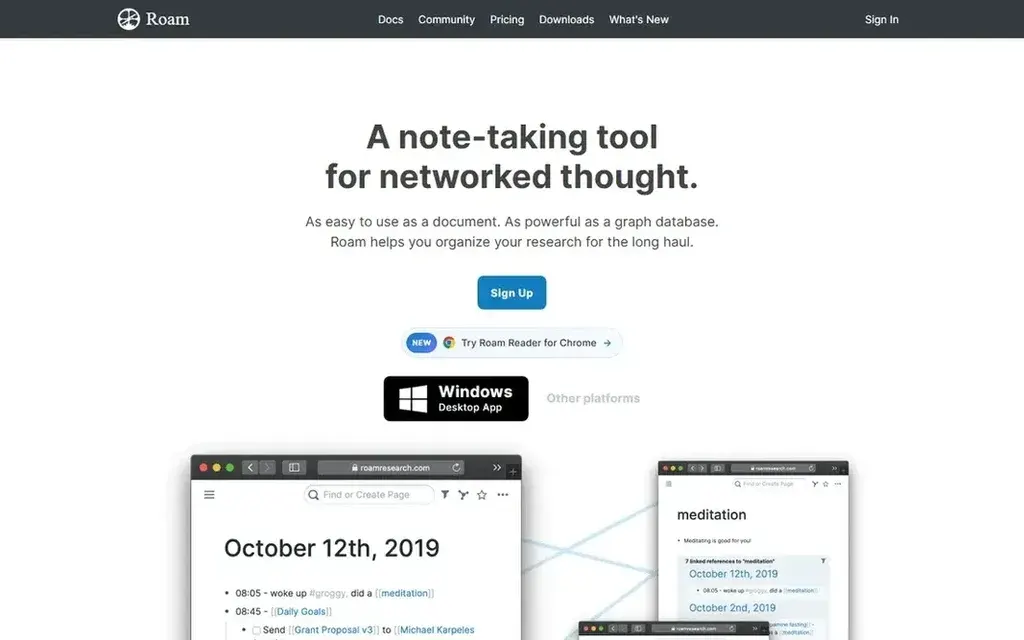
Roam Research is built with networked thought and linked notes in mind. The networked model can feel unfamiliar to anyone used to plain documents, and the loose page structure takes adjustment.
Downsides: Concept-heavy for newcomers.
From a buyer's view, live collaboration and local storage are both part of the pitch. Pricing for Roam Research is not stated here, so ask the vendor for current figures. Trial and free access: Not stated.
- Local data storage choice
- Graph-style connections between ideas
- Less conventional document layout
Notion is aimed squarely at all-in-one AI workspace. For everyday use, if simplicity is the priority, a focused outliner will feel lighter.
Outlining is one part of a much wider workspace. As for the details, choose Notion when you want an integrated workspace with automation. Starting cost for Notion: $10 per member per month. Notion includes a free tier.
Limits to weigh: Can feel heavy for pure outlining.
- Merges notes
- AI features for search and busywork
- Wide feature set takes learning
Workflowy
Best for: Straightforward, focused bullet outlining
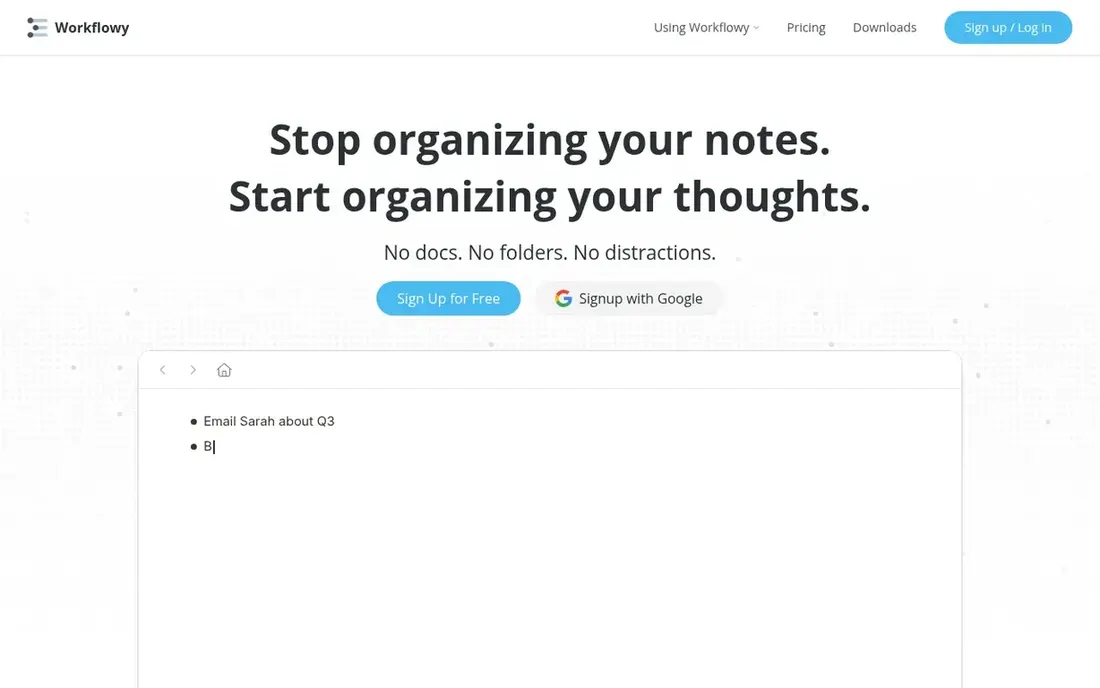
Choose Workflowy for straightforward, focused bullet outlining. Workflowy presents itself as a simpler way to organize work, built around nested bullets you can zoom into and rearrange.
Where it is weaker: Restricted document formatting.
Also, if you need rich documents, databases or team wikis, a broader workspace app may suit you better. Choose Workflowy when speed and clarity matter more than feature depth. Price to start with Workflowy: $6.99 per month. Workflowy includes a free tier.
- A decent match for daily organization
- Clean nested bullet structure
- Fewer structured database features
In short, Craft is for refined notes and docs across devices. Craft describes itself as a productivity app for notes, tasks and docs that follows you across all your devices, with premium features available.
The focus is on refined writing and organization. Craft starts at: $4.8 per month. Craft has a free plan.
Honest limits: Premium features behind upgrade.
- Clean document design
- Works across devices
- Less graph-style linking
How we compared the tools
Before you commit
- Ask Roam Research for a written quote, since no starting price is shown.
- Check what the free option really includes: Dynalist, Notion, Workflowy and Craft offer a free plan, and usage caps differ.
- Before choosing Dynalist, weigh its main limit: less visual polish.
- Read the plan comparison for Dynalist carefully; key features often start on a higher tier.
- Ask Notion about contract length, onboarding fees and user minimums before you sign.
FAQ
Is Dynalist the right pick for everyone comparing outliner software?
No single tool suits every team. Dynalist comes first because it fits structured lists for ideas and tasks, while Roam Research suits networked thought and linked notes and Notion suits all-in-one AI workspace. Match the tool to your own size, budget and workflow before deciding.
Can I try these options before paying?
Often, yes. Dynalist, Notion, Workflowy and Craft have a free plan. Use your own data and a real task during the test, and check what the free tier or trial limits before you rely on it.
What makes an outliner different from a notes app?
General notes apps may offer outlining as one feature among documents, databases and pages. The best fit relies on whether structure or breadth matters more to you.
Which options for outliner software have a free plan?
On this list, Dynalist, Notion, Workflowy and Craft include a free plan. Caps on seats, usage or features are common, so test the free plan against your real workload.
What is the cheapest option for outliner software in this list?
On published monthly entry prices, Craft is the lowest here at $4.8 per month. Entry price is only part of the cost, because seats, add-ons and billing terms can change the total.
Sources
- https://dynalist.io
- https://roamresearch.com
- https://www.notion.so
- https://workflowy.com
- https://www.craft.do