The 5 Best Online Survey Software for Business in 2026, Ranked
5 tools for the best online Survey software for business, compared on pricing, free plans and best-fit use. Real limits included. Built for quick decisions.

- Editor's choice
 Qualtrics XM
Advanced experience management and prediction
Starts atSee websiteVisit qualtrics.comFull review - Great alternative
 Typeform
Engaging, conversational forms with automation
Starts atSee websiteVisit typeform.comFull review - Also consider
 Zoho Survey
Configurable surveys for market research
Starts atSee websiteVisit zoho.comFull review
Direct answer
Start with Qualtrics XM if you need advanced experience management and prediction. Listed starting prices: Jotform from $34 a month and SurveyMonkey from $25 per user a month. If your case is different, Typeform suits engaging, conversational forms with automation and Zoho Survey suits configurable surveys for market research. Prices, free plans and limits for all 5 tools follow.
TL;DR:
- The list opens with Qualtrics XM, aimed at advanced experience management and prediction.
- For the cheapest start, look at SurveyMonkey: $25 per user per month.
- Only 2 of the 5 tools have a free plan (Jotform, SurveyMonkey), so check the caps.
- One limit worth knowing about Zoho Survey: interface may feel dated.
Last checked November 2026. Prices and plan details were read from the vendors' own pages in November 2026; vendors change plans often, so confirm the current price on the vendor site before you buy.
Quick comparison
| Tool | Best for | Starts at | Free plan? | |
|---|---|---|---|---|
| Qualtrics XM | Advanced experience management and prediction | See website | Not stated | Visit |
| Typeform | Engaging, conversational forms with automation | See website | Not stated | Visit |
| Zoho Survey | Configurable surveys for market research | See website | Not stated | Visit |
 Jotform | Fast and simple form creation | $34 a month | Yes | Visit |
 SurveyMonkey | Versatile surveys for feedback and research | $25 per user a month | Yes | Visit |
Tool-by-tool breakdown
Choosing online Survey software for business usually comes down to price, fit and limits. This LinkVetted guide sets 5 tools side by side on those three points, with the facts kept short and checkable.
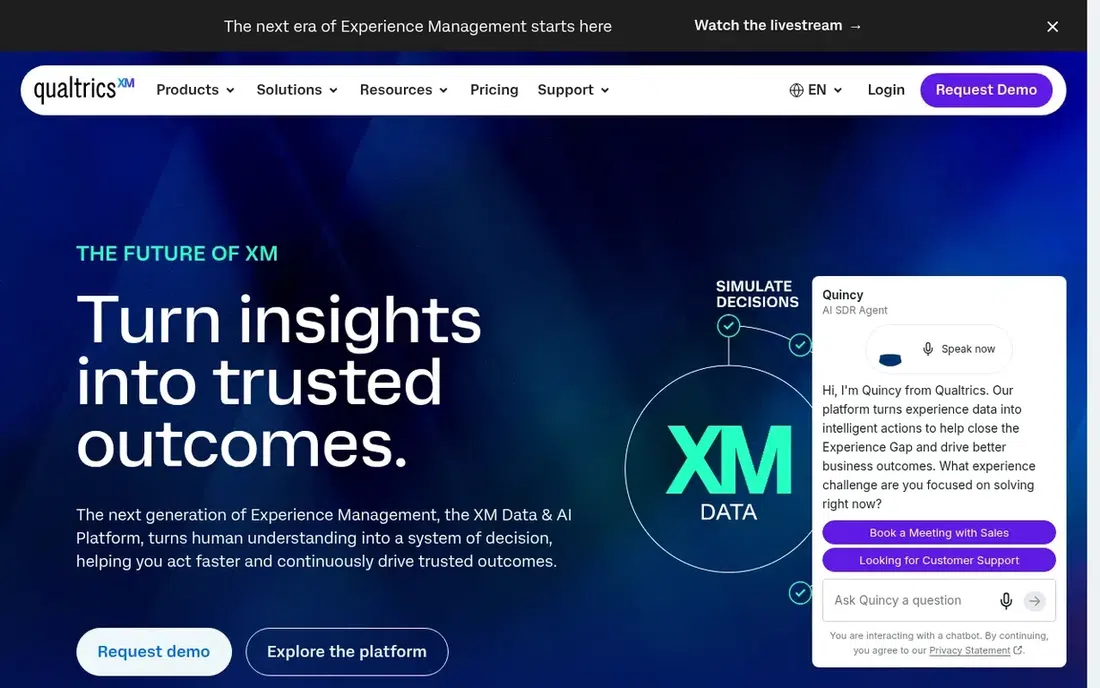
Qualtrics XM is designed for advanced experience management and prediction. It uses AI to simulate customer and employee experiences, predict future trends, and recommend actions.
The main drawbacks: May need training to use fully.
Pricing for Qualtrics XM is not stated here, so ask the vendor for current figures. Trial and free access: Not stated.
- Full experience management
- Focus on predicting outcomes
- Can be complex for straightforward surveys
Typeform is built with engaging, conversational forms with automation in mind. Typeform concentrates on creating interactive, conversational forms that feel more like a dialogue than a traditional survey. Its AI features help build forms rapidly, and automation can trigger follow-ups or enrich leads.
It is a strong match for companies prioritizing user engagement and smooth data collection. Also, if you need complex branching or broad reporting, SurveyMonkey or Qualtrics XM could be better suits. No starting price is listed for Typeform here; confirm pricing on the vendor site. Free options: Not stated.
Where it is weaker: Can be costlier for high-volume use.
- AI-powered form building
- Conversational interface
- Restricted advanced survey logic
Zoho Survey is aimed squarely at configurable surveys for market research. Zoho Survey is a configurable online survey tool made for market research, feedback questionnaires, and customer satisfaction analysis. It is part of the Zoho suite, making it a solid fit for businesses already using Zoho products and needing an adaptable survey maker.
Beyond that, for a more modern experience, Typeform or SurveyMonkey might be preferable. As for the details, Zoho Survey may not have the polish or advanced AI features of some competitors, and its interface can be less easy-to-learn. This comparison lists no price for Zoho Survey; ask the vendor. Free plan details: Not stated.
Watch-outs: Interface may feel dated.
- Supports market research
- Integration with Zoho ecosystem
- Advanced features need premium plans
Jotform is aimed squarely at fast and simple form creation. Jotform is a form builder that emphasizes speed and simplicity. It permits users to produce forms and surveys in seconds, with a drag-and-drop interface and a variety of templates.
Drawbacks to consider: Restricted advanced survey features.
Where it shines: Approachable interface.
More specifically, for in-depth research or complicated logic, consider SurveyMonkey or Qualtrics XM. As for the details, Jotform's survey capabilities are more basic compared with dedicated survey products, and advanced features may be restricted. Price to start with Jotform: $34 per month. Jotform offers a free plan.
- Quick form building
- Versatile form templates
- Some features need a premium plan
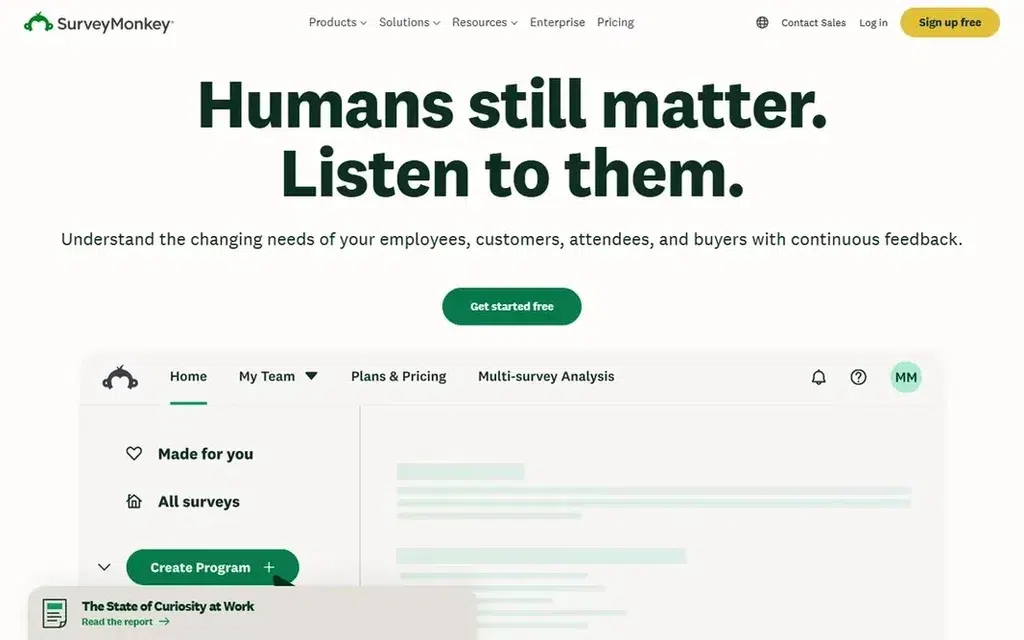
Where SurveyMonkey fits: versatile surveys for feedback and research. SurveyMonkey is a widely used system for creating surveys and forms.
Watch-outs: Advanced features may need a premium plan.
It supplies AI and templates tailored for employee feedback, customer feedback, market research, and event registrations. As for the details, Whereas SurveyMonkey is capable, its more sophisticated analytics and logic features are usually part of higher-tier plans. On cost, SurveyMonkey starts like this: $25 per user per month. Free access exists with SurveyMonkey.
- Supports employee and customer feedback
- AI-assisted survey creation
- Some users find the interface busy
Selection criteria
LinkVetted used vendor pricing pages and product documentation as the base, then compared plans, free access and documented limits for 5 tools. Where a price is missing, the vendor does not list one publicly or ties it to a quote. Always confirm before budgeting. The order reflects how well each tool fits the most common buying scenario for online Survey software for business, then price clarity, then free plan access. It is a starting point, not a verdict.
Questions to settle before buying
- Get a written quote from Qualtrics XM, Typeform and Zoho Survey; the list shows no starting price for them.
- Look at free plan limits closely: Jotform and SurveyMonkey have one, and the caps decide whether it is usable for real work.
- Before choosing Qualtrics XM, weigh its main limit: can be complicated for straightforward surveys.
- Compare total cost, not headline price: for Jotform, add extra seats, add-ons and any usage-based charges.
- Run a one or two week pilot of Qualtrics XM with the people who will use it every day.
FAQ
Which options for online Survey software for business have a free plan?
Jotform and SurveyMonkey offer a free plan in this list. Free plans usually cap users, projects or features, so check the limits on the vendor page.
Do these tools publish their prices?
Not all of them. Qualtrics XM, Typeform and Zoho Survey publish no starting price, so expect a quote request for those. The rest, Jotform included, show a starting price, though seats and billing terms still change the final cost.
What is the cheapest option for online Survey software for business in this list?
On published monthly entry prices, SurveyMonkey is the lowest here at $25 per user per month. Entry price is only part of the cost, because seats, add-ons and billing terms can change the total. For the full picture, the cards above cover all 5 entries of this online Survey software for business list, including price, free plan and limits.
Can I try these tools before paying?
Often, yes. Jotform and SurveyMonkey have a free plan. Use your own data and a real task during the test, and check what the free tier or trial limits before you rely on it. Prices, free plan details and limits for all 5 tools in this online Survey software for business roundup sit on the individual cards above.
Sources
- https://www.qualtrics.com
- https://www.typeform.com
- https://www.zoho.com/survey
- https://www.jotform.com
- https://www.surveymonkey.com