The 6 Best Online Presentation Tools in 2026, Ranked
Shortlisting the best online presentation tools? 6 products compared on cost, free access and ideal buyer. Prices and drawbacks included. Quick to scan.
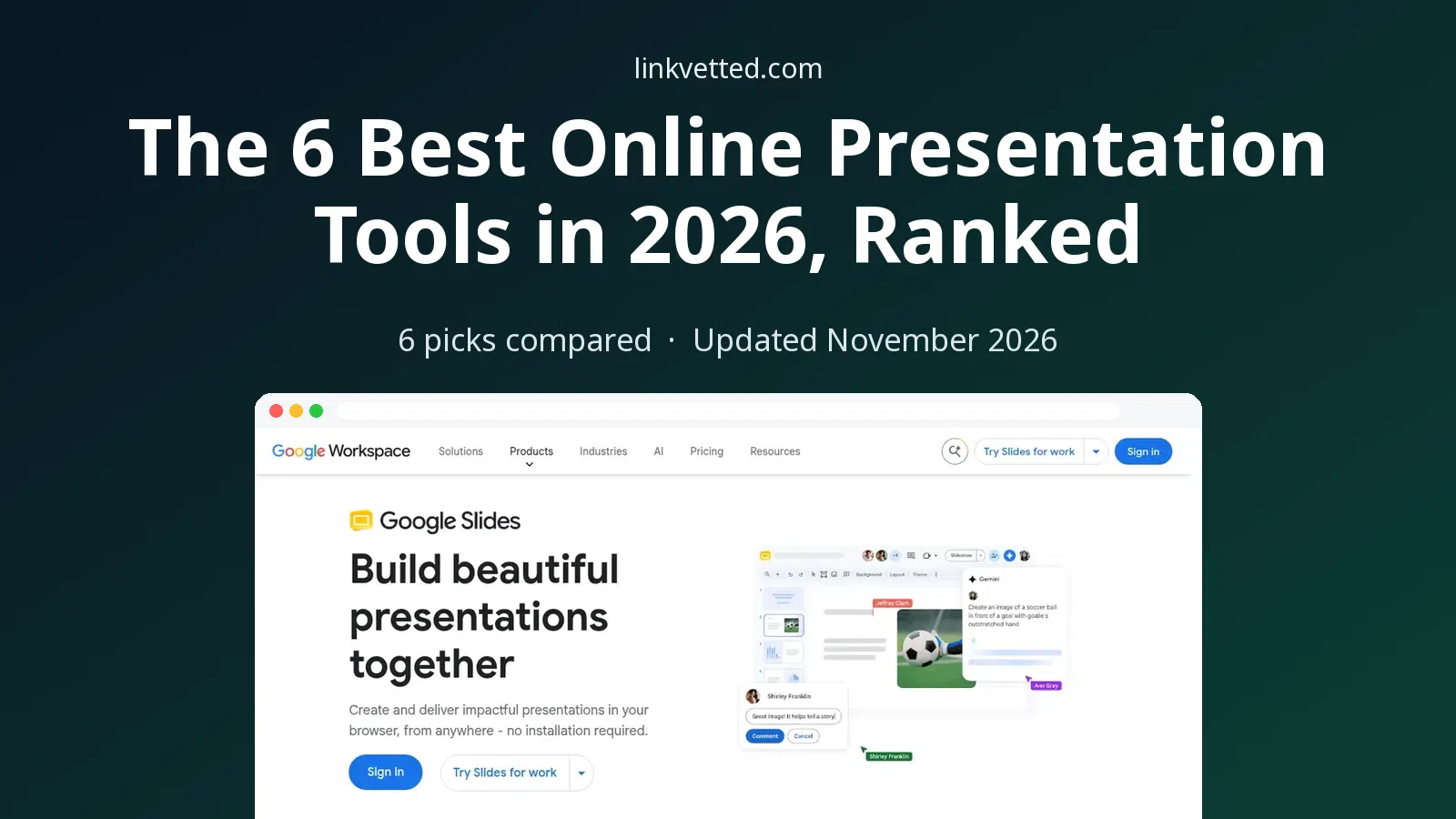
- Editor's choice
 Google Slides
Live collaboration and AI features
Starts atSee websiteVisit workspace.google.comFull review - Great alternative
 Genially
Interactive and animated content
Starts atSee websiteVisit genially.comFull review - Also consider
 Beautiful.ai
Enterprise teams needing on-brand decks
Starts at$14.50 per monthVisit beautiful.aiFull review
Direct answer
Start with Google Slides if you need live collaboration and AI features. Listed starting prices: Beautiful.ai from $14.50 per month and Pitch from €10 a month. If your case is different, Genially suits interactive and animated content and Beautiful.ai suits enterprise teams needing on-brand decks. The full list of 6 tools follows, with prices and free plan facts.
TL;DR:
- Top of the list is Google Slides, which targets live collaboration and AI features.
- Canva is the one to check for design-focused presentations with templates.
- Pitch stands alone as the one tool in this list with a free plan.
- For the cheapest start, look at Beautiful.ai: $14.50 per month.
Last checked November 2026. Prices and plan details were read from the vendors' own pages in November 2026; vendors change plans often, so confirm the current price on the vendor site before you buy.
Quick comparison
| Tool | Best for | Starts at | Free plan? | |
|---|---|---|---|---|
| Google Slides | Live collaboration and AI features | See website | Not stated | Visit |
| Genially | Interactive and animated content | See website | Not stated | Visit |
| Beautiful.ai | Enterprise teams needing on-brand decks | $14.50 per month | Free trial | Visit |
 Prezi | Interactive and engaging presentations | See website | Not stated | Visit |
 Pitch | Collaborative team presentations | €10 a month | Yes | Visit |
 Canva | Design-focused presentations with templates | See website | Not stated | Visit |
The best online presentation tools
Short on time? The summary and table above give the quick view of 6 online presentation tools, and the profiles that follow give the detail behind each entry.
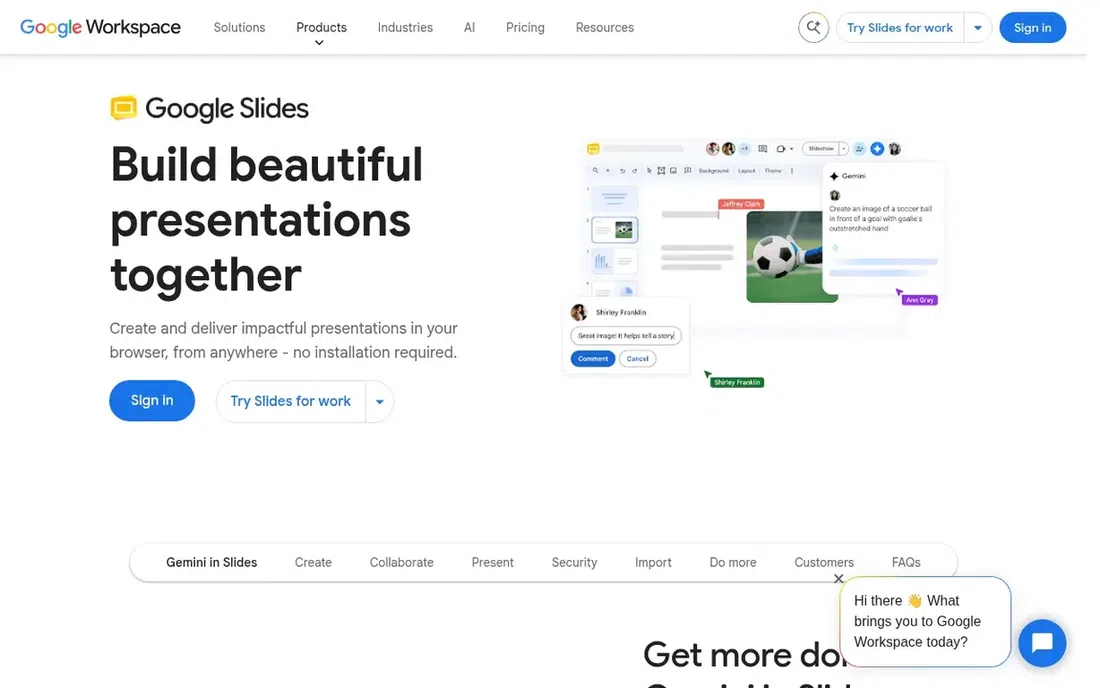
Think of Google Slides for live collaboration and AI features. Google Slides is widely used in education and remote work settings.
Also, if you need broad design adaptability, consider Canva or PowerPoint instead. Google Slides does not show a starting price in this comparison, so check the vendor site for current pricing. On free options: Not stated.
Where it falls short: Restricted offline functionality.
- Accessible from any device with a Google account
- Smooth real-time collaboration
- Fewer design choices compared with Canva
Genially serves interactive and animated content. It is perfect for educators and trainers who want to engage their audience with interactive elements.
Drawbacks to consider: Can be complicated for straightforward presentations.
Genially's focus on interactivity means it may be overkill for straightforward presentations, and the ramp-up time can be steeper. Genially does not show a starting price in this comparison, so check the vendor site for current pricing. Free options: Not stated.
- Versatile for infographics and other content
- Build interactive presentations with animations
- Steeper ramp-up time for interactive features
In short, Beautiful.ai is for enterprise teams needing on-brand decks. Beautiful.ai is an AI presentation product made for enterprise teams, keeping every deck on-brand and ready to share across the entire company. It uses smart templates that automatically adjust as you add content, ensuring a refined look without manual formatting.
Watch-outs: May be overkill for individual users.
In practice, for more design adaptability, consider Canva or PowerPoint. The automation in Beautiful.ai can limit creative control, which may frustrate users who want to customize every detail. Entry price for Beautiful.ai: $14.50 per month. Free plan details: Free trial.
- Automatic layout adjustments
- AI-powered design that keeps slides on-brand
- Less creative freedom because of automation
Prezi is built with interactive and engaging presentations in mind. Prezi is an interactive presentation product made for what happens after you present, focusing on engagement. In practice, Prezi's unique canvas approach may not appeal to those who prefer linear slide decks, and the ramp-up time can be steeper.
Prezi transforms presentations into conversations. Worth adding: for straightforward, slide-based presentations, Google Slides or PowerPoint might be more appropriate. No starting price is listed for Prezi here; confirm pricing on the vendor site. Free plan details: Not stated.
Where it falls short: Less right for traditional slide-by-slide decks.
- Mobile participation for viewers
- Live polls and quizzes for audience engagement
- Steeper ramp-up time for the canvas concept
Pitch is a good fit for collaborative team presentations. Pitch is the AI presentation workspace for teams that want to produce, share, and deliver better work. It merges collaborative editing with AI features to help teams build presentations quicker.
In daily use, as a relatively newer tool, Pitch may have a smaller template library and fewer integrations than established choices like PowerPoint. From a buyer's view, Pitch is well-suited for startups and teams that value efficiency and teamwork in their presentation workflow. Price to start with Pitch: €10 per month. Pitch has a free plan.
Drawbacks to consider: May require a learning period for teams.
- AI-assisted presentation creation
- Live collaboration and feedback
- Newer platform with a smaller template library
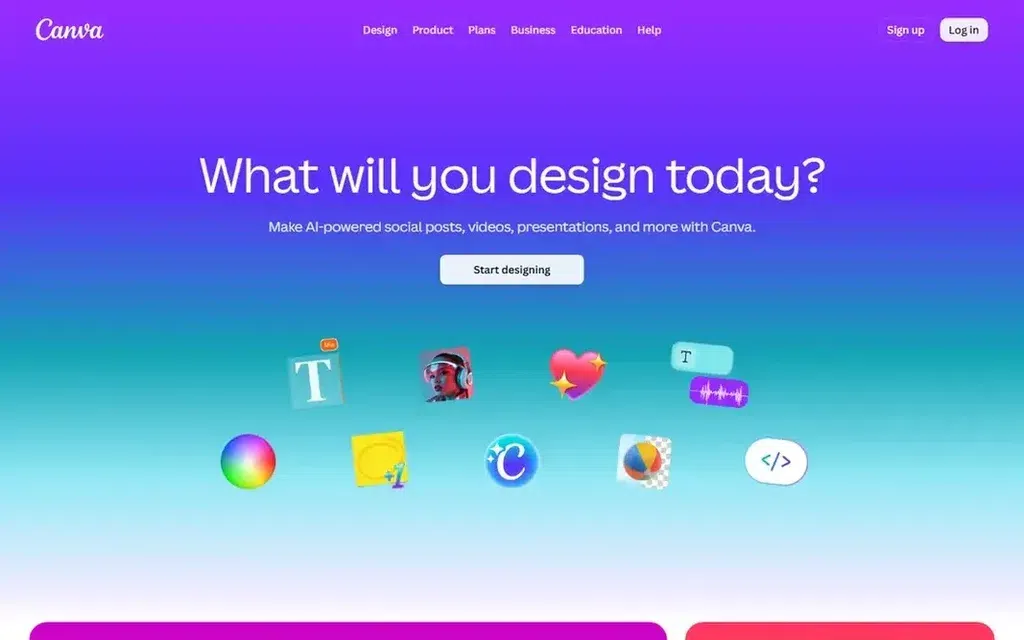
Canva is a good fit for design-focused presentations with templates. Canva is a free-to-use online graphic design tool that lets you produce presentations, social media posts, posters, and more. It is well suited to users who want visually appealing slides without deep design skills, offering a vast library of templates and drag-and-drop editing.
Whereas Canva excels at design, it may lack the advanced presentation features found in dedicated tools, for example complicated animations or in-depth speaker notes. In practice, Canva suits marketers, educators, and small teams looking for a fast, refined look. Canva shows no starting price here, so confirm the cost on the vendor site. Free options: Not stated.
What to check first: Can be overwhelming with too numerous choices.
Reasons to shortlist it: video elements.
- Includes graphics, photos
- Broad range of templates for several use cases
- Less control over advanced animation and transitions
How we chose
The comparison looks at four things: starting price, free access, how well the feature set matches online presentation tools, and the main limit of each tool. Figures are shown as the vendors publish them. Billing terms, seat minimums and add-ons can change the real cost. The ranking is editorial: typical fit first, then clear pricing, then free access. If your needs are unusual, read the profiles rather than relying on position.
Things to verify first
- Get a written quote from Google Slides, Genially, Prezi and Canva; the list shows no starting price for them.
- Look at the free plan from Pitch closely: its caps decide whether it is usable for real work.
- Take the trial from Beautiful.ai and push a live task through it before you pay.
- Read the limits listed for Google Slides first: fewer design choices compared with Canva.
- Verify that exporting from Prezi is possible on your plan and covers all your records.
- See whether Google Slides offers onboarding or training, and whether it is included in the price.
FAQ
Can I try these options before paying?
Often, yes. Pitch has a free plan and Beautiful.ai offers a free trial. Use your own data and a real task during the test, and check what the free tier or trial limits before you rely on it. Each of the 6 options in this online presentation tools guide has its own card above with the price, free plan and limits.
What is the cheapest option for online presentation tools in this list?
On published monthly entry prices, Beautiful.ai is the lowest here at $14.50 per month. Entry price is only part of the cost, because seats, add-ons and billing terms can change the total. All 6 picks in this online presentation tools comparison list a starting price, free plan details and the main limits on their cards above.
Can I use these tools at no cost?
Numerous online presentation tools offer free versions with entry-level features, though advanced capabilities may need a subscription. Check each vendor's site for current offerings. Some tools like Google Slides are free with a Google account.
Which options for online presentation tools have a free plan?
Pitch is the only tool in this list with a free plan. Free plans usually cap users, projects or features, so check the limits on the vendor page. One other tool offers a trial instead. For the full picture, the cards above cover all 6 entries of this online presentation tools list, including price, free plan and limits.
How are the tools for online presentation tools ordered?
The order follows typical fit for online presentation tools, with Google Slides first and Canva last, then price clarity and free access. It is editorial judgement, not a score, so another team could rank the tools differently.
Which tool is a good match for interactive presentations?
This list starts with Google Slides, which fits live collaboration and AI features. For other needs, Genially is aimed at interactive and animated content, and Beautiful.ai at enterprise teams needing on-brand decks. Check each tool's price and main limit first.
Sources
- https://workspace.google.com/products/slides
- https://genially.com
- https://www.beautiful.ai
- https://prezi.com
- https://pitch.com
- https://www.canva.com