5 Best Online Form Builder Software for Startups for 2026, Vetted and Compared
Searching for the best online form builder software for startups? Here are 5 options with prices and free plans. Read the caveats before you buy. Easy to scan.
- Editor's choice
 Wufoo
Custom forms with cloud data storage
Starts atSee websiteVisit wufoo.comFull review - Great alternative
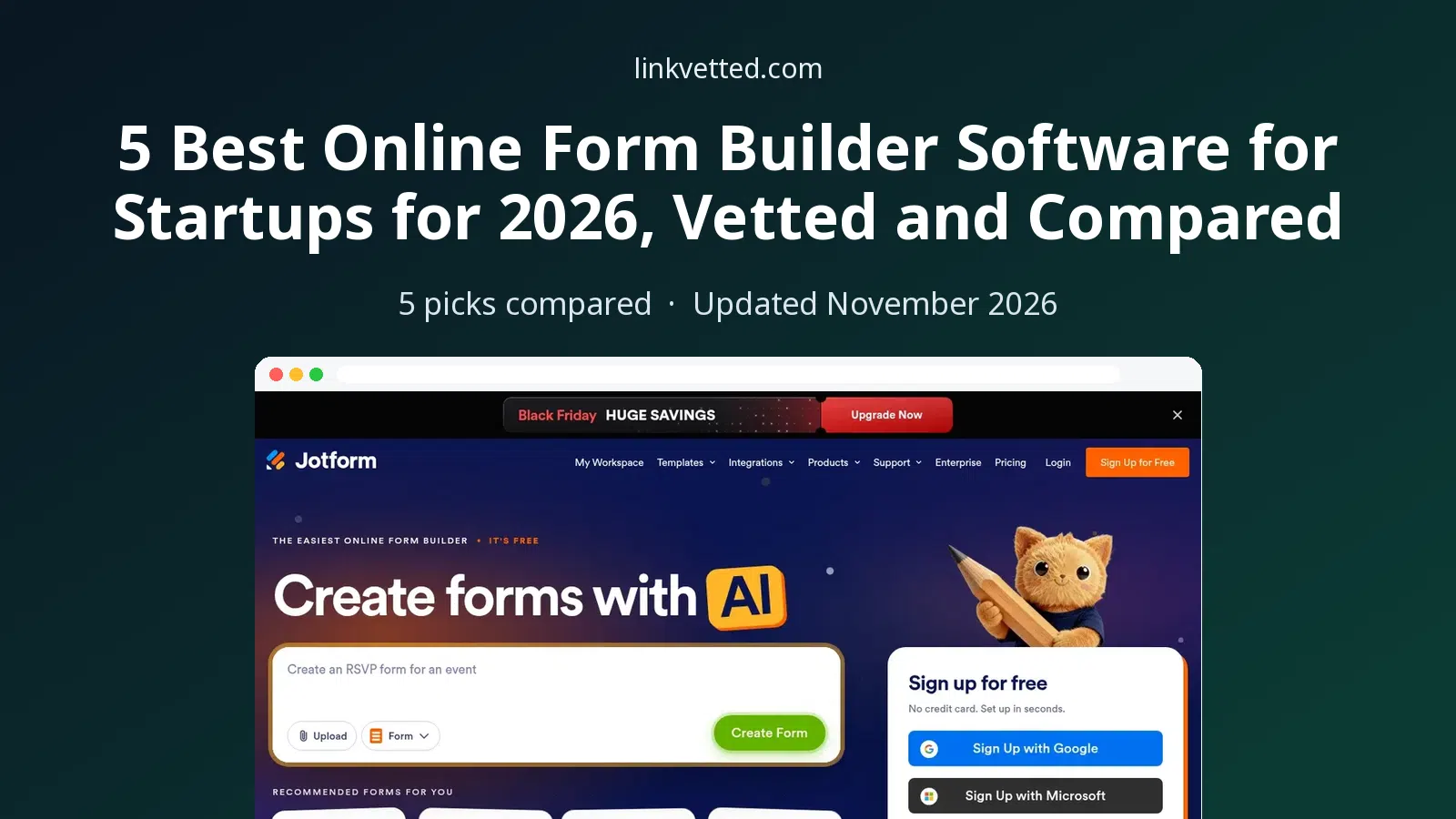
 Jotform
Quick form creation from templates
Starts at$34 a monthVisit jotform.comFull review - Also consider
 Typeform
Engaging lead capture with automation
Starts atSee websiteVisit typeform.comFull review
Direct answer
Start with Wufoo if you need custom forms with cloud data storage. Listed starting prices: Jotform from $34 a month, Gravity Forms from $59 a year and Formstack from $83 per month. Jotform is better for quick form creation from templates, and Typeform is better for engaging lead capture with automation. The other 2 tools in the list cover narrower or pricier cases.
TL;DR:
- Wufoo is the opening pick, best for custom forms with cloud data storage.
- Starting prices begin at $34 per month with Jotform.
- Wufoo, Jotform: these are the 2 tools out of 5 that offer a free plan.
- Check the limits for Wufoo before you commit: interface may feel dated to some users.
Last checked November 2026. Prices and plan details were read from the vendors' own pages in November 2026; vendors change plans often, so confirm the current price on the vendor site before you buy.
Quick comparison
| Tool | Best for | Starts at | Free plan? | |
|---|---|---|---|---|
| Wufoo | Custom forms with cloud data storage | See website | Yes | Visit |
| Jotform | Quick form creation from templates | $34 a month | Yes | Visit |
| Typeform | Engaging lead capture with automation | See website | Not stated | Visit |
| Gravity Forms | WordPress sites needing custom forms | $59 a year | No | Visit |
 Formstack | Secure forms with documents and signatures | $83 per month | Free trial | Visit |
Online Form Builder Software for Startups, one by one
Short on time? The summary and table above give the quick view of 5 online form builder software for startups, and the profiles that follow give the detail behind each entry.
Wufoo is designed for custom forms with cloud data storage. Wufoo is an online form builder with a cloud storage database, positioned for creating custom forms in minutes.
Wufoo does not show a starting price in this comparison, so check the vendor site for current pricing. Wufoo offers a free plan.
Where it is weaker: Interface may feel dated to some users.
- Supports payment and registration forms
- Cloud storage database
- Advanced automation is restricted

Jotform serves quick form creation from templates. Jotform is an online form builder that lets teams build forms and surveys rapidly, frequently starting from a template.
Where it is weaker: Design may need customization for brand consistency.
It fits startups that require plenty of form types, from contact forms to registrations, without building each one from scratch. Entry price for Jotform: $34 per month. Jotform includes a free tier.
- Large template selection
- Fast drag-and-drop builder
- Numerous features can feel overwhelming

Pick Typeform if this describes you: engaging lead capture with automation. Typeform is a form builder centered on engaging, one-question-at-a-time forms and AI-assisted creation. Its homepage flags automatic workflows that enrich leads and follow up after submission.
Points against: Less suited to very straightforward internal surveys.
From a buyer's view, the emphasis on interactive design and automation may be more than a small team needs for entry-level data collection. If you only need fast internal surveys or a form embedded in an existing productivity suite, a more straightforward choice may be simpler to handle. Typeform shows no starting price here, so confirm the cost on the vendor site. Free options: Not stated.
- Workflow automation triggers
- AI-assisted form building
- Advanced logic can add complexity
Gravity Forms
Best for: WordPress sites needing custom forms
Gravity Forms works best for WordPress sites needing custom forms. Gravity Forms is a WordPress form builder plugin for creating custom forms on a WordPress site.
Its homepage emphasizes simplicity, security and reliability. As for the details, Gravity Forms relies on a WordPress environment, so teams on other products would need a different option. Starting cost for Gravity Forms: $59 per year. No free plan comes with Gravity Forms.
Where Gravity Forms stands out: Custom form creation.
Watch-outs: Not a standalone hosted form service.
- Secure and steady plugin
- Designed for WordPress
- Requires a WordPress site
Formstack is a good fit for secure forms with documents and signatures. Formstack is a form and workflow product that merges online forms with document generation and e-signature tools.
Its homepage flags secure, easy-to-use forms for simplifying workflows. The starting price for Formstack: $83 per month. Free plan details: Free trial.
What to check first: May be more than straightforward surveys need.
- Document generation features
- Workflow automation focus
- Setup can involve more configuration
How we compared the tools
LinkVetted looked at what each vendor publishes: pricing, plan limits, feature coverage for online form builder software for startups and stated drawbacks. No hands-on testing is claimed. Seat minimums, billing terms and add-ons can move the real cost, so the starting prices here are a guide and not a quote. Tools are placed by general fit for online form builder software for startups, with price clarity and free access as tie-breakers. A different team can reasonably rank them differently.
Questions to settle before buying
- Confirm the entry price on the vendor page. For Wufoo and Typeform that means a quote rather than a fixed price.
- Read the fine print on the free plans from Wufoo and Jotform; seat, project and feature caps differ.
- Use real work to test the free trial from Formstack, rather than a demo project.
- Read the limits listed for Wufoo first: interface may feel dated to some users.
- Ask whether Wufoo integrates with your current software, and whether that comes standard or as an add-on.
- Ask Typeform how an export works before you move any records in; an easy exit lowers the risk.
FAQ
How are the tools for online form builder software for startups ordered?
The order follows typical fit for online form builder software for startups, with Wufoo first and Formstack last, then price clarity and free access. It is editorial judgement, not a score, so another team could rank the tools differently.
What is the cheapest option for online form builder software for startups in this list?
On published monthly entry prices, Jotform is the lowest here at $34 per month. Entry price is only part of the cost, because seats, add-ons and billing terms can change the total. All 5 picks in this online form builder software for startups comparison list a starting price, free plan details and the main limits on their cards above.
Do these tools publish their prices?
Not all of them. Wufoo and Typeform publish no starting price, so expect a quote request for those. The rest, Jotform included, show a starting price, though seats and billing terms still change the final cost.
Do I need a WordPress plugin or a hosted form builder?
Gravity Forms needs WordPress but keeps form management inside your site. Choose based on where your site lives and how much integration you want.
Which options for online form builder software for startups have a free plan?
Wufoo and Jotform offer a free plan in this list. Free plans usually cap users, projects or features, so check the limits on the vendor page. One other tool offers a trial instead.
Sources
- https://www.wufoo.com
- https://www.jotform.com
- https://www.typeform.com
- https://www.gravityforms.com
- https://www.formstack.com