Choosing Online Filing System for Small Business in 2026: 5 Options Compared
Need the best online filing system for small business? We compare 5 tools on cost, free access and who each suits. Short verdicts, no fluff. Choose faster.
- Editor's choice
 Google Workspace
Filing inside everyday productivity apps
Starts atSee websiteVisit workspace.google.comFull review - Great alternative
 ShareFile
Secure document sharing and collaboration
Starts at$16.50 per user a monthVisit sharefile.comFull review - Also consider
 Dropbox Business
Storage, sharing and eSignature in one place
Starts atSee websiteVisit dropbox.comFull review
Direct answer
Start with Google Workspace if you need filing inside everyday productivity apps. Listed starting prices: ShareFile from $16.50 per user a month and M-Files from €65 per seat per month. Alternatives: ShareFile for secure document sharing and collaboration, and Dropbox Business for storage, sharing and eSignature in one place. The remaining 2 options are covered below with prices and limits.
TL;DR:
- Top of the list is Google Workspace, which targets filing inside everyday productivity apps.
- For Business apps plus SharePoint filing, Microsoft 365 is worth a look.
- ShareFile has the lowest monthly starting price in this list: $16.50 per user per month.
- Neither Google Workspace nor Microsoft 365, nor any of the other 3 tools, has a permanent free plan; trials and quotes are the norm.
- A fair warning about ShareFile: narrower productivity suite than Workspace.
Last checked November 2026. Prices and plan details were read from the vendors' own pages in November 2026; vendors change plans often, so confirm the current price on the vendor site before you buy.
Quick comparison
| Tool | Best for | Starts at | Free plan? | |
|---|---|---|---|---|
| Google Workspace | Filing inside everyday productivity apps | See website | Not stated | Visit |
| ShareFile | Secure document sharing and collaboration | $16.50 per user a month | Free trial | Visit |
| Dropbox Business | Storage, sharing and eSignature in one place | See website | Not stated | Visit |
 M-Files | Organizing documents in context | €65 per seat per month | Not stated | Visit |
 Microsoft 365 | Business apps plus SharePoint filing | See website | Free trial | Visit |
Our 5 picks for online filing system for small business
If you are comparing online filing system for small business, this page covers 5 tools in one place: what each is best for, what it costs to start, whether it has a free plan, and the main limit to know about.
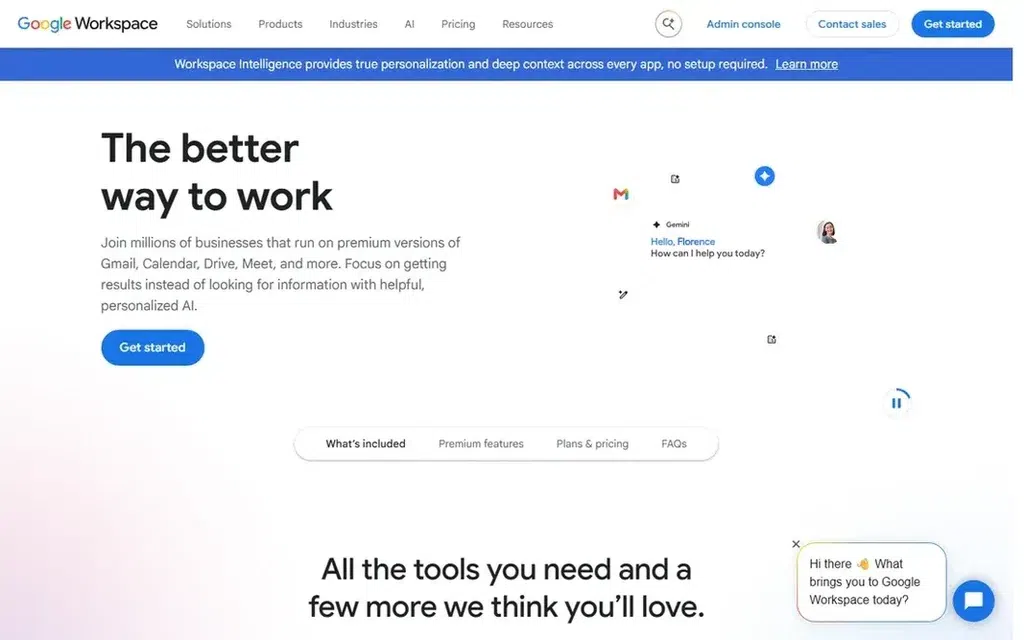
Google Workspace works best for filing inside everyday productivity apps. Google Workspace is a suite of secure online productivity and collaboration tools aimed at teams of all sizes.
Limits to weigh: Filing structure depends on admin setup.
The suite is not a dedicated document management product, so retention rules, version control and approval routing are lighter than in specialized systems. Google Workspace shows no starting price here, so confirm the cost on the vendor site. Trial and free access: Not stated.
- Works for teams of all sizes
- Shared drives keep team files together
- Document workflow features are entry-level
ShareFile is aimed squarely at secure document sharing and collaboration. ShareFile concentrates on secure sharing and workflows instead of wide productivity apps.
So teams wanting documents, mail and calendars in one suite may prefer Google Workspace or Microsoft 365. What you pay to start with ShareFile: $16.50 per user per month. Free options: Free trial.
Trade-offs to know: Narrower productivity suite than Workspace.
- Made for confident external sharing
- Supports document workflows
- Advanced automation is restricted
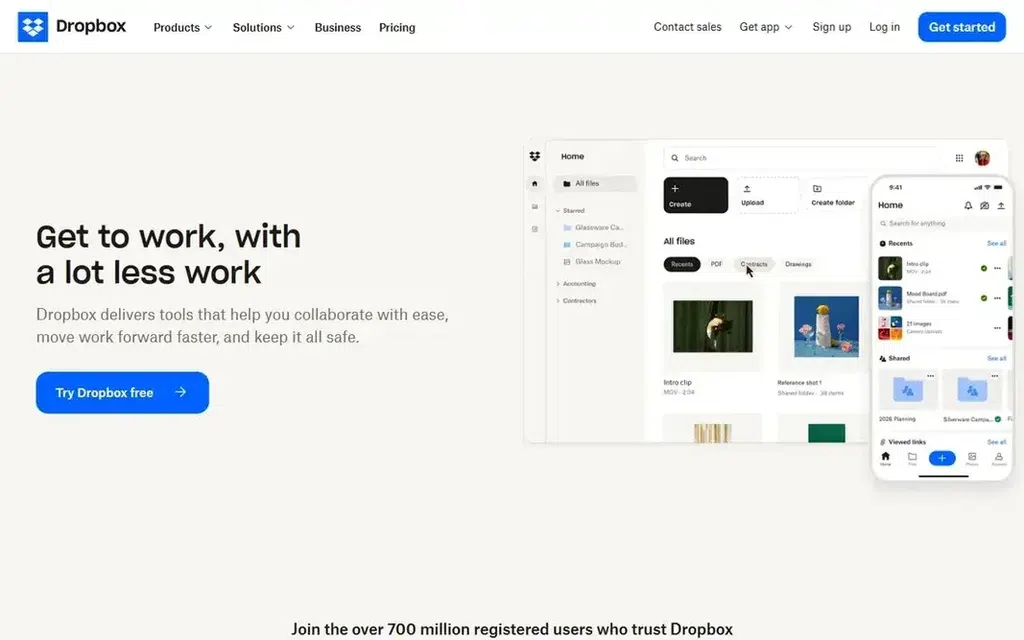
Dropbox Business serves storage, sharing and eSignature in one place. Dropbox Business is a cloud storage and sharing system targeted at professionals and teams.
Beyond storing files, it brings eSignature, document tracking and backup, which makes it a practical filing base for small companies that largely have to keep documents accessible and send them out for signing. Beyond that, companies with heavy approval chains, retention rules or automatic routing will likely need a dedicated document management system. Check the vendor site for Dropbox Business pricing; none is listed in this comparison. Trial and free access: Not stated.
Points against: File organization relies on user discipline.
- ESignature and document tracking included
- Cloud storage and sharing built for teams
- Advanced workflow automation is restricted
Where M-Files fits: organizing documents in context. Teams seeking a fast shared drive may find it heavier than needed.
Points against: Metadata-driven setup takes planning.
M-Files is an AI-powered document management system that helps organize documents in context, automate workflows and cut risk. Rather than relying only on folder trees, it links documents to the matters, projects or records they belong to, which fits small businesses with complicated filing relationships. On cost, M-Files starts like this: €65 per seat per month. As for free access: Not stated.
Best features of M-Files: AI-powered document management.
- Secure
- Organizes documents by context and metadata
- More structure than straightforward filing needs
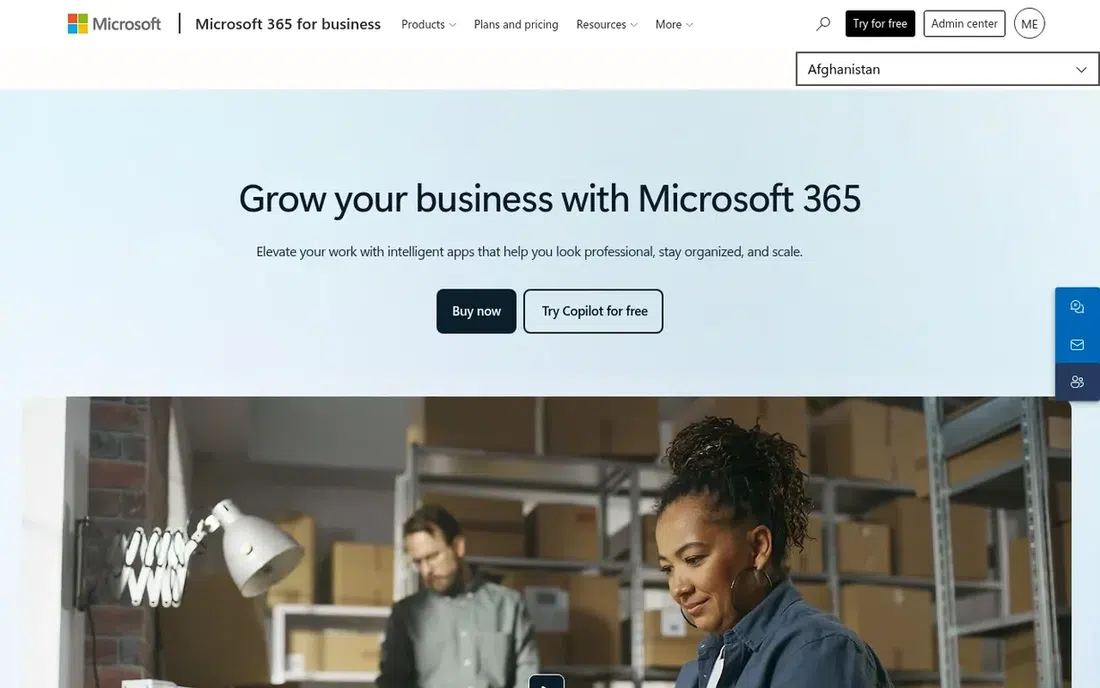
Microsoft 365 works best for Business apps plus SharePoint filing. Microsoft 365 business suites combine daily productivity apps like Excel, Outlook and SharePoint with tools for building a brand and scaling securely.
In daily use, teams without internal admin support may find the setup heavier than expected. Beyond that, consider a more straightforward storage tool if you only need shared folders, or a dedicated document management system if workflows are central. Microsoft 365 shows no starting price here, so confirm the cost on the vendor site. Trial and free access: Free trial.
Where it is weaker: Filing quality relies on configuration.
- Suited to scaling securely
- SharePoint supports structured document libraries
- Setup and governance can get complicated
How we chose
For each of the 5 tools we noted price, free plan or trial, fit for online filing system for small business and the main limit, using vendor pages and documentation. Where a vendor does not publish a price, the entry says quote. Where a price depends on seats or billing term, the entry says so. We ordered the tools by general fit, then by how clearly pricing is shown, then by free access. A buyer with unusual needs may reorder them.
What to check before you buy
- Confirm the entry price on the vendor page. For Google Workspace, Dropbox Business and Microsoft 365 that means a quote rather than a fixed price.
- Use real work to test the free trial from ShareFile and Microsoft 365, rather than a demo project.
- Before choosing Google Workspace, weigh its main limit: document workflow features are basic.
- Let daily users try M-Files on real work; their feedback beats any feature checklist.
- Verify that exporting from Dropbox Business is possible on your plan and covers all your records.
FAQ
Is Google Workspace the right pick for everyone comparing online filing system for small business?
No single tool suits every team. Google Workspace comes first because it fits filing inside everyday productivity apps, while ShareFile suits secure document sharing and collaboration and Dropbox Business suits storage, sharing and eSignature in one place. Match the tool to your own size, budget and workflow before deciding.
Does any tool for online filing system for small business here have a free plan?
A permanent free plan is not offered by Google Workspace, Microsoft 365 or the other tools here. ShareFile, Microsoft 365 offer a trial. Plan a short evaluation period instead.
What should a small business look for in an online filing system?
Focus on how documents are organized, who can access them and how files are shared outside the team. Storage and backup matter too, particularly for records you must keep long term.
Do these tools publish their prices?
Not all of them. Google Workspace, Dropbox Business and Microsoft 365 publish no starting price, so expect a quote request for those. The rest, ShareFile included, show a starting price, though seats and billing terms still change the final cost.
Can I try these tools before paying?
Often, yes. ShareFile and Microsoft 365 offer a free trial. Use your own data and a real task during the test, and check what the free tier or trial limits before you rely on it.
Can these systems replace paper filing entirely?
Storage-first tools deal with everyday files, whereas workflow-focused systems manage structured records. Plan a transition period and confirm feature details with each vendor.
Sources
- https://workspace.google.com
- https://www.sharefile.com
- https://www.dropbox.com/business
- https://www.m-files.com
- https://www.microsoft.com/microsoft-365/business