5 Online Construction Management Software Worth Shortlisting in 2026
Best online construction management software, compared. 5 tools with published prices, free plans and limits. Caveats come with every verdict. Start here.
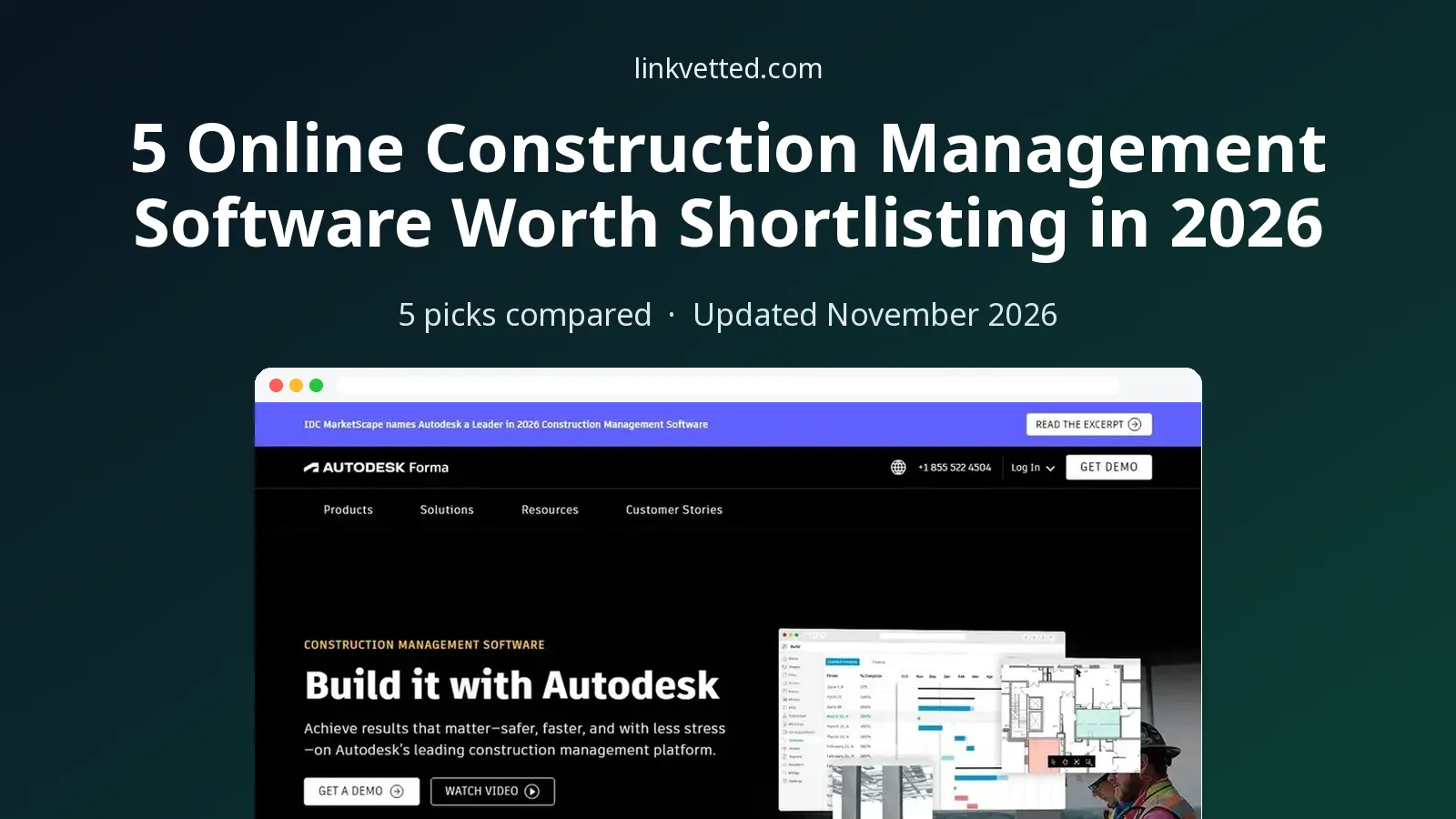
- Editor's choice
 Autodesk Construction Cloud
Design-led collaborative project teams
Starts atSee websiteVisit construction.autodesk.comFull review - Great alternative
 PlanGrid
Field teams already in Autodesk
Starts atSee websiteVisit plangrid.comFull review - Also consider
 Procore
Site-to-office project visibility
Starts atSee websiteVisit procore.comFull review
Direct answer
Our first pick is Autodesk Construction Cloud, best for design-led collaborative project teams. Listed starting prices: Fieldwire from $39 per user per month. Alternatives: PlanGrid for field teams already in Autodesk, and Procore for site-to-office project visibility. Prices, free plans and limits for all 5 tools follow.
TL;DR:
- Autodesk Construction Cloud sits first on this list: design-led collaborative project teams.
- Fieldwire is the lowest-priced starter here at $39 per user per month.
- Viewpoint fits contractors needing ERP and job costing.
- Only Fieldwire offers a free plan among these 5 tools.
Last checked November 2026. Prices and plan details were read from the vendors' own pages in November 2026; vendors change plans often, so confirm the current price on the vendor site before you buy.
Quick comparison
| Tool | Best for | Starts at | Free plan? | |
|---|---|---|---|---|
| Autodesk Construction Cloud | Design-led collaborative project teams | See website | Not stated | Visit |
| PlanGrid | Field teams already in Autodesk | See website | Not stated | Visit |
| Procore | Site-to-office project visibility | See website | Not stated | Visit |
 Fieldwire | Live jobsite task and drawing tracking | $39 per user per month | Yes | Visit |
| Viewpoint | Contractors needing ERP and job costing | See website | Not stated | Visit |
The 5 tools in detail
If you are comparing online construction management software, this page covers 5 tools in one place: what each is best for, what it costs to start, whether it has a free plan, and the main limit to know about.
Autodesk Construction Cloud
Best for: Design-led collaborative project teams
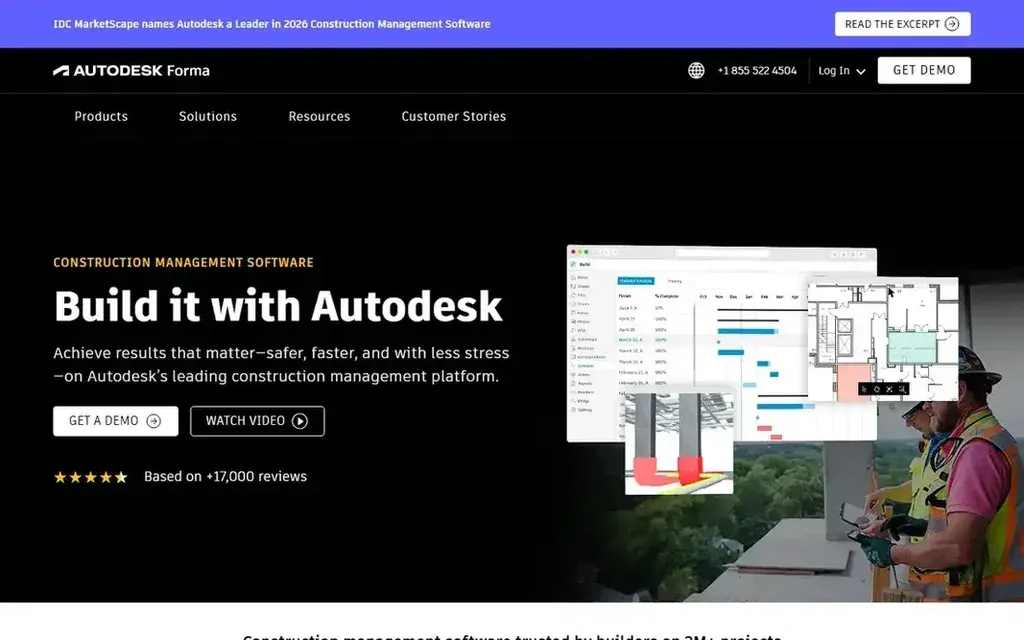
Think of Autodesk Construction Cloud for design-led collaborative project teams. Its homepage emphasizes that teams can collaborate securely and rapidly to deliver projects on time and on budget.
Where it is weaker: Best value for design-centric workflows.
Pick it when design and construction collaboration belong together. No starting price is listed for Autodesk Construction Cloud here; confirm pricing on the vendor site. As for free access: Not stated.
- Focus on on-time delivery
- Ties into Autodesk design tools
- May overlap with other Autodesk products
PlanGrid is designed for field teams already in Autodesk. PlanGrid is a construction field app known for drawings and jobsite documentation.
As for the details, since it now sits within Autodesk Forma, buyers should confirm how it suits their broader stack instead of treating it as a standalone purchase. Check the vendor site for PlanGrid pricing; none is listed in this comparison. Free access: Not stated.
Honest limits: Standalone direction now tied to Autodesk.
- Well-known field documentation tool
- Now part of Autodesk Forma
- Not a full back-office system

Procore is aimed squarely at site-to-office project visibility. Procore is a construction management product built to link the jobsite with the office.
Choose Procore when cross-team visibility across active projects is the priority. No starting price is listed for Procore here; confirm pricing on the vendor site. As for free access: Not stated.
Points against: Can feel complicated to set up.
- Wide construction management scope
- Links field and office teams
- Wide scope may exceed small teams' needs
Fieldwire is a good fit for live jobsite task and drawing tracking. Bigger businesses wanting one unified system may prefer a broader suite.
In daily use, Fieldwire by Hilti is real-time jobsite management software. Its homepage says teams use it to track tasks, update drawings and cut expensive rework, serving owners, general contractors and subcontractors. Price to start with Fieldwire: $39 per user per month. Fieldwire includes a free tier.
Upsides: GCs and subs.
Points against: Field-focused instead of full ERP.
- Task and drawing tracking
- Geared toward owners
- May need pairing with accounting tools
Viewpoint
Best for: Contractors needing ERP and job costing
Viewpoint is a good fit for contractors needing ERP and job costing. Pick Viewpoint when integrated job costing and reporting across the business matter most.
Limits to weigh: May need significant setup.
In daily use, if you chiefly need drawing and task tracking in the field, a focused field tool is more straightforward. Worth adding: Viewpoint, part of Trimble, gives you construction ERP and project management software. Pricing for Viewpoint is not stated here, so ask the vendor for current figures. Free plan details: Not stated.
- Made for contractors
- Construction ERP plus project management
- ERP scope can be heavy
How we built this list
A buyer's checklist
- Confirm the entry price on the vendor page. For Autodesk Construction Cloud, PlanGrid, Procore and Viewpoint that means a quote rather than a fixed price.
- Look at the free plan from Fieldwire closely: its caps decide whether it is usable for real work.
- Read the limits listed for Autodesk Construction Cloud first: may overlap with other Autodesk products.
- Confirm the exact Procore plan that includes your must-have features.
- Ask PlanGrid about contract length, onboarding fees and user minimums before you sign.
FAQ
Which options for online construction management software have a free plan?
Fieldwire is the only tool in this list with a free plan. Free plans usually cap users, projects or features, so check the limits on the vendor page. Each of the 5 options in this online construction management software guide has its own card above with the price, free plan and limits.
Do these tools publish their prices?
Not all of them. Autodesk Construction Cloud, PlanGrid, Procore and Viewpoint publish no starting price, so expect a quote request for those. The rest, Fieldwire included, show a starting price, though seats and billing terms still change the final cost.
Is Autodesk Construction Cloud the right pick for everyone comparing online construction management software?
No single tool suits every team. Autodesk Construction Cloud comes first because it fits design-led collaborative project teams, while PlanGrid suits field teams already in Autodesk and Procore suits site-to-office project visibility. Match the tool to your own size, budget and workflow before deciding.
Can I combine Autodesk Construction Cloud with PlanGrid?
Teams already using Autodesk design tools commonly find this convenient. Confirm how the products fit together on the vendor site before planning a rollout.
How are the tools for online construction management software ordered?
Autodesk Construction Cloud sits first and Viewpoint last because the order follows typical fit for online construction management software, then price clarity and free access. It is a judgement call, so read each profile for fit and limits.
Sources
- https://construction.autodesk.com
- https://www.plangrid.com
- https://www.procore.com
- https://www.fieldwire.com
- https://www.viewpoint.com