Online Business Software for Education in 2026: The 5 Best Options Side by Side
Best online business software for education: 5 contenders ranked by fit, with entry costs and free tiers. Prices and drawbacks included. See the full list.
- Editor's choice
 Blackboard Learn
AI-enhanced learning experiences
Starts atSee websiteVisit anthology.comFull review - Great alternative
 Nearpod
Interactive learning experiences
Starts at$159 a yearVisit nearpod.comFull review - Also considerMicrosoft 365 Education
All-in-one productivity suite
Starts atSee websiteVisit microsoft.comFull review
Direct answer
Blackboard Learn comes first here, mainly for AI-enhanced learning experiences. Listed starting prices: Nearpod from $159 a year. Alternatives: Nearpod for interactive learning experiences, and Microsoft 365 Education for all-in-one productivity suite. Prices, free plans and limits for all 5 tools follow.
TL;DR:
- Number one here is Blackboard Learn, a fit for AI-enhanced learning experiences.
- What to know about Zoom first: not a full LMS.
- Canvas LMS suits approachable teaching and learning.
- Pricing for Blackboard Learn, Microsoft 365 Education, Zoom and Canvas LMS is quote-based, which adds a sales step before you can compare cost.
- Only Nearpod offers a free plan among these 5 tools.
Last checked November 2026. Prices and plan details were read from the vendors' own pages in November 2026; vendors change plans often, so confirm the current price on the vendor site before you buy.
Quick comparison
| Tool | Best for | Starts at | Free plan? | |
|---|---|---|---|---|
| Blackboard Learn | AI-enhanced learning experiences | See website | Not stated | Visit |
| Nearpod | Interactive learning experiences | $159 a year | Yes | Visit |
| Microsoft 365 Education | All-in-one productivity suite | See website | Not stated | Visit |
 Zoom | Virtual classrooms and communication | See website | Not stated | Visit |
 Canvas LMS | Approachable teaching and learning | See website | Not stated | Visit |
Online Business Software for Education compared in detail
If you are comparing online business software for education, this page covers 5 tools in one place: what each is best for, what it costs to start, whether it has a free plan, and the main limit to know about.
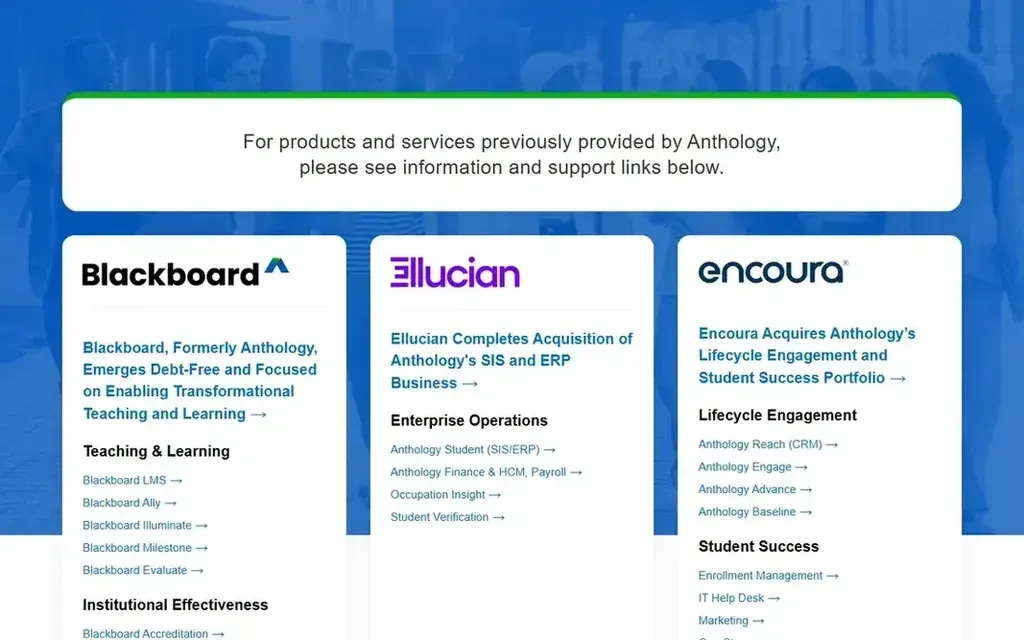
Blackboard Learn is designed for AI-enhanced learning experiences. Blackboard Learn is a leading LMS that enables educators and learners with AI tools, adaptable learning, time-saving features, and actionable insights.
It fits institutions looking for a solid system with advanced analytics and accessibility features. Check the vendor site for Blackboard Learn pricing; none is listed in this comparison. As for free access: Not stated.
Limits to weigh: Interface can feel dated.
- Actionable insights
- AI tools for educators
- May need training
Nearpod was built for interactive learning experiences. It provides interactive lessons, polls, and activities that boost engagement, making it an excellent supplement to any LMS.
Nearpod is not a full LMS and lacks administrative tools like grading and reporting. Nearpod pricing: $159 per year. You can start on Nearpod without paying.
Limits to weigh: Limited administrative features.
- Works with existing LMS
- Simple to build activities
- Needs device access
Microsoft 365 Education
Best for: All-in-one productivity suite
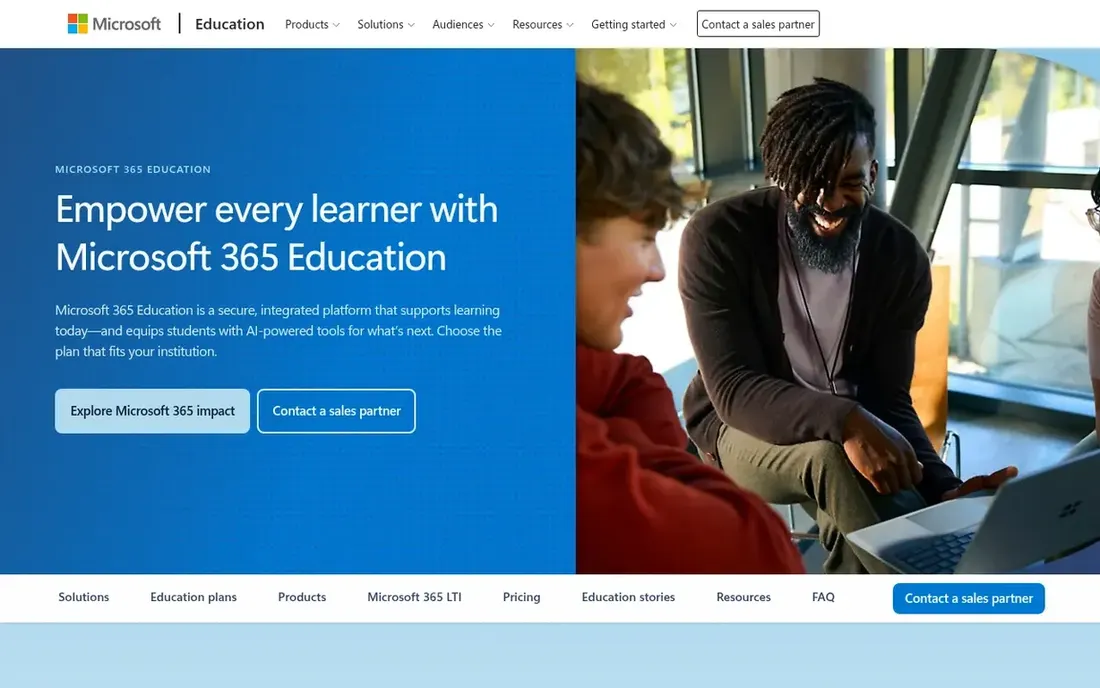
Microsoft 365 Education makes the most sense for all-in-one productivity suite. It merges productivity apps with education-specific features, making it a good match for institutions already invested in the Microsoft ecosystem or seeking a full toolset.
Microsoft 365 Education shows no starting price here, so confirm the cost on the vendor site. Trial and free access: Not stated.
Honest limits: Needs Microsoft ecosystem.
- Familiar Office tools
- Integrated classroom features
- Can be complicated to administer
Pick Zoom if this describes you: virtual classrooms and communication. It is well suited to live online classes, meetings, and webinars, complementing a LMS.
For active learning experiences, Nearpod gives you interactive lessons. No starting price is listed for Zoom here; confirm pricing on the vendor site. Trial and free access: Not stated.
Where it is weaker: Needs extras for course management.
- Simple to use
- Dependable video conferencing
- Not a full LMS
Canvas LMS targets approachable teaching and learning. Whereas Canvas is praised for usability, institutions needing broad customization may find it less adaptable than open-source alternatives.
Its approachable design makes it a good fit for schools, colleges, and universities that want a modern, easy-to-navigate product for course delivery and student engagement. This comparison lists no price for Canvas LMS; ask the vendor. As for free access: Not stated.
What to check first: Can be expensive for small institutions.
- Capable mobile experience
- Clean
- Restricted customization without extras
How these tools were picked
A buyer's checklist
- Confirm the entry price on the vendor page. For Blackboard Learn, Microsoft 365 Education, Zoom and Canvas LMS that means a quote rather than a fixed price.
- Look at the free plan from Nearpod closely: its caps decide whether it is usable for real work.
- Read the limits listed for Blackboard Learn first: interface can feel dated.
- Ask the daily users to test Zoom on a live task before you roll it out to everyone.
- Read the plan comparison for Blackboard Learn carefully; key features often start on a higher tier.
FAQ
Which options for online business software for education have a free plan?
Nearpod is the only tool in this list with a free plan. Free plans usually cap users, projects or features, so check the limits on the vendor page.
Can I try these tools before paying?
Often, yes. Nearpod has a free plan. Use your own data and a real task during the test, and check what the free tier or trial limits before you rely on it.
How do LMS tools like Canvas and Blackboard differ?
Canvas is recognised for its easy-to-learn interface, whereas Blackboard Learn provides advanced AI tools and analytics. Both are solid, but Canvas may be simpler for beginners, whereas Blackboard fits institutions seeking data-driven insights.
Is Blackboard Learn the right pick for everyone comparing online business software for education?
No single tool suits every team. Blackboard Learn comes first because it fits AI-enhanced learning experiences, while Nearpod suits interactive learning experiences and Microsoft 365 Education suits all-in-one productivity suite. Match the tool to your own size, budget and workflow before deciding.
Do these tools publish their prices?
Not all of them. Blackboard Learn, Microsoft 365 Education, Zoom and Canvas LMS publish no starting price, so expect a quote request for those. The rest, Nearpod included, show a starting price, though seats and billing terms still change the final cost.
Sources
- https://www.anthology.com/products/teaching-and-learning/learning-effectiveness/blackboard-learn
- https://nearpod.com
- https://www.microsoft.com/en-us/education/products/microsoft-365
- https://zoom.us/education
- https://www.instructure.com/canvas