Best Onboarding Software for Financial Services for 2026: Our 6 Vetted Picks
Compare 6 best onboarding software for financial services, with prices, free plans and who each fits. Strengths and weak spots are spelled out. Plain facts.
- Editor's choice
 WalkMe
Enterprise digital adoption across apps
Starts atSee websiteVisit walkme.comFull review - Great alternative
 Appcues
In-app, email and push engagement
Starts atSee websiteVisit appcues.comFull review - Also consider
 Userpilot
No-code onboarding and feature adoption
Starts at$299 per monthVisit userpilot.comFull review
Direct answer
WalkMe comes first here, mainly for enterprise digital adoption across apps. Listed starting prices: Userpilot from $299 per month. For a different need, Appcues covers in-app, email and push engagement and Userpilot covers no-code onboarding and feature adoption. The remaining 3 options are covered below with prices and limits.
TL;DR:
- WalkMe sits first on this list: enterprise digital adoption across apps.
- Only Whatfix offers a free plan among these 6 tools.
- One limit worth knowing about Userpilot: less suited to back-office project tracking.
- The cheapest monthly starting price in the list is $299 per month, offered by Userpilot.
Last checked November 2026. Prices and plan details were read from the vendors' own pages in November 2026; vendors change plans often, so confirm the current price on the vendor site before you buy.
Quick comparison
| Tool | Best for | Starts at | Free plan? | |
|---|---|---|---|---|
| WalkMe | Enterprise digital adoption across apps | See website | Not stated | Visit |
| Appcues | In-app, email and push engagement | See website | Not stated | Visit |
| Userpilot | No-code onboarding and feature adoption | $299 per month | Free trial | Visit |
 Whatfix | In-app guidance and simulation training | See website | Yes | Visit |
 GuideCX | Client onboarding project visibility | See website | No | Visit |
 Gainsight | Customer success and retention context | See website | Free trial | Visit |
The full onboarding software for financial services list
If you are comparing onboarding software for financial services, this page covers 6 tools in one place: what each is best for, what it costs to start, whether it has a free plan, and the main limit to know about.
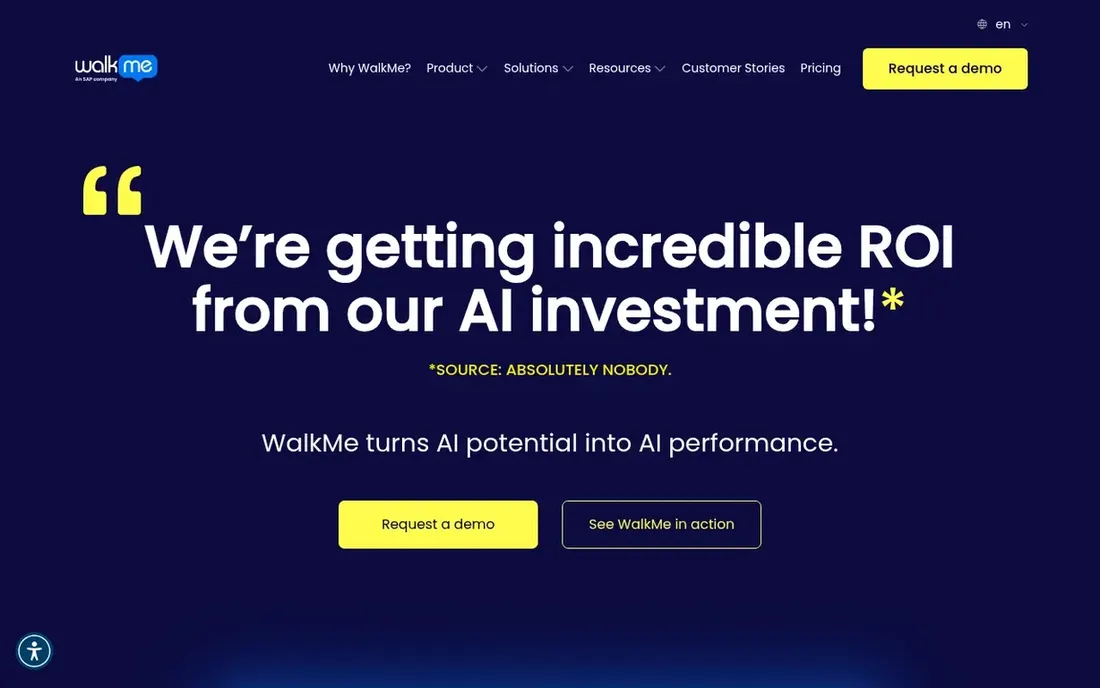
WalkMe makes the most sense for enterprise digital adoption across apps. WalkMe is a digital adoption system that overlays applications with live context, cross-app workflows and automation.
What to check first: May be more than small teams need.
Also, in financial services, that can support staff and clients working across plenty of systems where consistent in-app guidance cuts errors during onboarding. Check the vendor site for WalkMe pricing; none is listed in this comparison. On free options: Not stated.
- Displays software usage insights
- Supports cross-app workflows and automation
- Enterprise-oriented scope
Appcues was built for in-app, email and push engagement. Appcues is an AI-powered customer engagement product that triggers in-app, email and push experiences when users are paying attention. Worth adding: for financial services, that means guiding new customers through setup steps and reinforcing key actions at the right time.
Drawbacks to consider: Engagement scope instead of compliance workflows.
Appcues is made for engagement experiences instead of managing onboarding projects, documentation or regulated approvals. More specifically, institutions with heavy compliance coordination may need extra tooling. Appcues does not show a starting price in this comparison, so check the vendor site for current pricing. Free access: Not stated.
- Triggers experiences at the right moment
- AI-powered engagement focus
- Not a client project management tool
Userpilot serves no-code onboarding and feature adoption. It suits product and growth teams centred on activation and continuing engagement.
Limits to weigh: Needs planning of in-app experiences.
For everyday use, if your priority is in-app activation across web and mobile, Userpilot is a reasonable candidate; otherwise look at project-based onboarding products. The starting price for Userpilot: $299 per month. As for free access: Free trial.
- No-code build for onboarding flows
- Supports feature adoption and retention
- Less suited to back-office project tracking
Whatfix makes the most sense for in-app guidance and simulation training. In financial services, it can help staff learn complicated systems during onboarding and support consistent process adherence.
For everyday use, choose Whatfix when in-app guidance and simulation training for staff are priorities. Worth adding: if your goal is customer-facing product activation, a product growth product could be a better match. Pricing for Whatfix is not stated here, so ask the vendor for current figures. Whatfix offers a free plan.
The main drawbacks: Enterprise software focus.
- Tracks adoption across software investments
- Supplies simulation training
- Training setup takes planning
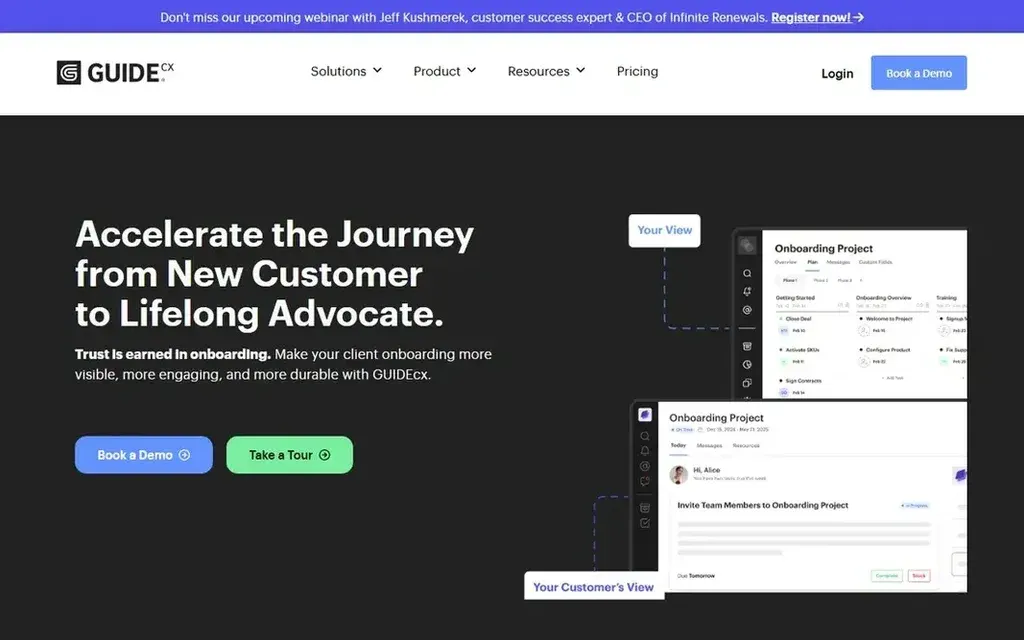
Think of GuideCX for client onboarding project visibility. Consider a digital adoption product instead when guidance inside an existing application is the priority, or pair GuideCX with one for end-to-end coverage.
As for the details, GuideCX is a customer onboarding product built around making implementations more visible, engaging and durable. On top of that, since its strength is project-style onboarding, it is not the natural choice if you chiefly need in-app tooltips or self-serve product tours. Pricing for GuideCX is not stated here, so ask the vendor for current figures. GuideCX does not include a free plan.
Downsides: Best fit for project-based onboarding.
Best features of GuideCX: Makes implementation stages visible to all parties.
- Durable onboarding processes
- Supports engaging
- Less centred on in-app product tours
Think of Gainsight for customer success and retention context. Choose Gainsight when retention and relationship context drive your onboarding strategy. On top of that, if you need in-product tours, a digital adoption system is the better fit.
Downsides: Needs clean customer data to be handy.
Reasons to shortlist it: retention and growth. Gainsight centers on customer success context instead of in-app guidance or project coordination, so it fits best alongside other tools. On top of that, Gainsight is a customer success and retention system that provides people and AI the context to act at the right moment, so more customers get value, stay and grow. Gainsight does not show a starting price in this comparison, so check the vendor site for current pricing. Free access: Free trial.
- Concentrates on value
- Supports acting at the right moment
- Success focus instead of in-app tours
What went into this list
For each of the 6 tools we noted price, free plan or trial, fit for onboarding software for financial services and the main limit, using vendor pages and documentation. Where a price is missing, the vendor does not list one publicly or ties it to a quote. Always confirm before budgeting. We ordered the tools by general fit, then by how clearly pricing is shown, then by free access. A buyer with unusual needs may reorder them.
Pre-purchase checklist
- Get a written quote from WalkMe, Appcues, Whatfix and others; the list shows no starting price for them.
- Look at the free plan from Whatfix closely: its caps decide whether it is usable for real work.
- Take the trial from Userpilot and Gainsight and push a live task through it before you pay.
- Read the limits listed for WalkMe first: enterprise-oriented scope.
- Before you load data into WalkMe, check what an export looks like and who can run it.
- Look at the help docs and support options for Appcues before you commit.
FAQ
Is WalkMe the right pick for everyone comparing onboarding software for financial services?
No single tool suits every team. WalkMe comes first because it fits enterprise digital adoption across apps, while Appcues suits in-app, email and push engagement and Userpilot suits no-code onboarding and feature adoption. Match the tool to your own size, budget and workflow before deciding.
Which tool is a good match for in-app guidance during onboarding?
For most readers this guide would start with WalkMe, built for enterprise digital adoption across apps. Appcues is the alternative for in-app, email and push engagement, and Userpilot for no-code onboarding and feature adoption. The right answer depends on budget and workflow.
What is the difference between onboarding software and a digital adoption system?
Onboarding software for example GuideCX coordinates the steps and people involved in bringing a client live. A digital adoption system like WalkMe or Whatfix guides users inside applications with prompts and training.
Can I try these options before paying?
Often, yes. Whatfix has a free plan and Userpilot and Gainsight offer a free trial. Use your own data and a real task during the test, and check what the free tier or trial limits before you rely on it.
What is the cheapest option for onboarding software for financial services in this list?
On published monthly entry prices, Userpilot is the lowest here at $299 per month. Entry price is only part of the cost, because seats, add-ons and billing terms can change the total. Each of the 6 options in this onboarding software for financial services guide has its own card above with the price, free plan and limits.
Which options for onboarding software for financial services have a free plan?
Whatfix is the only tool in this list with a free plan. Free plans usually cap users, projects or features, so check the limits on the vendor page. Several others offer a trial instead.
Sources
- https://www.walkme.com
- https://www.appcues.com
- https://userpilot.com
- https://whatfix.com
- https://www.guidecx.com
- https://www.gainsight.com