The 5 Best On-Site Check-In and Badging Software in 2026, Ranked
5 products for the best On-Site Check-In and badging software, ranked by fit, with starting costs and free tiers. Prices and drawbacks included. Quick to scan.
- Editor's choiceEventbrite Organizer
Public events needing ticketing plus check-in
Starts at$15 a monthVisit eventbrite.comFull review - Great alternativeSocio
In-person, hybrid and virtual event technology
Starts atSee websiteVisit socio.eventsFull review - Also considerStova
In-person and virtual event planning
Starts at$1,995 per registrationVisit stova.ioFull review
Direct answer
Start with Eventbrite Organizer if you need public events needing ticketing plus check-in. Listed starting prices: Eventbrite Organizer from $15 a month and Stova from $1,995 per registration. For a different need, Socio covers in-person, hybrid and virtual event technology and Stova covers in-person and virtual event planning. The remaining 2 options are covered below with prices and limits.
TL;DR:
- Eventbrite Organizer is the opening pick, best for public events needing ticketing plus check-in.
- Eventbrite Organizer is the lowest-priced starter here at $15 per month.
- For all-in-one event management with mobile engagement, Zoho Backstage is worth a look.
- Eventbrite Organizer is the only tool of the 5 with a free plan.
- What to know about Whova first: Badging specifics should be confirmed with the vendor.
Last checked November 2026. Prices and plan details were read from the vendors' own pages in November 2026; vendors change plans often, so confirm the current price on the vendor site before you buy.
Quick comparison
| Tool | Best for | Starts at | Free plan? | |
|---|---|---|---|---|
| Eventbrite Organizer | Public events needing ticketing plus check-in | $15 a month | Yes | Visit |
| Socio | In-person, hybrid and virtual event technology | See website | Not stated | Visit |
| Stova | In-person and virtual event planning | $1,995 per registration | No | Visit |
 Whova | Attendee engagement with event check-in | See website | Not stated | Visit |
| Zoho Backstage | All-in-one event management with mobile engagement | See website | Not stated | Visit |
Tool-by-tool breakdown
If you are comparing On-Site Check-In and badging software, this page covers 5 tools in one place: what each is best for, what it costs to start, whether it has a free plan, and the main limit to know about.
Eventbrite Organizer
Best for: Public events needing ticketing plus check-in
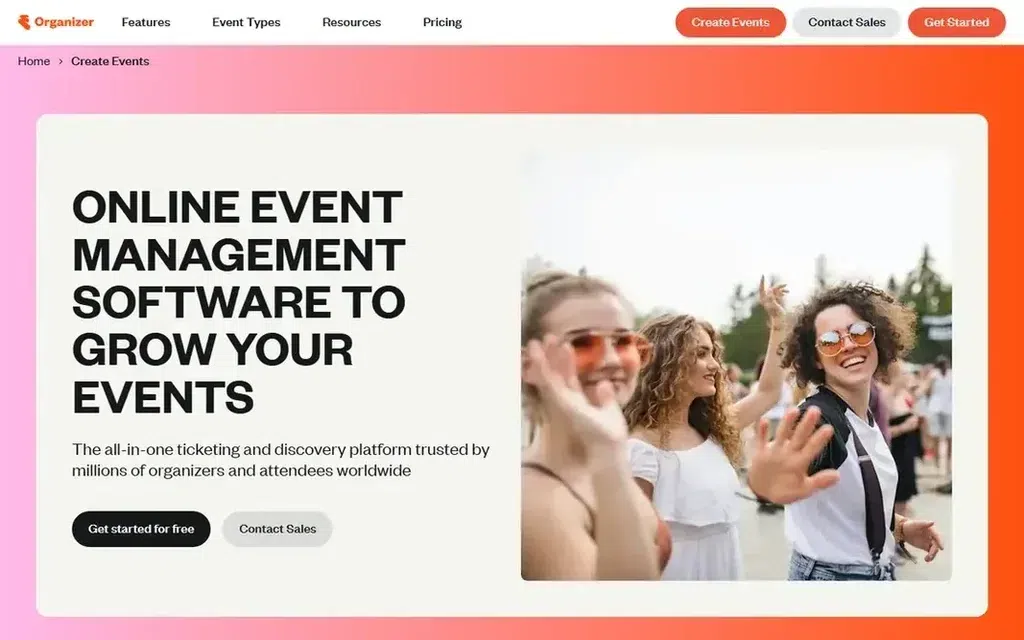
Eventbrite Organizer makes the most sense for public events needing ticketing plus check-in. Check-in links naturally to ticketing, so public events, workshops and community gatherings can scan attendees at the door without stitching together separate systems.
Limits to weigh: On-site badging choices are relatively entry-level.
In practice, for large conferences with layered access levels or custom badge printing, the on-site tooling may feel restricted compared to dedicated conference systems. What you pay to start with Eventbrite Organizer: $15 per month. A free plan is available with Eventbrite Organizer. What Eventbrite Organizer does well: Organizer tools span produce.
- Check-in ties directly to ticket sales
- Market and run
- Less tailored to complicated B2B conference flows
Socio
Best for: In-person, hybrid and virtual event technology
Pick Socio if this describes you: in-person, hybrid and virtual event technology. The rebrand means documentation and product names may differ from older references, so confirm current capabilities straight.
If your events are purely in-person with heavy badge printing demands, check that the on-site workflow matches your door process. Socio does not show a starting price in this comparison, so check the vendor site for current pricing. On free options: Not stated.
What users get: Spans in-person. The main drawbacks: Brand transition from Socio may confuse buyers.
- Hybrid and virtual formats
- Consistent experience across event formats
- On-site badging depth should be verified
Stova
Best for: In-person and virtual event planning
Stova makes the most sense for in-person and virtual event planning. Details of the on-site workflow are best confirmed through a demo, since the homepage emphasizes overall event management instead of door-level specifics.
Teams needing only entry-level scanning may find a narrower tool quicker to adopt. Stova starts at: $1,995 per registration. Stova has no free plan.
What to check first: Pricing and packaging not shown on the homepage.
- Event management options in one product
- Simplifies planning for virtual and in-person events
- On-site badging details need a demo
Choose Whova for Attendee engagement with event check-in. Since engagement is the platform's center of gravity, confirm the exact badging and printing workflow with the vendor if that is your priority.
No starting price is listed for Whova here; confirm pricing on the vendor site. Free access: Not stated.
Honest limits: Feature emphasis leans toward engagement over logistics.
- Mobile-first experience for participants
- Widely known for attendee engagement features
- Badging specifics should be confirmed with the vendor
Zoho Backstage
Best for: All-in-one event management with mobile engagement
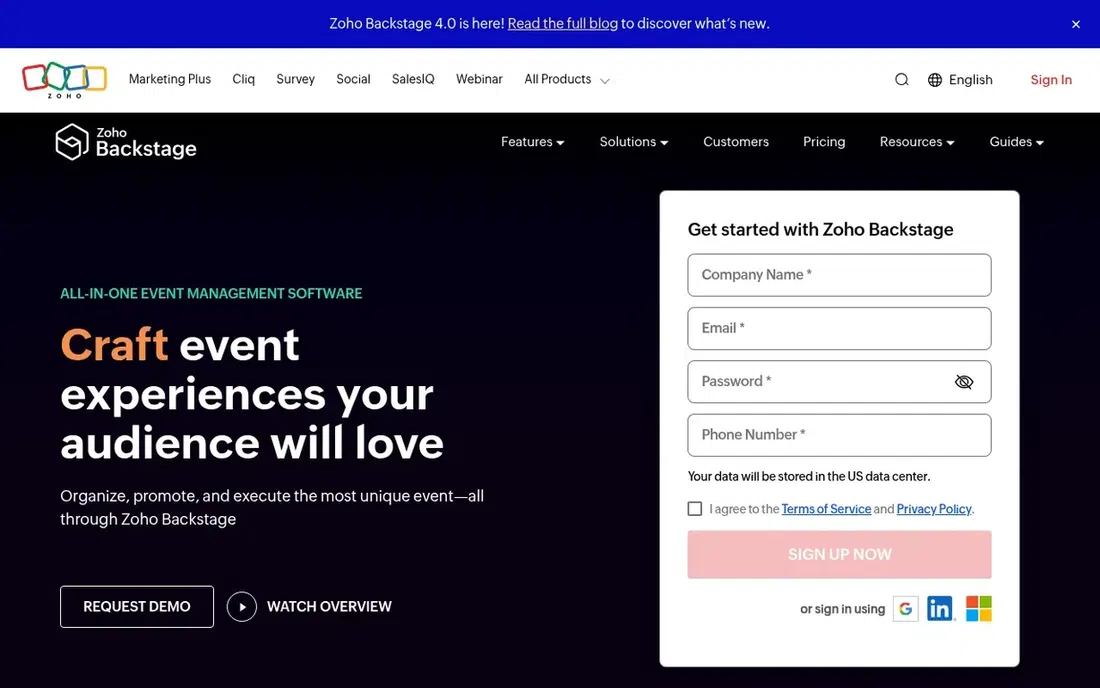
Zoho Backstage was built for all-in-one event management with mobile engagement. Zoho Backstage is a complete event management system that spans multi-language website building and a mobile app for attendee engagement.
Limits to weigh: Badging depth varies by event type.
In daily use, for on-site check-in and badging, it keeps registration data and attendee communication in one place, which suits organizers who want a single system instead of separate door and marketing tools. This comparison lists no price for Zoho Backstage; ask the vendor. On free options: Not stated.
- Handles planning through on-site engagement
- Merges website building with attendee mobile app
- Best value inside the wider Zoho ecosystem
How these tools were picked
For each of the 5 tools we noted price, free plan or trial, fit for On-Site Check-In and badging software and the main limit, using vendor pages and documentation. Where a vendor does not publish a price, the entry says quote. Where a price depends on seats or billing term, the entry says so. Order on the page follows fit for the typical buyer first, then price transparency and free access. Your own requirements should decide the final pick.
What to confirm before you sign up
- Get a written quote from Socio, Whova and Zoho Backstage; the list shows no starting price for them.
- Look at the free plan from Eventbrite Organizer closely: its caps decide whether it is usable for real work.
- Before choosing Eventbrite Organizer, weigh its main limit: less tailored to complicated B2B conference flows.
- Find out what support Stova includes on your plan, and whether onboarding help costs extra.
- Test the integrations you rely on with Socio before committing; some connectors sit on upper tiers.
FAQ
How are the tools for On-Site Check-In and badging software ordered?
The order follows typical fit for On-Site Check-In and badging software, with Eventbrite Organizer first and Zoho Backstage last, then price clarity and free access. It is editorial judgement, not a score, so another team could rank the tools differently.
Do these tools publish their prices?
Not all of them. Socio, Whova and Zoho Backstage publish no starting price, so expect a quote request for those. The rest, Eventbrite Organizer included, show a starting price, though seats and billing terms still change the final cost.
Can I try these options before paying?
Often, yes. Eventbrite Organizer has a free plan. Use your own data and a real task during the test, and check what the free tier or trial limits before you rely on it.
What is the cheapest option for On-Site Check-In and badging software in this list?
On published monthly entry prices, Eventbrite Organizer is the lowest here at $15 per month. Entry price is only part of the cost, because seats, add-ons and billing terms can change the total. Prices, free plan details and limits for all 5 tools in this On-Site Check-In and Badging software roundup sit on the individual cards above.
What should I verify in a demo before choosing?
Walk through the exact door process you expect, including badge printing, lookup speed and access rules. Ask about offline behavior, hardware compatibility and how rapidly attendee data updates after registration changes.
Sources
- https://www.eventbrite.com/organizer
- https://www.socio.events
- https://www.stova.io
- https://whova.com
- https://www.zoho.com/backstage