Best Object Storage for Media-Heavy Sites in 2026: 5 Tools Compared
Compare 5 best object storage for Media-Heavy sites, with prices, free plans and who each fits. Each listing flags where it falls short. Checked this month.
- Editor's choiceWasabi Hot Cloud Storage
Storage-focused billing without egress fees
Starts at$7.99 per TB a monthVisit wasabi.comFull review - Great alternativeBunny Storage
Edge-replicated storage with CDN
Starts at$1 a monthVisit bunny.netFull review - Also considerCloudflare R2
Egress-free S3-compatible storage
Starts atSee websiteVisit cloudflare.comFull review
Direct answer
Wasabi Hot Cloud Storage comes first here, mainly for Storage-focused billing without egress fees. Listed starting prices: Wasabi Hot Cloud Storage from $7.99 per TB a month and Bunny Storage from $1 a month. Bunny Storage is better for edge-replicated storage with CDN, and Cloudflare R2 is better for Egress-free S3-compatible storage. Details, prices and limits for the rest of the 5 tools are below.
TL;DR:
- Wasabi Hot Cloud Storage sits first on this list: Storage-focused billing without egress fees.
- Google Cloud Storage is the one to check for multi-redundancy global storage.
- A permanent free plan is missing from all 5 tools, Wasabi Hot Cloud Storage and Google Cloud Storage included; plan for a trial or a premium start.
- What to know about Amazon S3 first: feature breadth can overwhelm small teams.
Last checked November 2026. Prices and plan details were read from the vendors' own pages in November 2026; vendors change plans often, so confirm the current price on the vendor site before you buy.
Quick comparison
| Tool | Best for | Starts at | Free plan? | |
|---|---|---|---|---|
| Wasabi Hot Cloud Storage | Storage-focused billing without egress fees | $7.99 per TB a month | Free trial | Visit |
| Bunny Storage | Edge-replicated storage with CDN | $1 a month | Free trial | Visit |
| Cloudflare R2 | Egress-free S3-compatible storage | See website | Not stated | Visit |
| Amazon S3 | Wide, mature object storage system | See website | Not stated | Visit |
| Google Cloud Storage | Multi-redundancy global storage | See website | Not stated | Visit |
5 object storage for Media-Heavy sites in detail
If you are comparing object storage for Media-Heavy sites, this page covers 5 tools in one place: what each is best for, what it costs to start, whether it has a free plan, and the main limit to know about.
Wasabi Hot Cloud Storage
Best for: Storage-focused billing without egress fees
Wasabi Hot Cloud Storage works best for Storage-focused billing without egress fees. Wasabi Hot Cloud Storage states that you pay only for what you store, with no fees for egress or API requests. That model appeals to media-heavy sites whose delivery traffic is hard to forecast, since outbound access does not add charges.
Wasabi is storage-focused instead of a full cloud system, so compute, analytics and other services come from elsewhere. Minimum retention policies can affect value for short-lived data, so review the terms. Wasabi Hot Cloud Storage pricing: $7.99 per TB per month. Trial and free access: Free trial.
Points against: Retention policies affect value.
- No egress or API request fees
- Pay only for stored data
- Less wide than full cloud systems
Bunny Storage
Best for: Edge-replicated storage with CDN
Bunny Storage is designed for edge-replicated storage with CDN. Bunny Storage is object storage accelerated by a CDN, with files automatically replicated worldwide to the edge to minimize latency and maximize throughput. That design targets media-heavy sites where users are spread across regions and delivery speed matters.
Where it falls short: Narrower ecosystem than major clouds.
On top of that, Bunny Storage has a narrower ecosystem than the major cloud products, so advanced data processing or analytics may need other tools. It is optimized for delivery instead of complicated storage workflows. If your priority is deep cloud integration or archival levels, compare a bigger provider. If edge delivery is the core need, it is worth shortlisting. Bunny Storage pricing: $1 per month. Free plan details: Free trial.
- Aims to minimize latency
- Automatic edge replication
- Most useful for delivery-heavy sites
Cloudflare R2
Best for: Egress-free S3-compatible storage
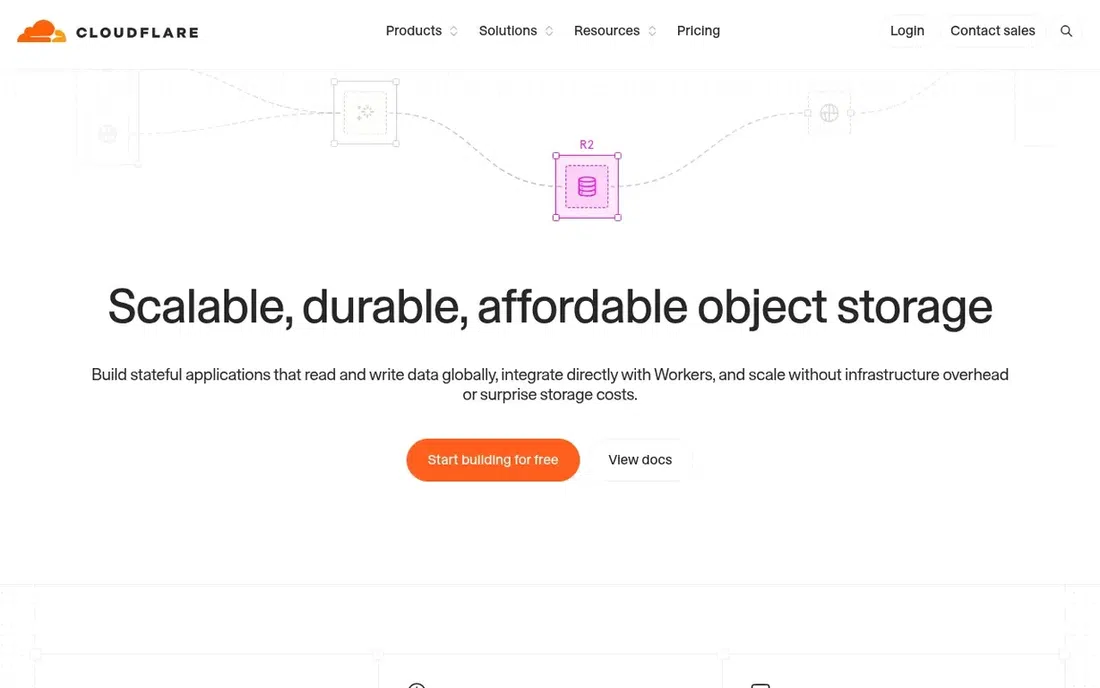
In short, Cloudflare R2 is for Egress-free S3-compatible storage. Cloudflare R2 is scalable, durable object storage with S3-compatible APIs. Its homepage flags near-infinite scale, zero egress fees, progressive migration and a R2 Data Catalog for analytics.
If you need deep integration with a specific cloud ecosystem or advanced analytics services, compare against that provider before deciding. As for the details, for media-heavy sites, the absence of egress fees is the headline benefit, since image and video delivery can generate large outbound traffic. No starting price is listed for Cloudflare R2 here; confirm pricing on the vendor site. Free plan details: Not stated.
What to check first: Fewer storage classes than large clouds.
- S3-compatible APIs
- Progressive migration and data catalog
- Best value when paired with Cloudflare delivery
Amazon S3
Best for: Wide, mature object storage system
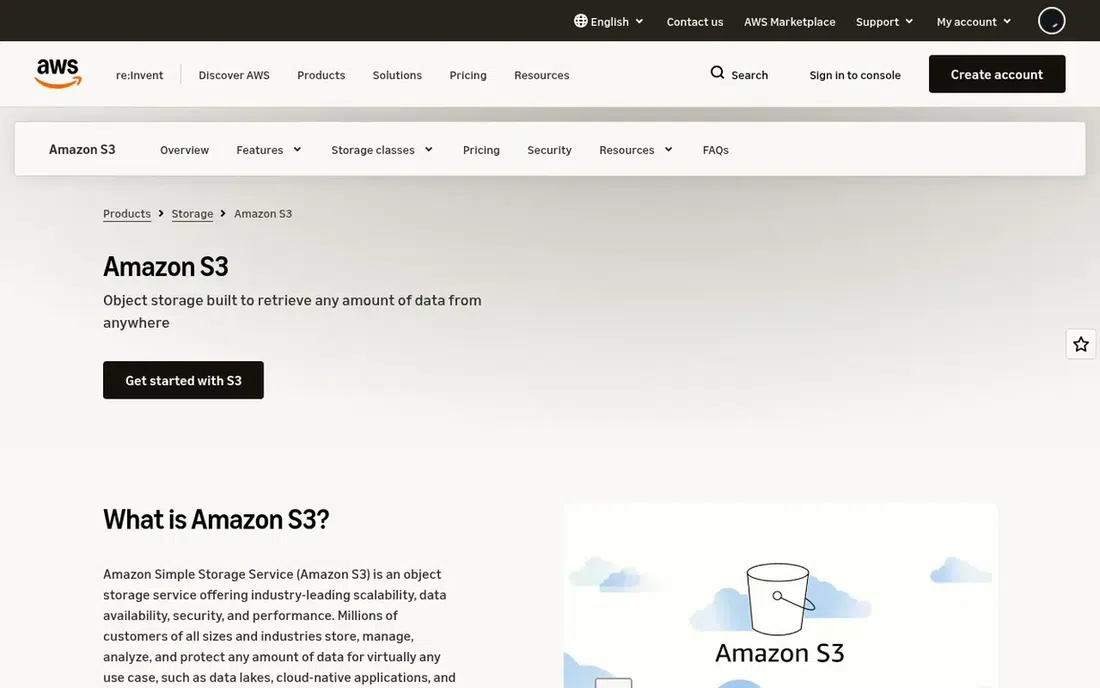
Where Amazon S3 fits: broad, mature object storage system. Amazon S3 is cloud object storage made for scalability, data availability, security and performance. Its homepage positions it for data lakes, mobile applications, backup and restore, archival, IoT devices, and machine learning and AI workloads.
In practice, the central tradeoffs are complexity and cost visibility. On top of that, egress and request charges can grow with heavy traffic, so model your delivery patterns before committing. On top of that, the feature set is large. So teams without cloud experience may need time to configure access controls and lifecycle rules. Pricing for Amazon S3 is not stated here, so ask the vendor for current figures. As for free access: Not stated.
Honest limits: Feature breadth can overwhelm small teams.
- Supports data lakes
- Backup and mobile apps
- Egress and request costs need monitoring
Google Cloud Storage
Best for: Multi-redundancy global storage
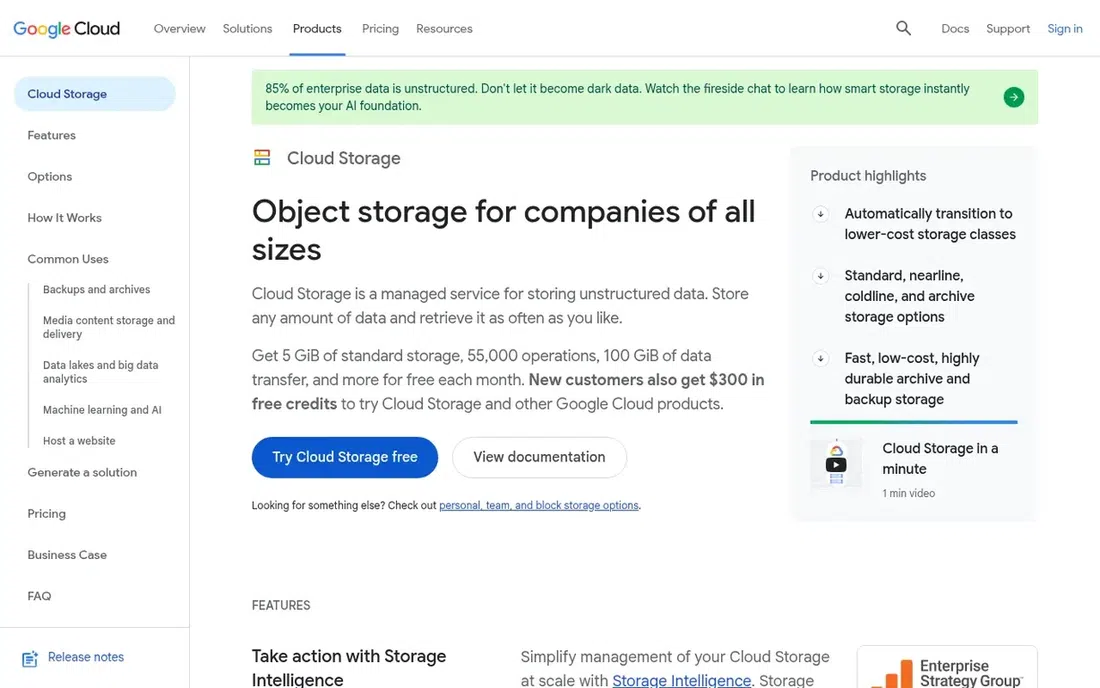
Google Cloud Storage makes the most sense for multi-redundancy global storage. Google Cloud Storage lets you store data with several redundancy choices, virtually anywhere. That adaptability matters for media-heavy sites that serve audiences across regions and want to choose durability and location tradeoffs per bucket.
Honest limits: Pricing structure takes study.
In practice, if your team is standardized on another cloud or wants the simplest possible S3-compatible interface, a lighter provider may cut operational overhead. For everyday use, the service assumes some familiarity with Google Cloud identity and billing concepts, which layers on setup time for newcomers. Cost planning needs attention to storage class, location and access patterns. This comparison lists no price for Google Cloud Storage; ask the vendor. Free access: Not stated.
- Several redundancy choices
- Store data virtually anywhere
- Needs Google Cloud familiarity
How we chose
Pre-purchase checklist
- Ask Cloudflare R2, Amazon S3 and Google Cloud Storage for a written quote, since no starting price is shown.
- Run a trial of Wasabi Hot Cloud Storage and Bunny Storage with real work before paying for a year; your own workflow is the best test.
- Read the limits listed for Wasabi Hot Cloud Storage first: less wide than full cloud systems.
- List the apps you already depend on and check that Google Cloud Storage supports each one on the plan you would buy.
- Look at the help docs and support options for Wasabi Hot Cloud Storage before you commit.
FAQ
Is Wasabi Hot Cloud Storage the right pick for everyone comparing object storage for Media-Heavy sites?
No single tool suits every team. Wasabi Hot Cloud Storage comes first because it fits Storage-focused billing without egress fees, while Bunny Storage suits edge-replicated storage with CDN and Cloudflare R2 suits Egress-free S3-compatible storage. Match the tool to your own size, budget and workflow before deciding.
Does any tool for object storage for Media-Heavy sites here have a free plan?
No tool in this list, Wasabi Hot Cloud Storage and Google Cloud Storage included, has a permanent free plan. Wasabi Hot Cloud Storage, Bunny Storage offer a trial. Trials and quotes are the usual route, so plan a short evaluation period.
Can I try these tools before paying?
Often, yes. Wasabi Hot Cloud Storage and Bunny Storage offer a free trial. Use your own data and a real task during the test, and check what the free tier or trial limits before you rely on it.
Do these tools publish their prices?
Not all of them. Cloudflare R2, Amazon S3 and Google Cloud Storage publish no starting price, so expect a quote request for those. The rest, Wasabi Hot Cloud Storage included, show a starting price, though seats and billing terms still change the final cost.
What makes object storage right for media-heavy sites?
Object storage scales horizontally, so large and expanding libraries of images, video and audio do not need provisioning fixed disks. It also pairs well with CDNs, letting you serve media from locations near users.
Sources
- https://wasabi.com
- https://bunny.net/storage
- https://www.cloudflare.com/developer-platform/r2
- https://aws.amazon.com/s3
- https://cloud.google.com/storage