5 Best Network Monitoring Software for Universities for 2026, Vetted and Compared
5 best network monitoring software for universities, with entry costs, free tiers and the buyer each one serves. Real limits included. Prices checked.
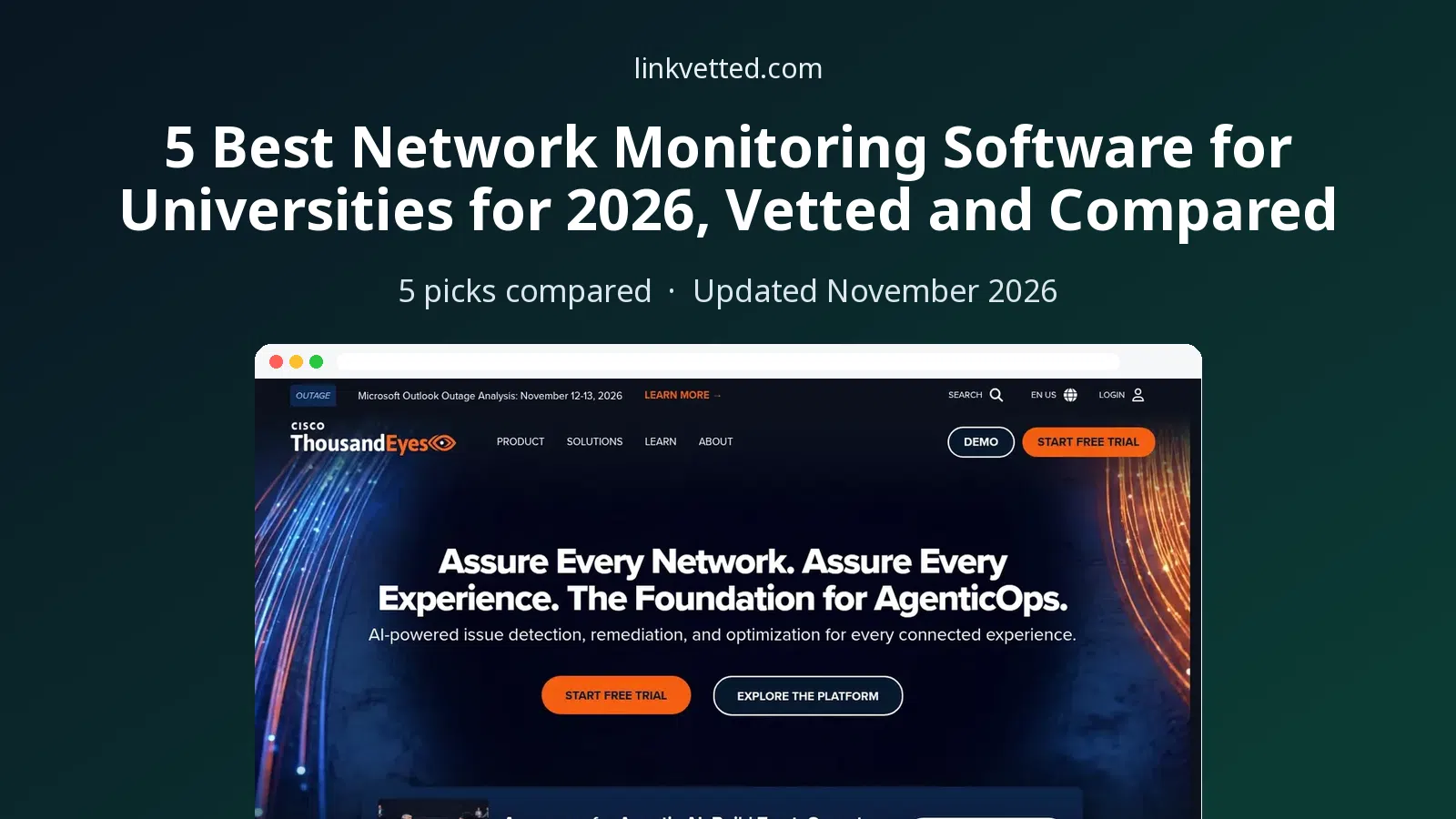
- Editor's choiceCisco ThousandEyes
Digital experience assurance
Starts atSee websiteVisit thousandeyes.comFull review - Great alternativePRTG Network Monitor
All-in-one infrastructure monitoring
Starts atSee websiteVisit paessler.comFull review - Also consider
 ManageEngine OpManager
Easy-to-use network device monitoring
Starts atSee websiteVisit manageengine.comFull review
Direct answer
This list puts Cisco ThousandEyes first for digital experience assurance. Listed starting prices: Zabbix from €50 per month. For a different need, PRTG Network Monitor covers all-in-one infrastructure monitoring and ManageEngine OpManager covers easy-to-use network device monitoring. Details, prices and limits for the rest of the 5 tools are below.
TL;DR:
- Cisco ThousandEyes sits first on this list: digital experience assurance.
- The main caution on Cisco ThousandEyes: may be overkill for entry-level needs.
- No starting price is published for Cisco ThousandEyes, PRTG Network Monitor, ManageEngine OpManager and SolarWinds Network Performance Monitor; expect a quote.
- Zabbix is the one to check for open-source enterprise monitoring.
Last checked November 2026. Prices and plan details were read from the vendors' own pages in November 2026; vendors change plans often, so confirm the current price on the vendor site before you buy.
Quick comparison
| Tool | Best for | Starts at | Free plan? | |
|---|---|---|---|---|
| Cisco ThousandEyes | Digital experience assurance | See website | Free trial | Visit |
| PRTG Network Monitor | All-in-one infrastructure monitoring | See website | Not stated | Visit |
| ManageEngine OpManager | Easy-to-use network device monitoring | See website | Not stated | Visit |
 SolarWinds Network Performance Monitor | Hybrid IT visibility and control | See website | Not stated | Visit |
 Zabbix | Open-source enterprise monitoring | €50 per month | Free trial | Visit |
Network Monitoring Software for Universities compared in detail
LinkVetted put together this guide to network monitoring software for universities for readers who want a clear shortlist without reading every vendor page. It compares 5 tools on starting price, free plans, who each one suits and where each one falls short.
Cisco ThousandEyes
Best for: Digital experience assurance

Choose Cisco ThousandEyes for digital experience assurance. Cisco ThousandEyes enables organizations to assure every digital experience across every network, everywhere. It is well-suited for universities that depend on cloud services and have to monitor internet performance and user experience.
Consider other tools if you need deep device-level monitoring instead of experience assurance. ThousandEyes may be overkill for universities with straightforward network setups and restricted cloud dependencies. More specifically, the tool gives you visibility into network paths and application delivery. Cisco ThousandEyes shows no starting price here, so confirm the cost on the vendor site. Free plan details: Free trial.
Points against: Needs Cisco ecosystem familiarity.
- Cloud and internet visibility
- Assures digital experiences
- May be overkill for entry-level needs
PRTG Network Monitor
Best for: All-in-one infrastructure monitoring
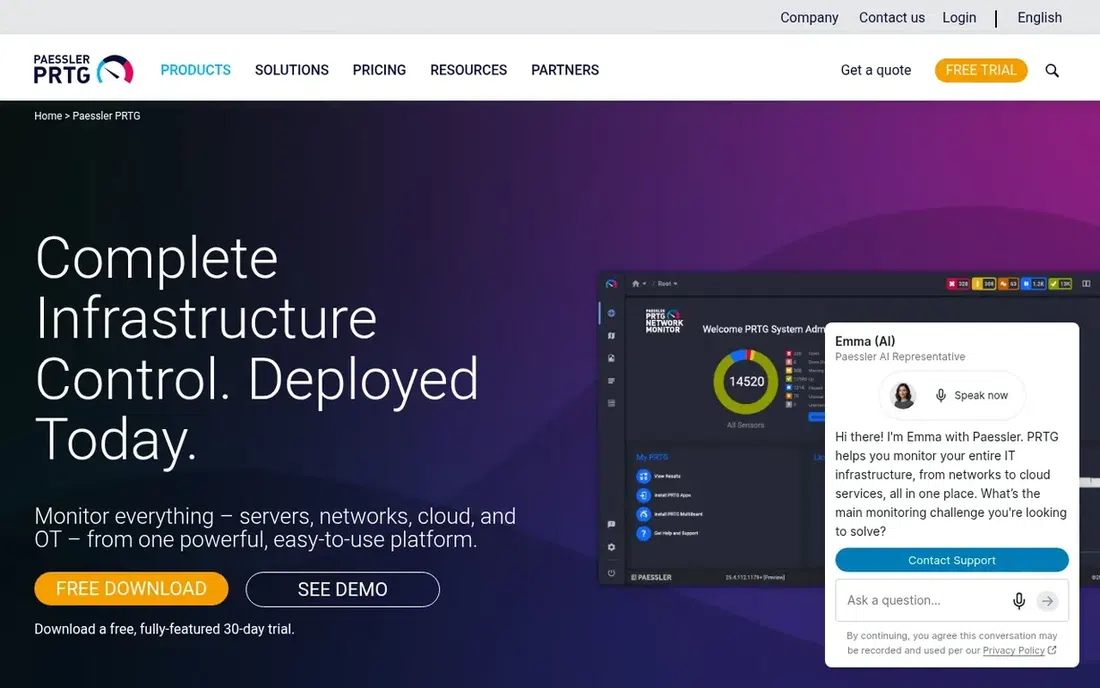
PRTG Network Monitor works best for all-in-one infrastructure monitoring. Look elsewhere if you prefer open-source options or have tight budget constraints. For everyday use, the interface may also feel overwhelming for new users.
What PRTG Network Monitor does well: Examines whole infrastructure.
Limits to weigh: Interface can be overwhelming.
As for the details, the all-in-one approach eases monitoring across different areas. The licensing model based on sensors can become expensive for large campuses with numerous devices. From a buyer's view, PRTG Network Monitor from Paessler is professional and adaptable network monitoring software. It examines and watches your whole IT infrastructure, making it a solid fit for universities that require a full view of their network devices and systems. No starting price is listed for PRTG Network Monitor here; confirm pricing on the vendor site. Free plan details: Not stated.
- Adaptable monitoring
- Professional-grade
- Licensing based on sensors
Pick ManageEngine OpManager if this describes you: easy-to-use network device monitoring. ManageEngine OpManager is an easy-to-use network monitoring software and a low-cost network monitoring option to monitor network devices for example routers, switches, and more. Consider other tools if you need deep customization or advanced analytics.
The software aims to offer essential monitoring capabilities at a manageable cost. In daily use, whereas straightforward to use, OpManager may lack advanced features for highly complicated or large-scale campus networks. It might not offer the depth needed for hybrid IT or cloud-native environments. ManageEngine OpManager does not show a starting price in this comparison, so check the vendor site for current pricing. Trial and free access: Not stated.
Honest limits: May lack depth for complicated networks.
- Low-cost option
- Watches routers and switches
- Restricted advanced features
SolarWinds Network Performance Monitor
Best for: Hybrid IT visibility and control
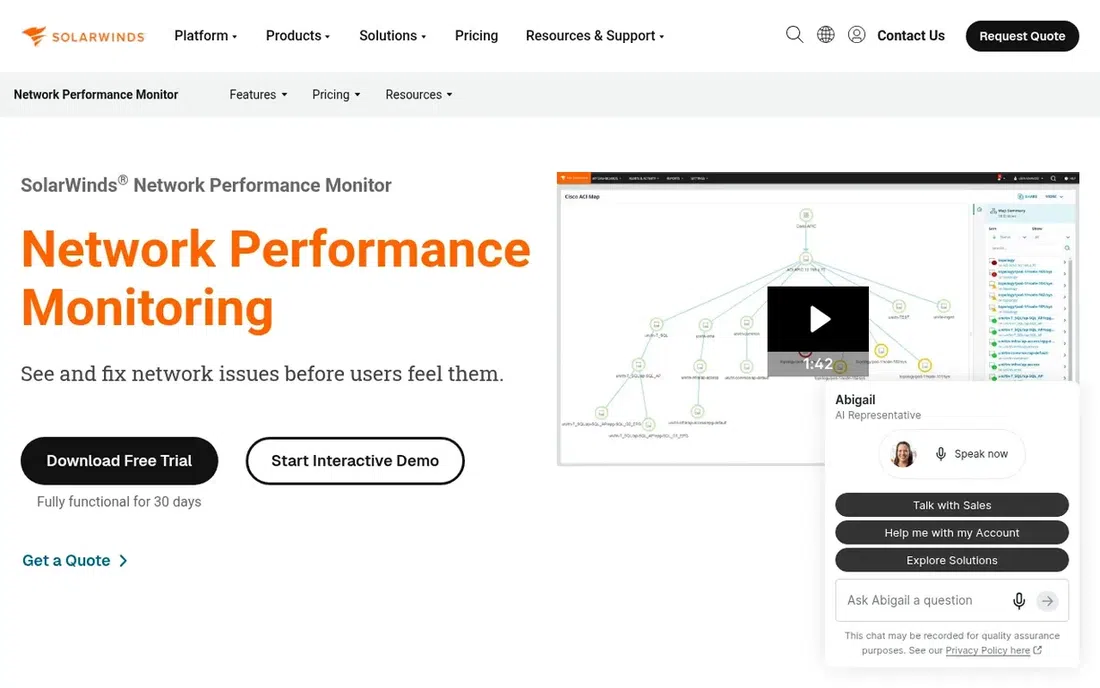
SolarWinds Network Performance Monitor makes the most sense for hybrid IT visibility and control. It gives you complete visibility and control of hybrid IT environments, making it right for universities with mixed on-premises and cloud infrastructure.
Points against: Can be complicated to set up.
In practice, the tool may be complicated for smaller IT teams and commonly needs dedicated staff for configuration and maintenance. Pricing for SolarWinds Network Performance Monitor is not stated here, so ask the vendor for current figures. Free plan details: Not stated.
- Deep network health insights
- Hybrid environment support
- May need dedicated staff
Zabbix was built for open-source enterprise monitoring. Zabbix is an enterprise-class, open-source monitoring option that makes network and application monitoring straightforward. It is a good fit for universities with in-house technical expertise and a preference for open-source software.
The main drawbacks: Needs technical expertise.
Beyond that, the tool gives you solid monitoring capabilities without licensing costs. Zabbix needs significant technical expertise to deploy and maintain, and support is community-driven except when a premium choice is chosen. It may not be well suited to universities with restricted IT staff or those seeking vendor-supported options. On cost, Zabbix starts like this: €50 per month. Free plan details: Free trial.
- Watches networks and applications
- Enterprise-class
- Self-supported except when premium support
Selection criteria
For each of the 5 tools we noted price, free plan or trial, fit for network monitoring software for universities and the main limit, using vendor pages and documentation. Where a vendor does not publish a price, the entry says quote. Where a price depends on seats or billing term, the entry says so. Position on the page reflects fit for a typical buyer first, with price clarity and free access breaking ties. Treat it as a guide, not a ruling.
A buyer's checklist
- Confirm the entry price on the vendor page. For Cisco ThousandEyes, PRTG Network Monitor, ManageEngine OpManager and SolarWinds Network Performance Monitor that means a quote rather than a fixed price.
- Use real work to test the free trial from Cisco ThousandEyes and Zabbix, rather than a demo project.
- Read the limits listed for Cisco ThousandEyes first: may be overkill for basic needs.
- Read the plan comparison for Cisco ThousandEyes carefully; key features often start on a higher tier.
- Involve the people who will use ManageEngine OpManager daily; a short pilot beats a long feature checklist.
FAQ
How are the tools for network monitoring software for universities ordered?
Cisco ThousandEyes sits first and Zabbix last because the order follows typical fit for network monitoring software for universities, then price clarity and free access. It is a judgement call, so read each profile for fit and limits.
Is open-source network monitoring a good match for universities?
Open-source tools like Zabbix can be suitable if the university has technical staff to deploy and maintain them. They offer adaptability and no licensing fees but may lack vendor support. Consider total cost of ownership, including staff time.
Can I try these tools before paying?
Often, yes. Cisco ThousandEyes and Zabbix offer a free trial. Use your own data and a real task during the test, and check what the free tier or trial limits before you rely on it. All 5 picks in this network monitoring software for Universities comparison list a starting price, free plan details and the main limits on their cards above.
How does Cisco ThousandEyes differ from traditional network monitoring?
Cisco ThousandEyes centres on digital experience assurance across networks, including internet and cloud paths. Also, universities with heavy cloud reliance may benefit from ThousandEyes.
Does any tool for network monitoring software for universities here have a free plan?
A permanent free plan is not offered by Cisco ThousandEyes, Zabbix or the other tools here. Cisco ThousandEyes, Zabbix offer a trial. Plan a short evaluation period instead.
Is Cisco ThousandEyes the right pick for everyone comparing network monitoring software for universities?
No single tool suits every team. Cisco ThousandEyes comes first because it fits digital experience assurance, while PRTG Network Monitor suits all-in-one infrastructure monitoring and ManageEngine OpManager suits easy-to-use network device monitoring. Match the tool to your own size, budget and workflow before deciding.
Sources
- https://www.thousandeyes.com
- https://www.paessler.com/prtg
- https://www.manageengine.com/network-monitoring
- https://www.solarwinds.com/network-performance-monitor
- https://www.zabbix.com