6 Network Configuration Backup Software for Telecoms Worth Shortlisting in 2026
Best network configuration backup software for telecoms in 2026: 6 contenders with entry costs and free tiers. Plain-spoken summaries throughout. Quick to scan.
- Editor's choiceBackBox
Security and lifecycle automation
Starts atSee websiteVisit backbox.comFull review - Great alternativeSolarWinds Network Configuration Manager
Automatic config backups and compliance
Starts at$2 per node a monthVisit solarwinds.comFull review - Also considerManageEngine Network Configuration Manager
Multi-vendor change and config management
Starts atSee websiteVisit manageengine.comFull review
Direct answer
BackBox comes first here, mainly for security and lifecycle automation. Listed starting prices: SolarWinds Network Configuration Manager from $2 per node a month. Alternatives: SolarWinds Network Configuration Manager for automatic config backups and compliance, and ManageEngine Network Configuration Manager for multi-vendor change and config management. All 6 tools are compared below on price, free plan and limits.
TL;DR:
- The list opens with BackBox, aimed at security and lifecycle automation.
- Check the limits for ManageEngine Network Configuration Manager before you commit: needs process discipline to be effective.
- Neither BackBox nor NetBrain, nor any of the other 4 tools, has a permanent free plan; trials and quotes are the norm.
- For live network context and automation, NetBrain is worth a look.
Last checked November 2026. Prices and plan details were read from the vendors' own pages in November 2026; vendors change plans often, so confirm the current price on the vendor site before you buy.
Quick comparison
| Tool | Best for | Starts at | Free plan? | |
|---|---|---|---|---|
| BackBox | Security and lifecycle automation | See website | Not stated | Visit |
| SolarWinds Network Configuration Manager | Automatic config backups and compliance | $2 per node a month | Free trial | Visit |
| ManageEngine Network Configuration Manager | Multi-vendor change and config management | See website | Not stated | Visit |
| Cisco Network Services Orchestrator | Service automation with configuration control | See website | Not stated | Visit |
| Micro Focus Network Automation | Automatic configuration and compliance | See website | Not stated | Visit |
| NetBrain | Live network context and automation | See website | Free trial | Visit |
Tool-by-tool breakdown
LinkVetted compared 6 network configuration backup software for telecoms. The goal is a practical shortlist: published prices, free plan facts, best-fit use cases and honest limits for every entry.
BackBox
Best for: Security and lifecycle automation
Think of BackBox for security and lifecycle automation. BackBox is a cyber resilience product for network infrastructure that automates security, compliance and lifecycle management across numerous vendors.
More specifically, the vendor describes coverage across a large set of vendors, which suits mixed estates. From a buyer's view, since it is positioned around cyber resilience, teams wanting only entry-level configuration backup may be adopting more product than necessary. Check the vendor site for BackBox pricing; none is listed in this comparison. Trial and free access: Not stated.
Points against: Backup is part of a wider product.
- Wide vendor coverage
- Security and compliance automation
- Positioned around cyber resilience
SolarWinds Network Configuration Manager
Best for: Automatic config backups and compliance
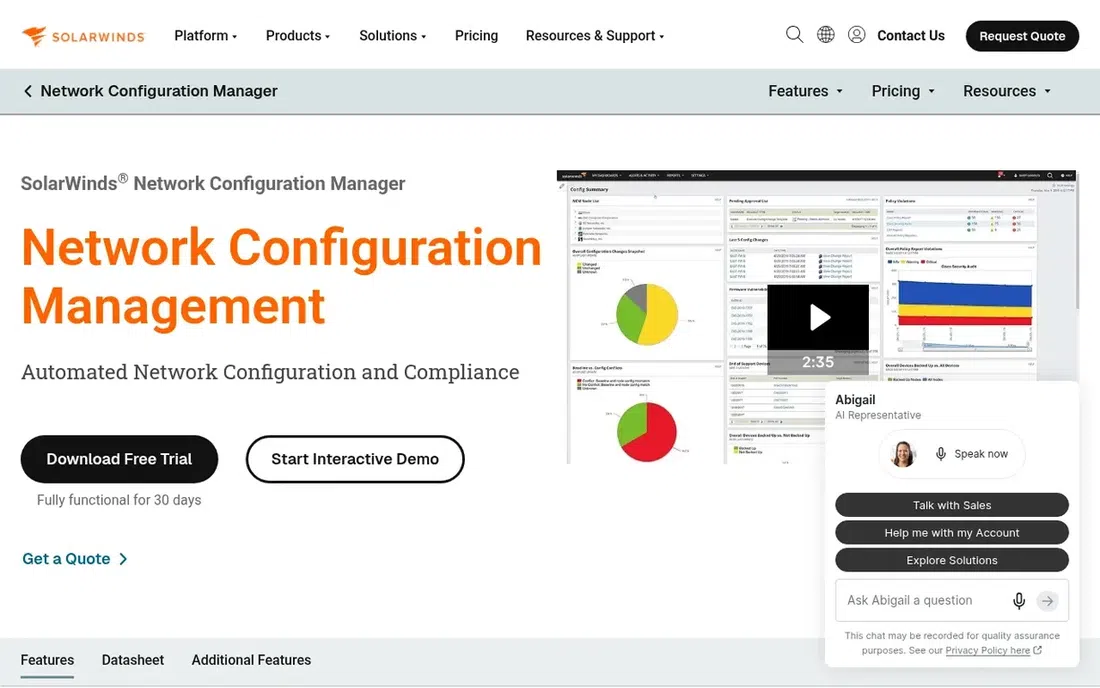
SolarWinds Network Configuration Manager is designed for automatic config backups and compliance. SolarWinds Network Configuration Manager is a self-hosted tool for simplifying network configuration monitoring and management.
Limits to weigh: Feature depth varies by edition.
It automates configuration backups, watches compliance and helps identify vulnerabilities and configuration problems. SolarWinds Network Configuration Manager pricing: $2 per node per month. Free options: Free trial.
- Vulnerability identification
- Compliance monitoring
- Self-hosted deployment model
ManageEngine Network Configuration Manager
Best for: Multi-vendor change and config management
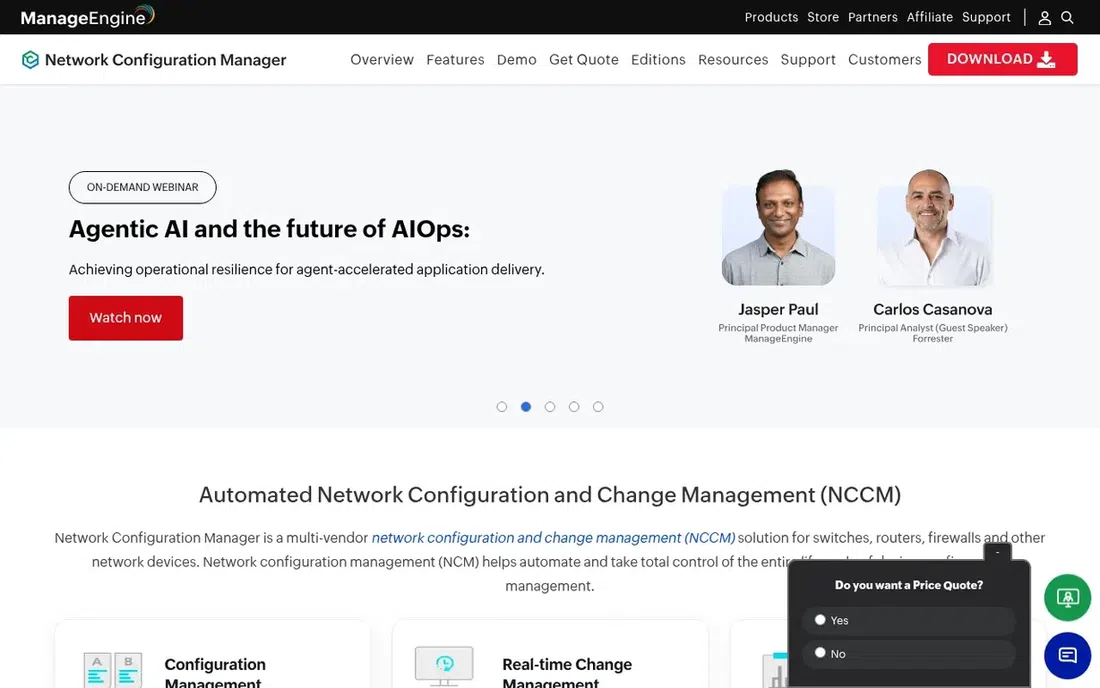
ManageEngine Network Configuration Manager was built for multi-vendor change and config management. Results rely on consistent change processes and device credentials being maintained. The product is positioned around configuration management instead of service orchestration, which makes it a practical fit for operations groups centred on device-level control.
ManageEngine Network Configuration Manager is a multi-vendor network change and configuration management tool for switches, routers and firewalls. In daily use, teams needing service-level automation or agentic operations may prefer a broader system. The vendor site should be checked for the current supported device list. Check the vendor site for ManageEngine Network Configuration Manager pricing; none is listed in this comparison. Free options: Not stated.
Drawbacks to consider: Needs process discipline to be effective.
- Change and configuration management
- Multi-vendor coverage
- Integration scope varies
Cisco Network Services Orchestrator
Best for: Service automation with configuration control
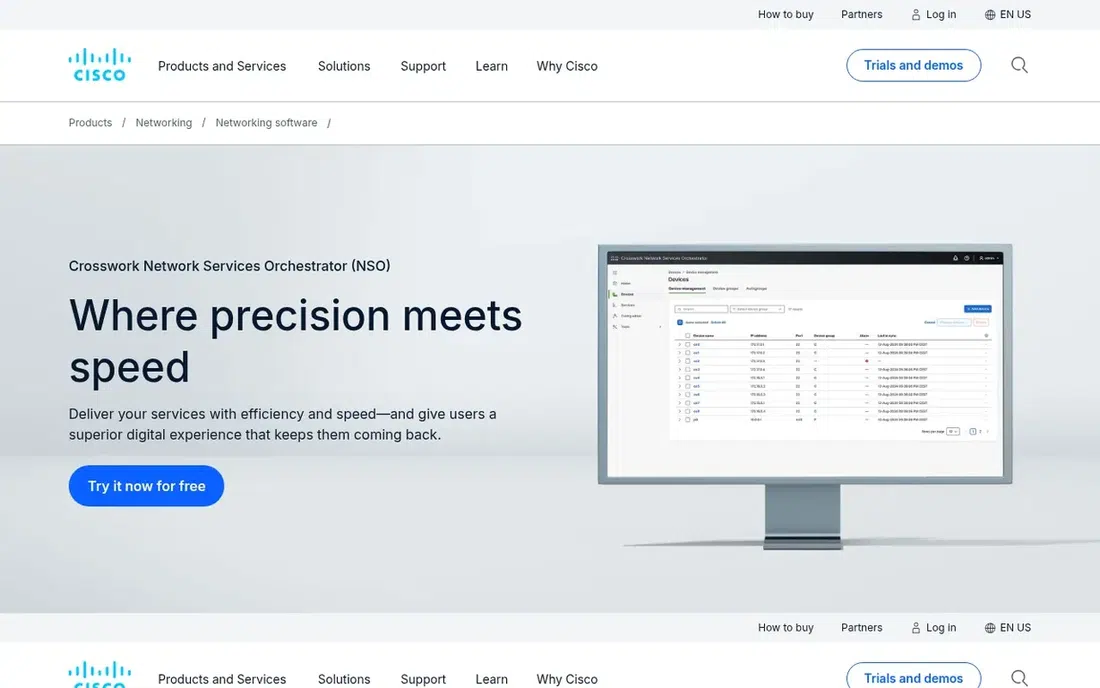
Pick Cisco Network Services Orchestrator if this describes you: service automation with configuration control. Teams wanting a narrow, standalone backup utility may find it heavier than needed, and mixed-vendor estates should confirm supported device coverage on the vendor site before committing.
Where it falls short: Best value inside Cisco environments.
Cisco Network Services Orchestrator is a service automation product that helps teams run network services and the configuration behind them. Pricing for Cisco Network Services Orchestrator is not stated here, so ask the vendor for current figures. Trial and free access: Not stated.
- Suits Cisco-centric telecom estates
- Service automation focus
- Wide system to adopt
Micro Focus Network Automation
Best for: Automatic configuration and compliance
Micro Focus Network Automation is designed for automated configuration and compliance. It suits telecom and enterprise network teams that require governance over device configurations and evidence of compliance.
From a buyer's view, the homepage positions it around automation and compliance, which supports backup workflows that must be tied to policy and audit requirements. No starting price is listed for Micro Focus Network Automation here; confirm pricing on the vendor site. As for free access: Not stated.
Where it falls short: Product naming has changed over time.
- Vendor-neutral positioning
- Automatic configuration and change
- Enterprise-scale deployment effort
NetBrain
Best for: Live network context and automation
In short, NetBrain is for live network context and automation. It suits teams that want operational intelligence layered on top of device management instead of a standalone backup utility.
Organizations that only need scheduled configuration backups may find a focused tool quicker to deploy, and specific backup capabilities should be confirmed with the vendor. Pricing for NetBrain is not stated here, so ask the vendor for current figures. Free plan details: Free trial.
Where it falls short: Platform breadth needs onboarding.
- Governed AI agents
- Live network context
- Backup is one part of the product
Selection criteria
Each tool was reviewed on what its vendor publishes: price, plan limits, core features and stated drawbacks. We did not run hands-on tests. Plan names, prices and limits change often. Treat the figures here as a starting point and verify them with the vendor. Tools are placed by general fit for network configuration backup software for telecoms, with price clarity and free access as tie-breakers. A different team can reasonably rank them differently.
What to confirm before you sign up
- Get a written quote from BackBox, ManageEngine Network Configuration Manager, Cisco Network Services Orchestrator and others; the list shows no starting price for them.
- Run a trial of SolarWinds Network Configuration Manager and NetBrain with real work before paying for a year; your own workflow is the best test.
- Read the limits listed for BackBox first: positioned around cyber resilience.
- Confirm the exact ManageEngine Network Configuration Manager plan that includes your must-have features.
- List the apps you already depend on and check that BackBox supports each one on the plan you would buy.
FAQ
Can I try these tools before paying?
Often, yes. SolarWinds Network Configuration Manager and NetBrain offer a free trial. Use your own data and a real task during the test, and check what the free tier or trial limits before you rely on it.
Is BackBox the right pick for everyone comparing network configuration backup software for telecoms?
No single tool suits every team. BackBox comes first because it fits security and lifecycle automation, while SolarWinds Network Configuration Manager suits automated config backups and compliance and ManageEngine Network Configuration Manager suits multi-vendor change and config management. Match the tool to your own size, budget and workflow before deciding.
How are the tools for network configuration backup software for telecoms ordered?
BackBox sits first and NetBrain last because the order follows typical fit for network configuration backup software for telecoms, then price clarity and free access. It is a judgement call, so read each profile for fit and limits.
What is the cheapest option for network configuration backup software for telecoms in this list?
On published monthly entry prices, SolarWinds Network Configuration Manager is the lowest here at $2 per node per month. Entry price is only part of the cost, because seats, add-ons and billing terms can change the total. For the full picture, the cards above cover all 6 entries of this network configuration backup software for Telecoms list, including price, free plan and limits.
What should telecoms look for in configuration backup software?
Telecoms should prioritize steady scheduled backups, multi-vendor device support, change tracking and audit-ready compliance reporting. Restore testing and role-based access also matter since configuration errors can affect service availability. Confirm these capabilities on each vendor site.
Sources
- https://www.backbox.com
- https://www.solarwinds.com/network-configuration-manager
- https://www.manageengine.com/network-configuration-manager
- https://www.cisco.com/c/en/us/products/cloud-systems-management/network-services-orchestrator/index.html
- https://www.microfocus.com/en-us/products/network-automation/overview
- https://www.netbraintech.com