6 Network Configuration Software for Multi-Site Enterprises Worth Shortlisting in 2026
6 best network configuration software for Multi-Site enterprises, compared on pricing, free plans and best-fit use. The catches are listed up front. Facts only.
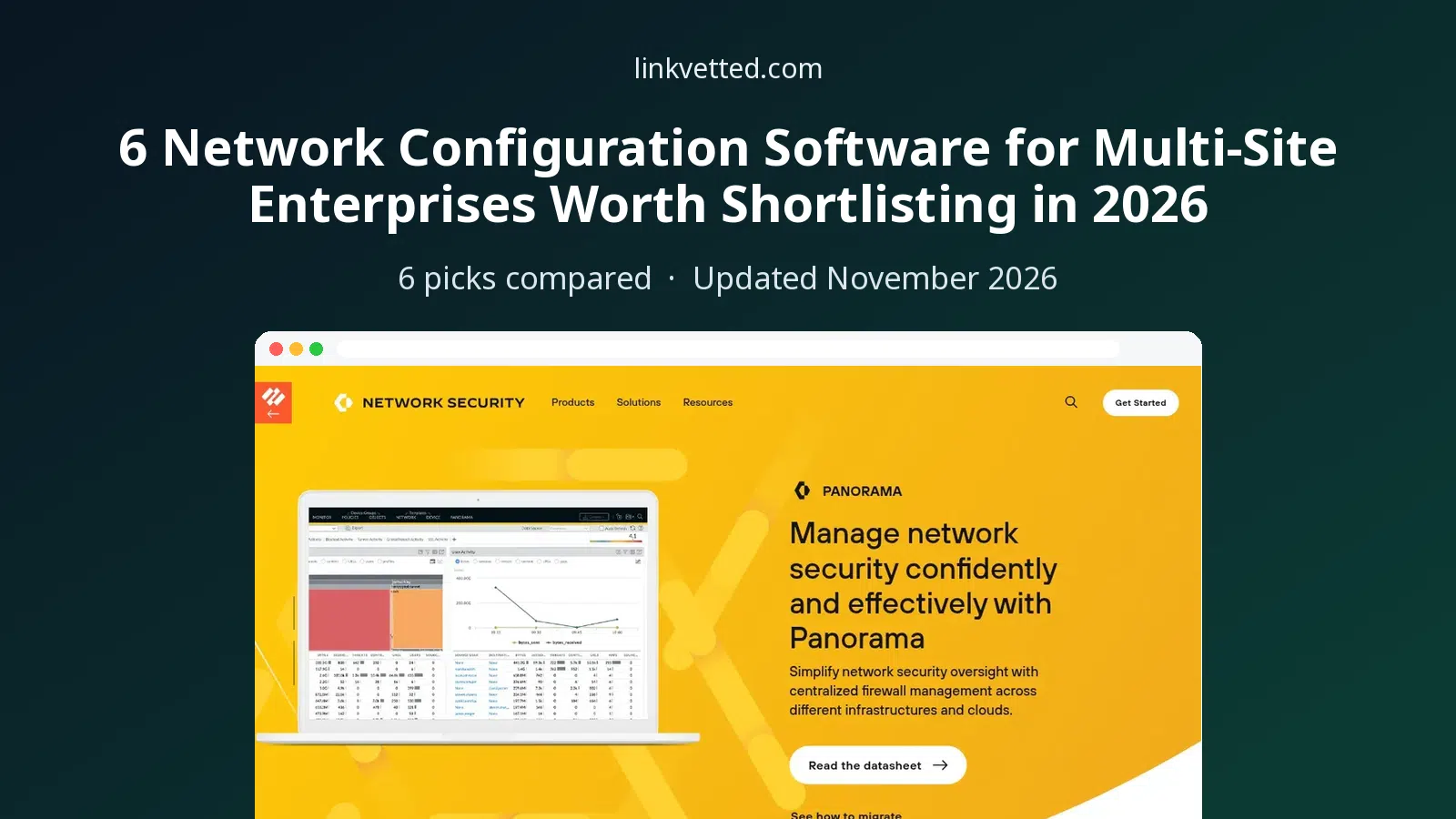
- Editor's choiceAnsible Automation Platform
Agentless code-driven configuration automation
Starts atSee websiteVisit redhat.comFull review - Great alternativePalo Alto Networks Panorama
Centralized firewall policy across sites
Starts atSee websiteVisit paloaltonetworks.comFull review - Also considerNetBrain
Agentic NetOps with live network context
Starts atSee websiteVisit netbraintech.comFull review
Direct answer
For Agentless code-driven configuration automation, Ansible Automation Platform is where this list starts. Listed starting prices: SolarWinds Network Configuration Manager from $2 per node a month. Palo Alto Networks Panorama is the stronger choice for centralized firewall policy across sites, while NetBrain suits agentic NetOps with live network context. Prices, free plans and limits for all 6 tools follow.
TL;DR:
- Ansible Automation Platform is the opening pick, best for Agentless code-driven configuration automation.
- The cheapest monthly starting price in the list is $2 per node per month, offered by SolarWinds Network Configuration Manager.
- Ansible Automation Platform comes with a trade-off: needs automation skills and process design.
- For automatic backups and compliance monitoring, SolarWinds Network Configuration Manager is worth a look.
Last checked November 2026. Prices and plan details were read from the vendors' own pages in November 2026; vendors change plans often, so confirm the current price on the vendor site before you buy.
Quick comparison
| Tool | Best for | Starts at | Free plan? | |
|---|---|---|---|---|
| Ansible Automation Platform | Agentless code-driven configuration automation | See website | Not stated | Visit |
| Palo Alto Networks Panorama | Centralized firewall policy across sites | See website | Not stated | Visit |
| NetBrain | Agentic NetOps with live network context | See website | Free trial | Visit |
| Aruba Central | Security-first AI-assisted network management | See website | Not stated | Visit |
| ManageEngine Network Configuration Manager | Multi-vendor change and configuration control | See website | Not stated | Visit |
| SolarWinds Network Configuration Manager | Automatic backups and compliance monitoring | $2 per node a month | Free trial | Visit |
The 6 tools in detail
This LinkVetted guide covers 6 network configuration software for Multi-Site enterprises. Each profile lists a starting price, free plan details, strengths and drawbacks, so you can drop poor fits quickly.
Ansible Automation Platform
Best for: Agentless code-driven configuration automation
Ansible Automation Platform is a good fit for Agentless code-driven configuration automation. Since it is general-purpose, it can extend beyond networking to servers and cloud resources in the same automation model. It is not a network management console, so inventory, compliance reporting and device visibility come from other tools or from content you build.
For everyday use, red Hat Ansible Automation Platform is an automation engine that plenty of enterprises use to push consistent configuration to network devices without installing agents. Also, teams without automation experience face a ramp-up time. This comparison lists no price for Ansible Automation Platform; ask the vendor. Free plan details: Not stated.
Where it is weaker: Needs automation skills and process design.
- Trusted execution layer for IT operations
- Consistent repeatable configuration workflows
- Not a purpose-built network management console
Palo Alto Networks Panorama
Best for: Centralized firewall policy across sites
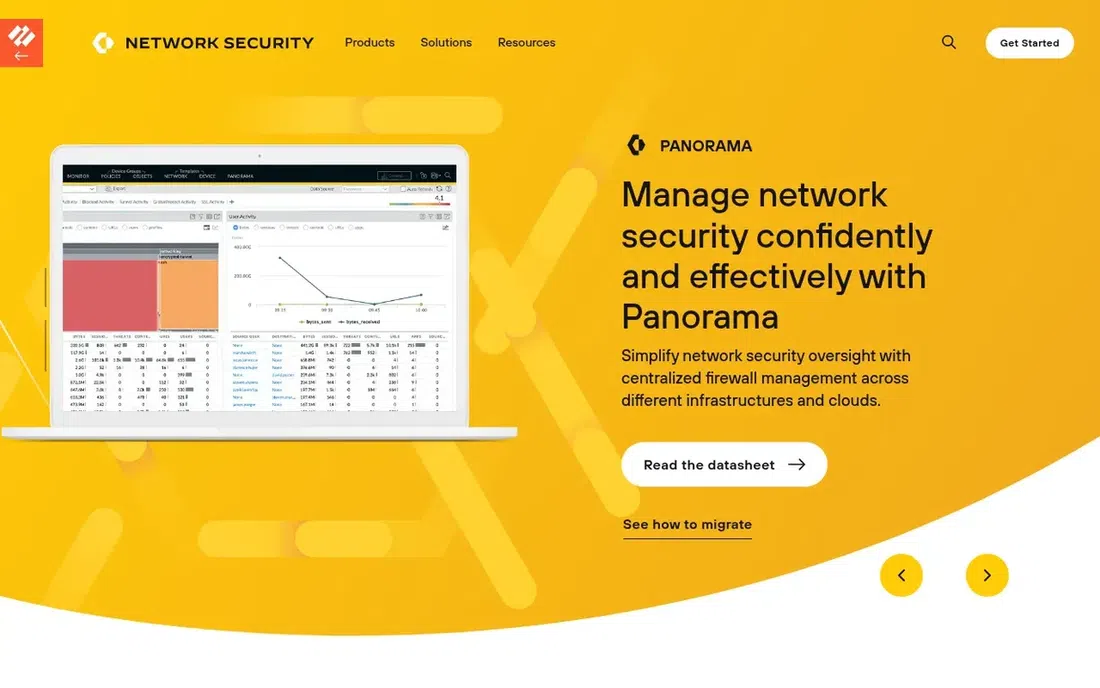
Palo Alto Networks Panorama is a good fit for centralized firewall policy across sites. Organizations standardizing security on Palo Alto Networks products get a natural management layer that saves time and cuts operational complexity. Also, pick it when firewall policy consistency is the core problem instead of wide multi-vendor configuration management.
What to check first: Concentrated on Palo Alto Networks security products.
Worth adding: Panorama runs security infrastructure instead of general network device configuration, so switch and router lifecycle work needs other tooling. More specifically, Panorama is Palo Alto Networks' centralized management solution for its Next-Generation Firewalls and Prisma Access. It lets security teams define and push policy consistently across plenty of locations, which suits enterprises with distributed firewalls that require uniform rules and quicker change rollouts. Pricing for Palo Alto Networks Panorama is not stated here, so ask the vendor for current figures. Free access: Not stated.
- Cuts complexity of distributed security policy
- Single management plane for many firewalls
- Not a general switch and router configuration tool
NetBrain
Best for: Agentic NetOps with live network context
Pick NetBrain if this describes you: agentic NetOps with live network context. Choose it when operational intelligence and incident response are the priority over baseline change management. For everyday use, teams looking to move from manual runbooks toward assisted, context-aware operations are the intended audience.
Also, getting value relies on building an accurate model of the network, which takes planning. Also, the product emphasizes operations and troubleshooting instead of serving as a straightforward configuration backup repository. NetBrain does not show a starting price in this comparison, so check the vendor site for current pricing. As for free access: Free trial.
Where it falls short: Adoption needs mapping the network model.
- Governed AI agents for operations
- Live network context for troubleshooting
- Operational focus instead of pure configuration backup
Aruba Central
Best for: Security-first AI-assisted network management
For security-first AI-assisted network management, Aruba Central is a natural candidate. Teams already standardized on Aruba hardware will find the deepest integration, and network staff who want AI assistance with daily operations get it built in. The platform is most valuable when your access layer is Aruba; mixed-vendor estates may need extra tools alongside it.
The main drawbacks: Most solid fit within Aruba environments.
Where it shines: AI-powered operational assistance.
From a buyer's view, Aruba Central is HPE's cloud-based networking management system, positioned as a security-first, AI-powered option. It brings wireless, wired and security operations into one console, which suits enterprises running numerous branch sites that want a single place to configure and monitor the estate. Check the vendor site for Aruba Central pricing; none is listed in this comparison. Free plan details: Not stated.
- Wireless and security management
- Unified wired
- Wide feature set needs onboarding effort
ManageEngine Network Configuration Manager
Best for: Multi-vendor change and configuration control
ManageEngine Network Configuration Manager is built with multi-vendor change and configuration control in mind. Teams that already use other ManageEngine tools may appreciate the shared operational approach and the emphasis on change control. For everyday use, very small networks may find dedicated configuration tooling heavier than needed.
Downsides: Configuration scope instead of full network management.
For everyday use, the product centers on configuration and change management instead of monitoring or security policy orchestration. More specifically, choose it when multi-vendor change control is the specific gap you are closing. No starting price is listed for ManageEngine Network Configuration Manager here; confirm pricing on the vendor site. Free plan details: Not stated.
- Change and configuration management focus
- Multi-vendor device coverage
- Needs device inventory planning upfront
SolarWinds Network Configuration Manager
Best for: Automatic backups and compliance monitoring
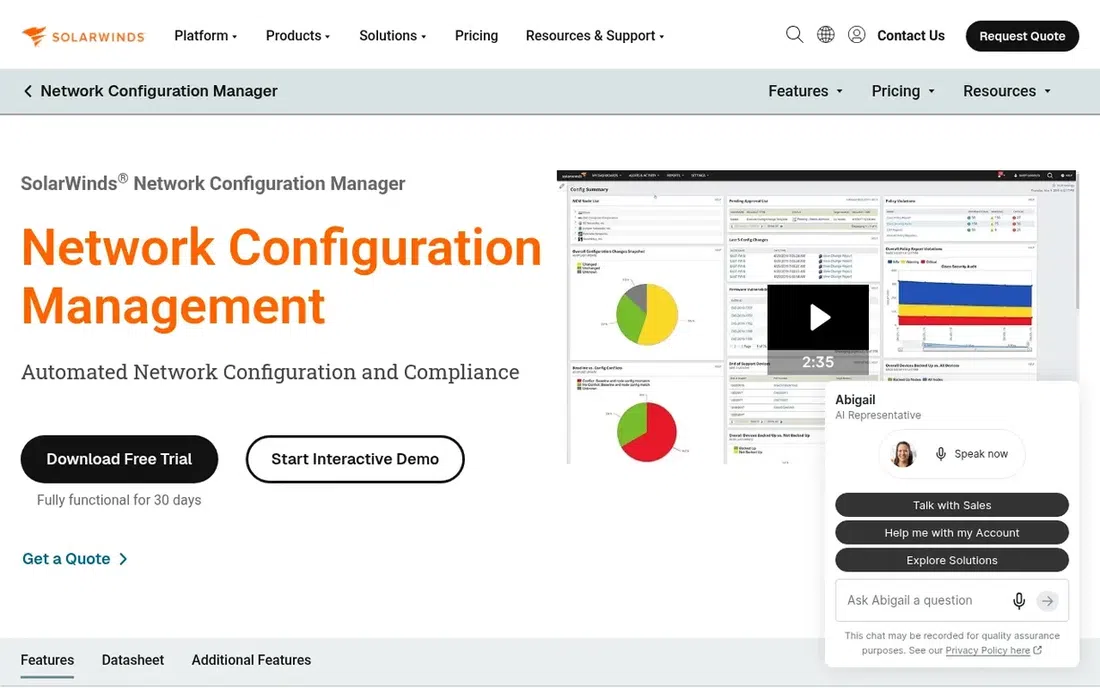
SolarWinds Network Configuration Manager targets automatic backups and compliance monitoring. If your priority is programmatic, code-driven configuration across mixed infrastructure, a product like Ansible may fit better.
It concentrates on configuration backup, compliance and change awareness instead of end-to-end automation workflows. Price to start with SolarWinds Network Configuration Manager: $2 per node per month. Free options: Free trial.
Where it is weaker: Self-hosted deployment needs infrastructure.
- Compliance and vulnerability monitoring
- Change tracking for network devices
- Concentrated on configuration instead of full orchestration
How the list was put together
Selection started from tools commonly considered for network configuration software for Multi-Site enterprises, then narrowed to 6 that have clear pricing information or a clear quote process. Where a vendor does not publish a price, the entry says quote. Where a price depends on seats or billing term, the entry says so. The ranking is editorial: typical fit first, then clear pricing, then free access. If your needs are unusual, read the profiles rather than relying on position.
A buyer's checklist
- Confirm the entry price on the vendor page. For Ansible Automation Platform, Palo Alto Networks Panorama, NetBrain and others that means a quote rather than a fixed price.
- Use real work to test the free trial from NetBrain and SolarWinds Network Configuration Manager, rather than a demo project.
- Read the limits listed for Ansible Automation Platform first: needs automation skills and process design.
- List the apps you already depend on and check that ManageEngine Network Configuration Manager supports each one on the plan you would buy.
- See whether Palo Alto Networks Panorama offers onboarding or training, and whether it is included in the price.
FAQ
Do these tools publish their prices?
Not all of them. Ansible Automation Platform, Palo Alto Networks Panorama, NetBrain and others publish no starting price, so expect a quote request for those. The rest, SolarWinds Network Configuration Manager included, show a starting price, though seats and billing terms still change the final cost.
How do cloud-managed and self-hosted choices differ?
Cloud-managed consoles like Aruba Central cut infrastructure overhead and ease multi-site visibility. Self-hosted tools give more control over data location and integration. The right choice relies on your security posture and operations model.
Is firewall management enough for multi-site configuration?
No. Firewall-focused tools for example Panorama govern security policy well but do not run switches and routers. Most enterprises pair a firewall management layer with a broader configuration or automation product to handle the full estate.
How are the tools for network configuration software for Multi-Site enterprises ordered?
Ansible Automation Platform sits first and SolarWinds Network Configuration Manager last because the order follows typical fit for network configuration software for Multi-Site enterprises, then price clarity and free access. It is a judgement call, so read each profile for fit and limits.
Can I try these tools before paying?
Often, yes. NetBrain and SolarWinds Network Configuration Manager offer a free trial. Use your own data and a real task during the test, and check what the free tier or trial limits before you rely on it.
What should a multi-site enterprise prioritize in configuration software?
Consistency and visibility matter most: the tool should push and verify configuration across plenty of locations without manual repetition. Automation capability becomes important as site count grows.
Sources
- https://www.redhat.com/en/technologies/management/ansible
- https://www.paloaltonetworks.com/network-security/panorama
- https://www.netbraintech.com
- https://www.hpe.com/us/en/networking/aruba-central.html
- https://www.manageengine.com/network-configuration-manager
- https://www.solarwinds.com/network-configuration-manager