Best Multi AI Platform (2026): 6 Picks Checked on Vendor Pages
Best multi AI platform in 2026: 6 contenders with entry costs and free tiers. For search and inference infrastructure, begin with You.com. Real limits included.
- Editor's choice
 You.com
Search and inference infrastructure
Starts atSee websiteVisit you.comFull review - Great alternative
 Amazon Bedrock
Building generative AI apps at scale
Starts atSee websiteVisit aws.amazon.comFull review - Also consider
 Google Gemini
Everyday general-purpose AI assistance
Starts atSee websiteVisit gemini.google.comFull review
Direct answer
Our first pick is You.com, best for search and inference infrastructure. Listed starting prices: Hugging Face from $9 per month and OpenRouter from $10 of credits. Amazon Bedrock is the stronger choice for building generative AI apps at scale, while Google Gemini suits everyday general-purpose AI assistance. Details, prices and limits for the rest of the 6 tools are below.
TL;DR:
- The list opens with You.com, aimed at search and inference infrastructure.
- Only 3 of the 6 tools have a free plan (You.com, Hugging Face, OpenRouter), so check the caps.
- OpenRouter is the one to check for one interface across plenty of models.
- Hugging Face has the lowest monthly starting price in this list: $9 per month.
- One limit worth knowing about Hugging Face: needs more technical familiarity.
Last checked November 2026. Prices and plan details were read from the vendors' own pages in November 2026; vendors change plans often, so confirm the current price on the vendor site before you buy.
Quick comparison
| Tool | Best for | Starts at | Free plan? | |
|---|---|---|---|---|
| You.com | Search and inference infrastructure | See website | Yes | Visit |
| Amazon Bedrock | Building generative AI apps at scale | See website | Not stated | Visit |
| Google Gemini | Everyday general-purpose AI assistance | See website | Not stated | Visit |
 Hugging Face | Open source models and community collaboration | $9 per month | Yes | Visit |
 Microsoft Copilot | Productivity-focused AI chat across the day | See website | Not stated | Visit |
| OpenRouter | One interface across plenty of models | $10 of credits | Yes | Visit |
Tool-by-tool breakdown
Short on time? The summary and table above give the quick view of 6 tools for multi AI platform, and the profiles that follow give the detail behind each entry.
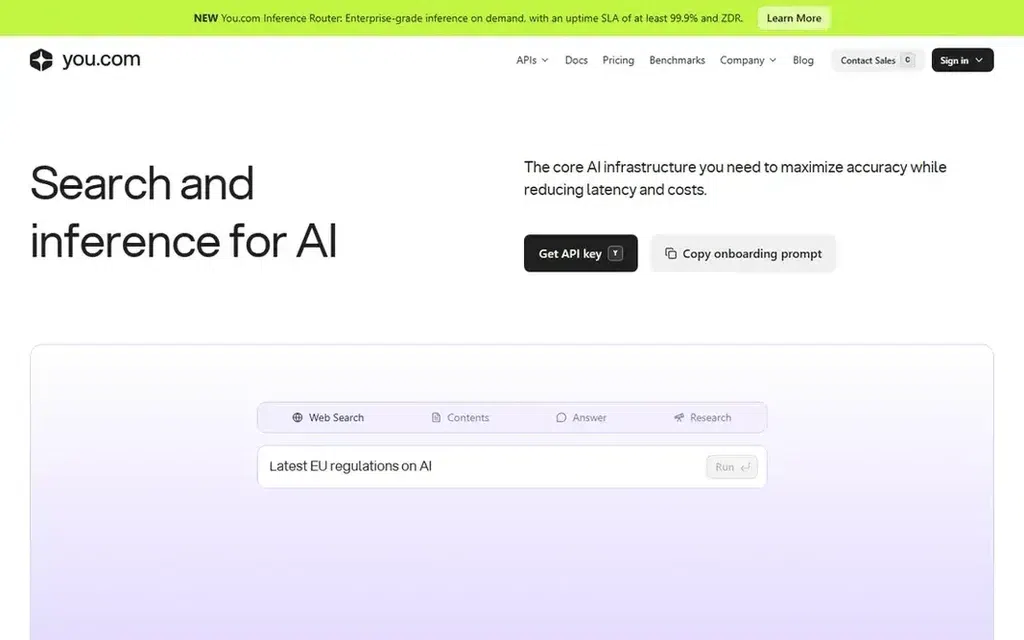
You.com serves search and inference infrastructure. You.com presents itself as search and inference for AI, positioning its offering as core AI infrastructure to maximize accuracy whereas reducing latency and costs. That makes it a fit for teams that want a product layer connecting search and model inference instead of a single chat assistant, and it is worth considering when infrastructure efficiency is a priority in your comparison.
Confirm current capabilities straight with the vendor. From a buyer's view, evaluate whether your use case is search-augmented answers or broader application building, and compare with OpenRouter for model access. You.com shows no starting price here, so confirm the cost on the vendor site. A free plan is available with You.com.
Downsides: Less consumer-oriented framing.
- Merges search with inference
- Focus on accuracy and latency
- Setup may suit technical teams
Amazon Bedrock is a good fit for building generative AI apps at scale. It suits development teams already working in the AWS ecosystem that require managed infrastructure for generative AI, and it is a natural candidate when your comparison shifts from everyday chat tools toward production application building and operations.
Downsides: Geared toward developers and teams.
Check the vendor site for Amazon Bedrock pricing; none is listed in this comparison. As for free access: Not stated.
- Supports building agents
- Concentrated on production-scale applications
- Needs cloud familiarity
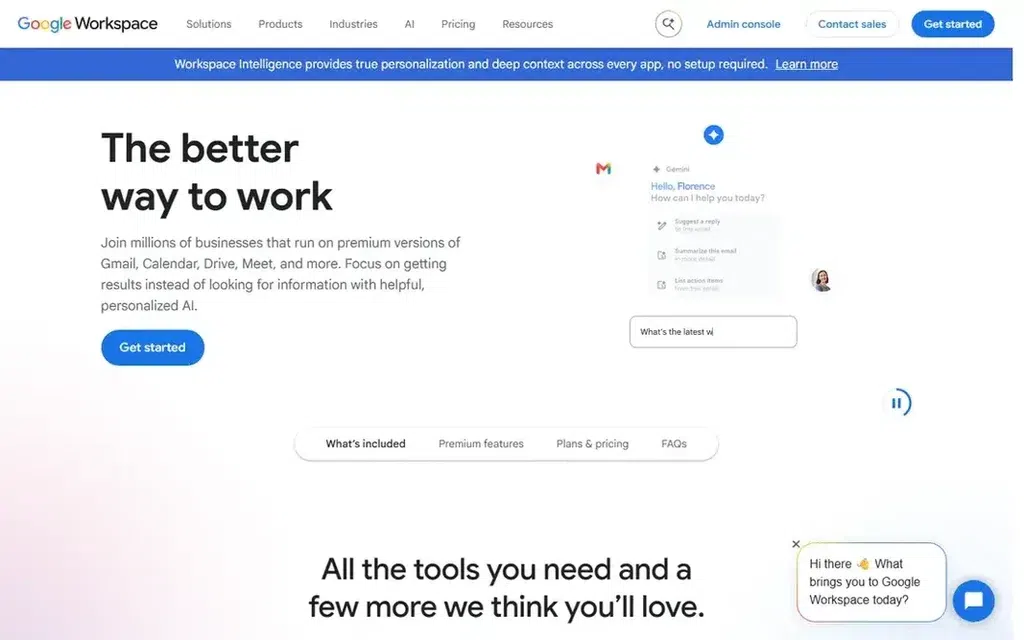
Google Gemini works best for everyday general-purpose AI assistance. Google Gemini is Google's general-purpose AI assistant, targeted at people who want a versatile product for everyday help with writing, brainstorming, learning and questions.
Highlights: Backed by Google's AI research.
Where it falls short: Feature availability varies by region.
For everyday use, confirm current capabilities and regional availability on Google's site before committing. Pricing for Google Gemini is not stated here, so ask the vendor for current figures. Free access: Not stated.
- Broad general-purpose assistant
- Fits chat
- Less centred on developer infrastructure
In short, Hugging Face is for open source models and community collaboration. Hugging Face describes itself as the AI community building the future, on a journey to advance and democratize artificial intelligence through open source and open science.
Hugging Face starts at: $9 per month. Hugging Face offers a free plan.
Limits to weigh: Needs more technical familiarity.
- Wide model and tooling ecosystem
- Supports democratizing AI
- Not a single chat assistant
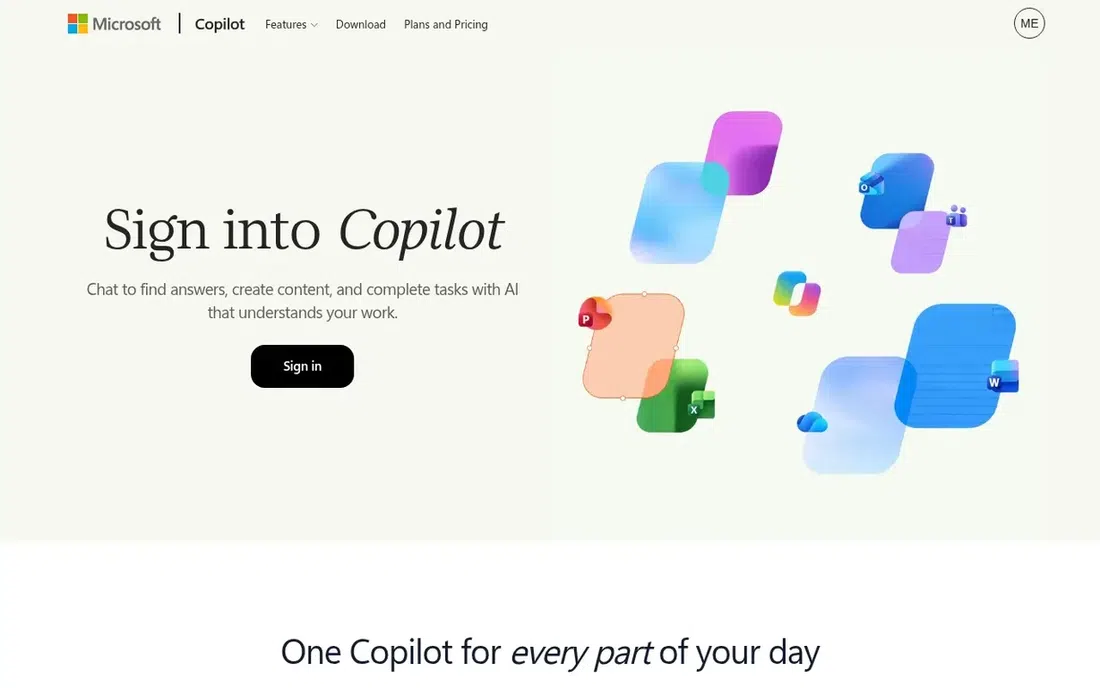
Microsoft Copilot is designed for productivity-focused AI chat across the day. Some features need signing in, and capabilities can differ by product and region. Microsoft Copilot is described as AI built to help you get things done, with chat that supports creating, brainstorming, learning and problem solving across your day.
The main drawbacks: Sign-in needed for full use.
Check Microsoft's documentation for the current scope before you standardize on it. On top of that, Copilot is oriented toward end-user assistance, so teams wanting to select and route numerous underlying models should look at OpenRouter or a cloud product instead. Microsoft Copilot shows no starting price here, so confirm the cost on the vendor site. Free options: Not stated.
- Built for creating and brainstorming
- Suits learning and problem solving
- Less suited to raw model access
OpenRouter
Best for: One interface across plenty of models
Choose OpenRouter for one interface across many models. It suits developers and teams that want to route requests across several models without integrating each provider separately, making it an adaptable choice when your priority is model choice instead of a single vendor's assistant.
Points against: Developer-oriented integration.
Review the vendor's documentation for supported models and current terms before you build on it. Starting cost for OpenRouter: $10 of credits. OpenRouter has a free plan.
- Unified interface for plenty of models
- Handy for prompt routing
- Relies on upstream providers
How we chose
The comparison looks at four things: starting price, free access, how well the feature set matches multi AI platform, and the main limit of each tool. Prices and plan limits come from vendor pages and can change, so confirm them on the vendor site before you buy. Order on the page follows fit for the typical buyer first, then price transparency and free access. Your own requirements should decide the final pick.
Questions to settle before buying
- Get a written quote from You.com, Amazon Bedrock, Google Gemini and Microsoft Copilot; the list shows no starting price for them.
- Read the fine print on the free plans from You.com, Hugging Face and OpenRouter; seat, project and feature caps differ.
- Before choosing You.com, weigh its main limit: less consumer-oriented framing.
- Check whether Hugging Face bills monthly or annually, and what cancelling early costs.
- Compare total cost, not headline price: for Google Gemini, add extra seats, add-ons and any usage-based charges.
FAQ
Do these tools publish their prices?
Not all of them. You.com, Amazon Bedrock, Google Gemini and Microsoft Copilot publish no starting price, so expect a quote request for those. The rest, Hugging Face included, show a starting price, though seats and billing terms still change the final cost.
What is the cheapest option for multi AI platform in this list?
On published monthly entry prices, Hugging Face is the lowest here at $9 per month. Entry price is only part of the cost, because seats, add-ons and billing terms can change the total. Prices, free plan details and limits for all 6 tools in this multi AI platform roundup sit on the individual cards above.
Can I try these tools before paying?
Often, yes. You.com, Hugging Face and OpenRouter have a free plan. Use your own data and a real task during the test, and check what the free tier or trial limits before you rely on it.
How are the tools for multi AI platform ordered?
You.com sits first and OpenRouter last because the order follows typical fit for multi AI platform, then price clarity and free access. It is a judgement call, so read each profile for fit and limits.
Sources
- https://you.com
- https://aws.amazon.com/bedrock
- https://gemini.google.com
- https://huggingface.co
- https://copilot.microsoft.com
- https://openrouter.ai