Best No-Code AI Automation Tools in 2026: 8 Tools Compared
Compare the best no-code AI automation tools in 2026. We review AI agents, visual builders, pricing and free plans for eight leading automation tools here.

- Editor's choice
 Zapier
Widest app automation
Starts atFreeVisit zapier.comFull review - Great alternative
 Make
Visual branching workflows
Starts atFreeVisit make.comFull review - Also consider
 n8n
Self-hosted AI workflows
Starts atSee websiteVisit n8n.ioFull review
TL;DR:
- Zapier and Make remain the most practical no-code AI automation starting points, while n8n suits teams that want self-hosting.
- AI agents save the most time on inbox triage, lead handling, data entry and reporting, not on vague tasks with no clear owner.
- Billing units differ, from tasks and credits to executions, so price your real workflow volume before you choose.
- Keep a human review step for any AI message, payment or customer record change, since errors compound fast in automation.
- Start with one workflow that runs daily, measure time saved, and only then expand to agents across the business.
Quick comparison
| Tool | Best for | Starts at | Free plan? | |
|---|---|---|---|---|
| Zapier | Widest app automation | Free | Yes | Visit |
| Make | Visual branching workflows | Free | Yes | Visit |
| n8n | Self-hosted AI workflows | See website | Yes | Visit |
 Microsoft Power Automate | Microsoft 365 automation | See website | Yes | Visit |
 Gumloop | AI agents for business teams | See website | Free trial | Visit |
 Lindy | AI agents for inbox and meetings | See website | Yes | Visit |
 Relay.app | Human-in-the-loop automation | See website | Yes | Visit |
 Bardeen | Browser and meeting automation | See website | Yes | Visit |
The best no-code AI automation tools
No-code AI automation tools let you build workflows and AI agents without writing code, connecting apps, documents, inboxes and data. The best tools combine a visual builder, AI steps for drafting, classifying and summarizing, and clear controls for approvals. We compared official pricing, free plans, app coverage and AI features for the tools below.
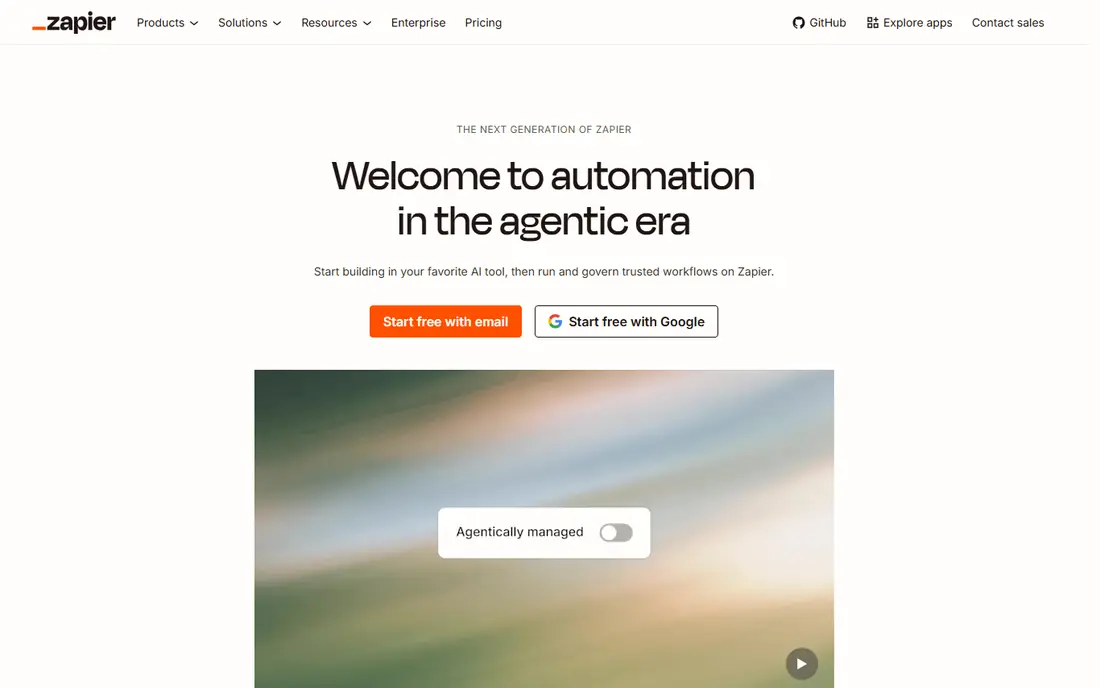
Zapier remains the easiest no-code AI automation tool for most small teams. Its catalog covers thousands of apps, and its AI features help draft messages, summarize data, build agents and create simple apps from prompts. A team can connect a form to a CRM, a sheet and Slack in an afternoon, without code or IT help.
The limit is per-task pricing. Every successful action step counts as a task, so long workflows with many steps cost more than they appear to at first. Zapier fits best for common workflows at moderate volume. If your workflows run thousands of times a month with many steps, Make or n8n may be cheaper.
- Largest app catalog
- AI agents, tables and interfaces
- Easy setup for common workflows
- Per-task pricing punishes high volume
- Multi-step logic costs more per run

Make suits teams that need more logic than a simple trigger and action. Its canvas shows each step, branch and data path, which helps when a workflow must handle different cases, retry errors or transform data. AI modules and agents add drafting, classification and document work to those flows, and its app catalog covers most business tools.
Make runs only in the cloud, and complex scenarios take time to learn. Its credit pricing is usually cheaper per step than Zapier at scale, but high-frequency workflows still need careful budgeting. If your automations need branches, filters and error handling, Make is a strong, visual AI automation choice.
- Clear visual scenario builder
- Branching, routers and error paths
- AI modules and agents
- Learning curve for complex scenarios
- Cloud-only hosting
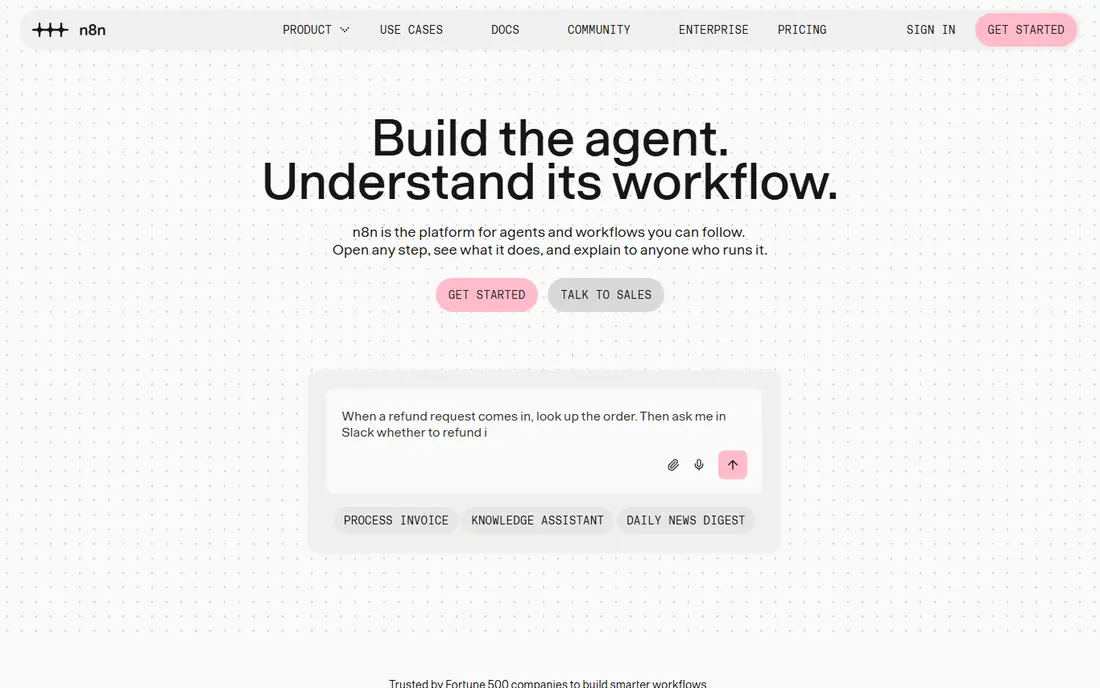
n8n is the pick for teams that want control over data and AI workflows. Its node-based builder supports branching, code steps, HTTP calls and native AI nodes for chat, retrieval and agents. The Community Edition can be self-hosted at no license cost, which suits firms with data residency or privacy rules that rule out cloud-only tools.
Self-hosting is not free in effort. You must run, update and monitor the server, and cloud plans bill per execution. n8n fits teams with some technical skill that want AI agents plus full workflow control. If you want the simplest setup, Zapier or Make will get you live faster.
- Self-hosted Community Edition
- Native AI and LLM nodes
- Flexible node-based workflows
- Needs technical setup for self-hosting
- Cloud pricing is per execution
Power Automate suits firms already on Microsoft 365. Cloud flows automate approvals, notifications and data moves across Outlook, Teams, SharePoint and Dynamics, while desktop flows handle older apps without APIs. AI Builder adds document processing, predictions and text analysis for teams that handle forms and invoices.
Licensing is the catch. Some flows come with Microsoft 365 plans, but premium connectors, AI Builder credits and unattended RPA need extra licenses. That complexity can surprise buyers. If your firm already runs Microsoft tools, Power Automate is the natural no-code AI automation choice. If not, a standalone tool will be simpler.
- Native Microsoft 365, Teams and SharePoint fit
- Desktop RPA flows
- AI Builder for documents and predictions
- Premium connectors and AI features cost extra
- Licensing can be confusing
Gumloop targets business teams that want AI agents without code. Its visual builder chains AI steps for web research, document extraction, data enrichment and reporting, with templates for common jobs such as lead lists and market scans. That focus suits operations, sales and research teams that repeat the same AI task many times.
Credit pricing is the risk. AI-heavy steps consume credits at rates that are hard to predict from the base plan price alone, so a busy agent can cost more than expected. Gumloop fits teams with a clear, repeatable AI job and a budget for credits. For simple app-to-app automation, Zapier or Make will be cheaper and clearer.
- Visual AI agent builder
- Strong for research, scraping and document work
- Templates for common agent jobs
- Credit pricing is hard to forecast at scale
- No free plan, only a trial
Lindy focuses on AI agents that handle inbox, meetings and CRM work for busy professionals. You can describe an agent in plain language, such as triaging email, booking meetings or updating a CRM after a call, and Lindy runs it with approval steps where needed. That agent-first design saves time for founders, sales leads and operations managers.
The price is higher than a basic automation tool, and free credits are limited. Lindy fits people who will delegate several daily tasks to agents and who value approvals. If you only need a few simple app connections, a cheaper workflow tool will do the same job for less.
- Ready-made agents for email, calendar and CRM
- Natural-language agent building
- Human approval steps
- Paid plans start higher than simple automation tools
- Credit and task limits need care
Relay.app suits teams that want AI automation with a human checkpoint built in. Its builder lets AI draft, summarize or classify, then routes the result to a person for approval before it sends or updates a record. That design fits hiring, support, finance and operations workflows where an unchecked AI action could cause harm.
The app catalog is smaller than Zapier, and entry plans limit steps, so check your key apps before you commit. Relay.app fits teams that value control and auditability over raw app count. If you need the widest catalog, Zapier remains the safer pick, with approvals added manually where needed.
- Clear human approval steps
- AI steps for drafting and summarizing
- Good for team workflows
- Smaller app catalog than Zapier
- Entry plan limits steps per month
Bardeen helps individuals and small teams automate work inside the browser and meetings. Its playbooks scrape pages, enrich leads, update CRMs and prepare meeting notes, with AI steps for drafting and summarizing. That focus suits sales, recruiting and operations staff who spend much of their day in web apps.
Bardeen is less suited to back-end, server-style workflows that run on schedules without a browser. Advanced playbooks and higher usage need paid plans. If your automation pain lives in browser tasks and meetings, Bardeen is a useful, focused AI tool. If it lives in back-end systems, pick Zapier, Make or n8n instead.
- Browser automations and playbooks
- Meeting and CRM helpers
- AI actions inside everyday tools
- Browser focus limits back-end workflows
- Advanced features need paid plans
How we picked these
We compared official pricing pages, free plans, AI features and app coverage for tools that let non-developers build AI workflows or agents. We favored tools with current AI steps, approval controls and a track record in production use. We also weighed billing units, since tasks, credits and executions change the real cost at scale. Test AI output with your own data before you automate a customer-facing job.
How to choose a no-code AI automation tool
Start with one daily workflow and one clear owner. Good first workflows include lead routing, inbox triage, report building, data entry and meeting follow-up. Map the trigger, the AI step, the human check and the final action before you build, and keep the workflow small enough to test in a week. A tool that handles that one workflow well is a better pick than a tool with a longer feature list.
Next, price the workflow at real volume. Count runs, steps, AI calls and records per month, then compare task, credit and execution pricing at that volume. Check data handling for AI steps, especially for customer, financial or health data, and confirm where data is processed and stored. A cheap tool that mishandles sensitive data is not a bargain.
Add approvals before you scale
AI agents should draft and suggest, while humans approve sends, payments and record changes. Set approval rules for high-risk actions, log every automated change, and add alerts for failures. Review agent output weekly at first, then monthly once accuracy is proven. Good approvals let you scale automation without scaling mistakes.
Measure time saved, not workflows built
Count hours saved, errors reduced and response time improved for each workflow, and retire workflows that cost more to maintain than they save. A small set of reliable automations beats a large set of fragile ones. Revisit pricing each quarter, since AI credit use and task volume often grow faster than expected.
FAQ
What are the best no-code AI automation platforms?
Zapier and Make lead for general no-code AI automation, n8n leads for self-hosted AI workflows, and Power Automate leads for Microsoft 365 firms. Gumloop and Lindy lead for agent-style work, while Relay.app leads for human-approved workflows. The best pick depends on your apps, volume and need for approvals.
Do no-code AI automation tools have free plans?
Yes, Zapier, Make, n8n Community Edition, Power Automate in some Microsoft plans, Lindy, Relay.app and Bardeen offer free tiers or free plans. Gumloop offers a trial rather than a free plan. Free plans limit tasks, credits, executions or steps, so expect to pay once a workflow runs daily at real volume.
Is no-code AI automation safe for business data?
Reputable tools offer access controls, encryption and audit logs, but you should still check how AI steps handle your data, where it is processed, and whether it is used for model training. Limit AI access to needed records, add human approvals for sensitive actions, and follow your privacy and security policies before you connect customer data.
Can AI agents replace staff?
No, AI agents handle repetitive drafting, triage, data moves and summaries, while people handle judgment, relationships and exceptions. Teams that use agents well give staff more time for high-value work, not fewer staff. The risk is not replacement, but unchecked agent actions that create errors at scale.
How much do no-code AI automation tools cost?
Entry costs range from free plans at Zapier and Make to higher agent pricing at Lindy and Gumloop. Zapier paid plans start near $20 per month, Make near $9 per month, and n8n Cloud near €20 per month, while enterprise tools price by quote. Price tasks, credits or executions at your real volume, plus any separate AI model costs, before you commit.