Choosing Mobile App Debugging Tools for Enterprise in 2026: 6 Options Compared
Best mobile app debugging tools for enterprise in 2026: 6 contenders with entry costs and free tiers. Every pick includes one clear drawback. No hype.
- Editor's choiceHeadSpin
Real device testing with AI-driven insights
Starts atSee websiteVisit headspin.ioFull review - Great alternative
 Sentry
Error tracking with performance monitoring
Starts at$26 a monthVisit sentry.ioFull review - Also considerLambdaTest Real Device Cloud
Live and automatic testing on real phones
Starts at$15 a month billed annuallyVisit lambdatest.comFull review
Direct answer
For Real device testing with AI-driven insights, HeadSpin is where this list starts. Listed starting prices: Sentry from $26 a month, LambdaTest Real Device Cloud from $15 a month billed annually and New Relic Mobile Monitoring from $10 per user a month. For a different need, Sentry covers error tracking with performance monitoring and LambdaTest Real Device Cloud covers Live and automatic testing on real phones. The other 3 tools in the list cover narrower or pricier cases.
TL;DR:
- Top of the list is HeadSpin, which targets Real device testing with AI-driven insights.
- Firebase Crashlytics suits Realtime crash and stability reporting.
- One limit worth knowing about HeadSpin: system breadth may be more than small teams need.
- Sentry, LambdaTest Real Device Cloud, New Relic Mobile Monitoring, Firebase Crashlytics: these are the 4 tools out of 6 that offer a free plan.
- Firebase Crashlytics has the lowest monthly starting price in this list: $9.37 per month.
Last checked November 2026. Prices and plan details were read from the vendors' own pages in November 2026; vendors change plans often, so confirm the current price on the vendor site before you buy.
Quick comparison
| Tool | Best for | Starts at | Free plan? | |
|---|---|---|---|---|
| HeadSpin | Real device testing with AI-driven insights | See website | Free trial | Visit |
| Sentry | Error tracking with performance monitoring | $26 a month | Yes | Visit |
| LambdaTest Real Device Cloud | Live and automatic testing on real phones | $15 a month billed annually | Yes | Visit |
| New Relic Mobile Monitoring | Live mobile performance and crash insight | $10 per user a month | Yes | Visit |
| BrowserStack App Live | Interactive manual debugging on real devices | See website | Not stated | Visit |
| Firebase Crashlytics | Realtime crash and stability reporting | $9.37 a month | Yes | Visit |
The best mobile app debugging tools for enterprise
If you are comparing mobile app debugging tools for enterprise, this page covers 6 tools in one place: what each is best for, what it costs to start, whether it has a free plan, and the main limit to know about.
HeadSpin
Best for: Real device testing with AI-driven insights
HeadSpin makes the most sense for Real device testing with AI-driven insights. Choose it when performance insight across geographies is a core requirement.
Trade-offs to know: Product breadth may be more than small teams need.
On top of that, HeadSpin is a real device testing platform for mobile, web, and OTT that emphasizes AI-driven insights, KPI analysis, and automation across plenty of locations. For everyday use, getting value from the analytics relies on proper instrumentation and data collection. HeadSpin shows no starting price here, so confirm the cost on the vendor site. Free access: Free trial.
- Real device testing for mobile, web, OTT
- AI-driven insights and KPI analysis
- Insight features need data and setup to be handy
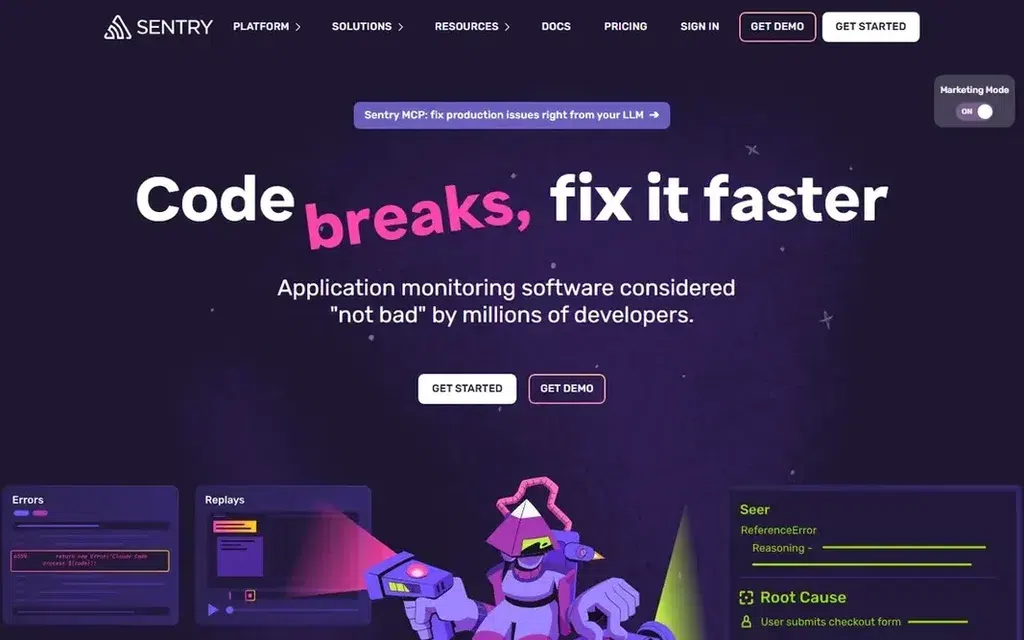
Sentry is a good fit for error tracking with performance monitoring. Sentry is an application performance monitoring and error tracking product made for developers and software teams.
The main drawbacks: Wide feature set may need configuration effort to tune.
It aims to help teams see errors more plainly, solve issues quicker, and keep learning continuously. For everyday use, the product handles numerous environments, so setup and alert tuning can take time. Price to start with Sentry: $26 per month. You can start on Sentry without paying.
- Supports continuous learning through continuing issue insight
- Helps developers see errors more plainly and solve issues quicker
- Mobile-specific debugging depth varies by integration
LambdaTest Real Device Cloud
Best for: Live and automatic testing on real phones
LambdaTest Real Device Cloud is aimed squarely at Live and automatic testing on real phones. As with any remote device service, session availability and responsiveness can rely on demand and network conditions. It is aimed at teams that want remote access to real hardware for debugging and validation.
The main drawbacks: Device availability may vary by demand.
On top of that, enterprises can use it to extend device coverage without owning every model. In daily use, teams with very specialized device needs should confirm coverage before committing. More specifically, pick it when a mix of live and automatic real device testing is required. Entry price for LambdaTest Real Device Cloud: $15 per month billed annually. LambdaTest Real Device Cloud has a free plan.
- Pixel models
- Real device testing for apps and websites
- Automation setup needs some configuration
New Relic Mobile Monitoring
Best for: Live mobile performance and crash insight
New Relic Mobile Monitoring makes the most sense for Live mobile performance and crash insight. Pick it when mobile data should feed a unified observability practice.
Limits to weigh: Mobile monitoring is one part of a bigger system.
New Relic Mobile Monitoring supplies real-time mobile monitoring for iOS, Android, and React Native apps, with a focus on fixing crashes and optimizing user experience. From a buyer's view, effective use commonly relies on instrumenting the app and configuring dashboards. New Relic Mobile Monitoring pricing: $10 per user per month. Free access exists with New Relic Mobile Monitoring.
- Suits into a broader observability product
- Real-time monitoring for iOS, Android
- Full value relies on wider observability adoption
BrowserStack App Live
Best for: Interactive manual debugging on real devices
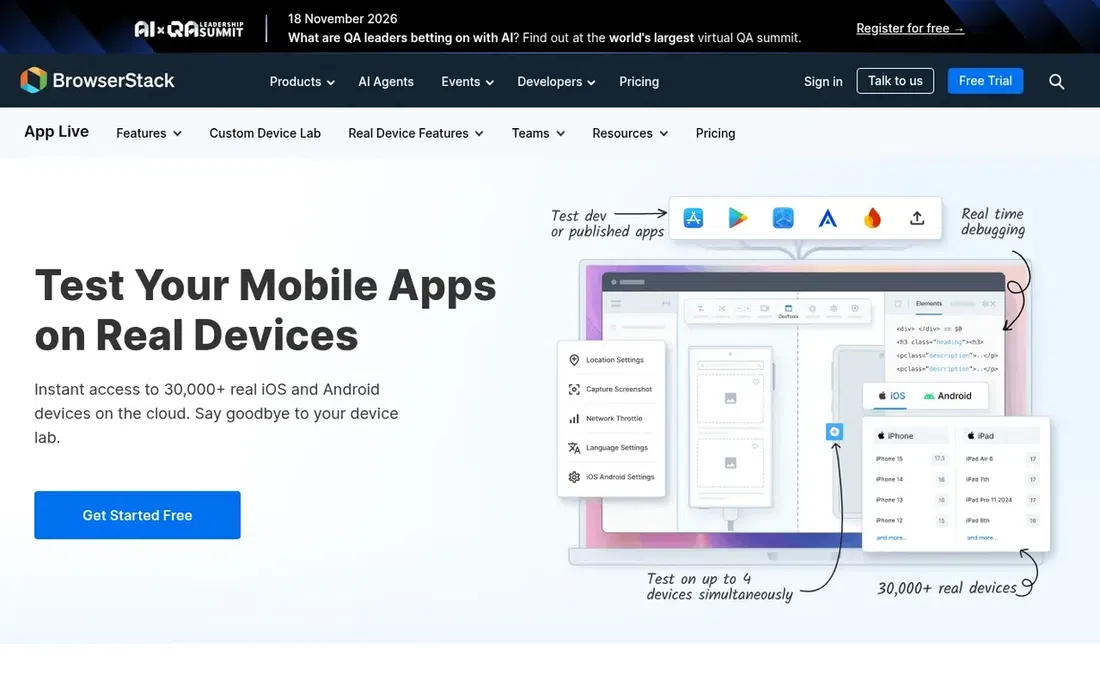
In short, BrowserStack App Live is for interactive manual debugging on real devices. Since it centers on interactive sessions, teams that require scripted regression runs may prefer a dedicated automation system.
Downsides: Manual interactive sessions may not suit completely automatic pipelines.
More specifically, network latency can also affect responsiveness during remote sessions. Pricing for BrowserStack App Live is not stated here, so ask the vendor for current figures. On free options: Not stated.
- Interactive testing without maintaining an in-house device lab
- Supports several OS versions and widely used device models
- Requires stable network connectivity for remote device access
Firebase Crashlytics
Best for: Realtime crash and stability reporting
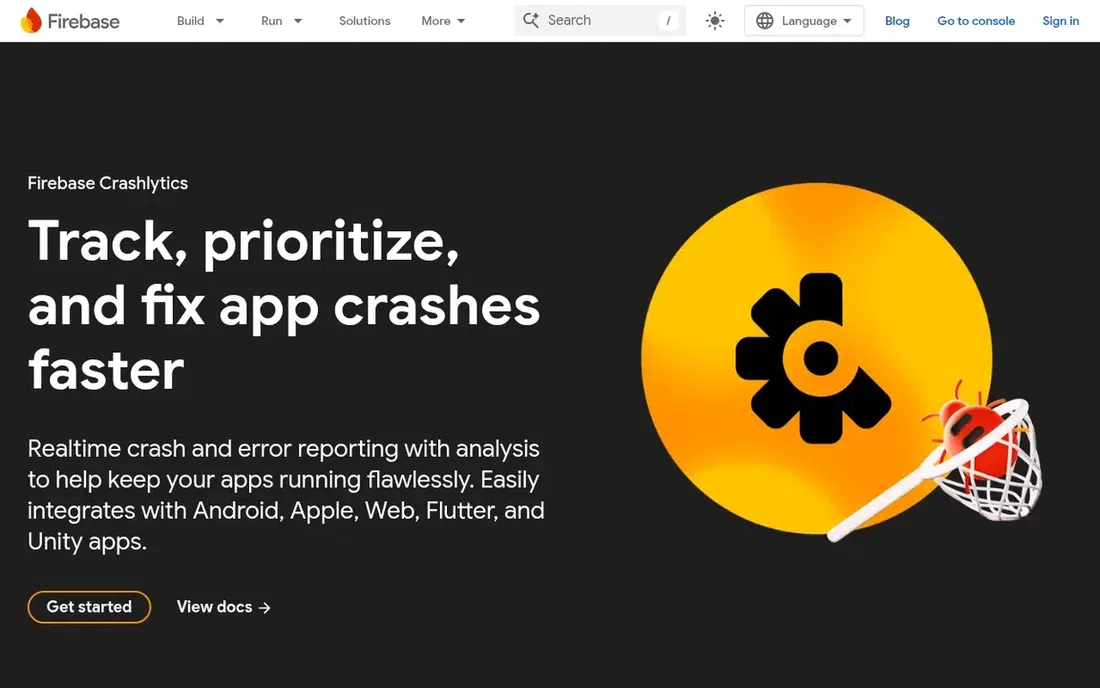
Firebase Crashlytics is designed for Realtime crash and stability reporting. Firebase Crashlytics provides realtime app crash and stability reporting for iOS, Android, Web, Flutter, and Unity apps. It is meant to help teams track, prioritize, and fix crashes quicker.
Honest limits: Deeper analysis may need combining it with other tools.
More specifically, pick it when crash visibility and quick triage are the primary goals. Crashlytics is most solid on crash data and is not a full application performance monitoring suite. In daily use, teams that require deep tracing of slow transactions may want to pair it with another tool. On cost, Firebase Crashlytics starts like this: $9.37 per month. Firebase Crashlytics offers a free plan.
- Helps teams track and prioritize stability issues
- Suits into the broader Firebase ecosystem
- Primarily centred on crashes instead of full performance monitoring
How the list was put together
The comparison looks at four things: starting price, free access, how well the feature set matches mobile app debugging tools for enterprise, and the main limit of each tool. Figures are shown as the vendors publish them. Billing terms, seat minimums and add-ons can change the real cost. Tools are placed by general fit for mobile app debugging tools for enterprise, with price clarity and free access as tie-breakers. A different team can reasonably rank them differently.
What to check before you buy
- Get a written quote from HeadSpin and BrowserStack App Live; the list shows no starting price for them.
- Check what the free option really includes: Sentry, LambdaTest Real Device Cloud, New Relic Mobile Monitoring and Firebase Crashlytics offer a free plan, and usage caps differ.
- Run a trial of HeadSpin with real work before paying for a year; your own workflow is the best test.
- Read the limits listed for HeadSpin first: system breadth may be more than small teams need.
- Look at which plan of New Relic Mobile Monitoring unlocks the features you need; entry tiers are often cut down.
- Pick one real project and run it in BrowserStack App Live first; a small pilot shows fit faster than a checklist.
FAQ
Do these tools publish their prices?
Not all of them. HeadSpin and BrowserStack App Live publish no starting price, so expect a quote request for those. The rest, Sentry included, show a starting price, though seats and billing terms still change the final cost.
How are the tools for mobile app debugging tools for enterprise ordered?
HeadSpin sits first and Firebase Crashlytics last because the order follows typical fit for mobile app debugging tools for enterprise, then price clarity and free access. It is a judgement call, so read each profile for fit and limits.
What is the cheapest option for mobile app debugging tools for enterprise in this list?
On published monthly entry prices, Firebase Crashlytics is the lowest here at $9.37 per month. Entry price is only part of the cost, because seats, add-ons and billing terms can change the total. For the full picture, the cards above cover all 6 entries of this mobile app debugging tools for enterprise list, including price, free plan and limits.
When should a team choose crash reporting over real device testing?
Crash reporting tools like Firebase Crashlytics are best when the priority is understanding production stability issues rapidly. Real device testing products are better for reproducing and debugging issues interactively before release.
Which options for mobile app debugging tools for enterprise have a free plan?
On this list, Sentry, LambdaTest Real Device Cloud, New Relic Mobile Monitoring and Firebase Crashlytics include a free plan. Caps on seats, usage or features are common, so test the free plan against your real workload. One other tool offers a trial instead.
What should enterprises look for in a mobile app debugging tool?
Enterprises should prioritize real device coverage, support for their app frameworks, and integration with existing development and monitoring workflows. Security and data handling policies also matter when debugging data leaves internal systems.
Sources
- https://www.headspin.io
- https://sentry.io
- https://www.lambdatest.com/real-device-cloud
- https://newrelic.com/platform/mobile-monitoring
- https://www.browserstack.com/app-live
- https://firebase.google.com/products/crashlytics