Choosing Mac Cleaning Software in 2026: 6 Options Compared
6 options for the best mac cleaning software, with entry costs, free tiers and the buyer each one serves. Caveats come with every verdict. Read the profiles.
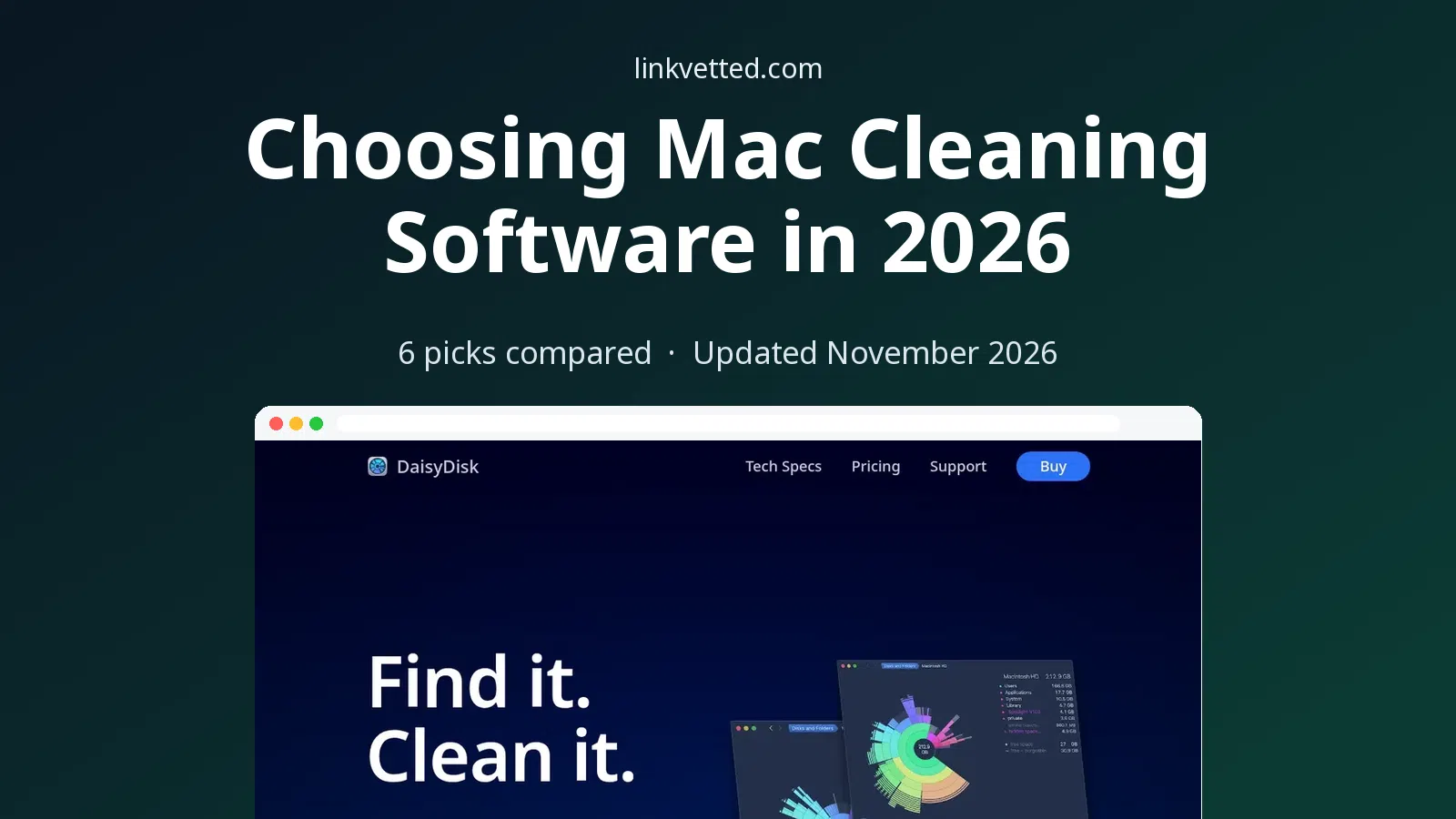
- Editor's choiceDaisyDisk
Visual disk space analysis
Starts atPricing on requestVisit daisydiskapp.comFull review - Great alternativeGemini 2
Finding and removing duplicate files
Starts atPricing on requestVisit macpaw.comFull review - Also considerOnyX
System maintenance and hidden settings
Starts atPricing on requestVisit titanium-software.frFull review
Direct answer
Start with DaisyDisk if you need visual disk space analysis. Alternatives: Gemini 2 for finding and removing duplicate files, and OnyX for system maintenance and hidden settings. Free plan facts and limits for all 6 tools follow. None of these vendors publish plan prices, so pricing is on request for every option.
TL;DR:
- Top of the list is DaisyDisk, which targets visual disk space analysis.
- The main caution on Gemini 2: does not handle general system cleaning.
- DaisyDisk, Sensei and the 4 others all need a premium plan or a trial, since no free plan is listed.
- Every tool from DaisyDisk to Sensei works by quote, with no list price shown.
- For performance and hardware monitoring, Sensei is worth a look.
Last checked November 2026. Pricing on request: vendors did not publish plan prices when this guide was last checked (November 2026), so ask each vendor for a written quote.
Quick comparison
| Tool | Best for | Starts at | Free plan? | |
|---|---|---|---|---|
| DaisyDisk | Visual disk space analysis | Pricing on request | Not stated | Visit |
| Gemini 2 | Finding and removing duplicate files | Pricing on request | Not stated | Visit |
| OnyX | System maintenance and hidden settings | Pricing on request | Not stated | Visit |
 CCleaner | Cleaning clutter and browsing privacy | Pricing on request | Not stated | Visit |
| CleanMyMac | All-in-one Mac cleaning and maintenance | Pricing on request | Not stated | Visit |
| Sensei | Performance and hardware monitoring | Pricing on request | Not stated | Visit |
The full mac cleaning software list
Choosing mac cleaning software usually comes down to price, fit and limits. This LinkVetted guide sets 6 tools side by side on those three points, with the facts kept short and checkable.
DaisyDisk
Best for: Visual disk space analysis
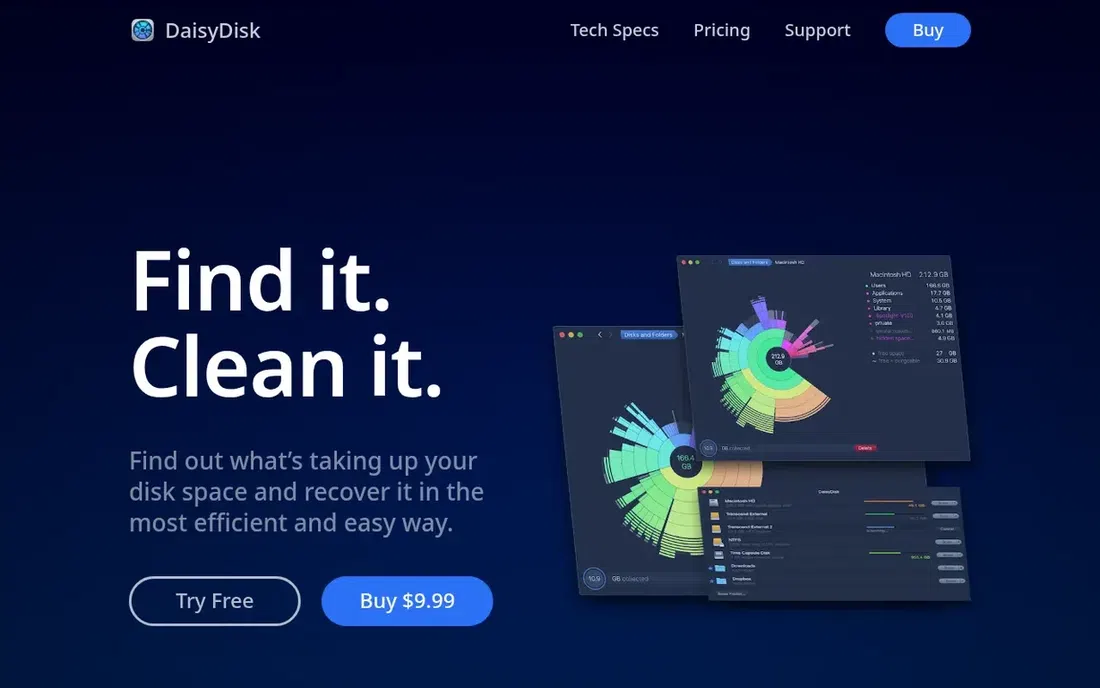
DaisyDisk is aimed squarely at visual disk space analysis. DaisyDisk presents a visual breakdown of your disk space as an interactive map, making it simple to see what is taking up room. More specifically, if your goal is automatic cleanup instead of manual exploration, a multifunction tool may fit better.
The main drawbacks: Concentrated on disk space instead of general cleaning.
From a buyer's view, choose DaisyDisk when storage visibility and deliberate deletion are the priority. You can reveal the largest space consumers and remove them with a straightforward drag-and-drop. It performs well as a companion to a broader cleaning app. It is not a general-purpose cleaner, so it will not handle duplicate files, app leftovers or maintenance scripts. DaisyDisk shows no starting price here, so confirm the cost on the vendor site. As for free access: Not stated.
- Removal by simple drag and drop
- Interactive map of disk usage
- No duplicate or maintenance features
Gemini 2
Best for: Finding and removing duplicate files
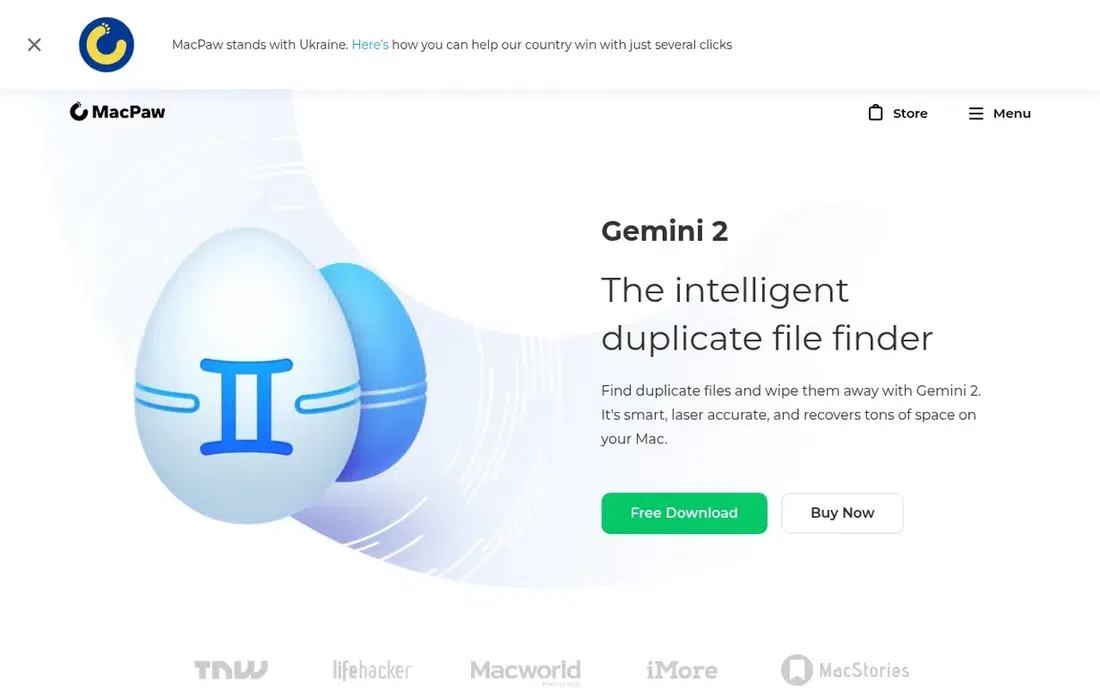
Think of Gemini 2 for finding and removing duplicate files. Gemini 2 is described as an intelligent duplicate finder for Mac, targeted at deleting duplicates of photos, iTunes audio and other files.
Drawbacks to consider: Does not cover general system cleaning.
Also, users wanting a single app for all cleanup tasks should pair it with a broader cleaner or choose a suite. For everyday use, a dedicated duplicate finder keeps that task straightforward and avoids the additional modules found in bigger suites. Gemini 2 shows no starting price here, so confirm the cost on the vendor site. On free options: Not stated.
- Handy for reclaiming space from repeated files
- Targets duplicates of photos
- Narrow scope compared to suites
OnyX
Best for: System maintenance and hidden settings
Pick OnyX if this describes you: system maintenance and hidden settings. Choose OnyX when you want maintenance and configuration control and are willing to read the choices carefully.
Its breadth and technical orientation can be intimidating for casual users who just want to free up space quickly. Those users may prefer a guided cleaner with fewer choices. This comparison lists no price for OnyX; ask the vendor. Trial and free access: Not stated.
Watch-outs: Interface and choices suit more technical users.
- Cleaning and maintenance tasks in one utility
- Can configure some hidden parameters
- Not pitched at casual one-click cleaning
For cleaning clutter and browsing privacy, CCleaner is a natural candidate. The vendor describes it as a widely used Mac cleaning tool, which makes it a typical entry point for entry-level maintenance. It is centered on cleanup and privacy instead of deep system maintenance, disk visualization or duplicate detection.
What to check first: Focused primarily on cleanup and privacy.
CCleaner for Mac is presented as a tool to clean up clutter and keep browsing behavior private. Users needing those tasks should consider a specialized utility or a broader suite. Pricing for CCleaner is not stated here, so ask the vendor for current figures. Free options: Not stated.
- Widely used cleaning approach
- Cleans up clutter on the Mac
- Less depth in system maintenance
CleanMyMac
Best for: All-in-one Mac cleaning and maintenance
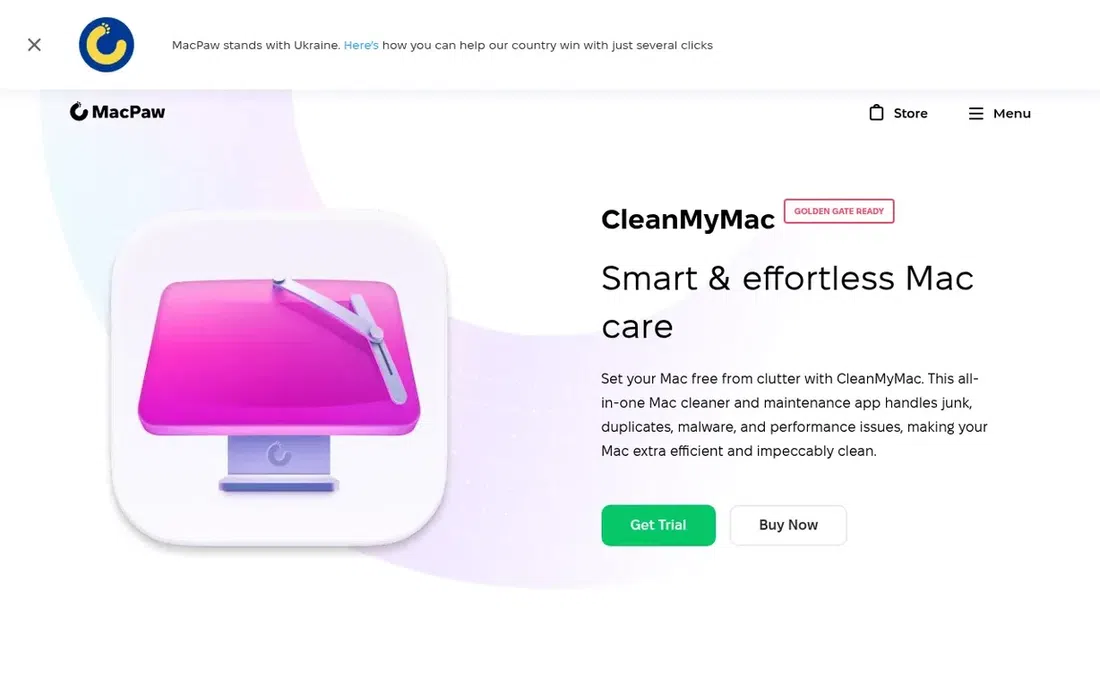
CleanMyMac is built with all-in-one Mac cleaning and maintenance in mind. CleanMyMac is a multifunction Mac cleaner built around cleaning, maintaining and protecting your system.
What users get: Well suited to everyday Mac upkeep.
For everyday use, since it bundles plenty of functions, users who only want to free disk space or remove duplicates may find a focused tool more straightforward and less redundant. Pricing for CleanMyMac is not stated here, so ask the vendor for current figures. On free options: Not stated.
Watch-outs: Overlaps with focused single-purpose tools.
- Merges cleaning
- Straightforward
- Wide feature set may be more than some need
Sensei
Best for: Performance and hardware monitoring
Pick Sensei if this describes you: performance and hardware monitoring. Sensei is a Mac system performance monitoring tool that tracks CPU, GPU and storage, frees up disk space and checks battery health. It is a decent match for people who like data about their system.
Its emphasis on monitoring means it is not a dedicated deep cleaner. So users wanting automatic removal of caches and leftovers may need another tool. Choose Sensei when performance visibility and battery health matter as much as freeing space. Sensei shows no starting price here, so confirm the cost on the vendor site. As for free access: Not stated.
Honest limits: Monitoring focus instead of pure cleaning.
- Comes with disk space cleanup
- GPU and storage
- May be more than casual users need
How these tools were picked
LinkVetted looked at what each vendor publishes: pricing, plan limits, feature coverage for mac cleaning software and stated drawbacks. No hands-on testing is claimed. Plan names, prices and limits change often. Treat the figures here as a starting point and verify them with the vendor. The sequence is a judgement call: typical use case first, then pricing transparency, then free access. Use the profiles to check fit.
What to check before you buy
- Ask each vendor, from DaisyDisk to Sensei, for a written quote; none of them publishes a starting price.
- Read the limits listed for DaisyDisk first: focused on disk space instead of general cleaning.
- The entry price of CleanMyMac is only the starting point; model the full cost with seats and extras.
- Make sure CCleaner lets you export your data in a format another tool can read.
- Test how quickly DaisyDisk answers a pre-sales question; it hints at how support will feel later.
FAQ
How are the tools for mac cleaning software ordered?
The order follows typical fit for mac cleaning software, with DaisyDisk first and Sensei last, then price clarity and free access. It is editorial judgement, not a score, so another team could rank the tools differently.
Does any tool for mac cleaning software here have a free plan?
A permanent free plan is not offered by DaisyDisk, Sensei or the other tools here. Plan a short evaluation period instead.
Are free Mac cleaning tools enough?
Some tools offer free versions, but feature coverage varies by vendor and can change. Check each vendor page to see what is included and whether the tool spans the tasks you need, then decide if a broader app is worth adding.
Is DaisyDisk the right pick for everyone comparing mac cleaning software?
No single tool suits every team. DaisyDisk comes first because it fits visual disk space analysis, while Gemini 2 suits finding and removing duplicate files and OnyX suits system maintenance and hidden settings. Match the tool to your own size, budget and workflow before deciding.
What is the best Mac cleaning software overall?
DaisyDisk is the pick this page puts first, mainly for visual disk space analysis. If your situation differs, Gemini 2 suits finding and removing duplicate files, and OnyX suits system maintenance and hidden settings. Compare price and limits before you decide.
Do these tools publish their prices?
No. None of the tools, from DaisyDisk to Sensei, shows a fixed starting price here, so budget time for quotes.
Sources
- https://daisydiskapp.com
- https://macpaw.com/gemini
- https://www.titanium-software.fr/en/onyx.html
- https://www.ccleaner.com/ccleaner-mac
- https://macpaw.com/cleanmymac
- https://cindori.com/sensei