Lookbook Software in 2026: The 5 Best Options Side by Side
Need the best lookbook software? We compare 5 tools on cost, free access and who each suits. Fit and flaws are laid out for each entry. Updated November 2026.
- Editor's choice
 Squarespace
All-in-one website building with templates
Starts at$12 per monthVisit squarespace.comFull review - Great alternativeSemplice
Designers building configurable portfolios
Starts atSee websiteVisit semplice.comFull review - Also consider
 Format
Creative professionals building portfolio websites
Starts at$10 a monthVisit format.comFull review
Direct answer
Squarespace leads the list, best for all-in-one website building with templates. Listed starting prices: Squarespace from $12 per month and Format from $10 a month. Look at Semplice for designers building configurable portfolios, and at Format for creative professionals building portfolio websites. The other 2 tools in the list cover narrower or pricier cases.
TL;DR:
- This list starts with Squarespace, which is built for all-in-one website building with templates.
- Readymag fits designers creating outstanding websites.
- The cheapest monthly starting price in the list is $10 per month, offered by Format.
- Neither Squarespace nor Readymag, nor any of the other 3 tools, has a permanent free plan; trials and quotes are the norm.
Last checked November 2026. Prices and plan details were read from the vendors' own pages in November 2026; vendors change plans often, so confirm the current price on the vendor site before you buy.
Quick comparison
| Tool | Best for | Starts at | Free plan? | |
|---|---|---|---|---|
| Squarespace | All-in-one website building with templates | $12 per month | Free trial | Visit |
| Semplice | Designers building configurable portfolios | See website | Not stated | Visit |
| Format | Creative professionals building portfolio websites | $10 a month | Free trial | Visit |
 Pixpa | Photographers and artists selling work | See website | Free trial | Visit |
| Readymag | Designers creating outstanding websites | See website | Not stated | Visit |
5 options for lookbook software in detail
Choosing lookbook software usually comes down to price, fit and limits. This LinkVetted guide sets 5 tools side by side on those three points, with the facts kept short and checkable.
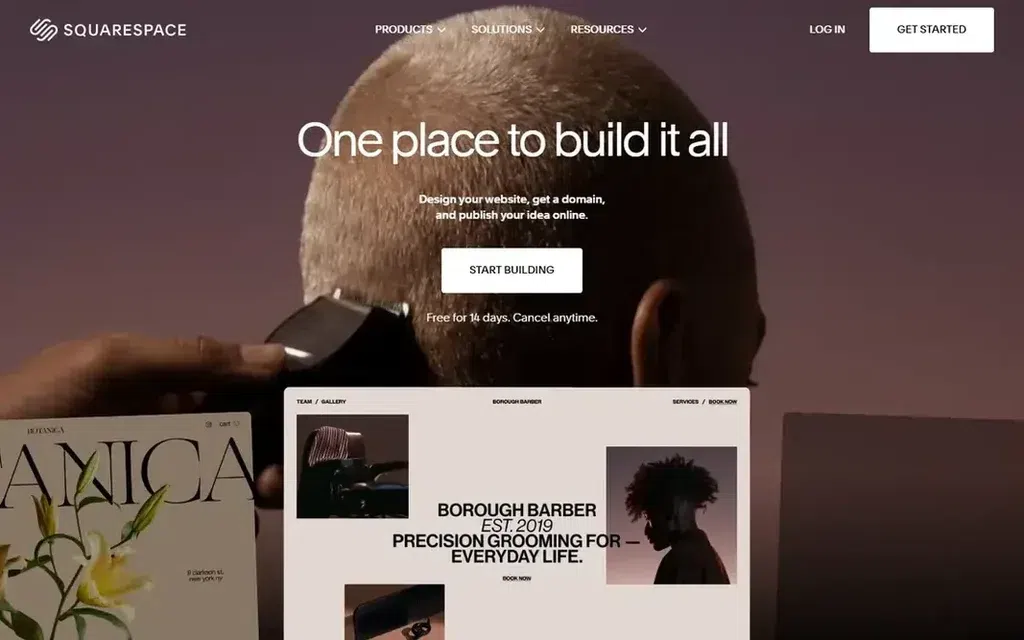
Squarespace targets all-in-one website building with templates. It is a versatile system right for many different firms, including creatives who want a refined lookbook site with professional design and built-in growth tools.
Where it falls short: May be less specialized for lookbooks.
If you need client galleries or a zero-commission store, Pixpa might be a better fit. Price to start with Squarespace: $12 per month. On free options: Free trial.
- AI website builder tools
- Domain name choices
- Can need more setup for portfolio-specific features
Semplice
Best for: Designers building configurable portfolios
Semplice is aimed squarely at designers building configurable portfolios. It gives you a high degree of customization and is tailored to the needs of designers who want full control over their lookbook's design and layout.
Downsides: Less suited for non-designers.
Semplice is built on WordPress, so it may need some technical familiarity. Check the vendor site for Semplice pricing; none is listed in this comparison. On free options: Not stated.
- Focus on portfolio pride
- Configurable portfolio builder
- May need WordPress knowledge
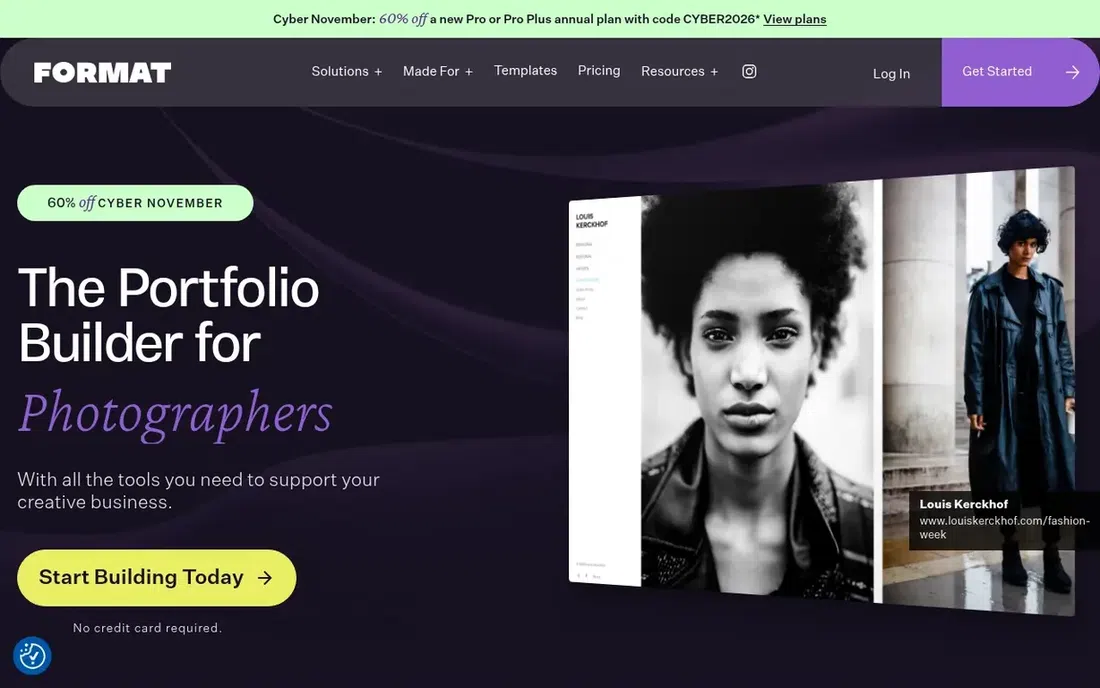
Think of Format for creative professionals building portfolio websites. If you need broad e-commerce or marketing features, consider Pixpa or Squarespace instead. For everyday use, Whereas Format excels at portfolio sites, it may not offer the same breadth of business tools as general-purpose website builders.
Honest limits: May be less suited to non-creative companies.
From a buyer's view, Format is a website builder aimed at creative professionals to present their work, collaborate, and grow an online business. It emphasizes portfolio presentation and smooth collaboration, making it a solid fit for photographers, artists, and designers who want a lookbook-style site that showcases their creative output. Format pricing: $10 per month. Free access: Free trial.
- Portfolio-focused website builder
- Tools to grow an online business
- Restricted information on advanced marketing tools
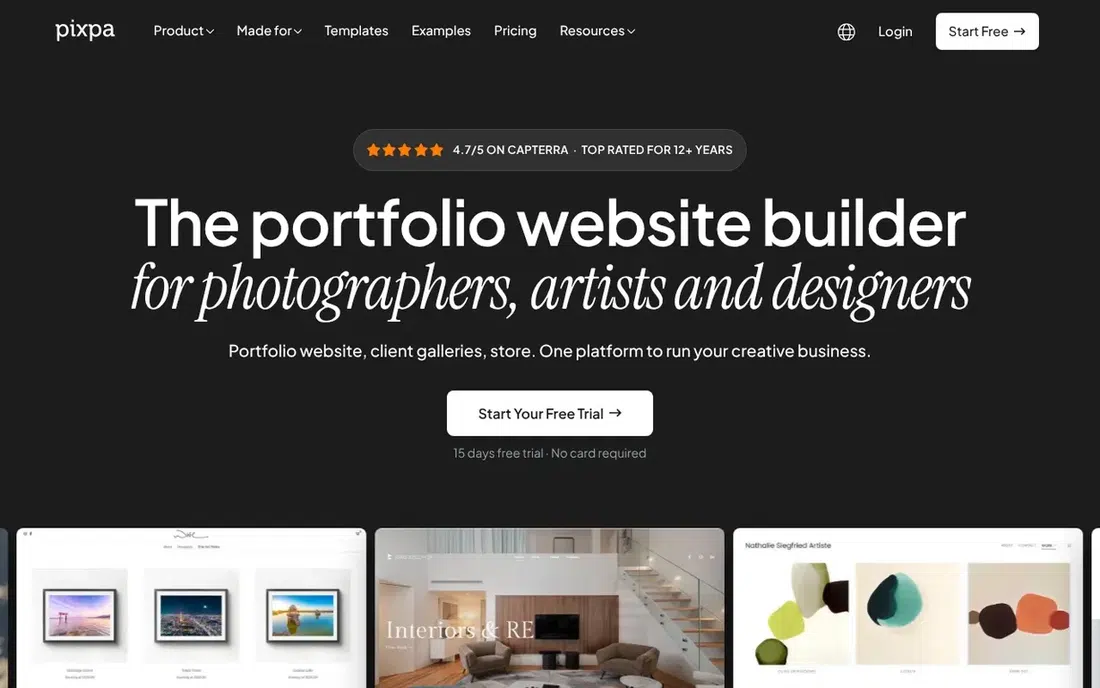
Pixpa is a good fit for photographers and artists selling work. Pixpa is a portfolio website builder for photographers, artists, and designers, offering client galleries and a zero-commission store.
The main drawbacks: Less a good match for non-visual portfolios.
It fits creatives who want to showcase their work and sell straight without paying commissions on sales, making it a practical choice for photographers and visual artists. Pricing for Pixpa is not stated here, so ask the vendor for current figures. Free access: Free trial.
- Zero-commission store
- Portfolio website builder
- May focus heavily on photography
Readymag
Best for: Designers creating outstanding websites
Pick Readymag if this describes you: designers creating outstanding websites. Readymag's design adaptability may come with a steeper ramp-up time and fewer built-in business tools.
In practice, if you need a more straightforward setup with client galleries, Pixpa or Format might be more suitable. Pricing for Readymag is not stated here, so ask the vendor for current figures. Free plan details: Not stated.
Downsides: May have a ramp-up time for beginners.
- Focus on unique web design
- Creative freedom
- Limited information on built-in business tools
What went into this list
Before you commit
- Ask Semplice, Pixpa and Readymag for a written quote, since no starting price is shown.
- Use real work to test the free trial from Squarespace, Format and Pixpa, rather than a demo project.
- Read the limits listed for Squarespace first: may be less specialized for lookbooks.
- Before you load data into Squarespace, check what an export looks like and who can run it.
- Find out whether the entry plan of Format covers your must-haves or only a trimmed-down version.
FAQ
What is lookbook software?
Lookbook software is a website builder or product meant to help creatives showcase their work in a visual portfolio format. It usually comes with templates, galleries, and design tools tailored to presenting collections, projects, or products.
How are the tools for lookbook software ordered?
The order follows typical fit for lookbook software, with Squarespace first and Readymag last, then price clarity and free access. It is editorial judgement, not a score, so another team could rank the tools differently.
What is the cheapest option for lookbook software in this list?
On published monthly entry prices, Format is the lowest here at $10 per month. Entry price is only part of the cost, because seats, add-ons and billing terms can change the total. Prices, free plan details and limits for all 5 tools in this Lookbook software roundup sit on the individual cards above.
Do I need technical skills to use lookbook software?
Even so, tools like Semplice may need some WordPress familiarity, whereas hosted builders like Format or Squarespace are usually more approachable for beginners.
Is Squarespace the right pick for everyone comparing lookbook software?
No single tool suits every team. Squarespace comes first because it fits all-in-one website building with templates, while Semplice suits designers building customizable portfolios and Format suits creative professionals building portfolio websites. Match the tool to your own size, budget and workflow before deciding.
Does any tool for lookbook software here have a free plan?
No tool in this list, Squarespace and Readymag included, has a permanent free plan. Squarespace, Format, Pixpa offer a trial. Trials and quotes are the usual route, so plan a short evaluation period.
Sources
- https://www.squarespace.com
- https://www.semplice.com
- https://format.com
- https://www.pixpa.com
- https://readymag.com