Logbook Software in 2026: The 5 Best Options Side by Side
Best logbook software in 2026: 5 tools with starting prices, free plans and limits. The weak spots sit next to the strengths. Built for quick decisions.
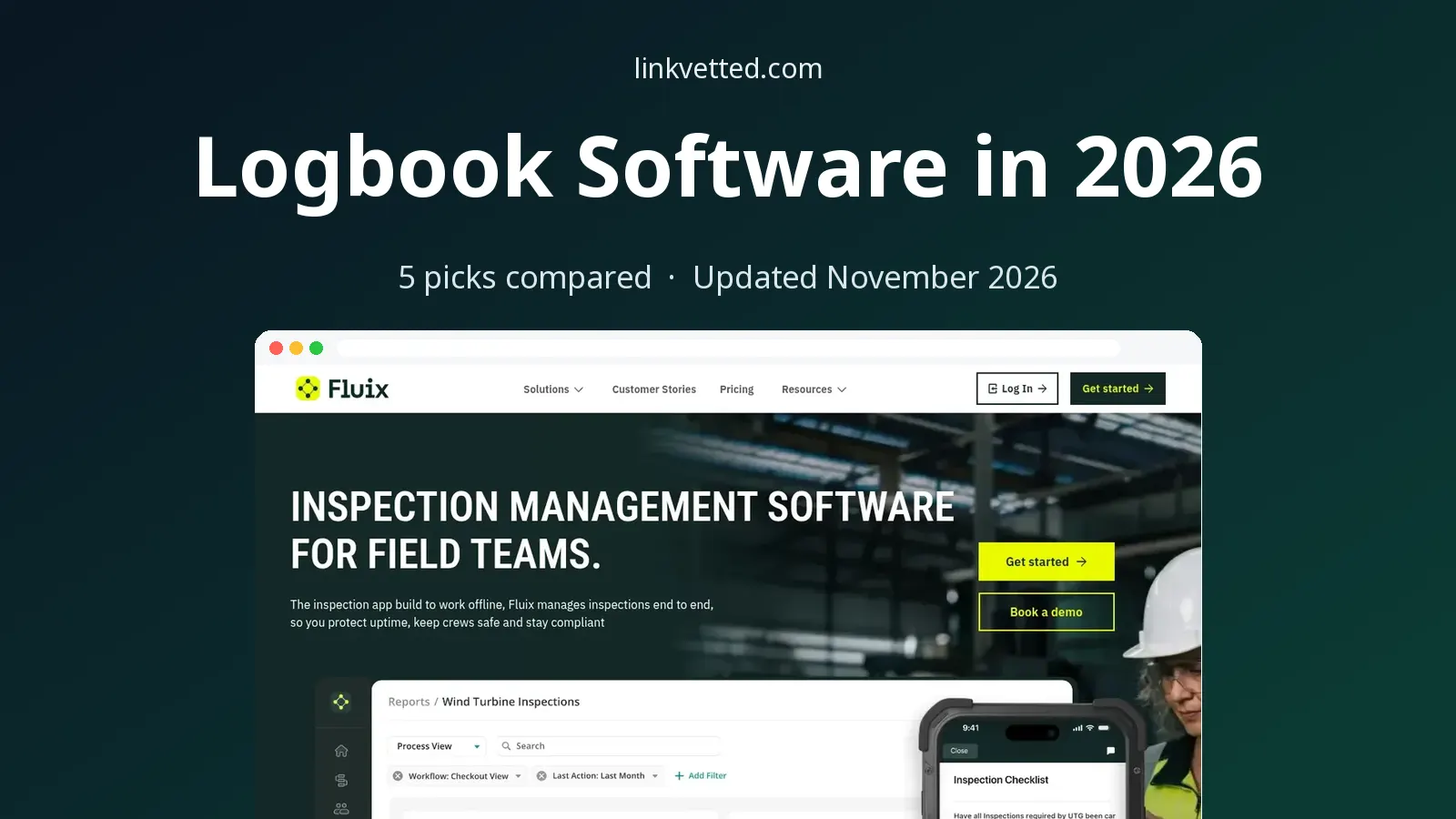
- Editor's choiceFluix
Inspection management
Starts atSee websiteVisit fluix.ioFull review - Great alternative
 Jotform
Simple form building
Starts at$34 per monthVisit jotform.comFull review - Also consider
 GoCanvas
Configurable frontline operations
Starts at$29 per user a monthVisit gocanvas.comFull review
Direct answer
If you need inspection management, Fluix is the first tool to look at here. Listed starting prices: Jotform from $34 per month, GoCanvas from $29 per user a month and SafetyCulture iAuditor from $24 per seat per month. Jotform is the stronger choice for simple form building, while GoCanvas suits configurable frontline operations. The full list of 5 tools follows, with prices and free plan facts.
TL;DR:
- This list starts with Fluix, which is built for inspection management.
- Only 2 of the 5 tools have a free plan (Jotform, SafetyCulture iAuditor), so check the caps.
- A fair warning about GoCanvas: customization may need setup time.
- SafetyCulture iAuditor suits workplace safety and operations.
- The lowest published monthly entry price here is $24 per seat per month, from SafetyCulture iAuditor.
Last checked November 2026. Prices and plan details were read from the vendors' own pages in November 2026; vendors change plans often, so confirm the current price on the vendor site before you buy.
Quick comparison
| Tool | Best for | Starts at | Free plan? | |
|---|---|---|---|---|
| Fluix | Inspection management | See website | Not stated | Visit |
| Jotform | Simple form building | $34 per month | Yes | Visit |
| GoCanvas | Configurable frontline operations | $29 per user a month | No | Visit |
| Device Magic | Mobile forms and offline data | See website | Not stated | Visit |
| SafetyCulture iAuditor | Workplace safety and operations | $24 per seat per month | Yes | Visit |
The full logbook software list
Choosing logbook software usually comes down to price, fit and limits. This LinkVetted guide sets 5 tools side by side on those three points, with the facts kept short and checkable.
Fluix
Best for: Inspection management
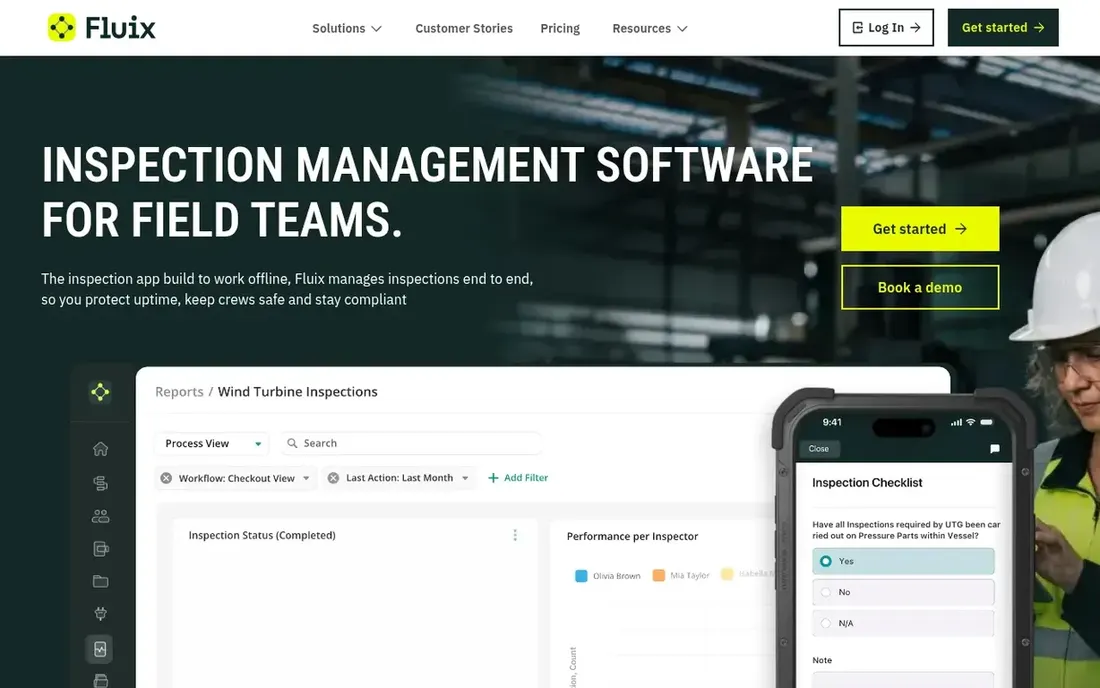
In short, Fluix is for inspection management. The tool fits organizations that prioritize inspection workflows and want to boost data-driven decision-making from field activities.
As for the details, if you need a broader operations product, consider alternatives with wider feature sets. Fluix shows no starting price here, so confirm the cost on the vendor site. Trial and free access: Not stated.
Watch-outs: May not include broader operations.
- Supports field teams
- Inspection-focused features
- Narrower focus on inspections
Jotform works best for simple form building. Jotform is an online form builder that lets you build forms and surveys easily. It is right for straightforward logbook entries, data collection, and surveys, particularly for teams that require a straightforward option without broad setup.
For everyday use, if you need mobile-first, offline-capable logbook software, a specialized tool would be more appropriate. In practice, whereas well suited to entry-level forms, it may lack the advanced features needed for field operations or inspections. Jotform cost at the entry level: $34 per month. Jotform offers a free plan.
What to check first: Restricted field operations features.
- Versatile for surveys and logbooks
- Fast form creation
- May not support complicated inspections
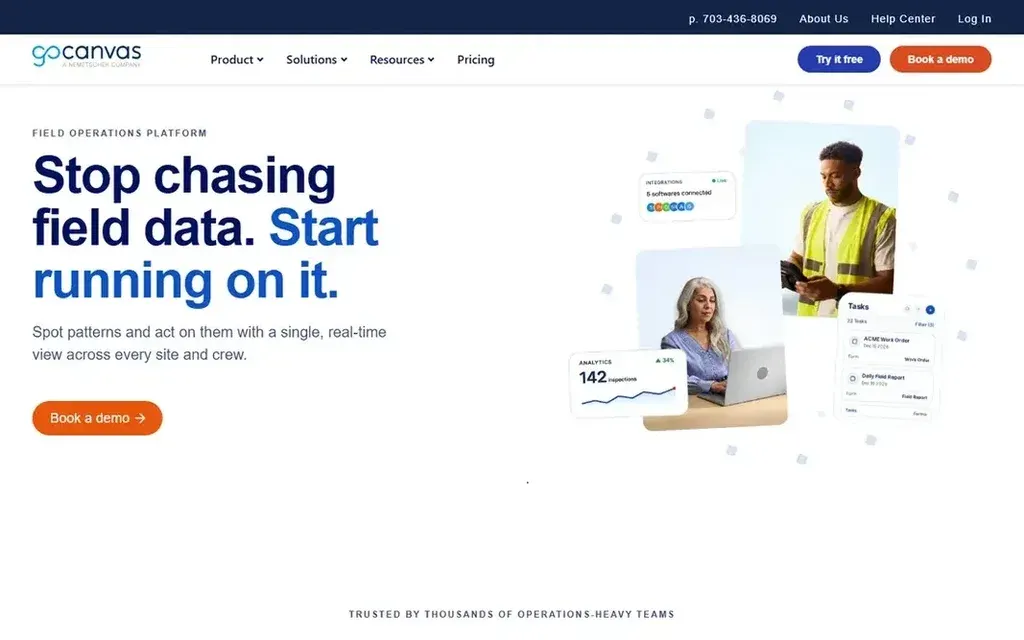
GoCanvas is a good fit for configurable frontline operations. It captures field data that you can run your business on, making it a solid fit for teams needing tailored mobile forms and workflows.
The main drawbacks: Customization may need setup time.
Worth adding: smaller teams with straightforward logbook requirements might find a more straightforward tool sufficient. GoCanvas pricing: $29 per user per month. GoCanvas has no permanent free option.
- Standardizes processes across teams
- Highly configurable workflows
- Could be overkill for small teams
Device Magic
Best for: Mobile forms and offline data
In short, Device Magic is for mobile forms and offline data. The tool is made for adaptability in capturing several types of field information.
Watch-outs: May lack advanced analytics.
In practice, whereas capable in data capture, it may not offer the depth of a full operations system. Beyond that, Device Magic is a mobile forms app that records field data, signatures, work orders, checklists, and more from your teams, even offline. Pricing for Device Magic is not stated here, so ask the vendor for current figures. As for free access: Not stated.
- Records signatures and work orders
- Versatile data collection
- Focus on forms instead of full operations
SafetyCulture iAuditor
Best for: Workplace safety and operations
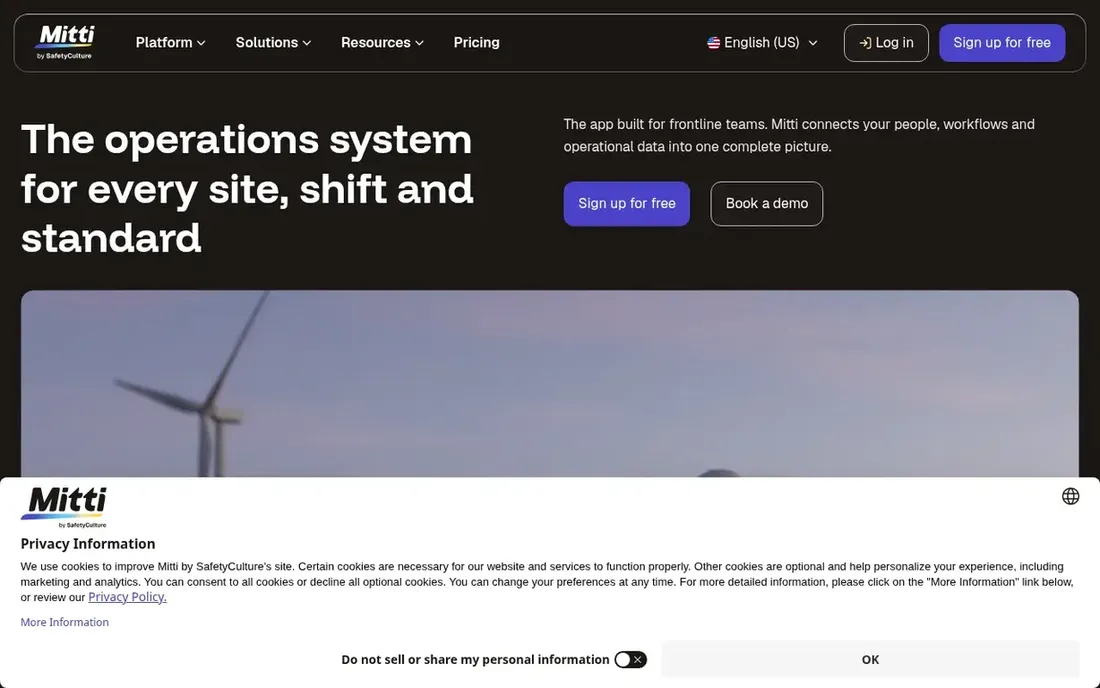
SafetyCulture iAuditor is a good fit for workplace safety and operations. If you need a light form builder for straightforward data collection, consider a more specialized choice.
For everyday use, SafetyCulture iAuditor is an operations system that hands teams confidence to work safely, meet higher standards, and see what's happening across every site. Its wide feature set may be more than needed for entry-level logbook tasks, and the safety orientation might not suit every industry. SafetyCulture iAuditor cost at the entry level: $24 per seat per month. SafetyCulture iAuditor includes a free tier.
What to check first: Focus on safety may not fit all industries.
- Full operations system
- Helps teams work confidently
- May be complicated for straightforward logbooks
How we built this list
We compared the tools on published pricing, free plan or trial availability, feature coverage for logbook software, and the limits each vendor documents. Prices and plan limits come from vendor pages and can change, so confirm them on the vendor site before you buy. Order on the page follows fit for the typical buyer first, then price transparency and free access. Your own requirements should decide the final pick.
A buyer's checklist
- Confirm the entry price on the vendor page. For Fluix and Device Magic that means a quote rather than a fixed price.
- Read the fine print on the free plans from Jotform and SafetyCulture iAuditor; seat, project and feature caps differ.
- Read the limits listed for Fluix first: narrower focus on inspections.
- Check whether the features you need in Device Magic sit on the entry plan or only on higher tiers.
- Before you load data into GoCanvas, check what an export looks like and who can run it.
FAQ
How are the tools for logbook software ordered?
The order follows typical fit for logbook software, with Fluix first and SafetyCulture iAuditor last, then price clarity and free access. It is editorial judgement, not a score, so another team could rank the tools differently.
Is Fluix the right pick for everyone comparing logbook software?
No single tool suits every team. Fluix comes first because it fits inspection management, while Jotform suits easy form building and GoCanvas suits customizable frontline operations. Match the tool to your own size, budget and workflow before deciding.
Which options for logbook software have a free plan?
On this list, Jotform and SafetyCulture iAuditor include a free plan. Caps on seats, usage or features are common, so test the free plan against your real workload.
What should I look for in logbook software?
Also check for mobile support and integration with other tools. SafetyCulture iAuditor and GoCanvas are capable for operations, whereas Jotform fits straightforward forms.
What is the cheapest option for logbook software in this list?
On published monthly entry prices, SafetyCulture iAuditor is the lowest here at $24 per seat per month. Entry price is only part of the cost, because seats, add-ons and billing terms can change the total.
Sources
- https://fluix.io
- https://www.jotform.com
- https://www.gocanvas.com
- https://www.devicemagic.com
- https://safetyculture.com