Best LMS Software for Training (2026): 5 Picks Checked on Vendor Pages
Searching for the best LMS software for training? Here are 5 options with prices and free plans. Costs and caveats sit beside each pick. Details below.
- Editor's choiceCornerstone LMS
Workforce readiness and skills programs
Starts atSee websiteVisit cornerstoneondemand.comFull review - Great alternative
 TalentLMS
Straightforward cloud-based course delivery
Starts at$119 a monthVisit talentlms.comFull review - Also considerAdobe Learning Manager
Personalized training at scale
Starts atSee websiteVisit business.adobe.comFull review
Direct answer
Cornerstone LMS comes first here, mainly for workforce readiness and skills programs. Listed starting prices: TalentLMS from $119 a month. TalentLMS fits straightforward cloud-based course delivery; Adobe Learning Manager fits personalized training at scale. The full list of 5 tools follows, with prices and free plan facts.
TL;DR:
- The list opens with Cornerstone LMS, aimed at workforce readiness and skills programs.
- LearnUpon comes with a trade-off: newer positioning may need careful evaluation.
- Just one of the 5 tools, TalentLMS, has a free plan.
- For the cheapest start, look at TalentLMS: $119 per month.
- Docebo fits skills intelligence tied to training.
Last checked November 2026. Prices and plan details were read from the vendors' own pages in November 2026; vendors change plans often, so confirm the current price on the vendor site before you buy.
Quick comparison
| Tool | Best for | Starts at | Free plan? | |
|---|---|---|---|---|
| Cornerstone LMS | Workforce readiness and skills programs | See website | Not stated | Visit |
| TalentLMS | Straightforward cloud-based course delivery | $119 a month | Yes | Visit |
| Adobe Learning Manager | Personalized training at scale | See website | Not stated | Visit |
 LearnUpon | Agentic, AI-assisted learning delivery | See website | Not stated | Visit |
 Docebo | Skills intelligence tied to training | See website | Not stated | Visit |
LMS Software for Training, one by one
LinkVetted put together this guide to LMS software for training for readers who want a clear shortlist without reading every vendor page. It compares 5 tools on starting price, free plans, who each one suits and where each one falls short.
Cornerstone LMS
Best for: Workforce readiness and skills programs
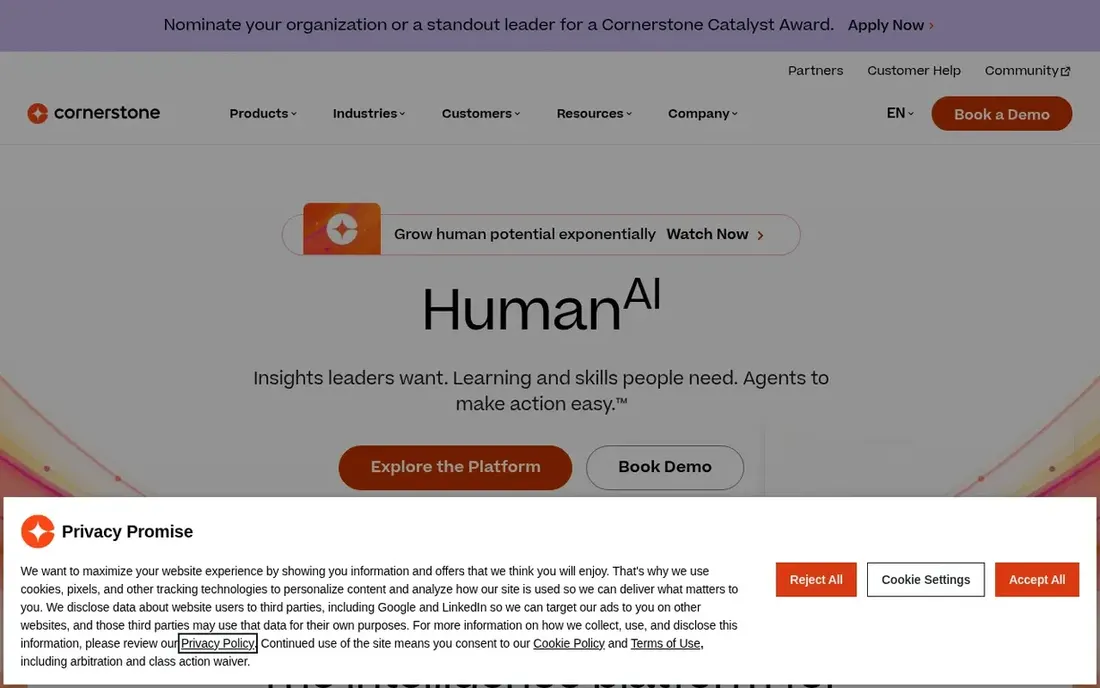
Cornerstone LMS is designed for workforce readiness and skills programs. Cornerstone LMS is positioned as an intelligence system for workforce readiness, delivering insights for leaders alongside the skills and learning people need.
Limits to weigh: May require dedicated administration.
From a buyer's view, training administrators get a system built around connecting development activity to organizational capability. Pricing for Cornerstone LMS is not stated here, so ask the vendor for current figures. Free options: Not stated.
- Targets leader-level reporting
- Contains AI agents for action
- Enterprise orientation can suit complicated orgs only
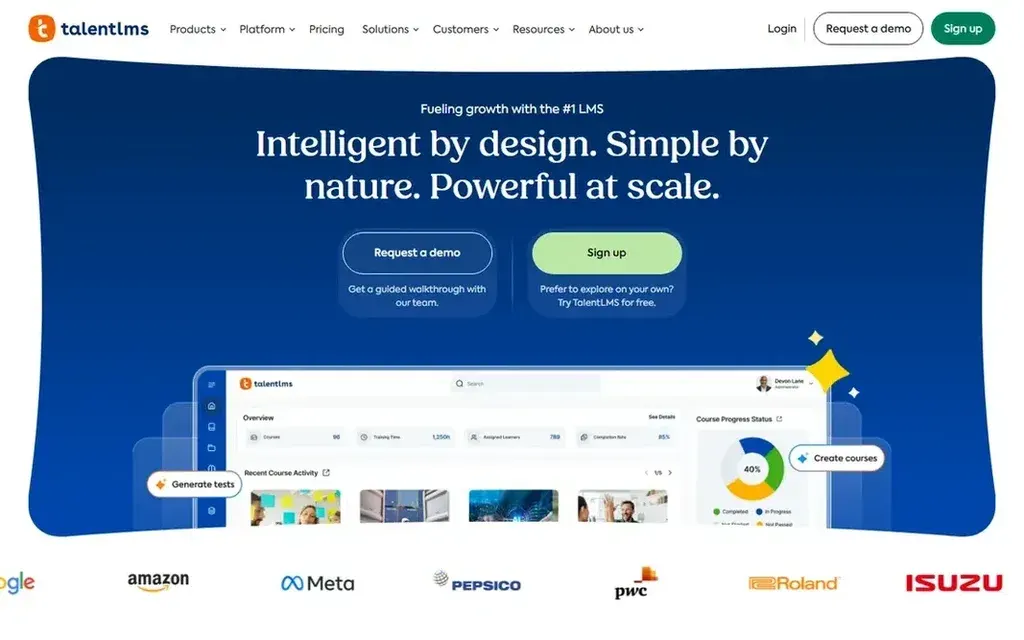
TalentLMS is built with straightforward cloud-based course delivery in mind. TalentLMS is a cloud learning product centered on moving training online and managing online courses. Its messaging targets organizations that want to produce and administer courses without heavy infrastructure.
That makes it a reasonable fit for small and mid-size teams, customer education, or internal onboarding where the core need is dependable course delivery and administration instead of advanced workforce analytics. Evaluate whether your training program will stay course-centric or grow into capability planning. As for the details, if courses are the core, TalentLMS keeps the scope clear. In practice, the system's focus is course management, so organizations seeking deep skills intelligence or deep readiness reporting may have to look at broader systems. Starting cost for TalentLMS: $119 per month. A free plan is available with TalentLMS.
Downsides: Less emphasis on deep skills intelligence.
- Focus on creating and managing courses
- Straightforward training use case
- May suit smaller programs better
Adobe Learning Manager
Best for: Personalized training at scale
Think of Adobe Learning Manager for personalized training at scale. Smaller programs with one audience may not need that breadth.
From a buyer's view, Adobe Learning Manager is an AI-powered LMS for creating, managing, and delivering personalized learning experiences at scale. No starting price is listed for Adobe Learning Manager here; confirm pricing on the vendor site. As for free access: Not stated.
Points against: Wide scope may need planning effort.
- Spans employee skilling use cases
- Supports customer and partner training
- Best fit is organizations with varied audiences
LearnUpon is aimed squarely at agentic, AI-assisted learning delivery. For training teams, this signals a system that builds AI assistance into learning delivery rather than treating it as an add-on. Teams that want a conventional, predictable LMS experience may prefer a more traditional choice.
In daily use, LearnUpon presents itself as an agentic learning system where intelligent agents are meant to raise human capability. From a buyer's view, since the positioning centers on agentic features, buyers should confirm how those capabilities map to their actual training processes. LearnUpon shows no starting price here, so confirm the cost on the vendor site. As for free access: Not stated.
Downsides: Fit relies on appetite for AI features.
- Aims beyond traditional LMS limits
- Frames learning around human capability
- Newer positioning may need careful evaluation
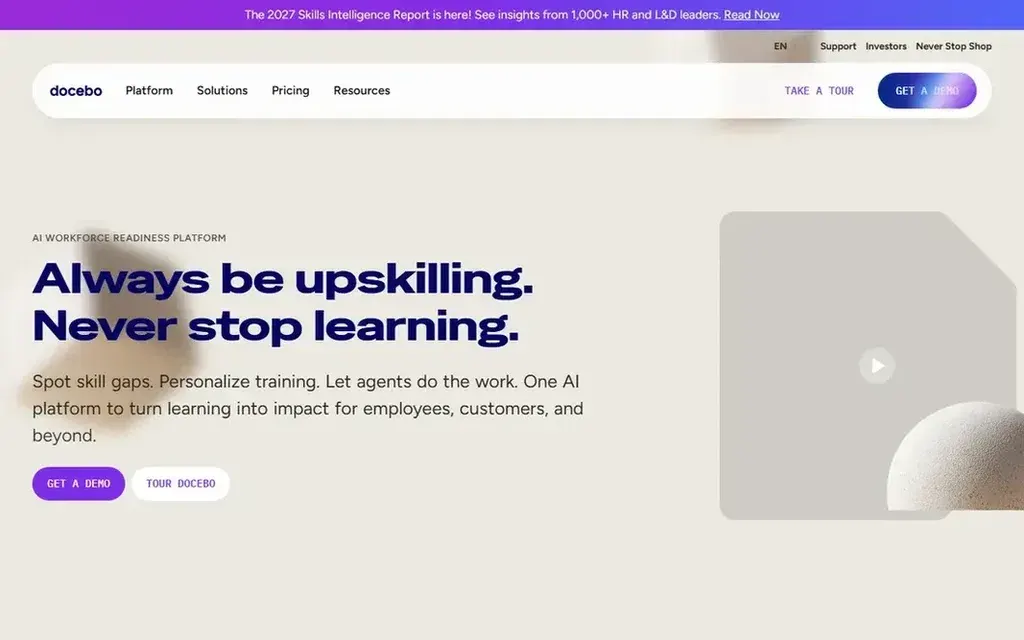
Docebo is built with skills intelligence tied to training in mind. It suits organizations that want training outcomes connected to skills planning instead of a standalone course catalog, particularly where several audiences and evolving roles need structured development paths.
Consider Docebo when skills visibility and readiness reporting are central to your training strategy instead of an afterthought. This comparison lists no price for Docebo; ask the vendor. Free access: Not stated.
Watch-outs: Best value appears at bigger scale.
- Connects skills data with learning content
- Includes AI agents and knowledge tools
- Wide product may feel complicated for simple training
Our selection method
The comparison looks at four things: starting price, free access, how well the feature set matches LMS software for training, and the main limit of each tool. Where a vendor does not publish a price, the entry says quote. Where a price depends on seats or billing term, the entry says so. Order on the page follows fit for the typical buyer first, then price transparency and free access. Your own requirements should decide the final pick.
What to check before you buy
- Ask Cornerstone LMS, Adobe Learning Manager, LearnUpon and Docebo for a written quote, since no starting price is shown.
- Look at the free plan from TalentLMS closely: its caps decide whether it is usable for real work.
- Before choosing Cornerstone LMS, weigh its main limit: enterprise orientation can suit complicated orgs only.
- The entry price of Adobe Learning Manager is only the starting point; model the full cost with seats and extras.
- Check the support hours and onboarding help Docebo offers; smaller vendors vary a lot here.
FAQ
What is the cheapest option for LMS software for training in this list?
On published monthly entry prices, TalentLMS is the lowest here at $119 per month. Entry price is only part of the cost, because seats, add-ons and billing terms can change the total. For the full picture, the cards above cover all 5 entries of this LMS software for training list, including price, free plan and limits.
How do skills-focused systems differ from course-focused ones?
Course-focused products like TalentLMS center on creating and managing online courses. Beyond that, the right choice relies on whether you need capability visibility or straightforward delivery.
Can I try these tools before paying?
Often, yes. TalentLMS has a free plan. Use your own data and a real task during the test, and check what the free tier or trial limits before you rely on it. Prices, free plan details and limits for all 5 tools in this LMS software for training roundup sit on the individual cards above.
How are the tools for LMS software for training ordered?
The order follows typical fit for LMS software for training, with Cornerstone LMS first and Docebo last, then price clarity and free access. It is editorial judgement, not a score, so another team could rank the tools differently.
What should I look for in a LMS for training?
Start with your audience: internal employees, customers, partners, or a mix. Then match system scope to your administration capacity, and confirm the reporting and skills insight your stakeholders expect.
Which options for LMS software for training have a free plan?
TalentLMS is the only tool in this list with a free plan. Free plans usually cap users, projects or features, so check the limits on the vendor page. Each of the 5 options in this LMS software for training guide has its own card above with the price, free plan and limits.
Sources
- https://www.cornerstoneondemand.com
- https://www.talentlms.com
- https://business.adobe.com/products/learning-manager/adobe-learning-manager.html
- https://www.learnupon.com
- https://www.docebo.com