5 Live Chat Tools for SaaS Support Worth Shortlisting in 2026
Compare 5 picks for the best live chat tools for SaaS support, with prices, free plans and who each fits. Concise write-ups of every option. Costs up front.
- Editor's choice
 Drift
Conversational marketing and live chat
Starts atSee websiteVisit drift.comFull review - Great alternative
 Crisp
All-in-one multichannel messaging system
Starts at$45 a month per workspaceVisit crisp.chatFull review - Also consider
 Zendesk
AI-driven end-to-end issue resolution
Starts at$19 agent/month premium yearlyVisit zendesk.comFull review
Direct answer
Start with Drift if you need conversational marketing and live chat. Listed starting prices: Crisp from $45 a month per workspace, Zendesk from $19 agent/month premium yearly and Olark from $29 per agent per month. Crisp is the stronger choice for all-in-one multichannel messaging system, while Zendesk suits AI-driven end-to-end issue resolution. Prices, free plans and limits for all 5 tools follow.
TL;DR:
- Drift sits first on this list: conversational marketing and live chat.
- The main caution on Crisp: feature depth may vary by channel.
- Tidio stands alone as the one tool in this list with a free plan.
- The cheapest monthly starting price in the list is $19 agent/month premium yearly, offered by Zendesk.
- Tidio fits turning chats into revenue with AI.
Last checked November 2026. Prices and plan details were read from the vendors' own pages in November 2026; vendors change plans often, so confirm the current price on the vendor site before you buy.
Quick comparison
| Tool | Best for | Starts at | Free plan? | |
|---|---|---|---|---|
| Drift | Conversational marketing and live chat | See website | Not stated | Visit |
| Crisp | All-in-one multichannel messaging system | $45 a month per workspace | Free trial | Visit |
| Zendesk | AI-driven end-to-end issue resolution | $19 agent/month premium yearly | Free trial | Visit |
 Olark | AI agent for marketing funnels | $29 per agent per month | Free trial | Visit |
 Tidio | Turning chats into revenue with AI | $24.17 per month | Yes | Visit |
The full live chat tools for SaaS support list
LinkVetted put together this guide to live chat tools for SaaS support for readers who want a clear shortlist without reading every vendor page. It compares 5 tools on starting price, free plans, who each one suits and where each one falls short.
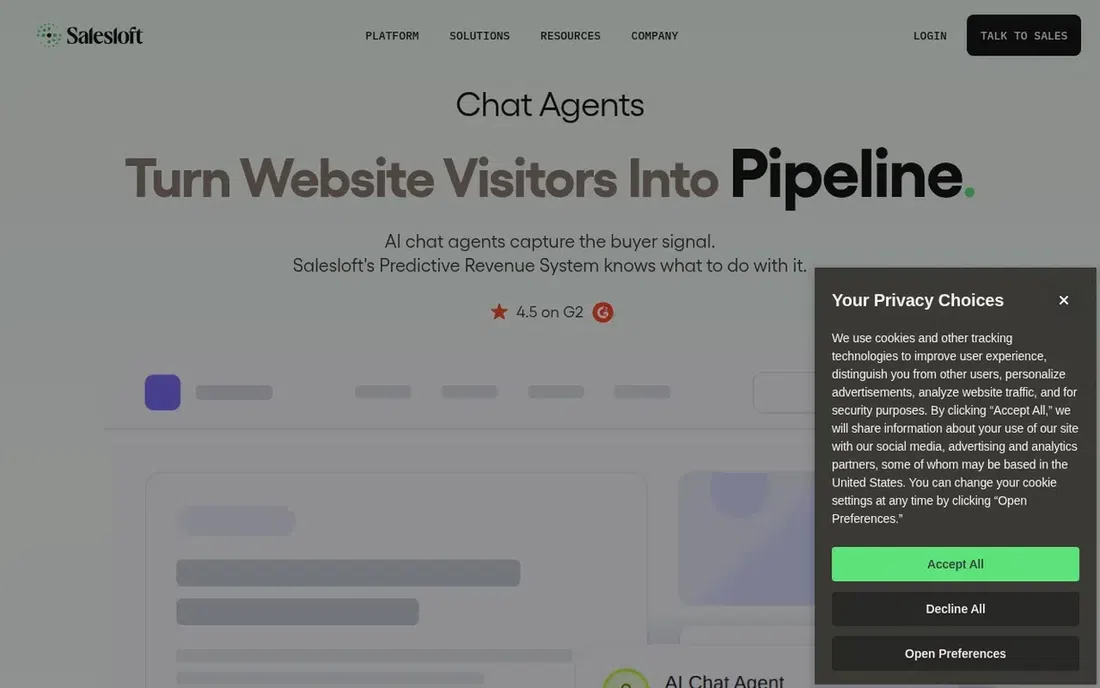
Drift is designed for conversational marketing and live chat. It can be a decent choice for SaaS businesses that want to combine support with lead generation and sales conversations.
Its homepage currently offers restricted specifics about its feature set. Since Drift leans toward marketing use cases, SaaS teams with heavy support demands may find it less specialized. Pricing for Drift is not stated here, so ask the vendor for current figures. As for free access: Not stated.
Honest limits: Homepage provides restricted feature details.
- Supports live chat for sales and support
- Known for conversational marketing
- May be more marketing-focused than support-focused
Crisp is aimed squarely at all-in-one multichannel messaging product. With a rapidly evolving set of tools, it suits SaaS teams that want to consolidate chat, email, and other channels into a single interface.
Where it falls short: May be less known for large-scale support.
Worth adding: as a system that is still evolving, some features may not be as mature as those from bigger vendors. Crisp cost at the entry level: $45 per month per workspace. Free plan details: Free trial.
- Multichannel messaging in one system
- AI-powered support
- Feature depth may vary by channel
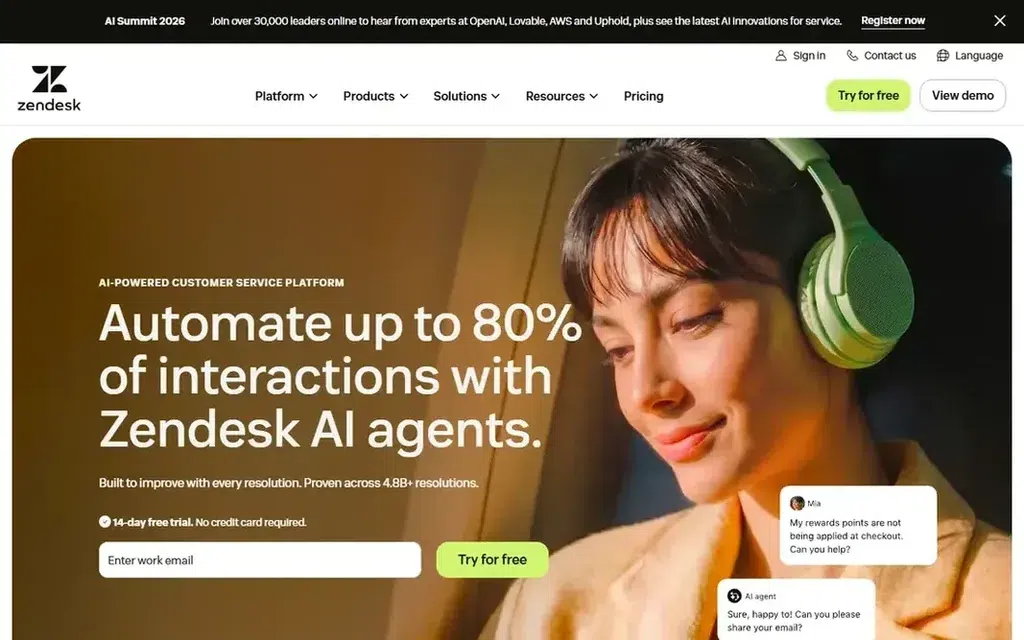
Zendesk makes the most sense for AI-driven end-to-end issue resolution. It aims to boost service quality, speed, and scale, making it a solid fit for SaaS support teams that want automation to deal with routine inquiries whereas freeing human agents for complicated problems.
Points against: Can be complicated for small teams.
The system may be more than small SaaS teams need, and setup can take time. The starting price for Zendesk: $19 agent/month premium yearly. As for free access: Free trial.
- Thorough customer service product
- Boosts service quality and scale
- May need configuration for SaaS workflows
Olark is aimed squarely at AI agent for marketing funnels. It answers questions, qualifies visitors, and knows when to bring in a human, and it can be trained on your own site in under a minute.
Olark's emphasis on the marketing funnel may mean fewer dedicated support features. Price to start with Olark: $29 per agent per month. Free plan details: Free trial.
Where it falls short: May be less feature-rich for support.
- Trained on your site rapidly
- AI agent answers questions 24/7
- Focus on marketing funnel may not suit all support teams
In short, Tidio is for turning chats into revenue with AI. Tidio supplies AI customer service that turns chats into revenue.
Its Lyro AI resolves questions immediately and turns the rest into sales, leads, and bookings you can attribute, making it a solid fit for SaaS companies that want to link support conversations straight to revenue outcomes. Entry price for Tidio: $24.17 per month. Tidio offers a free plan.
Points against: May be less centred on complicated support.
- AI resolves questions immediately
- Focus on revenue generation
- AI capabilities may be restricted to typical questions
How we compared the tools
Each tool was reviewed on what its vendor publishes: price, plan limits, core features and stated drawbacks. We did not run hands-on tests. Where a vendor does not publish a price, the entry says quote. Where a price depends on seats or billing term, the entry says so. Tools are placed by general fit for live chat tools for SaaS support, with price clarity and free access as tie-breakers. A different team can reasonably rank them differently.
Questions to settle before buying
- Confirm the entry price on the vendor page. For Drift that means a quote rather than a fixed price.
- Test the free plan from Tidio against your real workload before relying on it.
- Take the trial from Crisp, Zendesk and Olark and push a live task through it before you pay.
- Before choosing Drift, weigh its main limit: homepage gives you restricted feature details.
- Map your must-have features to a specific Drift plan before you compare prices.
- List the apps you already depend on and check that Crisp supports each one on the plan you would buy.
FAQ
Can I try these tools before paying?
Often, yes. Tidio has a free plan and Crisp, Zendesk and Olark offer a free trial. Use your own data and a real task during the test, and check what the free tier or trial limits before you rely on it.
Is Drift the right pick for everyone comparing live chat tools for SaaS support?
No single tool suits every team. Drift comes first because it fits conversational marketing and live chat, while Crisp suits all-in-one multichannel messaging platform and Zendesk suits AI-driven end-to-end issue resolution. Match the tool to your own size, budget and workflow before deciding.
How are the tools for live chat tools for SaaS support ordered?
Drift sits first and Tidio last because the order follows typical fit for live chat tools for SaaS support, then price clarity and free access. It is a judgement call, so read each profile for fit and limits.
Do these tools publish their prices?
Not all of them. Drift publishes no starting price, so expect a quote request for it. The rest, Crisp included, show a starting price, though seats and billing terms still change the final cost. Prices, free plan details and limits for all 5 tools in this live chat tools for SaaS support roundup sit on the individual cards above.
Sources
- https://www.drift.com
- https://crisp.chat
- https://www.zendesk.com
- https://www.olark.com
- https://www.tidio.com