Live Chat Software for Restaurants in 2026: The 5 Best Options Side by Side
5 products for the best live chat software for restaurants, ranked by fit, with starting costs and free tiers. Caveats come with every verdict. Numbers first.
- Editor's choice
 Crisp
Multichannel guest engagement
Starts at$45 per month per workspaceVisit crisp.chatFull review - Great alternative
 LiveChat
Small teams needing fast setup
Starts at$19 per user per monthVisit livechat.comFull review - Also consider
 Tidio
Turning chats into revenue
Starts at$24.17 per monthVisit tidio.comFull review
Direct answer
Crisp comes first here, mainly for multichannel guest engagement. Listed starting prices: Crisp from $45 per month per workspace, LiveChat from $19 per user per month and Tidio from $24.17 per month. Look at LiveChat for small teams needing fast setup, and at Tidio for turning chats into revenue. The remaining 2 options are covered below with prices and limits.
TL;DR:
- Crisp sits first on this list: multichannel guest engagement.
- The lowest published monthly entry price here is $19 per user per month, from LiveChat.
- Tidio stands alone as the one tool in this list with a free plan.
- Check the limits for Crisp before you commit: may need setup for all channels.
Last checked November 2026. Prices and plan details were read from the vendors' own pages in November 2026; vendors change plans often, so confirm the current price on the vendor site before you buy.
Quick comparison
| Tool | Best for | Starts at | Free plan? | |
|---|---|---|---|---|
| Crisp | Multichannel guest engagement | $45 per month per workspace | Free trial | Visit |
| LiveChat | Small teams needing fast setup | $19 per user per month | Free trial | Visit |
| Tidio | Turning chats into revenue | $24.17 per month | Yes | Visit |
 Zendesk | AI-driven guest support at scale | $19 agent/month premium yearly | Free trial | Visit |
 Olark | Marketers needing fast AI setup | $29 per agent per month | Free trial | Visit |
Tool-by-tool breakdown
This LinkVetted guide covers 5 live chat software for restaurants. Each profile lists a starting price, free plan details, strengths and drawbacks, so you can drop poor fits quickly.
Choose Crisp for multichannel guest engagement. For restaurants, it is handy for managing guest inquiries from websites, social media, and messaging apps in one place, notably for multi-location brands.
Honest limits: Could be complicated for single-location restaurants.
Also, if you need a straightforward chat tool, LiveChat or Olark could be more straightforward. Crisp cost at the entry level: $45 per month per workspace. Free access: Free trial.
- All-in-one multichannel messaging
- AI-powered support
- May need setup for all channels
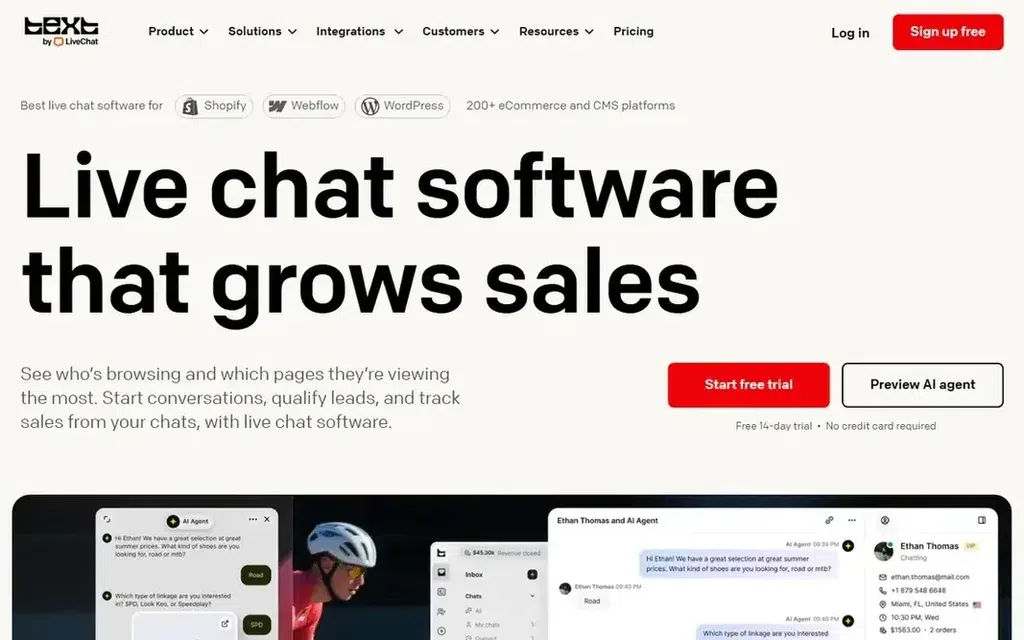
For small teams needing fast setup, LiveChat is a natural candidate. The product may not offer the same depth of automation as enterprise options, and it lacks features tailored specifically for restaurants.
From a buyer's view, if you need more advanced AI resolution or multichannel support, Zendesk or Crisp could be better suits. On cost, LiveChat starts like this: $19 per user per month. As for free access: Free trial.
Trade-offs to know: May lack deep restaurant-specific features.
- AI agent answers 24/7
- Qualifies leads and tracks sales
- Restricted advanced automation
Think of Tidio for turning chats into revenue. Tidio may be more than a small restaurant needs if you only deal with entry-level inquiries, and full revenue attribution needs proper integration.
For more straightforward chat needs, LiveChat or Olark might be sufficient. Tidio is AI customer service that turns chats into revenue, with Lyro resolving questions immediately and converting the rest into sales, leads, and bookings you can attribute. Tidio pricing: $24.17 per month. Free access exists with Tidio.
Where it is weaker: May be overwhelming for basic needs.
Reasons to shortlist it: Helps track revenue from conversations.
- Lyro AI resolves questions immediately
- Attributes chats to sales and bookings
- Needs integration for full attribution
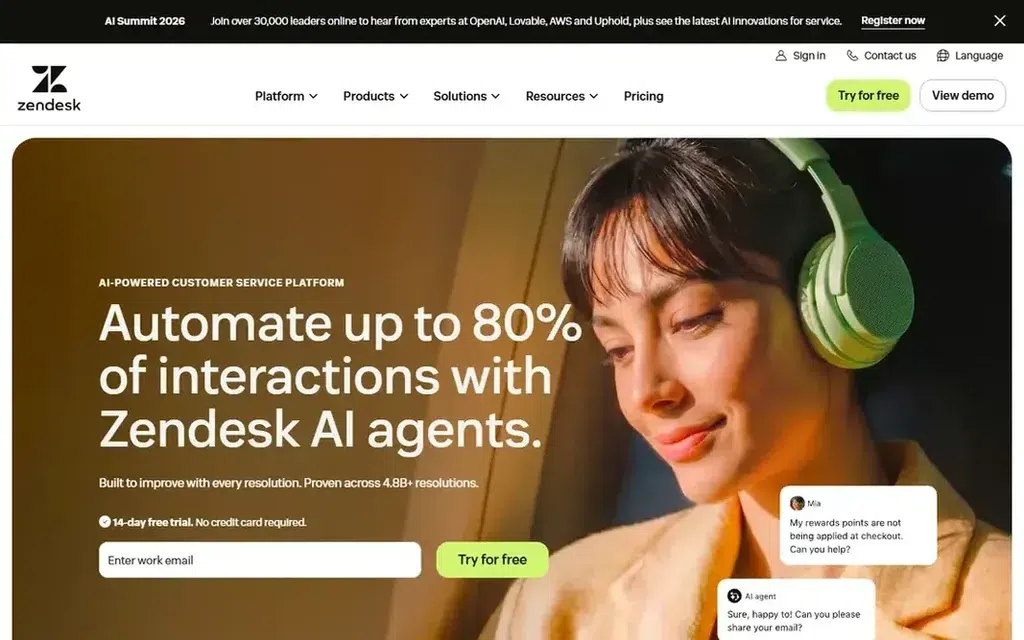
Zendesk was built for AI-driven guest support at scale. Zendesk is an AI-powered customer service system that moves beyond straightforward deflection, using AI agents to resolve guest issues from start to finish.
Even so, Zendesk may be overkill for smaller restaurants with restricted support needs, and it needs time to set up and train staff. Zendesk starts at: $19 agent/month premium yearly. Free access: Free trial.
What to check first: Needs setup and training.
- Scalable for high chat volumes
- AI agents resolve issues end-to-end
- May be complicated for small restaurants
For Marketers needing fast AI setup, Olark is a natural candidate. Olark supplies an AI agent that works your marketing funnel 24/7, answering questions and qualifying visitors. It knows exactly when to hand off to a human.
Limits to weigh: May lack advanced analytics.
It is made for marketers juggling several roles, and the AI trains on your own site in under a minute, making it fast to deploy for restaurant websites. If you need solid reporting or revenue tracking, Tidio or Crisp could be better choices. In daily use, Olark may not offer the deep analytics or multichannel capabilities of bigger systems. It is less concentrated on sales attribution. Price to start with Olark: $29 per agent per month. Free options: Free trial.
- Answers questions and qualifies visitors
- Knows when to bring in a human
- Restricted multichannel support
What went into this list
For each of the 5 tools we noted price, free plan or trial, fit for live chat software for restaurants and the main limit, using vendor pages and documentation. Figures are shown as the vendors publish them. Billing terms, seat minimums and add-ons can change the real cost. The ranking is editorial: typical fit first, then clear pricing, then free access. If your needs are unusual, read the profiles rather than relying on position.
Things to verify first
- Check the vendor page for the current price: LiveChat starts at $19 per user per month here, and seats or billing terms can move it.
- Look at the free plan from Tidio closely: its caps decide whether it is usable for real work.
- Use real work to test the free trial from Crisp, LiveChat, Zendesk and Olark, rather than a demo project.
- Before choosing Crisp, weigh its main limit: may need setup for all channels.
- Verify that exporting from Crisp is possible on your plan and covers all your records.
- Check the integration list for Olark against the tools you run today, and note which ones need a higher plan.
FAQ
Is Crisp the right pick for everyone comparing live chat software for restaurants?
No single tool suits every team. Crisp comes first because it fits multichannel guest engagement, while LiveChat suits small teams needing quick setup and Tidio suits turning chats into revenue. Match the tool to your own size, budget and workflow before deciding.
Do these tools publish their prices?
Yes. Every tool from Crisp to Olark shows a starting price, though seats, add-ons and billing terms still change the final cost. All 5 picks in this live chat software for restaurants comparison list a starting price, free plan details and the main limits on their cards above.
How does AI help with restaurant guest questions?
AI can answer typical questions about hours, menu items, and dietary accommodations immediately, freeing staff to focus on in-person service. Some tools also qualify leads and hand off complicated queries to humans when needed.
Is live chat handy for takeout orders?
Live chat can capture takeout orders if integrated with your ordering system, or it can direct guests to your online ordering page.
What should small restaurants look for in live chat software?
Small restaurants should prioritize simplicity, fast setup, and affordability. Features like AI answering and mobile support can help without overwhelming staff, and integrations with existing tools are a plus.
How are the tools for live chat software for restaurants ordered?
Crisp sits first and Olark last because the order follows typical fit for live chat software for restaurants, then price clarity and free access. It is a judgement call, so read each profile for fit and limits.
Sources
- https://crisp.chat
- https://www.livechat.com
- https://www.tidio.com
- https://www.zendesk.com
- https://www.olark.com